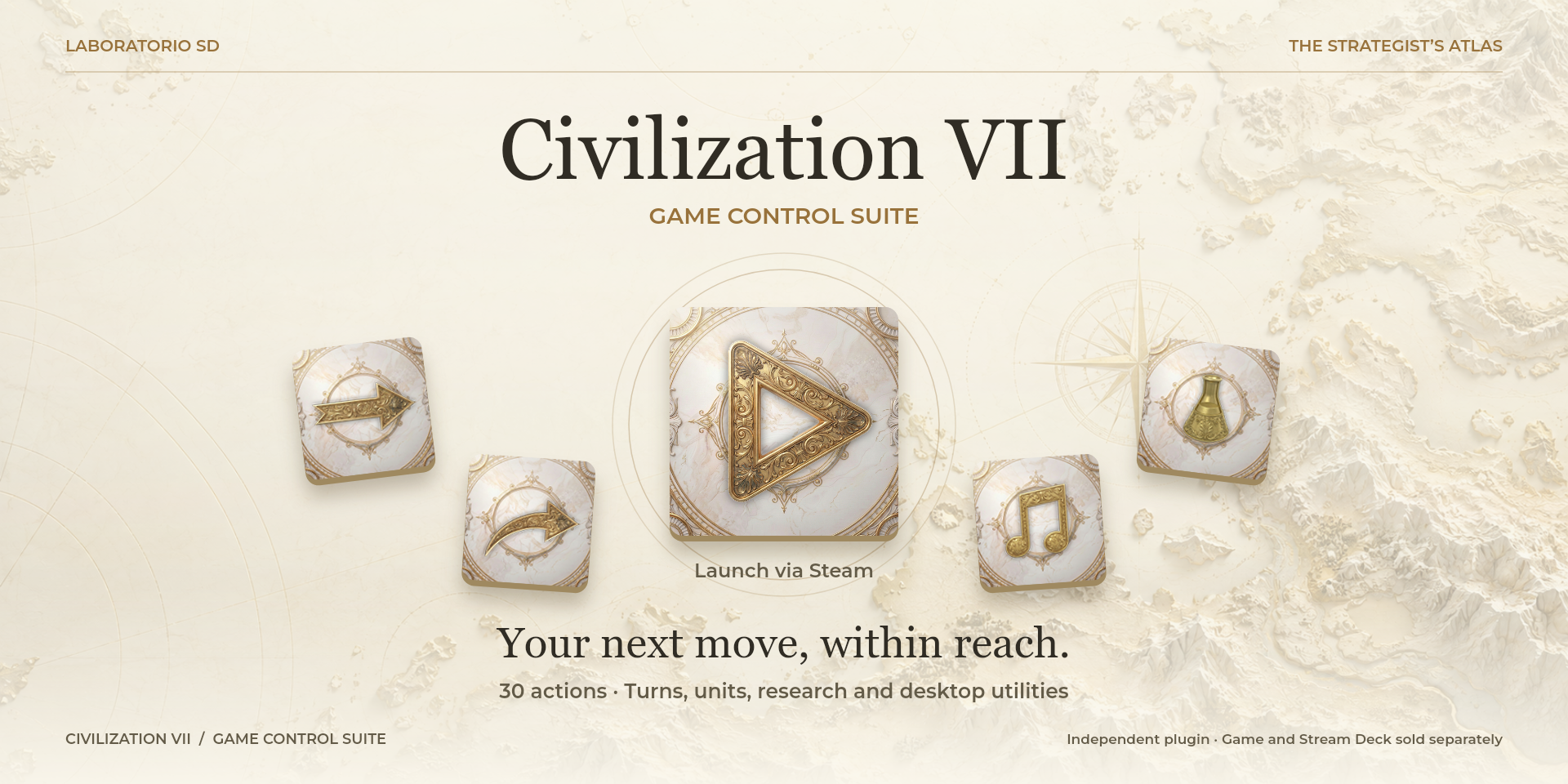

Civilization VII Game Control Suite
Manage turns and units, open research screens and launch Civilization VII from Steam, alongside desktop utilities.
Description
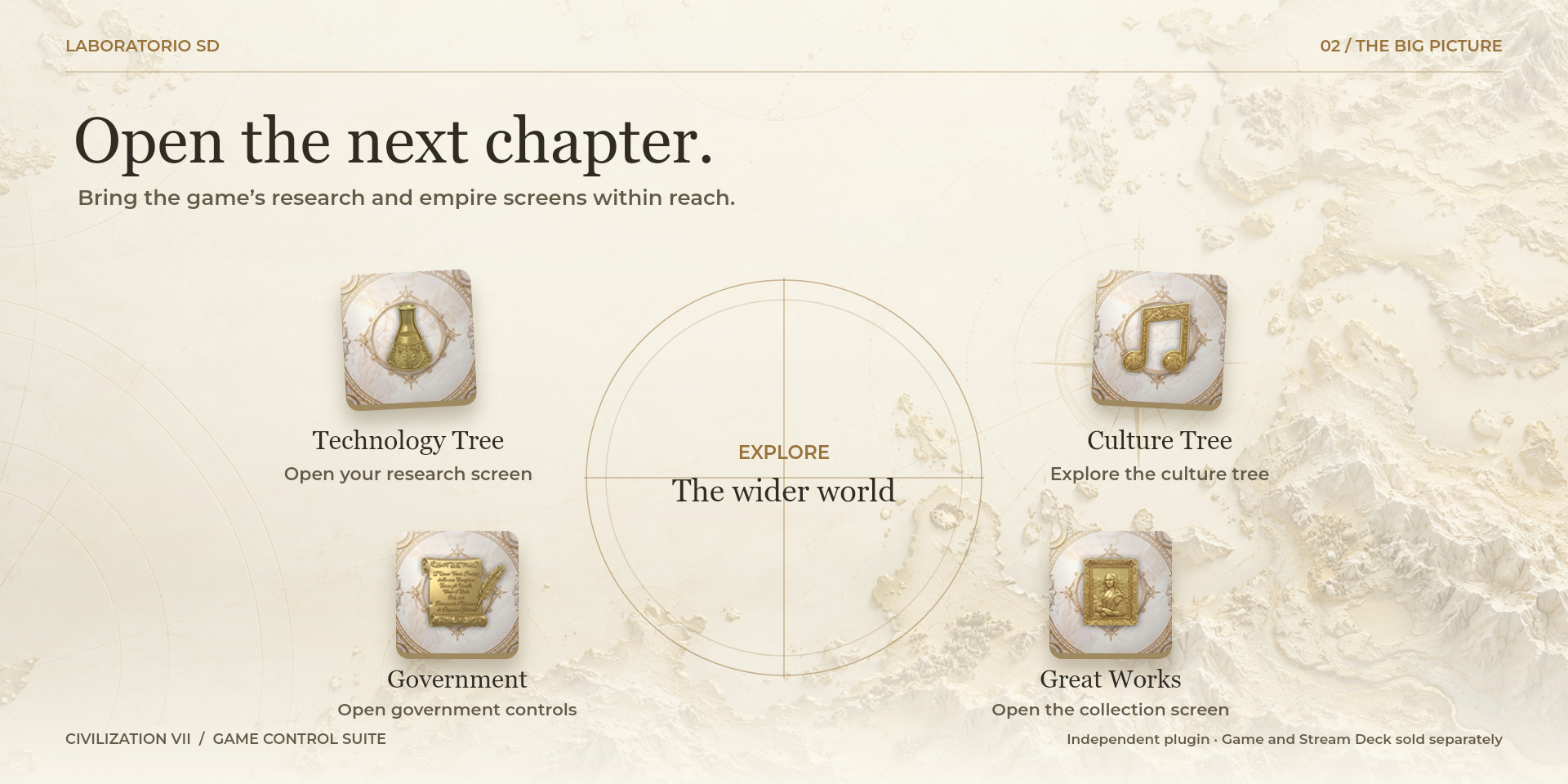
Keep turn management and unit commands near the map. End a turn, select the next unit, choose Sleep, Fortify or Alert, and open culture, technology or government screens. Quick Save and map overlays support reviewing the position before committing to a move. Launch Civilization VII through Steam, open the official glossary or reach the system volume mixer without searching the desktop. Windows monitors show system load and network ping, with NVIDIA required for GPU metrics. Ping measures a network endpoint rather than game latency. These are configurable shortcuts and utilities; game decisions and audio adjustments remain yours. Play Civilization VII with less friction from your Stream Deck. Launch the game through Steam, trigger configurable shortcuts, open key screens, manage sound, monitor your system, and access useful tools without interrupting your turn. The suite includes 30 actions for turns, units, culture and technology trees, quick save, map overlays, sound, desktop control, the official glossary, CPU, RAM, GPU, VRAM, network latency, and screenshots. Core actions support Windows and macOS; GPU metrics depend on compatible hardware and may display N/A.
Features
- 30 actions for Civilization VII
- Custom hotkeys for every game action
- Configurable delay before a shortcut is sent
- Optional game focus before sending a shortcut
- Local CPU, RAM, GPU, VRAM, and network latency metrics
- Steam launch, glossary, support, desktop, and screenshot tools
- Local configuration with no account or plugin telemetry
- Windows 10 or later and macOS 12 or later support
Available actions (30)
 Launch Civilization VIILanza Civilization VII mediante el URI oficial de Steam. Si Steam está instalado y asociado al protocolo steam://, el juego se abre desde tu biblioteca.
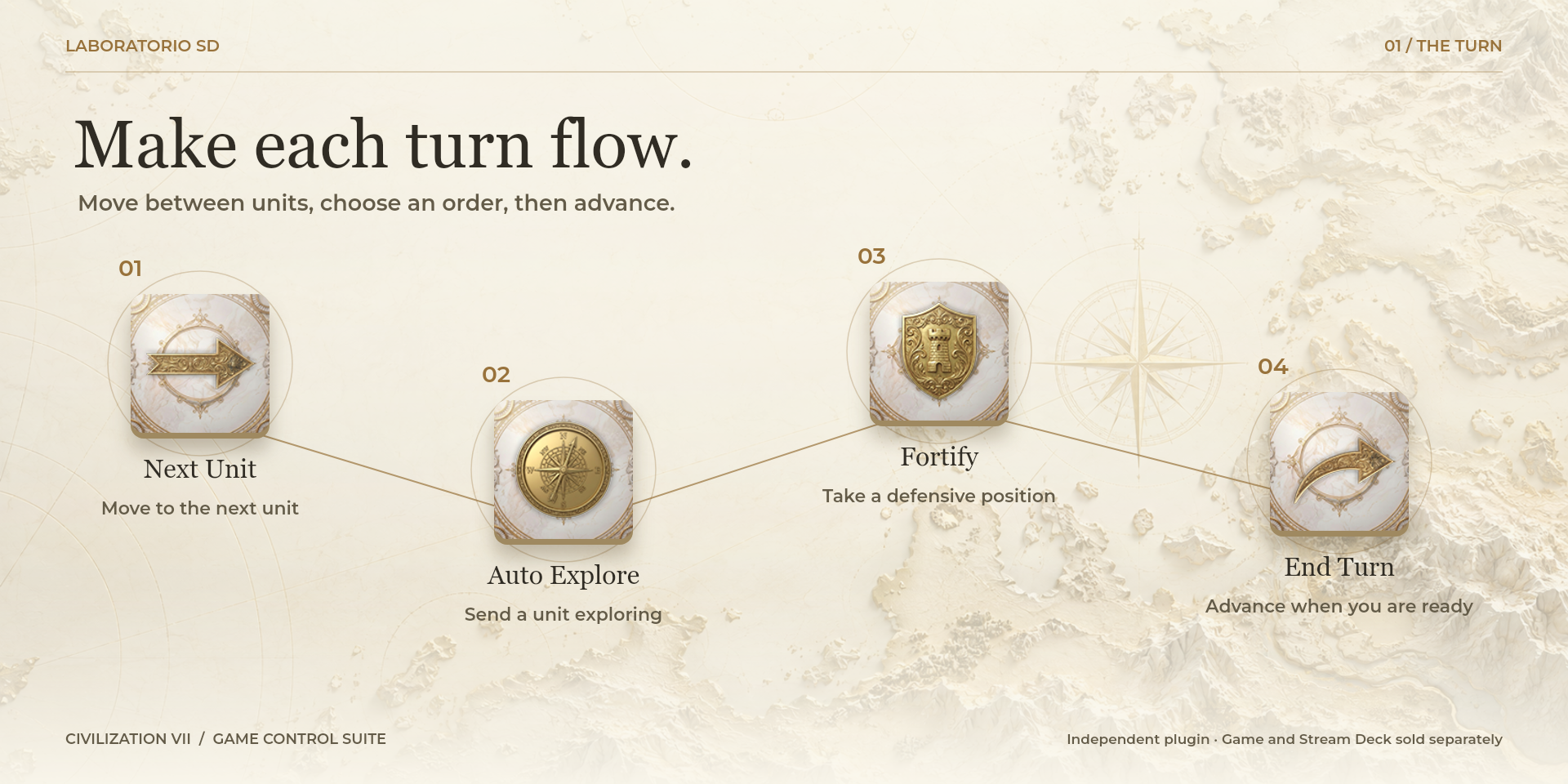
  End TurnEnvía Enter al juego para terminar el turno actual.
  Force End TurnEnvía Shift+Enter para forzar el cierre del turno cuando quedan decisiones pendientes.
  Next UnitCambia a la siguiente unidad pendiente de órdenes.
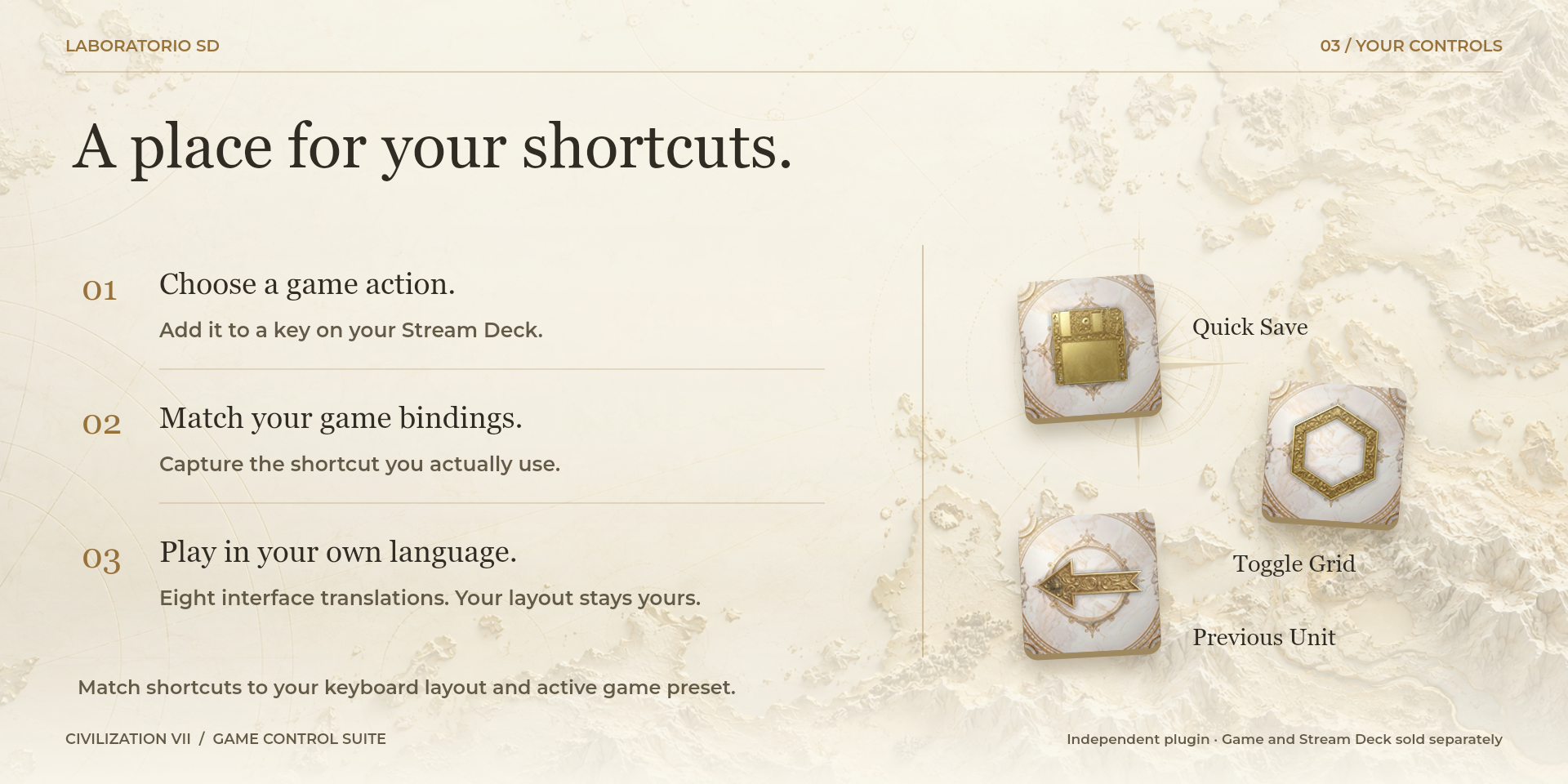
  Previous UnitCambia a la unidad anterior dentro del ciclo de unidades.
  Open AttributesAbre la pantalla de atributos del líder o la partida.
  Culture TreeAbre directamente el árbol de cultura.
  Technology TreeAbre directamente el árbol de tecnología.
  Great WorksAbre la vista de grandes obras.
  RankingsAbre el panel de rankings y progreso de la partida.
  GovernmentAbre la pantalla de gobierno.
  Quick SaveEjecuta el guardado rápido de Civilization VII.
  Toggle GridActiva o desactiva la cuadrícula del mapa.
  Yield IconsActiva o desactiva los iconos de rendimiento de las casillas.
  Resource IconsActiva o desactiva los iconos de recursos del mapa.
  SleepOrdena a la unidad seleccionada que duerma hasta que sea necesaria.
  FortifyOrdena a la unidad seleccionada fortificarse.
  AlertDeja la unidad en modo alerta para reaccionar ante actividad relevante.
  Auto ExploreActiva la exploracion automatica de la unidad seleccionada.
  Volume MixerAbre el mezclador de volumen del sistema para ajustar Civilization VII, Steam, Discord u otras aplicaciones mientras juegas.
  Show DesktopBotón de salida rápida para minimizar o solicitar el cierre de Civilization VII, ocultar otras aplicaciones y enfocar opcionalmente otra aplicación.
  GlossaryAbre el glosario oficial de Civilization VII en el navegador e idioma seleccionados.
  More InfoAbre la ficha oficial de este plugin en Laboratorio Stream Deck, con documentación, soporte y novedades.
  CPU UsageMuestra el porcentaje de uso de CPU en tiempo real en una tecla del Stream Deck.
  RAM UsageMuestra el porcentaje de memoria RAM usada en tiempo real.
  GPU UsageMuestra el porcentaje de uso de GPU cuando el sistema ofrece una fuente compatible.
 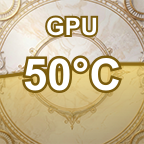 GPU TemperatureMuestra la temperatura de la GPU cuando hay una fuente compatible.
 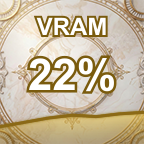 VRAM UsageMuestra el porcentaje de VRAM usada cuando hay una GPU compatible.
 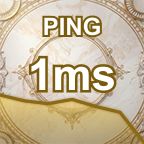 Network PingMuestra la latencia de red hacia Google DNS 8.8.8.8.
  ScreenshotToma una captura usando el atajo configurado, normalmente F12 en Steam.
 Known limitations
- GPU usage, GPU temperature, and VRAM may display N/A on macOS or when no compatible data source is available.
- Hotkey actions require the configured shortcut to match the controls set inside Civilization VII.
- On macOS, AppleScript and hotkey actions require Stream Deck to have Accessibility permission.
- Show Desktop can minimize or hide applications. Its Close option only asks Civilization VII to quit and the game may show a confirmation dialog.
- Network Ping may fail when ICMP is blocked or the computer has no network connection.
- Interface language, the application’s shortcut preset and keyboard layout are separate settings. Translating the interface does not change shortcuts or guarantee native support for every regional setup. Custom shortcuts must match the active preset and your keyboard; after changing layouts, check and recapture them if needed. For character shortcuts with Japanese, Korean or Chinese IMEs, use Latin/ABC input.
Documentation
Indicative price in Spain: €4.12
The final price may vary depending on country, taxes, and currency.
Purchase and installation are managed by Elgato Marketplace.