
Adobe After Effects Creative Control Suite
Split and trim layers, apply Easy Ease and inspect keyframes in Adobe After Effects.
Description
Keep timing adjustments close while building a composition. Split a layer, trim its boundaries to the current-time indicator, show keyframes and apply Easy Ease to the selection. Reach pre-composition, layer duplication and visibility controls through the command library. Timeline Zoom changes the editing scale, while Frame Step checks motion one frame at a time and controls preview on press. Focus the intended composition or timeline and select the layers or keyframes first. These commands operate After Effects' existing tools; they do not create animation automatically or read property values. Adobe After Effects Creative Control Suite provides 23 actions to open or focus the application, run configurable shortcuts, and control frequent tasks from Stream Deck. It works locally and requires no accounts, Adobe credentials, or external services.
Features
- Split and trim layers, apply Easy Ease and inspect keyframes in Adobe After Effects.
- 23 actions built specifically for Adobe After Effects
- Configurable shortcut for each action
- Three Encoder actions, including a fully configurable dial
- Open or focus Adobe After Effects
- Local processing with no accounts or first-party telemetry
- Windows 11 or later and macOS 13 or later
- Original visual system created for Creative Controls
- Three configurable actions: Choose Command, Custom Shortcut, and Custom Dial
- Dynamic command icons and optional labels up to 12 characters
- Interface available in eight locales: English, Spanish, German, French, Japanese, Korean, Simplified Chinese, and Traditional Chinese
Available actions (23)
 Open / Focus Adobe After EffectsOpen Adobe After Effects, or bring it to the foreground when it is already running.
  Play / StopRun “Play / Stop” in Adobe After Effects with the configured shortcut.
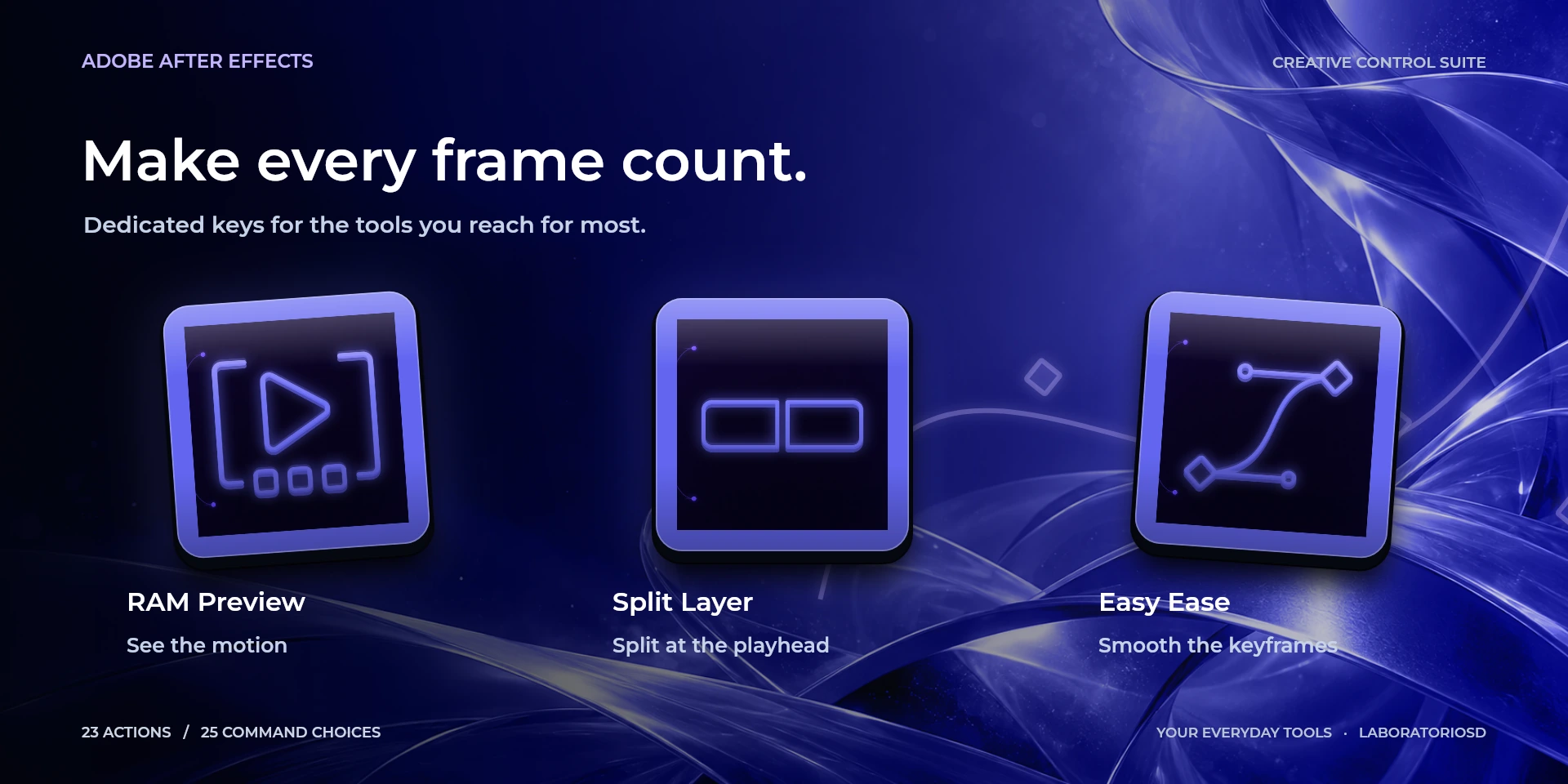
  RAM PreviewRun “RAM Preview” in Adobe After Effects with the configured shortcut.
  Split LayerRun “Split Layer” in Adobe After Effects with the configured shortcut.
  Easy EaseRun “Easy Ease” in Adobe After Effects with the configured shortcut.
  Go to StartRun “Go to Start” in Adobe After Effects with the configured shortcut.
  Go to EndRun “Go to End” in Adobe After Effects with the configured shortcut.
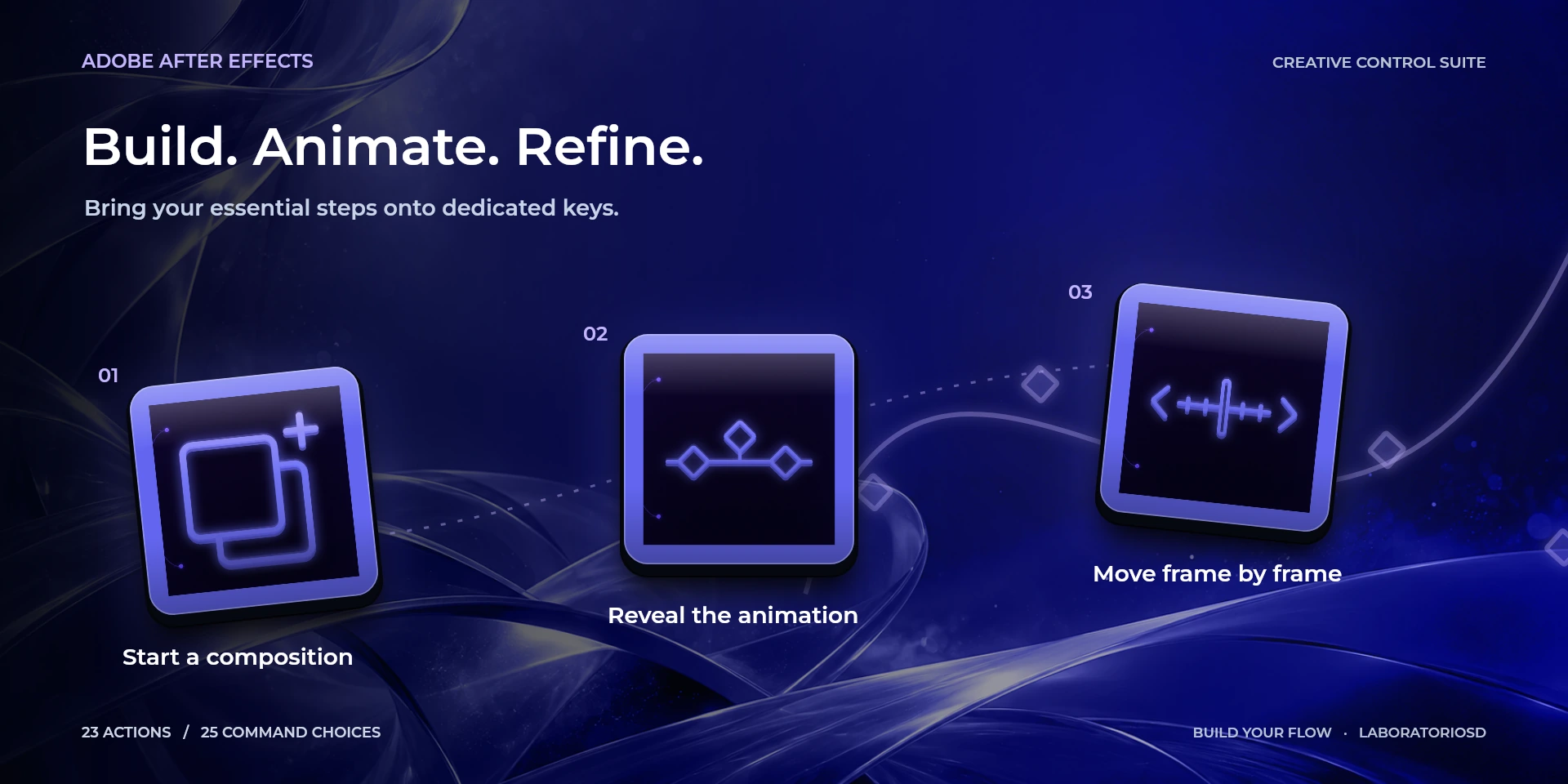
  Show KeyframesRun “Show Keyframes” in Adobe After Effects with the configured shortcut.
  Previous KeyframeRun “Previous Keyframe” in Adobe After Effects with the configured shortcut.
  Next KeyframeRun “Next Keyframe” in Adobe After Effects with the configured shortcut.
  DuplicateRun “Duplicate” in Adobe After Effects with the configured shortcut.
  New CompositionRun “New Composition” in Adobe After Effects with the configured shortcut.
  UndoRun “Undo” in Adobe After Effects with the configured shortcut.
  Timeline ZoomControl “Timeline Zoom” in Adobe After Effects with the configured dial shortcuts.
  Frame StepControl “Frame Step” in Adobe After Effects with the configured dial shortcuts.
 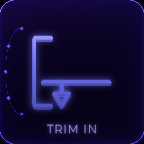 Trim Layer In to CTIRun “Trim Layer In to CTI” in Adobe After Effects with the configured shortcut.
 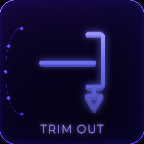 Trim Layer Out to CTIRun “Trim Layer Out to CTI” in Adobe After Effects with the configured shortcut.
 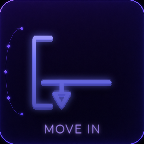 Move Layer In Point to CTIRun “Move Layer In Point to CTI” in Adobe After Effects with the configured shortcut.
 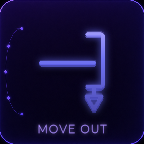 Move Layer Out Point to CTIRun “Move Layer Out Point to CTI” in Adobe After Effects with the configured shortcut.
  Pre-composeRun “Pre-compose” in Adobe After Effects with the configured shortcut.
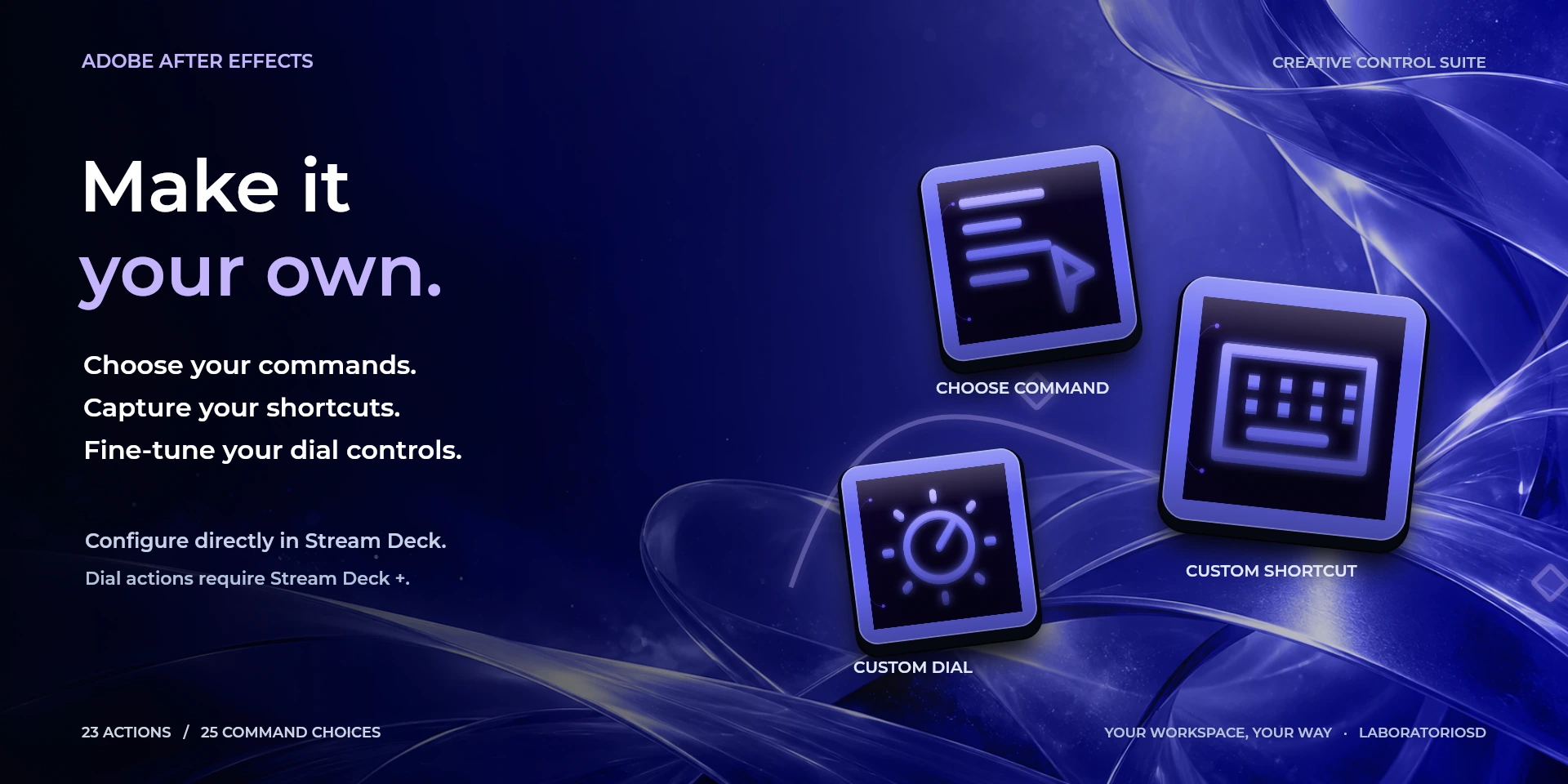
  Choose CommandSelect any available Adobe After Effects command, show its matching icon, and optionally override its shortcut.
  Custom ShortcutRun a user-defined shortcut with an optional label of up to 12 characters.
  Custom DialConfigure dial-left, dial-right, and dial-press behavior independently.
 Known limitations
- Adobe After Effects must be installed and is not included with the plugin.
- Shortcuts depend on the active keyboard configuration in Adobe After Effects.
- macOS may request Accessibility permission to send shortcuts and focus applications.
- Interface language, the application’s shortcut preset and keyboard layout are separate settings. Translating the interface does not change shortcuts or guarantee native support for every regional setup. Custom shortcuts must match the active preset and your keyboard; after changing layouts, check and recapture them if needed. For character shortcuts with Japanese, Korean or Chinese IMEs, use Latin/ABC input.
- On macOS, After Effects uses the saved keyboard preset. Open Keyboard Shortcuts at least once; after changing the preset, save it and restart After Effects. Select the layers or keyframes and focus the composition or timeline before pressing a key. Native 100% view may appear as 200% on Retina screens.
Gallery
Documentation
Indicative price in Spain: €4.12
The final price may vary depending on country, taxes, and currency.
Purchase and installation are managed by Elgato Marketplace.
Requirements
More Creative Controls
These are independent products: choose only the applications you use.