
Adobe Acrobat Pro Creative Control Suite
Read and review PDFs with page navigation, search and zoom controls in Adobe Acrobat Pro.
Description
Make long PDFs easier to navigate and review. Search within a document or open Advanced Search, jump to page boundaries, switch fit modes and reach printing. The command library adds comments, highlighting and Read Aloud controls. Page Navigation moves one page at a time and fits the page on press; Document Zoom returns to actual size on press. Enable Acrobat's single-key accelerators before using the tool shortcuts that require them. Read Aloud depends on the document and Acrobat setup. This controller does not rewrite PDF text, perform OCR or check document accessibility automatically. Adobe Acrobat Pro Creative Control Suite provides 24 actions to open or focus the application, run configurable shortcuts, and control frequent tasks from Stream Deck. It works locally and requires no accounts, Adobe credentials, or external services.
Features
- Read and review PDFs with page navigation, search and zoom controls in Adobe Acrobat Pro.
- 24 actions built specifically for Adobe Acrobat Pro
- Configurable shortcut for each action
- Three Encoder actions, including a fully configurable dial
- Open or focus Adobe Acrobat Pro
- Local processing with no accounts or first-party telemetry
- Windows 11 or later and macOS 13 or later
- Original visual system created for Creative Controls
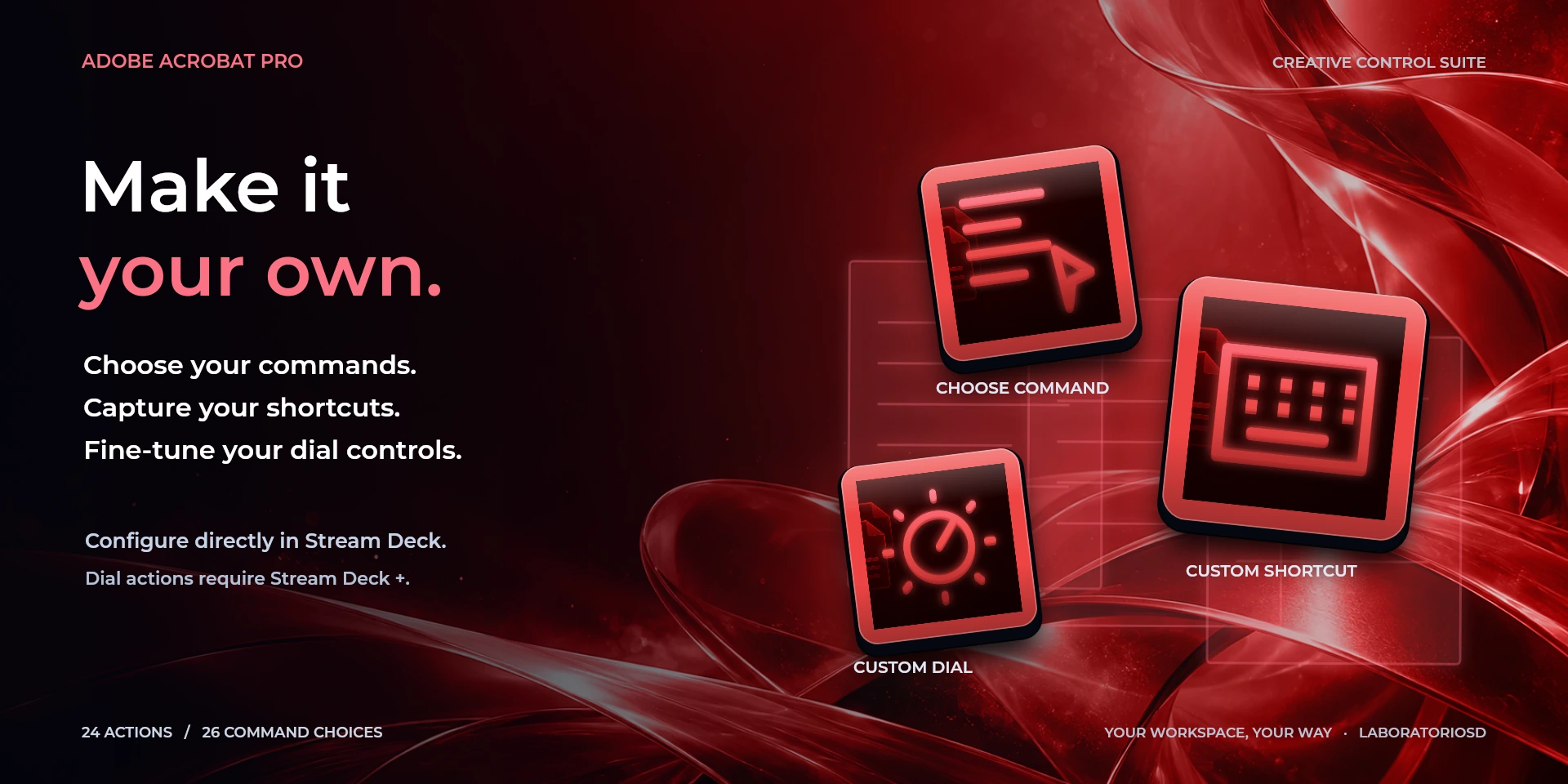
- Three configurable actions: Choose Command, Custom Shortcut, and Custom Dial
- Dynamic command icons and optional labels up to 12 characters
- Interface available in eight locales: English, Spanish, German, French, Japanese, Korean, Simplified Chinese, and Traditional Chinese
Available actions (24)
 Open / Focus Adobe Acrobat ProOpen Adobe Acrobat Pro, or bring it to the foreground when it is already running.
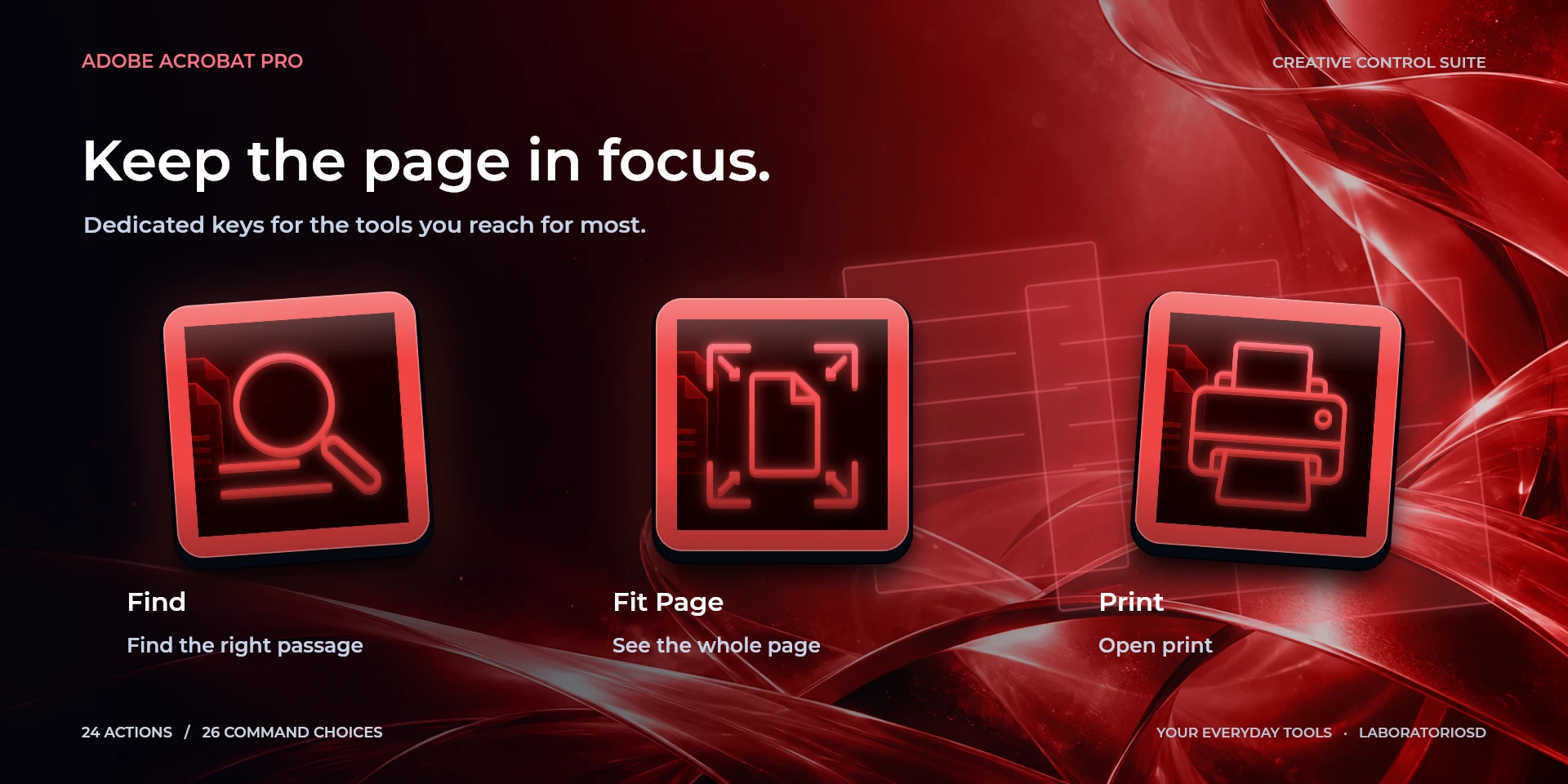
  FindRun “Find” in Adobe Acrobat Pro with the configured shortcut.
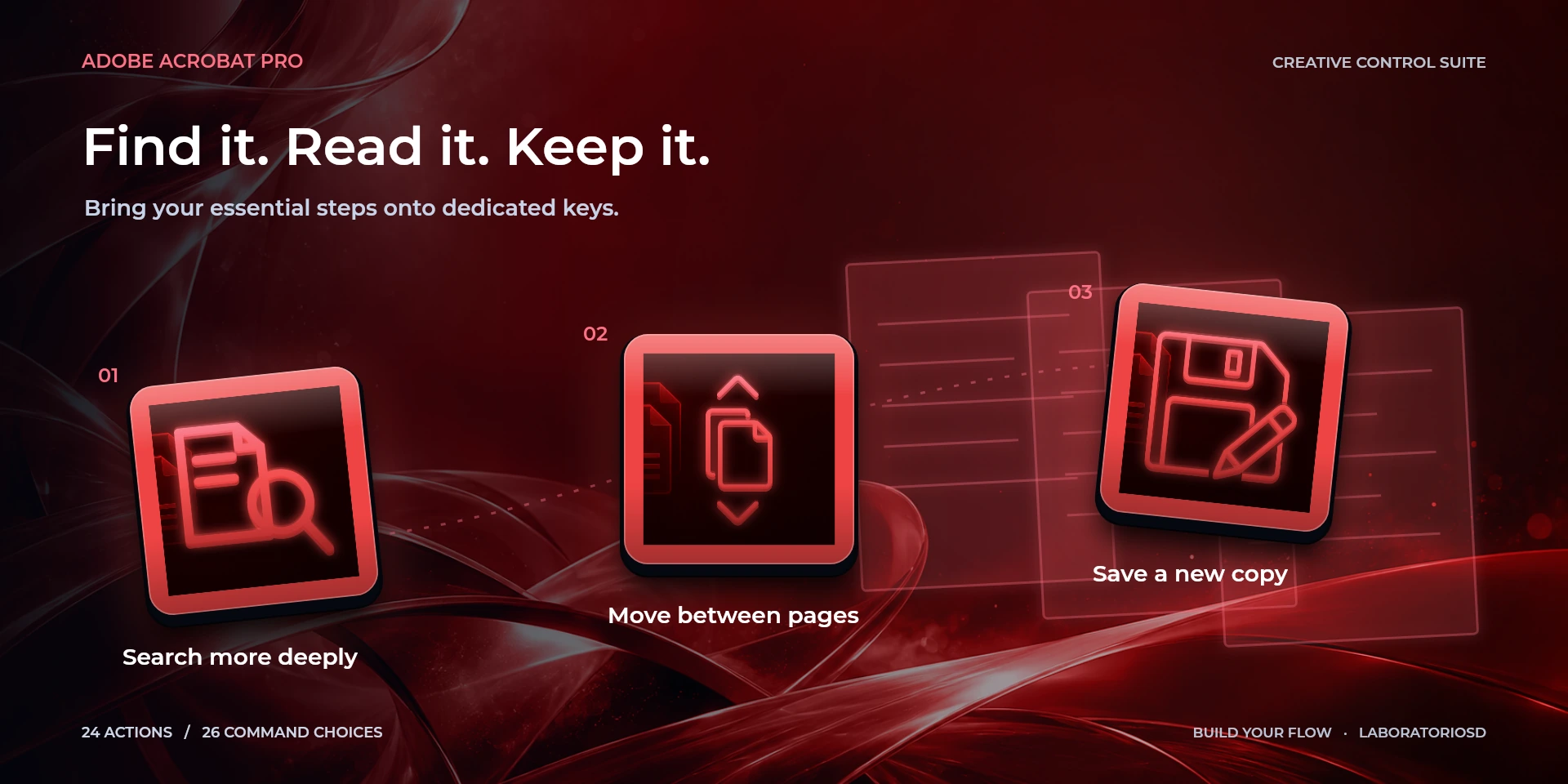
  Advanced SearchRun “Advanced Search” in Adobe Acrobat Pro with the configured shortcut.
  SaveRun “Save” in Adobe Acrobat Pro with the configured shortcut.
  Save AsRun “Save As” in Adobe Acrobat Pro with the configured shortcut.
  PrintRun “Print” in Adobe Acrobat Pro with the configured shortcut.
  Previous PageRun “Previous Page” in Adobe Acrobat Pro with the configured shortcut.
  Next PageRun “Next Page” in Adobe Acrobat Pro with the configured shortcut.
  First PageRun “First Page” in Adobe Acrobat Pro with the configured shortcut.
  Last PageRun “Last Page” in Adobe Acrobat Pro with the configured shortcut.
  Fit PageRun “Fit Page” in Adobe Acrobat Pro with the configured shortcut.
  Actual SizeRun “Actual Size” in Adobe Acrobat Pro with the configured shortcut.
  Fit WidthRun “Fit Width” in Adobe Acrobat Pro with the configured shortcut.
  UndoRun “Undo” in Adobe Acrobat Pro with the configured shortcut.
  Page NavigationControl “Page Navigation” in Adobe Acrobat Pro with the configured dial shortcuts.
  Document ZoomControl “Document Zoom” in Adobe Acrobat Pro with the configured dial shortcuts.
  Go to PageRun “Go to Page” in Adobe Acrobat Pro with the configured shortcut.
  Activate / Deactivate Read AloudRun “Activate / Deactivate Read Aloud” in Adobe Acrobat Pro with the configured shortcut.
  Read Current PageRun “Read Current Page” in Adobe Acrobat Pro with the configured shortcut.
  Read Whole DocumentRun “Read Whole Document” in Adobe Acrobat Pro with the configured shortcut.
  Stop Read AloudRun “Stop Read Aloud” in Adobe Acrobat Pro with the configured shortcut.
  Choose CommandSelect any available Adobe Acrobat Pro command, show its matching icon, and optionally override its shortcut.
  Custom ShortcutRun a user-defined shortcut with an optional label of up to 12 characters.
  Custom DialConfigure dial-left, dial-right, and dial-press behavior independently.
 Known limitations
- Adobe Acrobat Pro must be installed and is not included with the plugin.
- Shortcuts depend on the active keyboard configuration in Adobe Acrobat Pro.
- macOS may request Accessibility permission to send shortcuts and focus applications.
- Interface language, the application’s shortcut preset and keyboard layout are separate settings. Translating the interface does not change shortcuts or guarantee native support for every regional setup. Custom shortcuts must match the active preset and your keyboard; after changing layouts, check and recapture them if needed. For character shortcuts with Japanese, Korean or Chinese IMEs, use Latin/ABC input.
- Version 0.3.8 fixes zoom dials on Windows. Press Page Navigation to fit the page to the window and Document Zoom to return to actual size. Repeated presses keep those modes stable instead of toggling them.
Gallery
Documentation
Indicative price in Spain: €4.12
The final price may vary depending on country, taxes, and currency.
Purchase and installation are managed by Elgato Marketplace.
Requirements
More Creative Controls
These are independent products: choose only the applications you use.