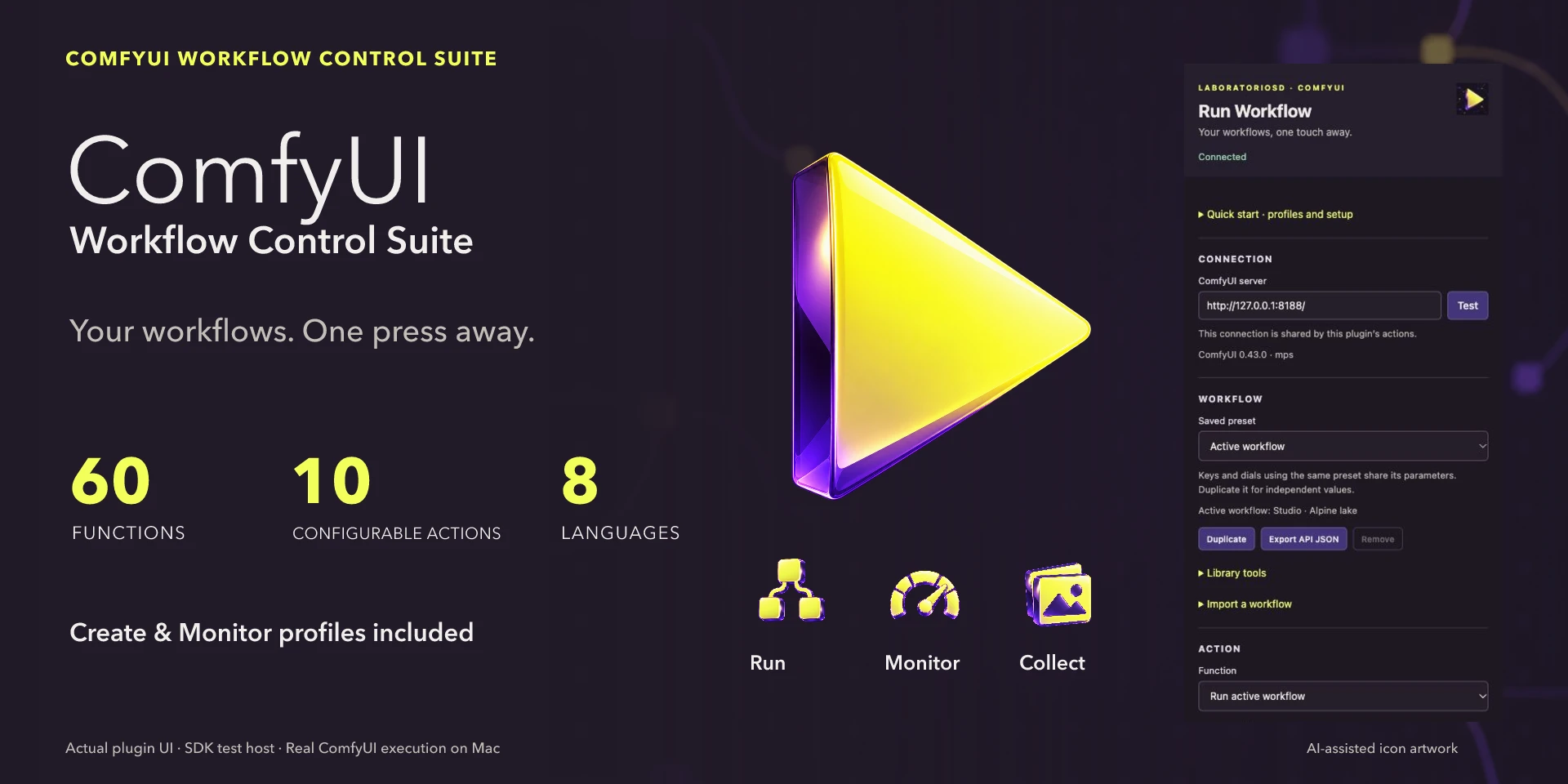

ComfyUI Workflow Control Suite
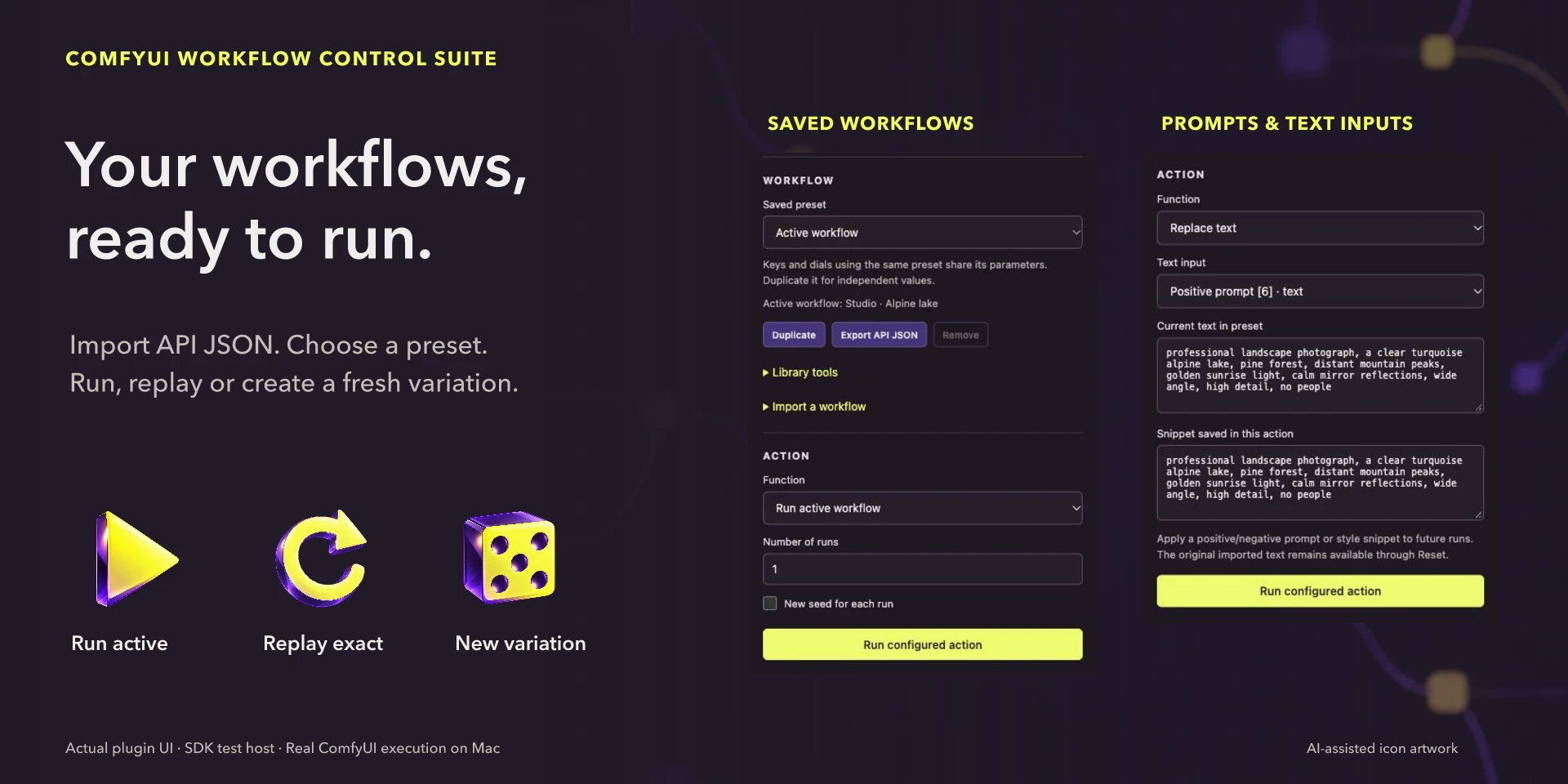
Generate images with ComfyUI: 60 functions in ten actions for workflows, prompts, parameters, queues and results.
Description
Run saved API workflows, change models, prompts, seeds and resolution, monitor node progress and server memory, and download your images. Includes Create and Monitor profiles and parameter control with Stream Deck + dials. The plugin supports eight languages; the website offers ten. Install from Elgato Marketplace and start your own ComfyUI 0.43+ server with the required models and nodes. Set its address in the inspector and import a Workflow (API) JSON. Select the active workflow or pin one per key. Create and Monitor are fifteen-key templates for Stream Deck and Virtual Stream Deck; add individual actions on other layouts. Requires Stream Deck 7.1+, macOS 12+ or Windows 10+. The plugin does not install ComfyUI or models.
Features
- Run saved API workflows, change models, prompts, seeds and resolution, monitor node progress and server memory, and download your images. Includes Create and Monitor profiles and parameter control with Stream Deck + dials. The plugin supports eight languages; the website offers ten.
- Install from Elgato Marketplace and start your own ComfyUI 0.43+ server with the required models and nodes. Set its address in the inspector and import a Workflow (API) JSON. Select the active workflow or pin one per key. Create and Monitor are fifteen-key templates for Stream Deck and Virtual Stream Deck; add individual actions on other layouts. Requires Stream Deck 7.1+, macOS 12+ or Windows 10+. The plugin does not install ComfyUI or models.
Available actions (10)
 Run WorkflowRun pinned or active workflows; reproduce a previous job exactly or with a new seed. Install from Elgato Marketplace and start your own ComfyUI 0.43+ server with the required models and nodes. Set its address in the inspector and import a Workflow (API) JSON. Select the active workflow or pin one per key. Create and Monitor are fifteen-key templates for Stream Deck and Virtual Stream Deck; add individual actions on other layouts. Requires Stream Deck 7.1+, macOS 12+ or Windows 10+. The plugin does not install ComfyUI or models.
 Workflow LibraryActivate, cycle, reset and check saved workflows. Install from Elgato Marketplace and start your own ComfyUI 0.43+ server with the required models and nodes. Set its address in the inspector and import a Workflow (API) JSON. Select the active workflow or pin one per key. Create and Monitor are fifteen-key templates for Stream Deck and Virtual Stream Deck; add individual actions on other layouts. Requires Stream Deck 7.1+, macOS 12+ or Windows 10+. The plugin does not install ComfyUI or models.
 PromptsApply saved positive/negative prompt snippets to any text input. Install from Elgato Marketplace and start your own ComfyUI 0.43+ server with the required models and nodes. Set its address in the inspector and import a Workflow (API) JSON. Select the active workflow or pin one per key. Create and Monitor are fifteen-key templates for Stream Deck and Virtual Stream Deck; add individual actions on other layouts. Requires Stream Deck 7.1+, macOS 12+ or Windows 10+. The plugin does not install ComfyUI or models.
 Models & InputsChoose installed models, samplers, schedulers, images or boolean inputs. Install from Elgato Marketplace and start your own ComfyUI 0.43+ server with the required models and nodes. Set its address in the inspector and import a Workflow (API) JSON. Select the active workflow or pin one per key. Create and Monitor are fifteen-key templates for Stream Deck and Virtual Stream Deck; add individual actions on other layouts. Requires Stream Deck 7.1+, macOS 12+ or Windows 10+. The plugin does not install ComfyUI or models.
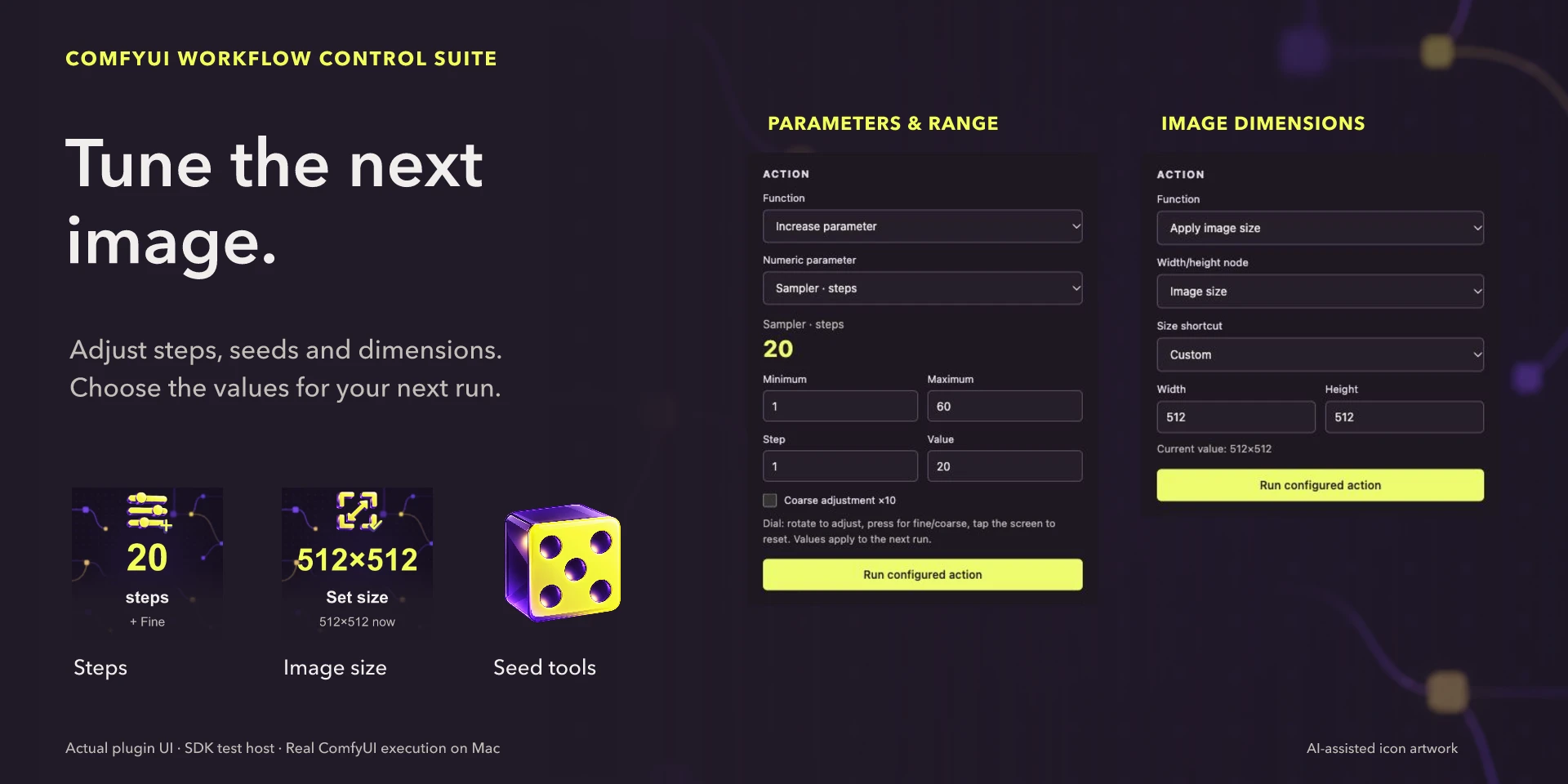
 ResolutionSet width/height together, change orientation or scale supported latent dimensions. Install from Elgato Marketplace and start your own ComfyUI 0.43+ server with the required models and nodes. Set its address in the inspector and import a Workflow (API) JSON. Select the active workflow or pin one per key. Create and Monitor are fifteen-key templates for Stream Deck and Virtual Stream Deck; add individual actions on other layouts. Requires Stream Deck 7.1+, macOS 12+ or Windows 10+. The plugin does not install ComfyUI or models.
 Parameter & SeedNumeric controls and reproducible seeds with keys or dials. Install from Elgato Marketplace and start your own ComfyUI 0.43+ server with the required models and nodes. Set its address in the inspector and import a Workflow (API) JSON. Select the active workflow or pin one per key. Create and Monitor are fifteen-key templates for Stream Deck and Virtual Stream Deck; add individual actions on other layouts. Requires Stream Deck 7.1+, macOS 12+ or Windows 10+. The plugin does not install ComfyUI or models.
 Queue & ExecutionControl only this plugin’s jobs and refresh or open the server. Install from Elgato Marketplace and start your own ComfyUI 0.43+ server with the required models and nodes. Set its address in the inspector and import a Workflow (API) JSON. Select the active workflow or pin one per key. Create and Monitor are fifteen-key templates for Stream Deck and Virtual Stream Deck; add individual actions on other layouts. Requires Stream Deck 7.1+, macOS 12+ or Windows 10+. The plugin does not install ComfyUI or models.
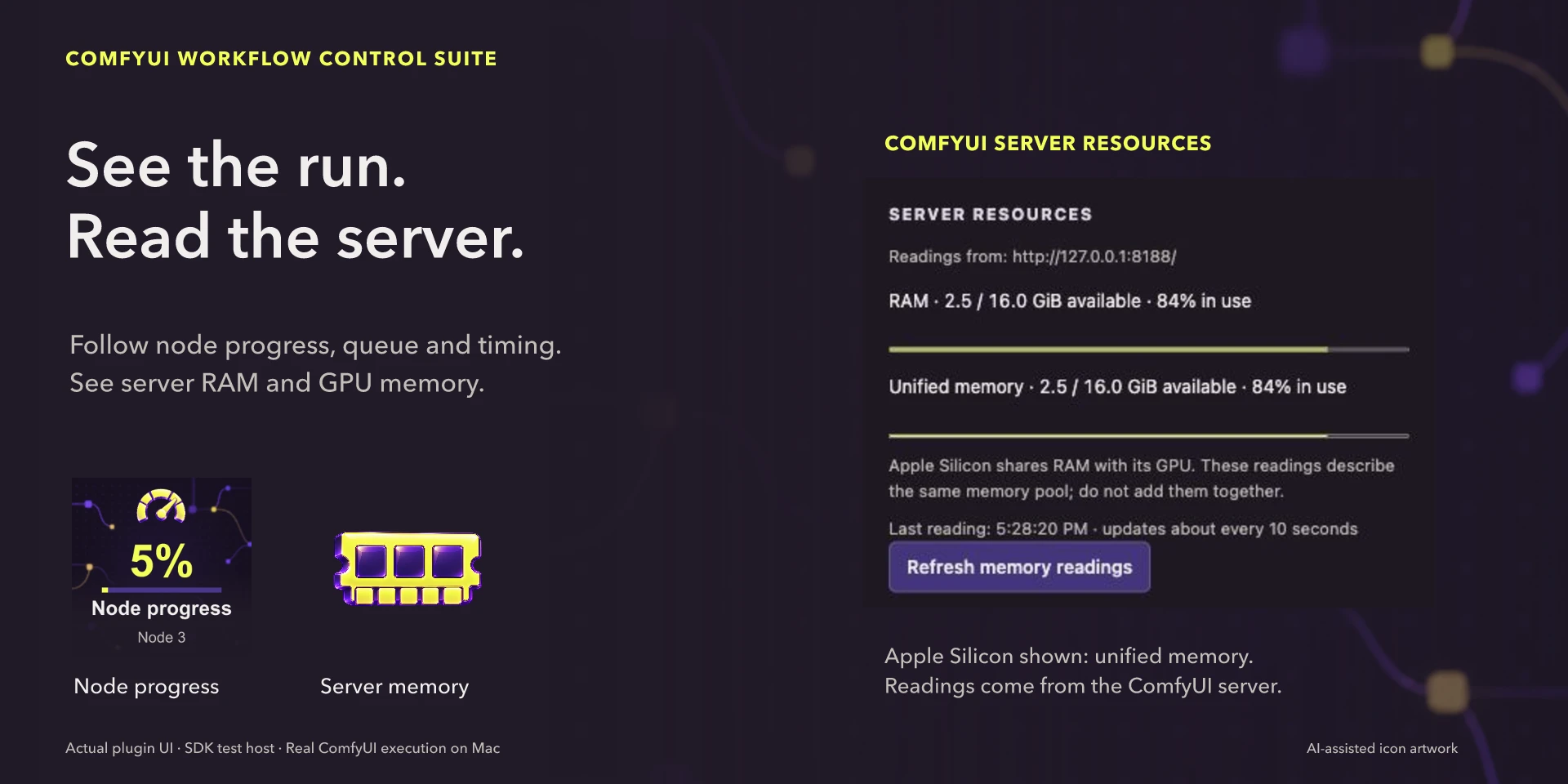
 Live StatusNode progress, queue, connection, timing, results and server memory. Install from Elgato Marketplace and start your own ComfyUI 0.43+ server with the required models and nodes. Set its address in the inspector and import a Workflow (API) JSON. Select the active workflow or pin one per key. Create and Monitor are fifteen-key templates for Stream Deck and Virtual Stream Deck; add individual actions on other layouts. Requires Stream Deck 7.1+, macOS 12+ or Windows 10+. The plugin does not install ComfyUI or models.
 ComfyUI UtilitiesUnload server models, release execution memory and find local downloads. Install from Elgato Marketplace and start your own ComfyUI 0.43+ server with the required models and nodes. Set its address in the inspector and import a Workflow (API) JSON. Select the active workflow or pin one per key. Create and Monitor are fifteen-key templates for Stream Deck and Virtual Stream Deck; add individual actions on other layouts. Requires Stream Deck 7.1+, macOS 12+ or Windows 10+. The plugin does not install ComfyUI or models.
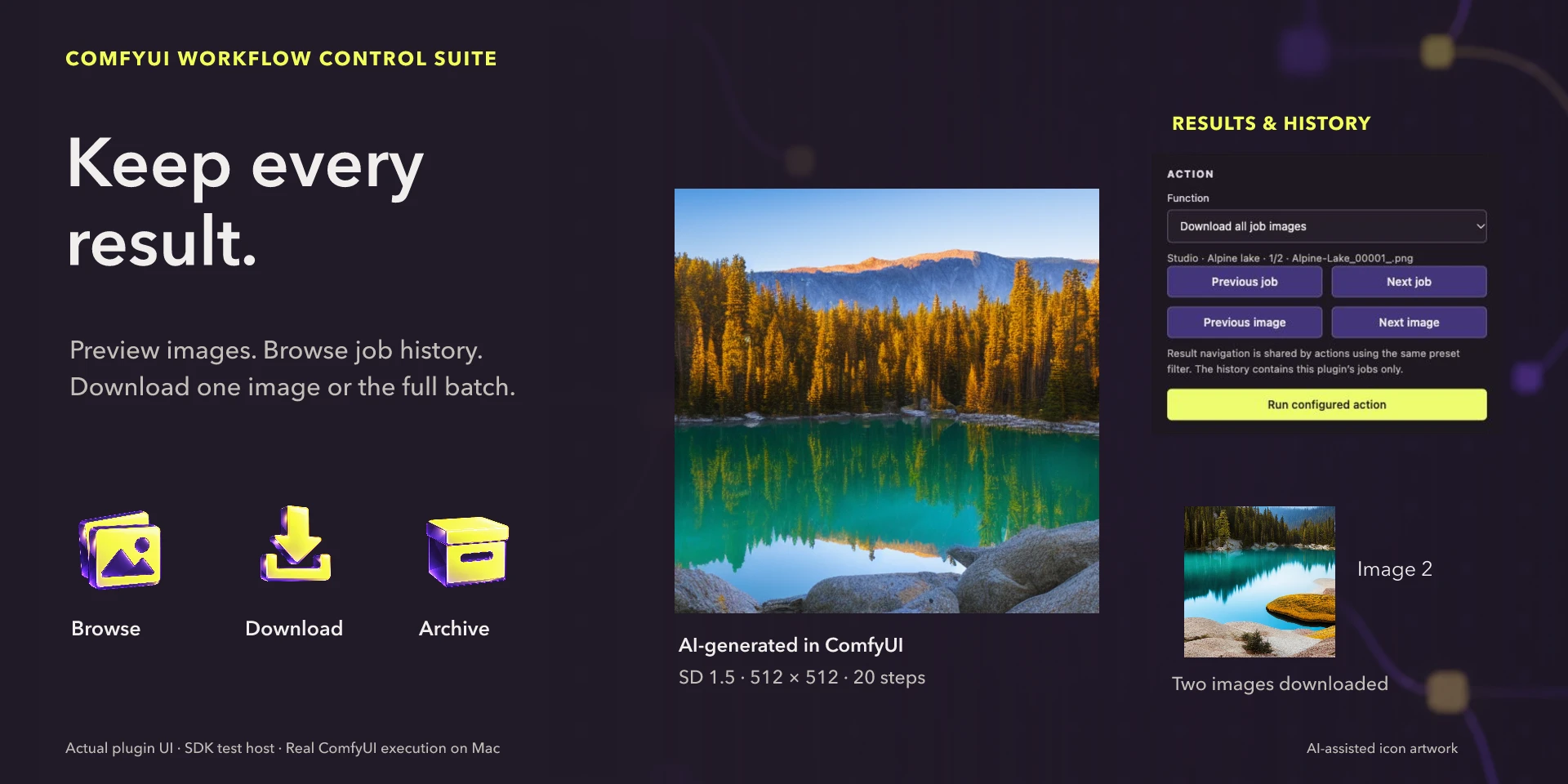
 Results & HistoryBrowse all images and jobs; preview, open or download the selected result. Install from Elgato Marketplace and start your own ComfyUI 0.43+ server with the required models and nodes. Set its address in the inspector and import a Workflow (API) JSON. Select the active workflow or pin one per key. Create and Monitor are fifteen-key templates for Stream Deck and Virtual Stream Deck; add individual actions on other layouts. Requires Stream Deck 7.1+, macOS 12+ or Windows 10+. The plugin does not install ComfyUI or models.
Known limitations
- Image workflows and outputs on one configured server. No Comfy Cloud authentication, paid API nodes, audio/video or browser-canvas editing. Changes affect future jobs. Stop Own cancels only plugin jobs; releasing models/cache requires the entire server queue to be idle. Progress is per node and memory readings describe the server, not GPU load. Do not add RAM and unified memory on MPS.
Gallery
ComfyUI Workflow Control Suite
Documentation
Indicative price in Spain: €4.12
The final price may vary depending on country, taxes, and currency.
Purchase and installation are managed by Elgato Marketplace.