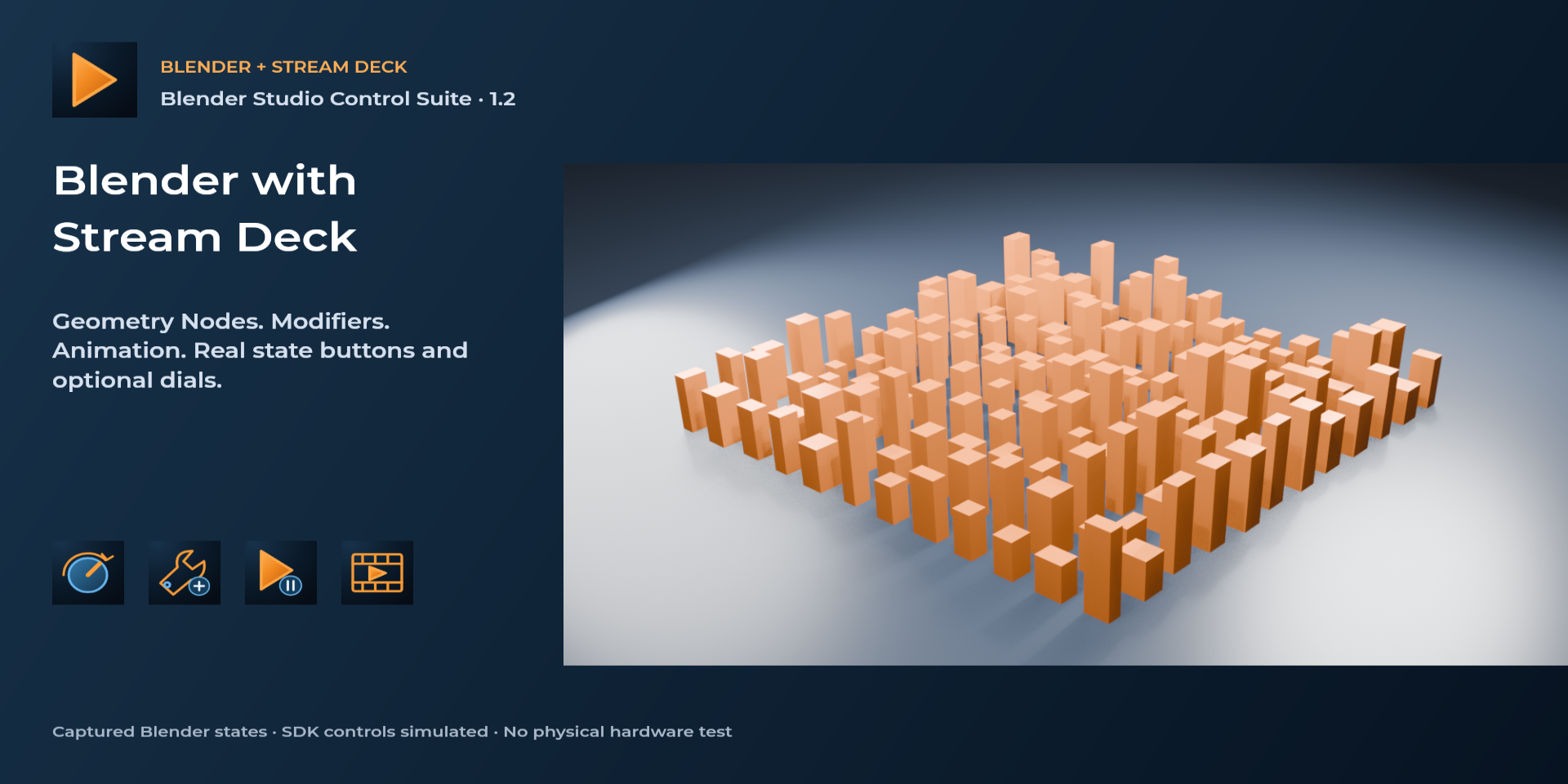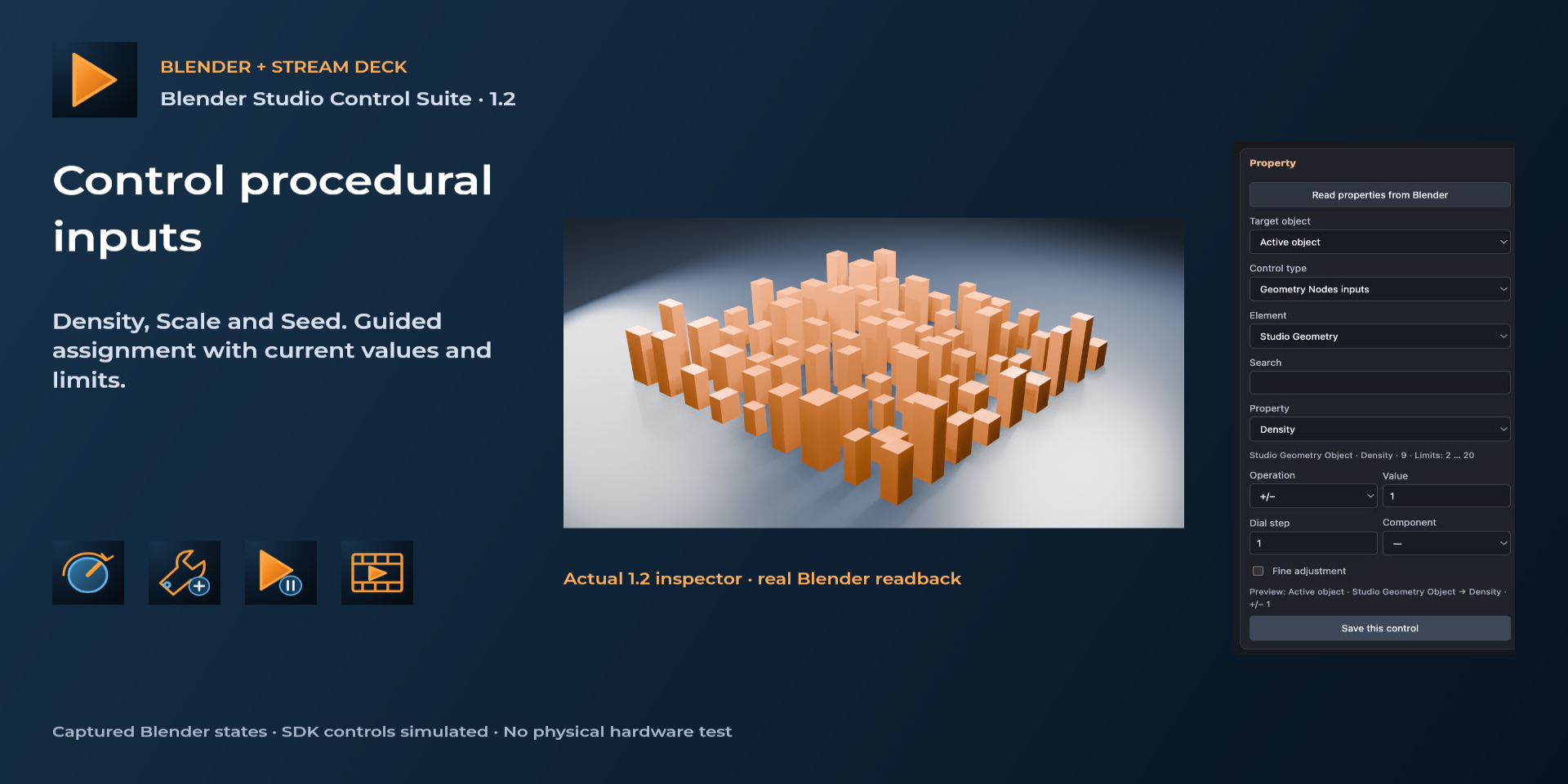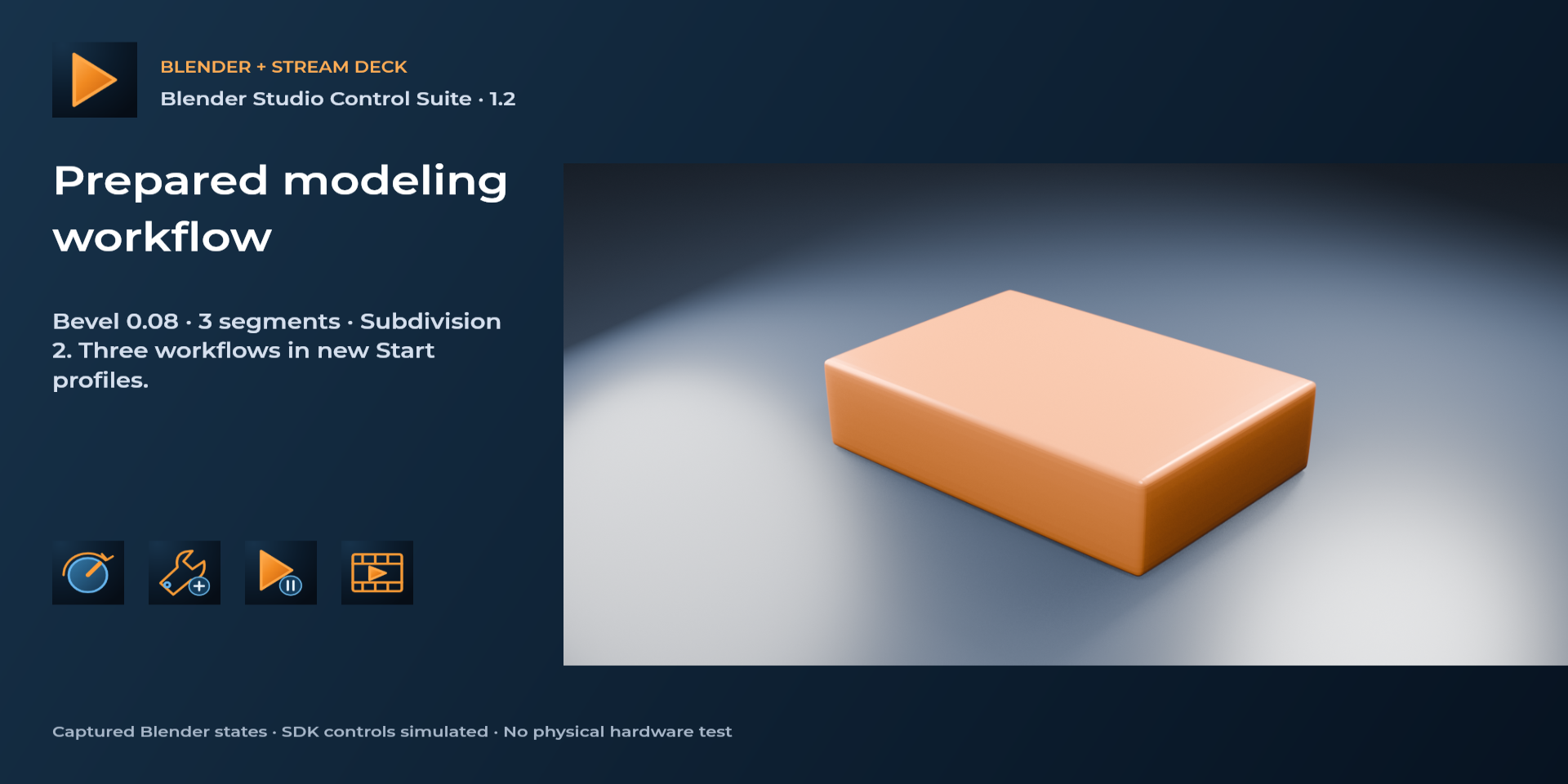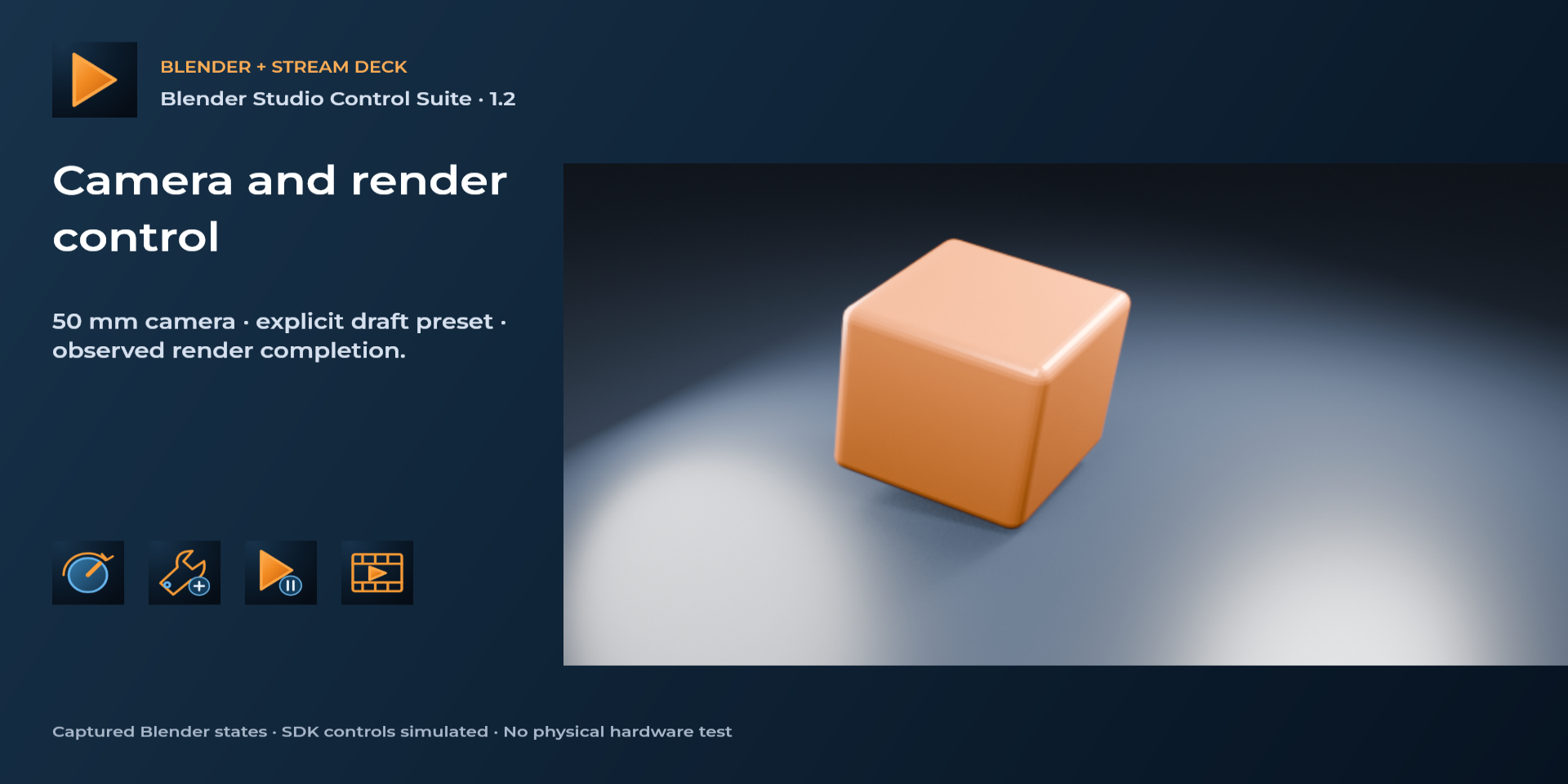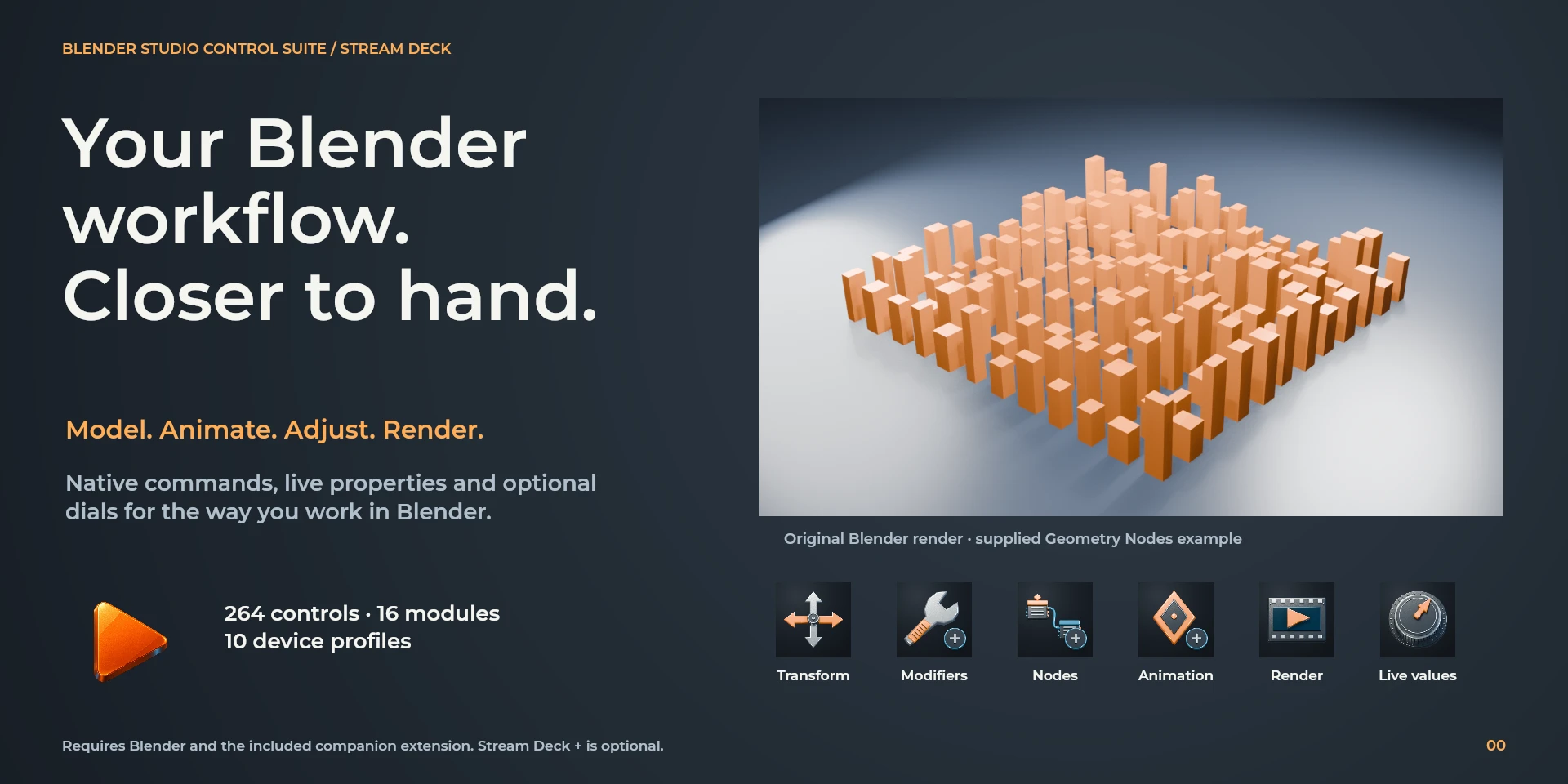
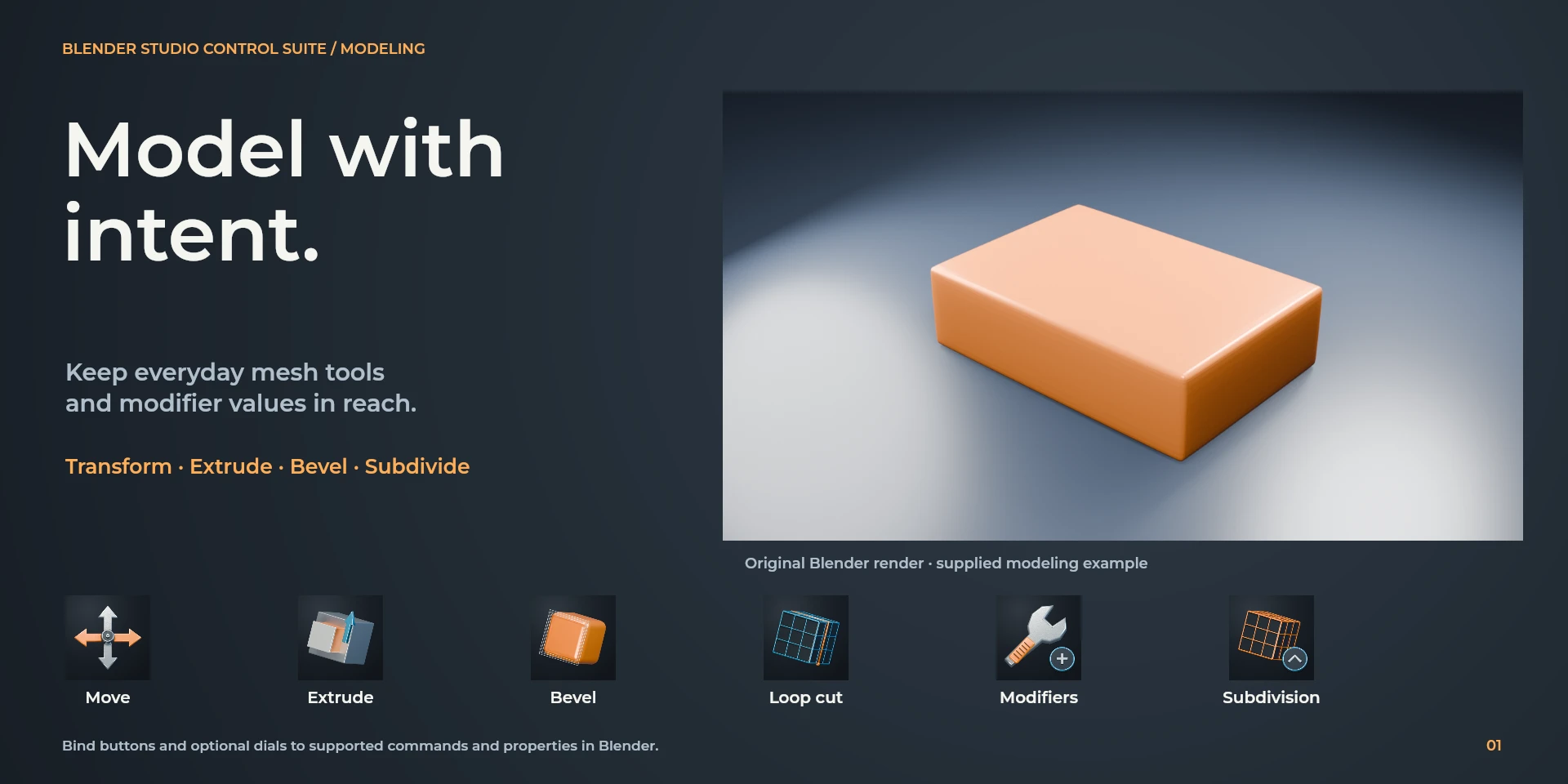
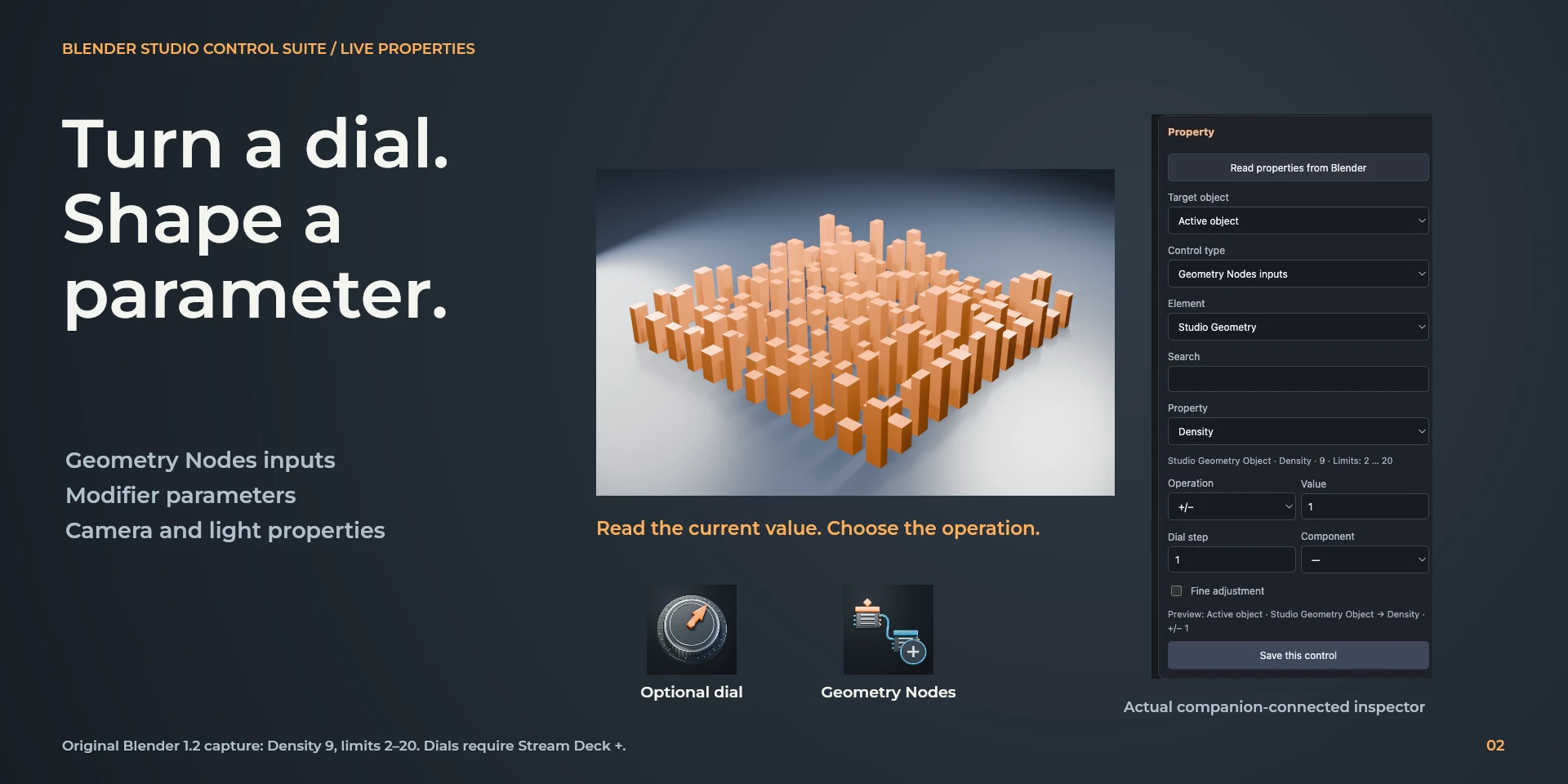
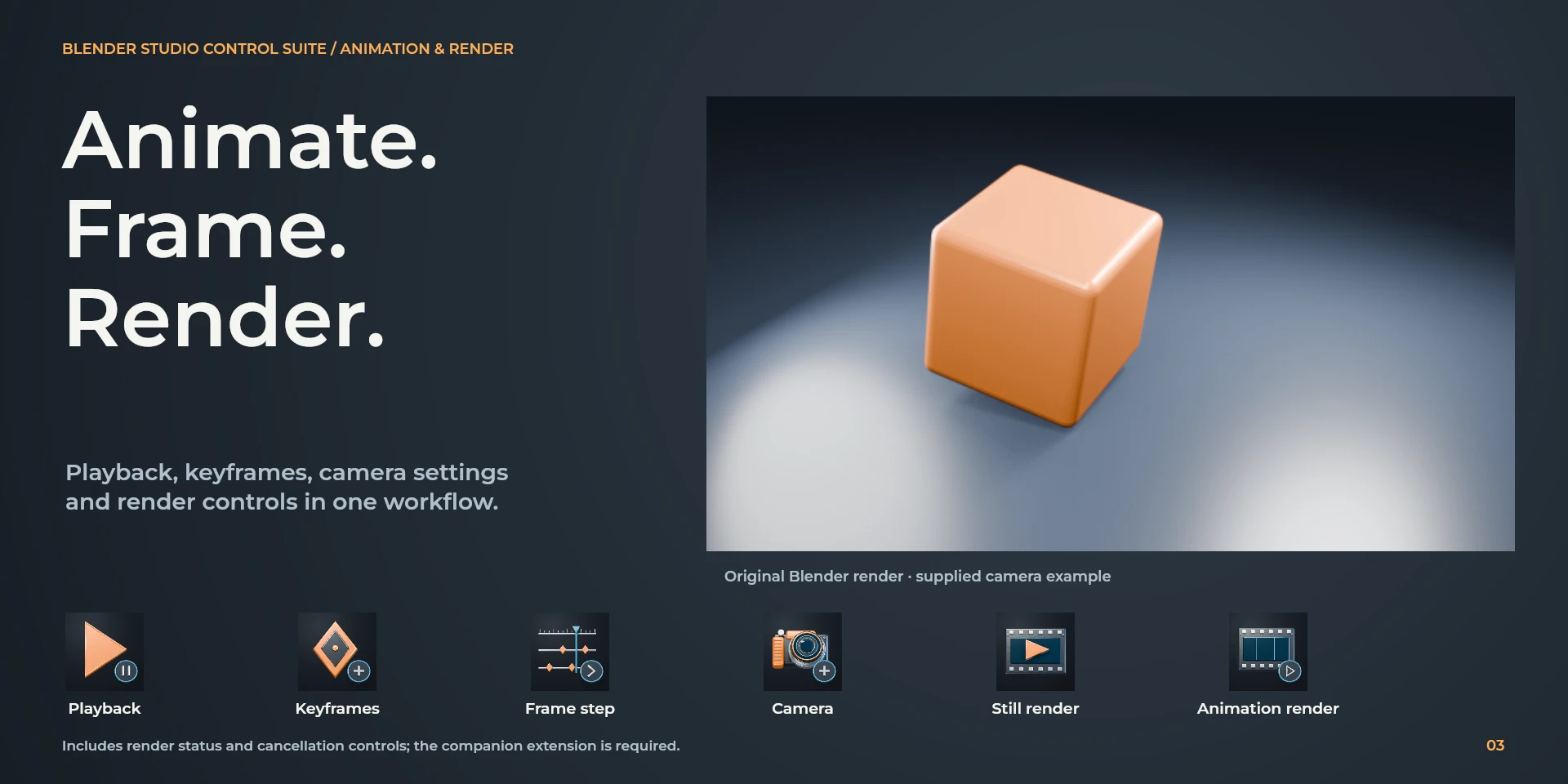
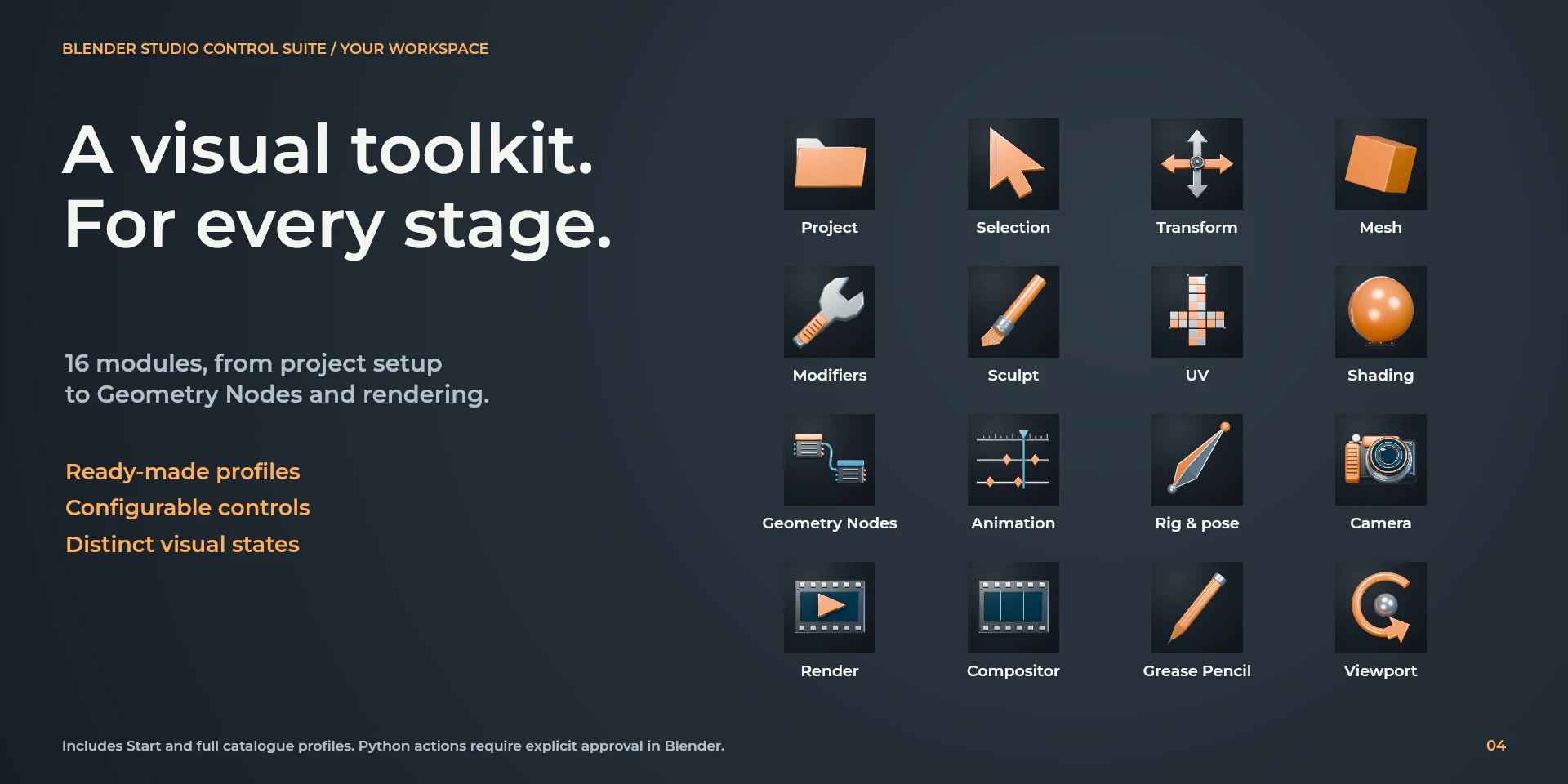
Approved Blender Studio Control Suite presentation; image copy is English.
Blender Studio Control Suite
Editing

Blender Studio Control Suite

Configurable local shortcuts for Blender.

Price to be confirmed

Legal notice Independent LaboratorioSD product, not affiliated with or endorsed by Blender Foundation.

Description

Model and organize objects with the Blender keymap. Keep the pointer over the intended editor; finish transforms with the mouse or Enter.

Features

  • Model and organize objects with the Blender keymap. Keep the pointer over the intended editor; finish transforms with the mouse or Enter.
  • Configurable local shortcuts for Blender.
  • Plugin minimums do not replace the application requirements. Check the installed version and its license.

Available actions (26)

Open / Focus Blender Open / Focus BlenderOpens or focuses Blender; it does not confirm document readiness.
Move Selection Move SelectionKeyboard shortcut for “Move Selection” in Blender. Check the active context before pressing.
Rotate Selection Rotate SelectionKeyboard shortcut for “Rotate Selection” in Blender. Check the active context before pressing.
Scale Selection Scale SelectionKeyboard shortcut for “Scale Selection” in Blender. Check the active context before pressing.
Duplicate Objects Duplicate ObjectsKeyboard shortcut for “Duplicate Objects” in Blender. Check the active context before pressing.
Toggle Edit Mode Toggle Edit ModeKeyboard shortcut for “Toggle Edit Mode” in Blender. Check the active context before pressing.
Select All Select AllKeyboard shortcut for “Select All” in Blender. Check the active context before pressing.
Deselect All Deselect AllKeyboard shortcut for “Deselect All” in Blender. Check the active context before pressing.
Hide Selection Hide SelectionKeyboard shortcut for “Hide Selection” in Blender. Check the active context before pressing.
Reveal Hidden Reveal HiddenKeyboard shortcut for “Reveal Hidden” in Blender. Check the active context before pressing.
Rename Active Item Rename Active ItemKeyboard shortcut for “Rename Active Item” in Blender. Check the active context before pressing.
Adjust Last Operation Adjust Last OperationKeyboard shortcut for “Adjust Last Operation” in Blender. Check the active context before pressing.
Toggle Sidebar Toggle SidebarKeyboard shortcut for “Toggle Sidebar” in Blender. Check the active context before pressing.
Render Current Frame Render Current FrameKeyboard shortcut for “Render Current Frame” in Blender. Check the active context before pressing.
Show Render Window Show Render WindowKeyboard shortcut for “Show Render Window” in Blender. Check the active context before pressing.
Save File Save FileKeyboard shortcut for “Save File” in Blender. Check the active context before pressing.
Undo UndoKeyboard shortcut for “Undo” in Blender. Check the active context before pressing.
Redo RedoKeyboard shortcut for “Redo” in Blender. Check the active context before pressing.
Previous Workspace Previous WorkspaceKeyboard shortcut for “Previous Workspace” in Blender. Check the active context before pressing.
Next Workspace Next WorkspaceKeyboard shortcut for “Next Workspace” in Blender. Check the active context before pressing.
Edit History Edit HistoryTurn left or right and review the shortcuts assigned to each direction and press.
Workspace Navigation Workspace NavigationTurn left or right and review the shortcuts assigned to each direction and press.
Choose Command Choose CommandSelect a command from the inspector library and review its shortcut.
Custom Shortcut Custom ShortcutDefine your own shortcut in the inspector; it must match the application.
Custom Dial Custom DialTurn left or right and review the shortcuts assigned to each direction and press.

Known limitations

  • Keyboard control: no live state, application API, MIDI or telemetry. Results depend on the active panel, selection and your keymap.
  • Plugin minimums do not replace the application requirements. Check the installed version and its license.
  • Plugin command names are English; the shared inspector has eight languages. These are separate from this website’s ten languages.

Gallery

Preparing publication on Elgato Marketplace
Available actions: 26
License: Preparing publication on Elgato Marketplace

Requirements

System: Windows 10+ / macOS 13+
Stream Deck: version 6.9 or later
Version: 1.0.0.0
Available actions: 26
License: Preparing publication on Elgato Marketplace

Workflow

Blender

Model and organize objects with the Blender keymap. Keep the pointer over the intended editor; finish transforms with the mouse or Enter.

  1. Tools

  2. Editing

  3. View

  4. Document

  5. Navigation

Before using the controls

Model and organize objects with the Blender keymap. Keep the pointer over the intended editor; finish transforms with the mouse or Enter.

Keyboard control: no live state, application API, MIDI or telemetry. Results depend on the active panel, selection and your keymap.