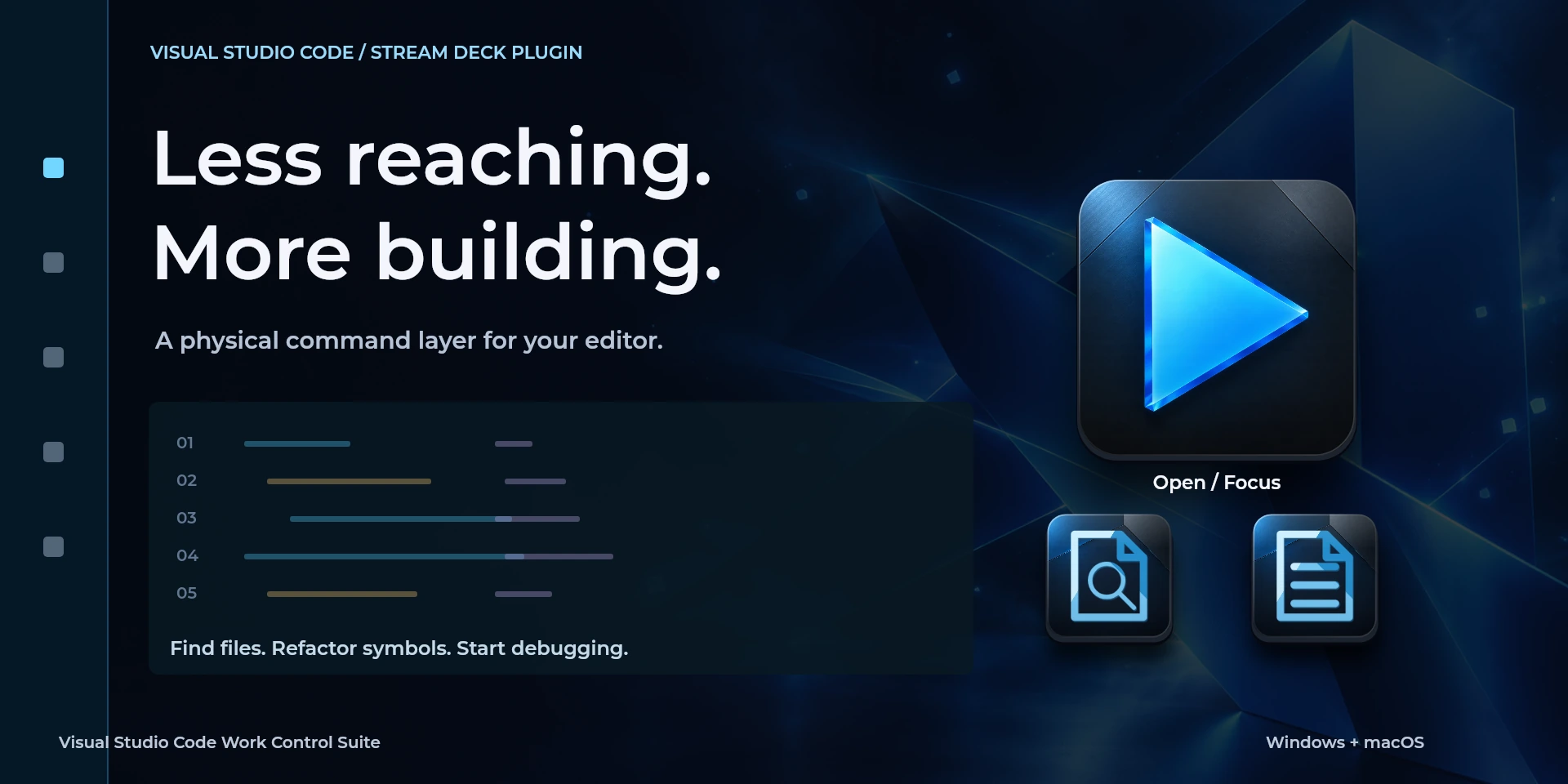

Visual Studio Code Work Control Suite
Jump to definitions, review diagnostics and rearrange code lines in Visual Studio Code.
Price to be confirmed
Description
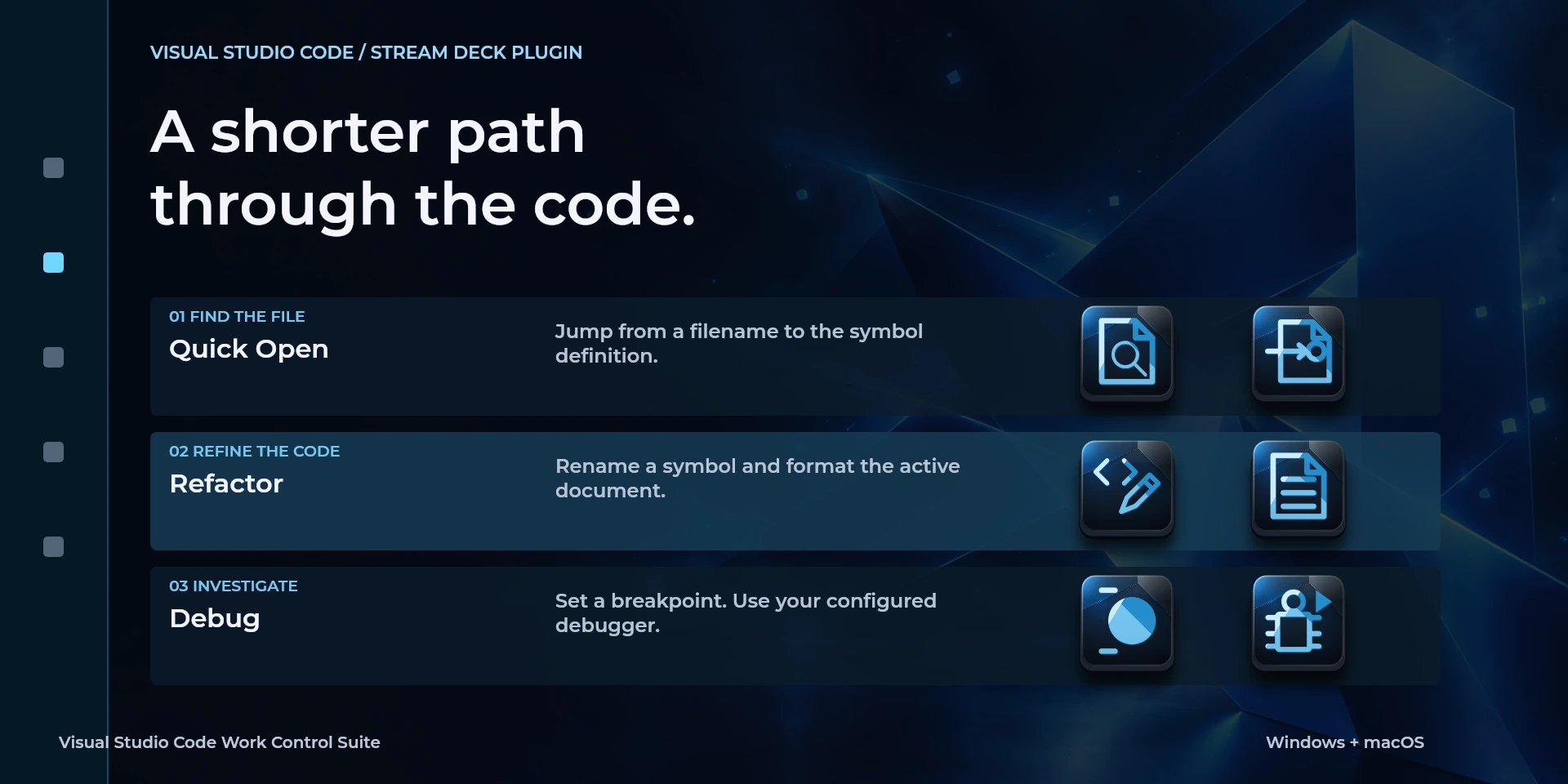
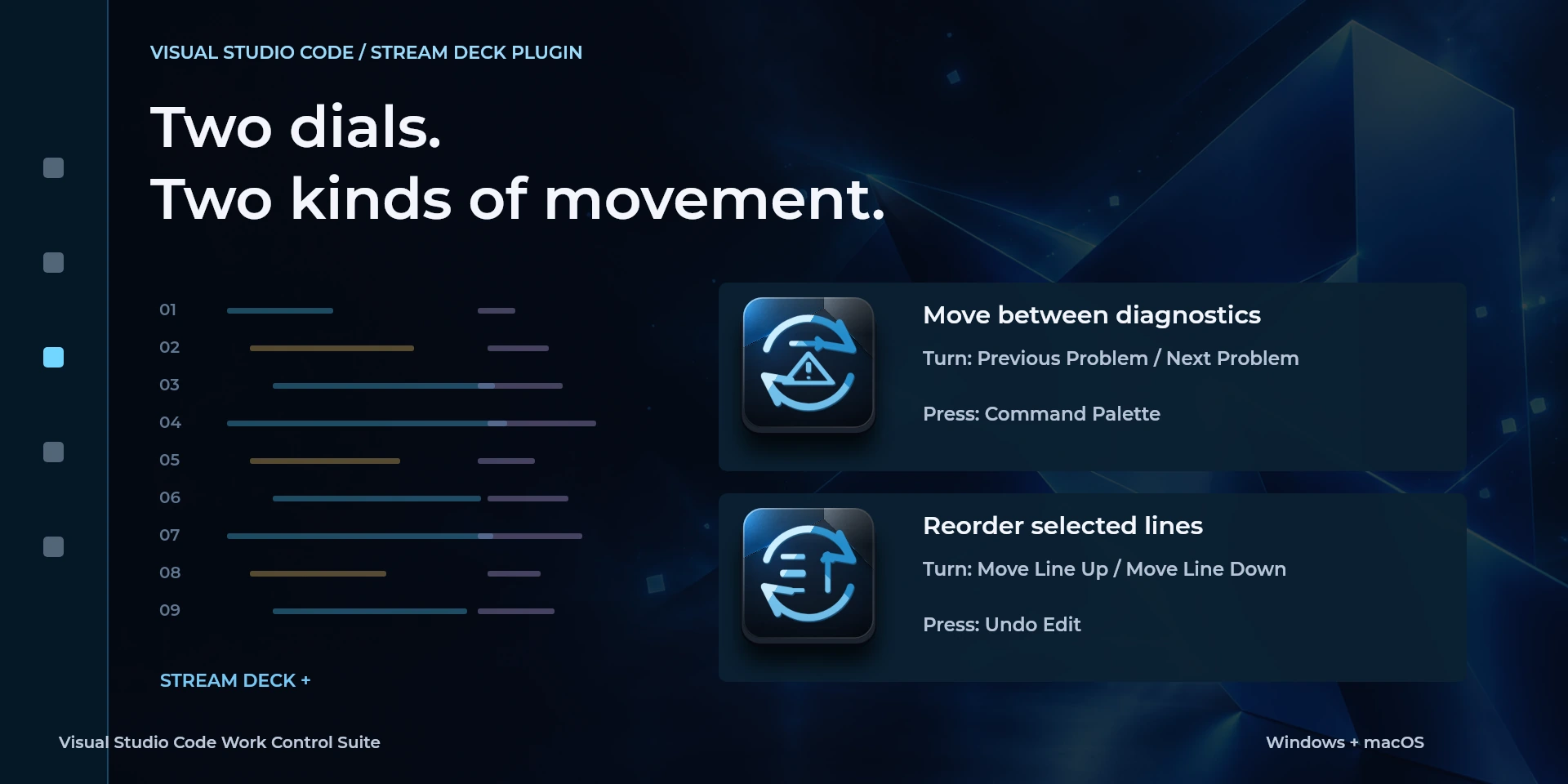
Keep navigation and small code edits close while you work through a file. Jump to a definition, find references, rename a symbol, format a document or search the workspace. Problem Navigation moves between diagnostics; the line dial repositions selected lines and offers undo on press. Dedicated commands also reach breakpoints and Start / Continue Debugging, using your project's existing debug setup. Focus the desktop editor rather than its terminal, and match extensions or custom keymaps in the inspector. The plugin sends shortcuts; it does not analyze code or read debugger state.
Features
- Jump to definitions, review diagnostics and rearrange code lines in Visual Studio Code.
- Navigate files, format and inspect problems in the desktop editor. Use the US keymap; terminal focus and extensions change shortcuts. Debugging requires your project configuration.
- Plugin minimums do not replace the application requirements. Check the installed version and its license.
Available actions (28)
 Open / Focus Visual Studio CodeOpens or focuses Visual Studio Code; it does not confirm document readiness.
  Command PaletteKeyboard shortcut for “Command Palette” in Visual Studio Code. Check the active context before pressing.
  Quick OpenKeyboard shortcut for “Quick Open” in Visual Studio Code. Check the active context before pressing.
  Find in FileKeyboard shortcut for “Find in File” in Visual Studio Code. Check the active context before pressing.
  Search WorkspaceKeyboard shortcut for “Search Workspace” in Visual Studio Code. Check the active context before pressing.
  Format DocumentKeyboard shortcut for “Format Document” in Visual Studio Code. Check the active context before pressing.
  Rename SymbolKeyboard shortcut for “Rename Symbol” in Visual Studio Code. Check the active context before pressing.
  Go to DefinitionKeyboard shortcut for “Go to Definition” in Visual Studio Code. Check the active context before pressing.
  Find ReferencesKeyboard shortcut for “Find References” in Visual Studio Code. Check the active context before pressing.
  Previous ProblemKeyboard shortcut for “Previous Problem” in Visual Studio Code. Check the active context before pressing.
  Next ProblemKeyboard shortcut for “Next Problem” in Visual Studio Code. Check the active context before pressing.
  Toggle SidebarKeyboard shortcut for “Toggle Sidebar” in Visual Studio Code. Check the active context before pressing.
  Toggle PanelKeyboard shortcut for “Toggle Panel” in Visual Studio Code. Check the active context before pressing.
  Save FileKeyboard shortcut for “Save File” in Visual Studio Code. Check the active context before pressing.
  Undo EditKeyboard shortcut for “Undo Edit” in Visual Studio Code. Check the active context before pressing.
  Redo EditKeyboard shortcut for “Redo Edit” in Visual Studio Code. Check the active context before pressing.
  Move Line UpKeyboard shortcut for “Move Line Up” in Visual Studio Code. Check the active context before pressing.
  Move Line DownKeyboard shortcut for “Move Line Down” in Visual Studio Code. Check the active context before pressing.
  Copy Line UpKeyboard shortcut for “Copy Line Up” in Visual Studio Code. Check the active context before pressing.
  Copy Line DownKeyboard shortcut for “Copy Line Down” in Visual Studio Code. Check the active context before pressing.
  Select Next MatchKeyboard shortcut for “Select Next Match” in Visual Studio Code. Check the active context before pressing.
  Start / Continue DebuggingKeyboard shortcut for “Start / Continue Debugging” in Visual Studio Code. Check the active context before pressing.
  Toggle BreakpointKeyboard shortcut for “Toggle Breakpoint” in Visual Studio Code. Check the active context before pressing.
  Problem NavigationTurn left or right and review the shortcuts assigned to each direction and press.
  Move Selected LinesTurn left or right and review the shortcuts assigned to each direction and press.
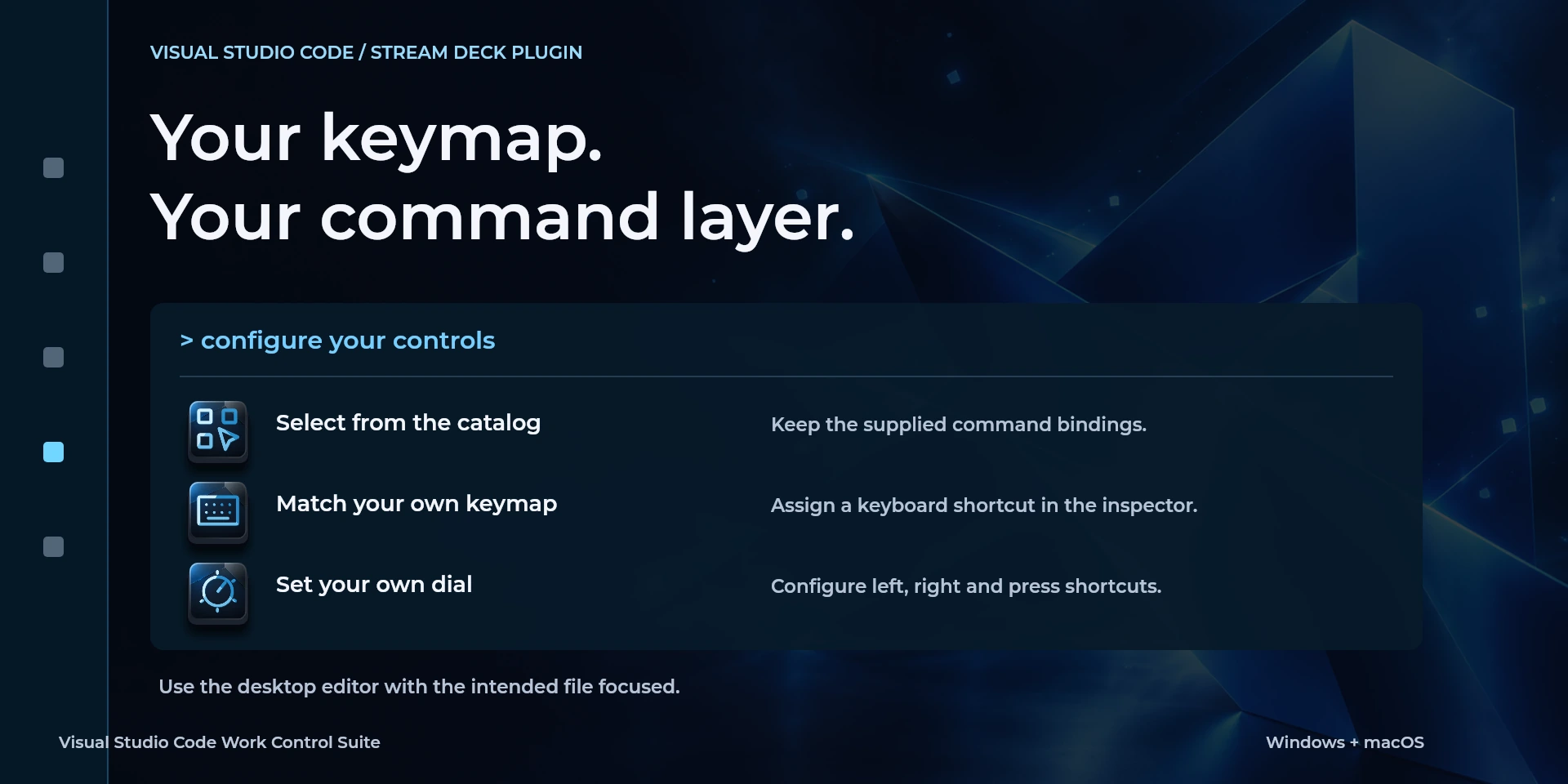
  Choose CommandSelect a command from the inspector library and review its shortcut.
  Custom ShortcutDefine your own shortcut in the inspector; it must match the application.
  Custom DialTurn left or right and review the shortcuts assigned to each direction and press.
 Known limitations
- Keyboard control: no live state, application API, MIDI or telemetry. Results depend on the active panel, selection and your keymap.
- Plugin minimums do not replace the application requirements. Check the installed version and its license.
- Plugin command names are English; the shared inspector has eight languages. These are separate from this website’s ten languages.
Gallery
Documentation
Requirements
Workflow
Visual Studio Code
Navigate files, format and inspect problems in the desktop editor. Use the US keymap; terminal focus and extensions change shortcuts. Debugging requires your project configuration.
Before using the controls
Navigate files, format and inspect problems in the desktop editor. Use the US keymap; terminal focus and extensions change shortcuts. Debugging requires your project configuration.
Keyboard control: no live state, application API, MIDI or telemetry. Results depend on the active panel, selection and your keymap.
Related Plugins
Figma Work Control Suite
Create frames, apply auto layout and position interface elements in Figma Design.
Microsoft Excel Work Control Suite
Format cells, fill ranges, insert sums and move between worksheets in desktop Microsoft Excel.
Microsoft PowerPoint Work Control Suite
Present slide by slide, pause on a blank screen and adjust text size in Microsoft PowerPoint.