
Microsoft PowerPoint Work Control Suite
Present slide by slide, pause on a blank screen and adjust text size in Microsoft PowerPoint.
Price to be confirmed
Description
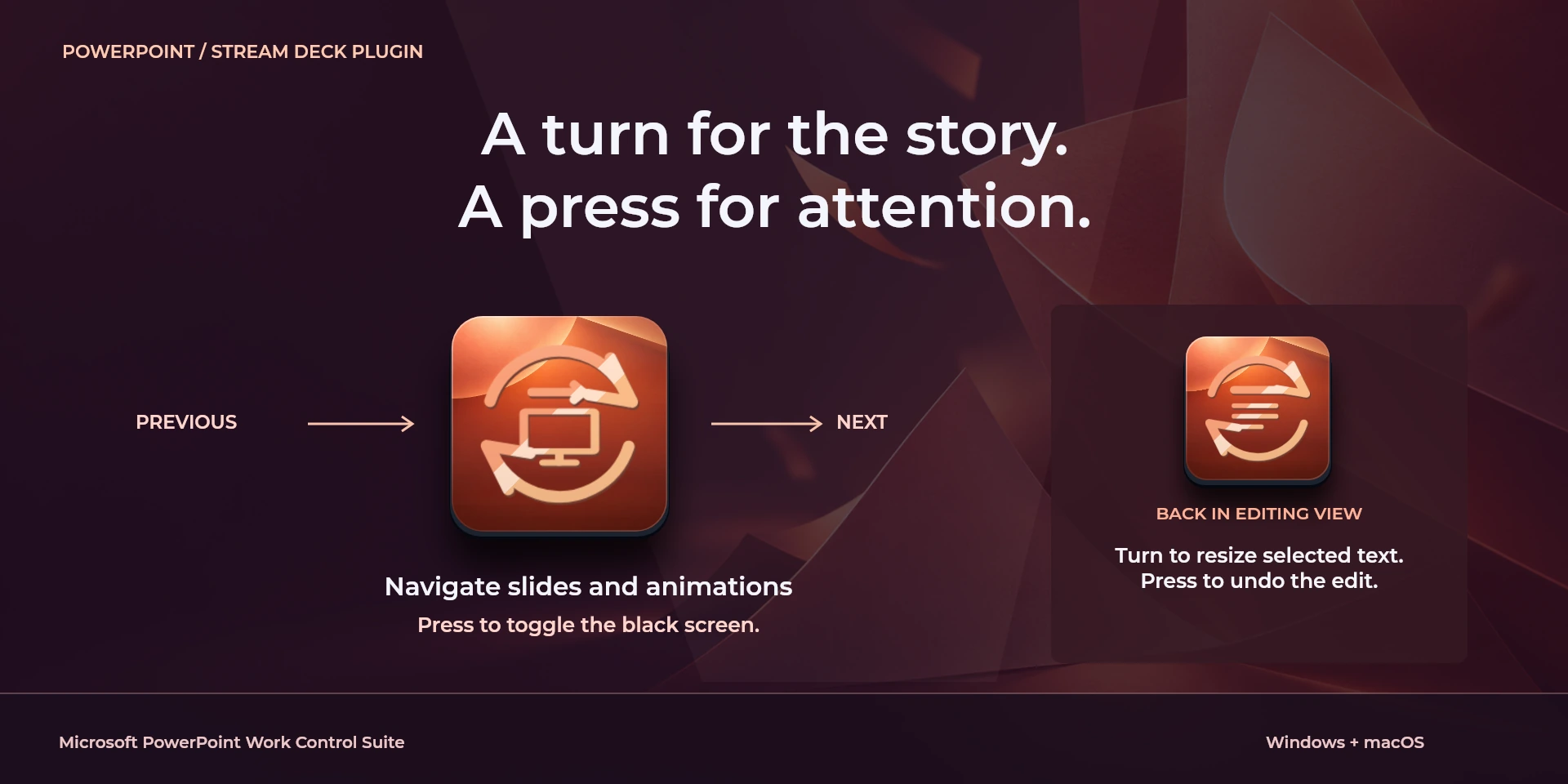
Support both preparing a deck and presenting it. In editing view, add or duplicate slides, group objects and adjust selected text size. For delivery, start from the beginning or current slide, open Presenter View and step through slides or animations. The presentation dial advances or returns by slideshow step and toggles a black screen on press; a separate dial changes font size while editing. Match each action to Normal view or an active slideshow. Configure external displays in PowerPoint and check the audience view before presenting; the plugin does not track the current slide.
Features
- Present slide by slide, pause on a blank screen and adjust text size in Microsoft PowerPoint.
- Prepare objects and present slides in desktop PowerPoint. Presentation controls require an active slideshow; editing requires Normal view. Verify the audience display.
- Plugin minimums do not replace the application requirements. Check the installed version and its license.
Available actions (26)
 Open / Focus Microsoft PowerPointOpens or focuses Microsoft PowerPoint; it does not confirm document readiness.
  Start SlideshowKeyboard shortcut for “Start Slideshow” in Microsoft PowerPoint. Check the active context before pressing.
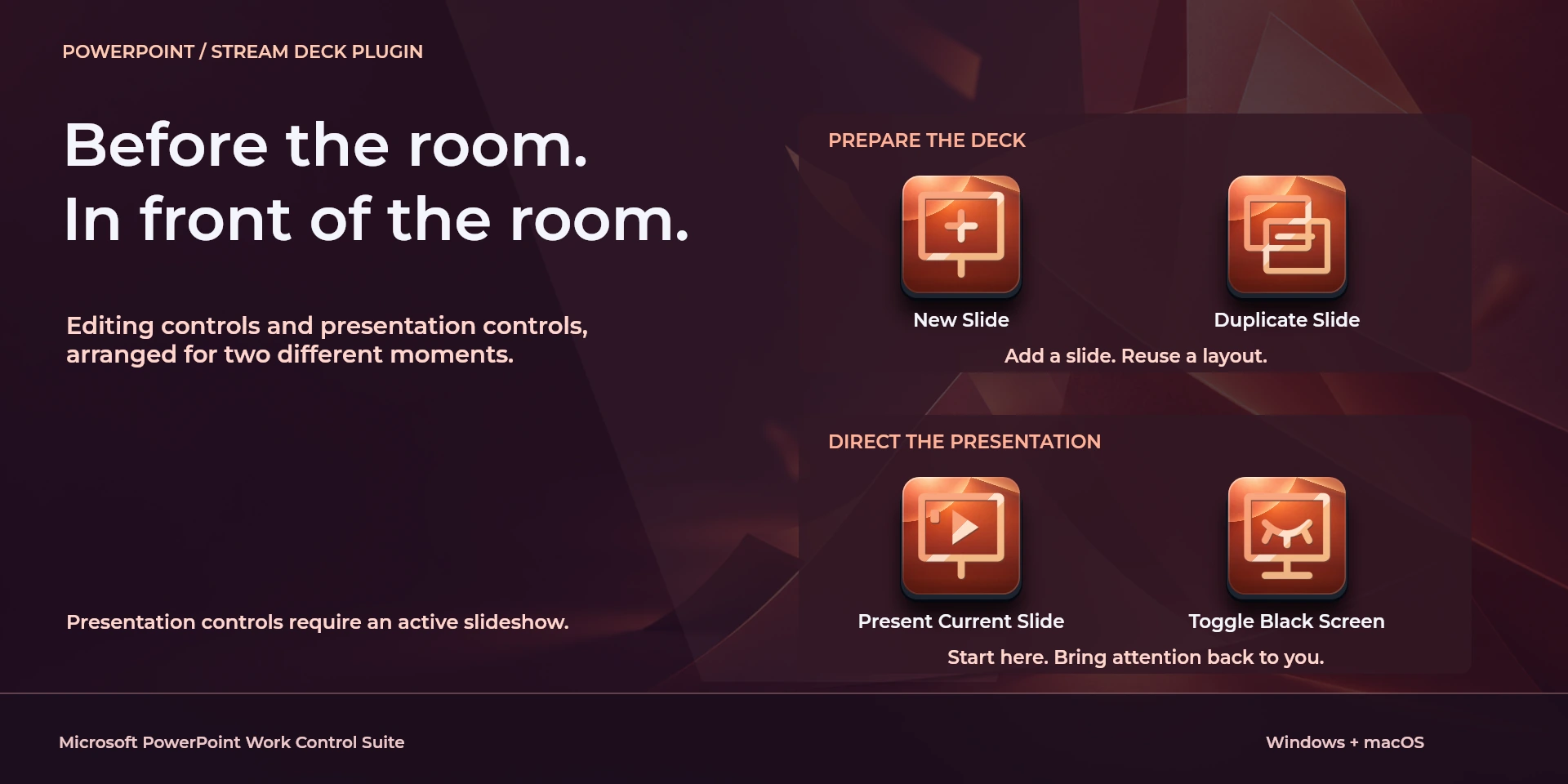
  Present Current SlideKeyboard shortcut for “Present Current Slide” in Microsoft PowerPoint. Check the active context before pressing.
  Start Presenter ViewKeyboard shortcut for “Start Presenter View” in Microsoft PowerPoint. Check the active context before pressing.
  Previous Slide / AnimationKeyboard shortcut for “Previous Slide / Animation” in Microsoft PowerPoint. Check the active context before pressing.
  Next Slide / AnimationKeyboard shortcut for “Next Slide / Animation” in Microsoft PowerPoint. Check the active context before pressing.
  Toggle Black ScreenKeyboard shortcut for “Toggle Black Screen” in Microsoft PowerPoint. Check the active context before pressing.
  Toggle White ScreenKeyboard shortcut for “Toggle White Screen” in Microsoft PowerPoint. Check the active context before pressing.
  End SlideshowKeyboard shortcut for “End Slideshow” in Microsoft PowerPoint. Check the active context before pressing.
  Hide Presentation PointerKeyboard shortcut for “Hide Presentation Pointer” in Microsoft PowerPoint. Check the active context before pressing.
  New SlideKeyboard shortcut for “New Slide” in Microsoft PowerPoint. Check the active context before pressing.
  Duplicate SlideKeyboard shortcut for “Duplicate Slide” in Microsoft PowerPoint. Check the active context before pressing.
  Group Selected ObjectsKeyboard shortcut for “Group Selected Objects” in Microsoft PowerPoint. Check the active context before pressing.
  Ungroup ObjectsKeyboard shortcut for “Ungroup Objects” in Microsoft PowerPoint. Check the active context before pressing.
  Insert HyperlinkKeyboard shortcut for “Insert Hyperlink” in Microsoft PowerPoint. Check the active context before pressing.
  Bold TextKeyboard shortcut for “Bold Text” in Microsoft PowerPoint. Check the active context before pressing.
  Increase Font SizeKeyboard shortcut for “Increase Font Size” in Microsoft PowerPoint. Check the active context before pressing.
  Decrease Font SizeKeyboard shortcut for “Decrease Font Size” in Microsoft PowerPoint. Check the active context before pressing.
  Save PresentationKeyboard shortcut for “Save Presentation” in Microsoft PowerPoint. Check the active context before pressing.
  Undo EditKeyboard shortcut for “Undo Edit” in Microsoft PowerPoint. Check the active context before pressing.
  Redo EditKeyboard shortcut for “Redo Edit” in Microsoft PowerPoint. Check the active context before pressing.
  Presentation NavigationTurn left or right and review the shortcuts assigned to each direction and press.
  Selected Text SizeTurn left or right and review the shortcuts assigned to each direction and press.
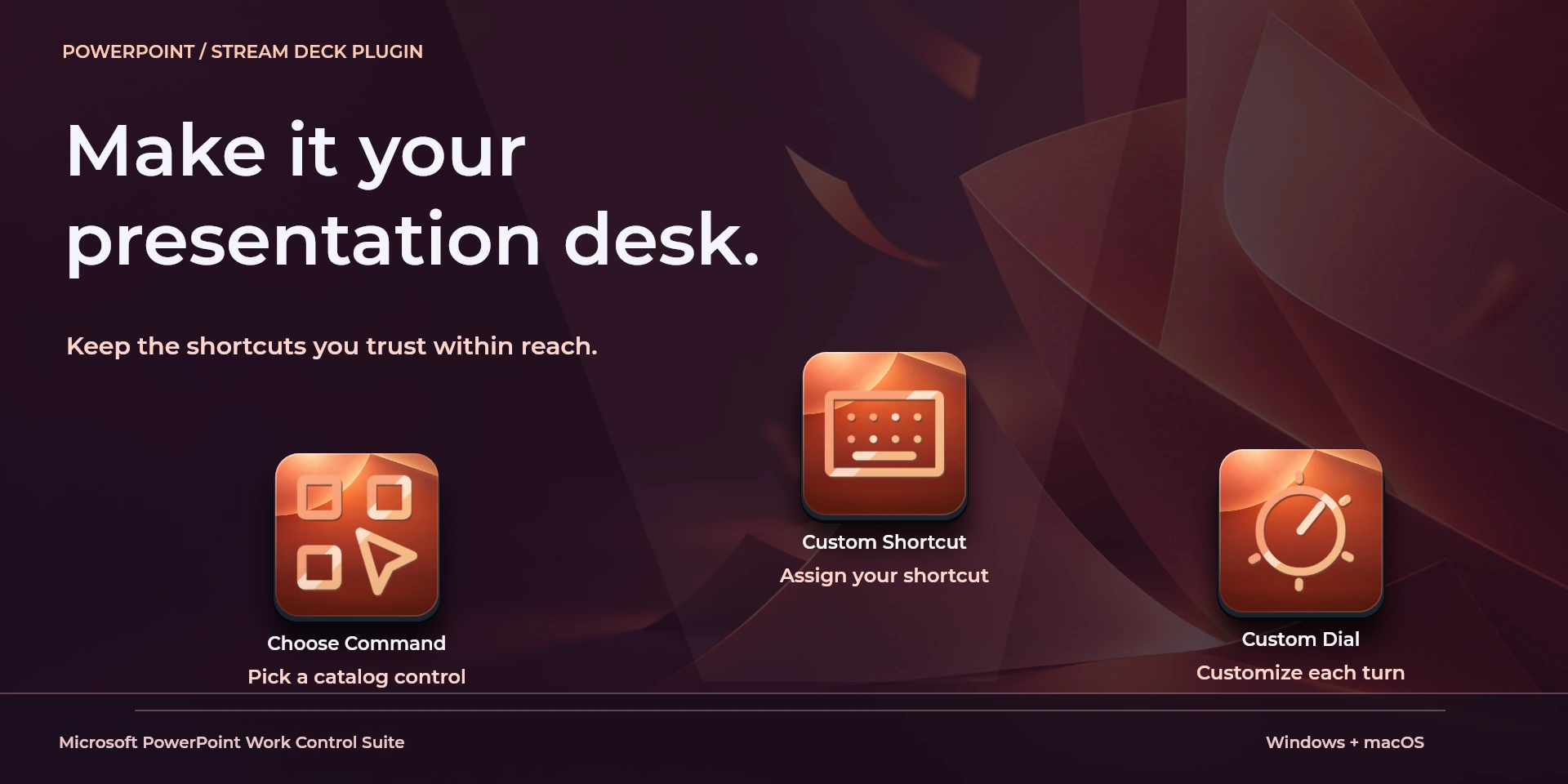
  Choose CommandSelect a command from the inspector library and review its shortcut.
  Custom ShortcutDefine your own shortcut in the inspector; it must match the application.
  Custom DialTurn left or right and review the shortcuts assigned to each direction and press.
 Known limitations
- Keyboard control: no live state, application API, MIDI or telemetry. Results depend on the active panel, selection and your keymap.
- Plugin minimums do not replace the application requirements. Check the installed version and its license.
- Plugin command names are English; the shared inspector has eight languages. These are separate from this website’s ten languages.
Gallery
Documentation
Requirements
Workflow
Microsoft PowerPoint
Prepare objects and present slides in desktop PowerPoint. Presentation controls require an active slideshow; editing requires Normal view. Verify the audience display.
Transport
View
Navigation
Document
Layers
Editing
Before using the controls
Prepare objects and present slides in desktop PowerPoint. Presentation controls require an active slideshow; editing requires Normal view. Verify the audience display.
Keyboard control: no live state, application API, MIDI or telemetry. Results depend on the active panel, selection and your keymap.
Related Plugins
Figma Work Control Suite
Create frames, apply auto layout and position interface elements in Figma Design.
Microsoft Excel Work Control Suite
Format cells, fill ranges, insert sums and move between worksheets in desktop Microsoft Excel.
Notion Work Control Suite
Reorder blocks, format notes and navigate pages in the Notion desktop app.