Productivity
Notion Work Control Suite
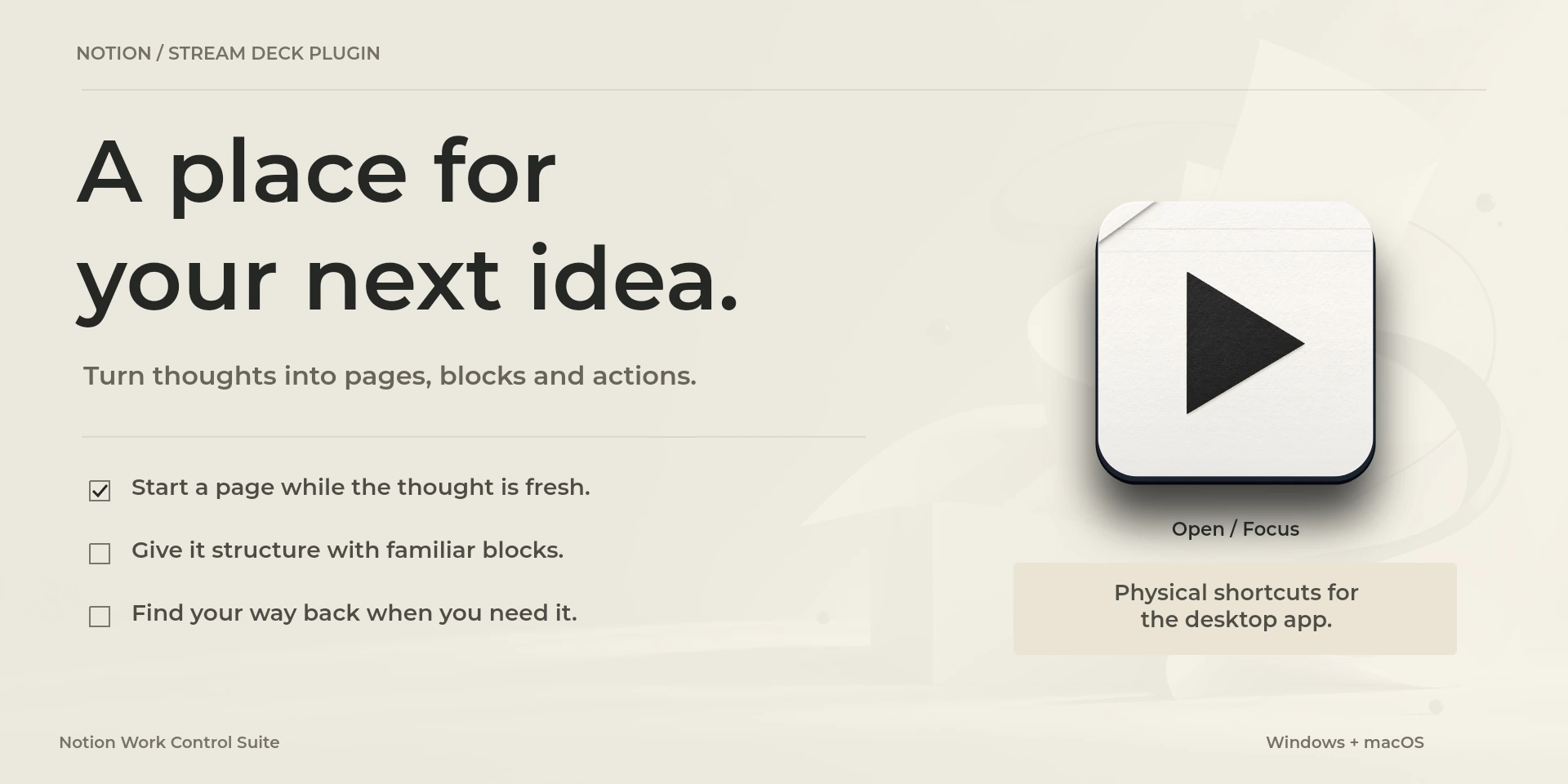
Reorder blocks, format notes and navigate pages in the Notion desktop app.
Price to be confirmed
Legal notice Independent LaboratorioSD product, not affiliated with or endorsed by Notion Labs.
Description
Reshape a page while keeping your selected blocks in view. Duplicate a block, turn it into a heading or to-do, open Block Actions and move content up or down. Text controls include emphasis and inline code. Page Navigation retraces visited pages and opens search on press; Block Reorder moves selected blocks and opens their actions. Use the Notion desktop app with the intended block or text selected and a matching keyboard layout. The controller does not connect to databases, run Notion API operations or create templates automatically.
Features
- Reorder blocks, format notes and navigate pages in the Notion desktop app.
- Navigate pages, format text and move blocks in desktop Notion. Select the block and adapt the English/QWERTY keymap. No API, database integration or offline synchronization.
- Plugin minimums do not replace the application requirements. Check the installed version and its license.
Available actions (26)
 Open / Focus NotionOpens or focuses Notion; it does not confirm document readiness.
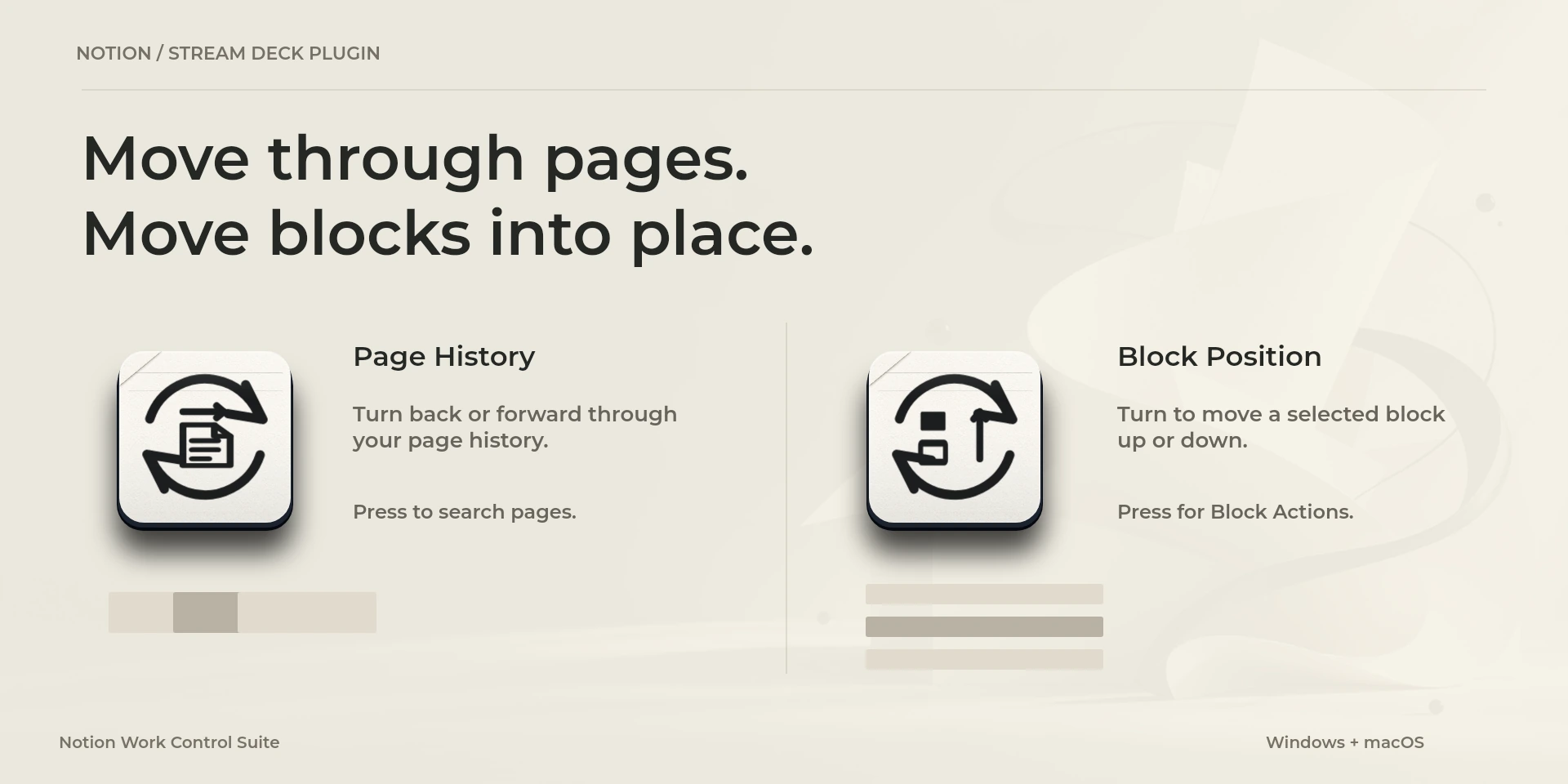
  Search PagesKeyboard shortcut for “Search Pages” in Notion. Check the active context before pressing.
  Find in PageKeyboard shortcut for “Find in Page” in Notion. Check the active context before pressing.
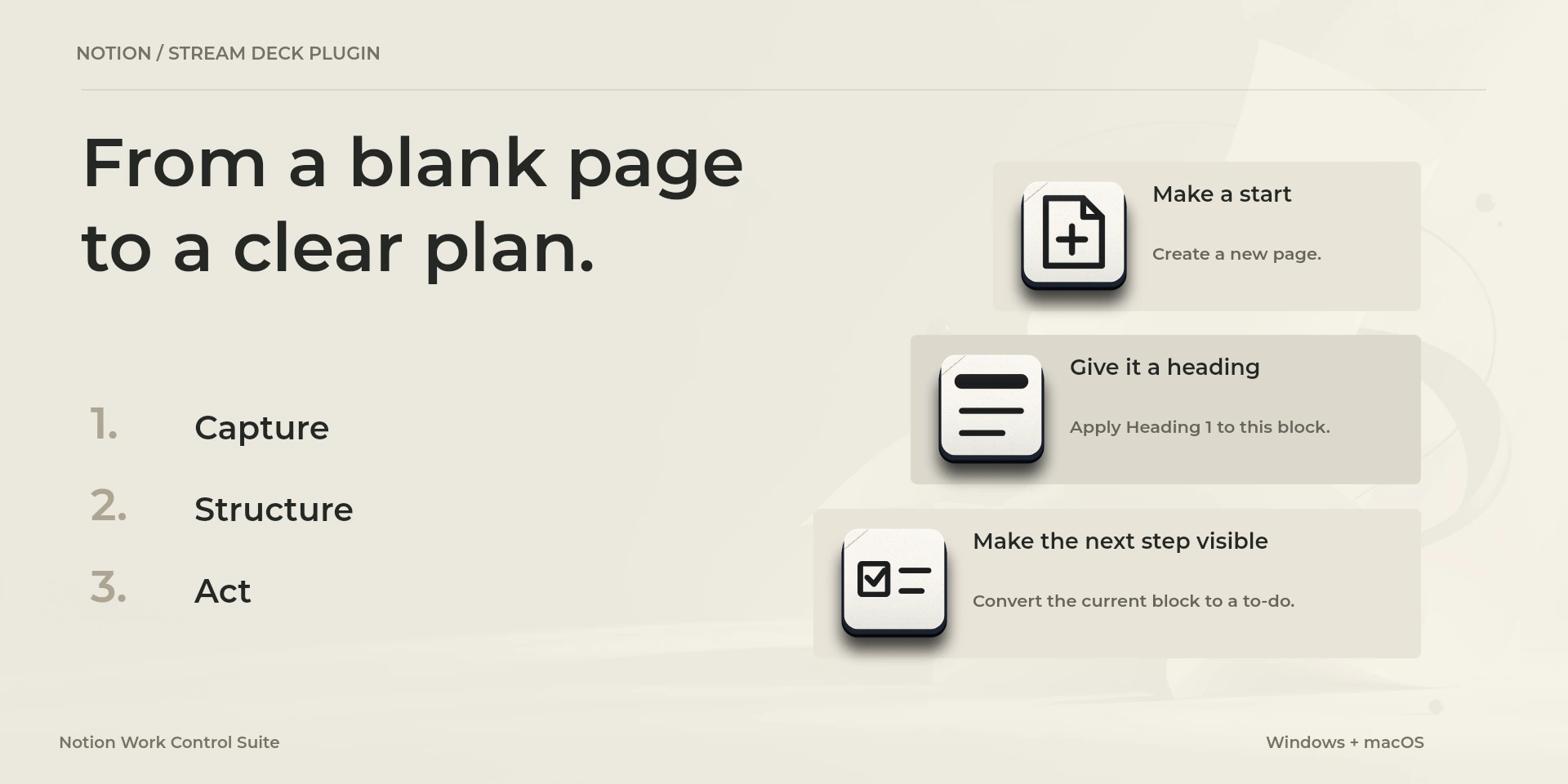
  New PageKeyboard shortcut for “New Page” in Notion. Check the active context before pressing.
  Heading 1 BlockKeyboard shortcut for “Heading 1 Block” in Notion. Check the active context before pressing.
  New TabKeyboard shortcut for “New Tab” in Notion. Check the active context before pressing.
  Copy Page LinkKeyboard shortcut for “Copy Page Link” in Notion. Check the active context before pressing.
  Previous PageKeyboard shortcut for “Previous Page” in Notion. Check the active context before pressing.
  Next PageKeyboard shortcut for “Next Page” in Notion. Check the active context before pressing.
  To-do BlockKeyboard shortcut for “To-do Block” in Notion. Check the active context before pressing.
  Duplicate BlocksKeyboard shortcut for “Duplicate Blocks” in Notion. Check the active context before pressing.
  Block ActionsKeyboard shortcut for “Block Actions” in Notion. Check the active context before pressing.
  Move Block UpKeyboard shortcut for “Move Block Up” in Notion. Check the active context before pressing.
  Move Block DownKeyboard shortcut for “Move Block Down” in Notion. Check the active context before pressing.
  Toggle / Open BlockKeyboard shortcut for “Toggle / Open Block” in Notion. Check the active context before pressing.
  Bold TextKeyboard shortcut for “Bold Text” in Notion. Check the active context before pressing.
  Italic TextKeyboard shortcut for “Italic Text” in Notion. Check the active context before pressing.
  Underline TextKeyboard shortcut for “Underline Text” in Notion. Check the active context before pressing.
  Strike Through TextKeyboard shortcut for “Strike Through Text” in Notion. Check the active context before pressing.
  Inline CodeKeyboard shortcut for “Inline Code” in Notion. Check the active context before pressing.
  Undo ChangeKeyboard shortcut for “Undo Change” in Notion. Check the active context before pressing.
  Page HistoryTurn left or right and review the shortcuts assigned to each direction and press.
  Block PositionTurn left or right and review the shortcuts assigned to each direction and press.
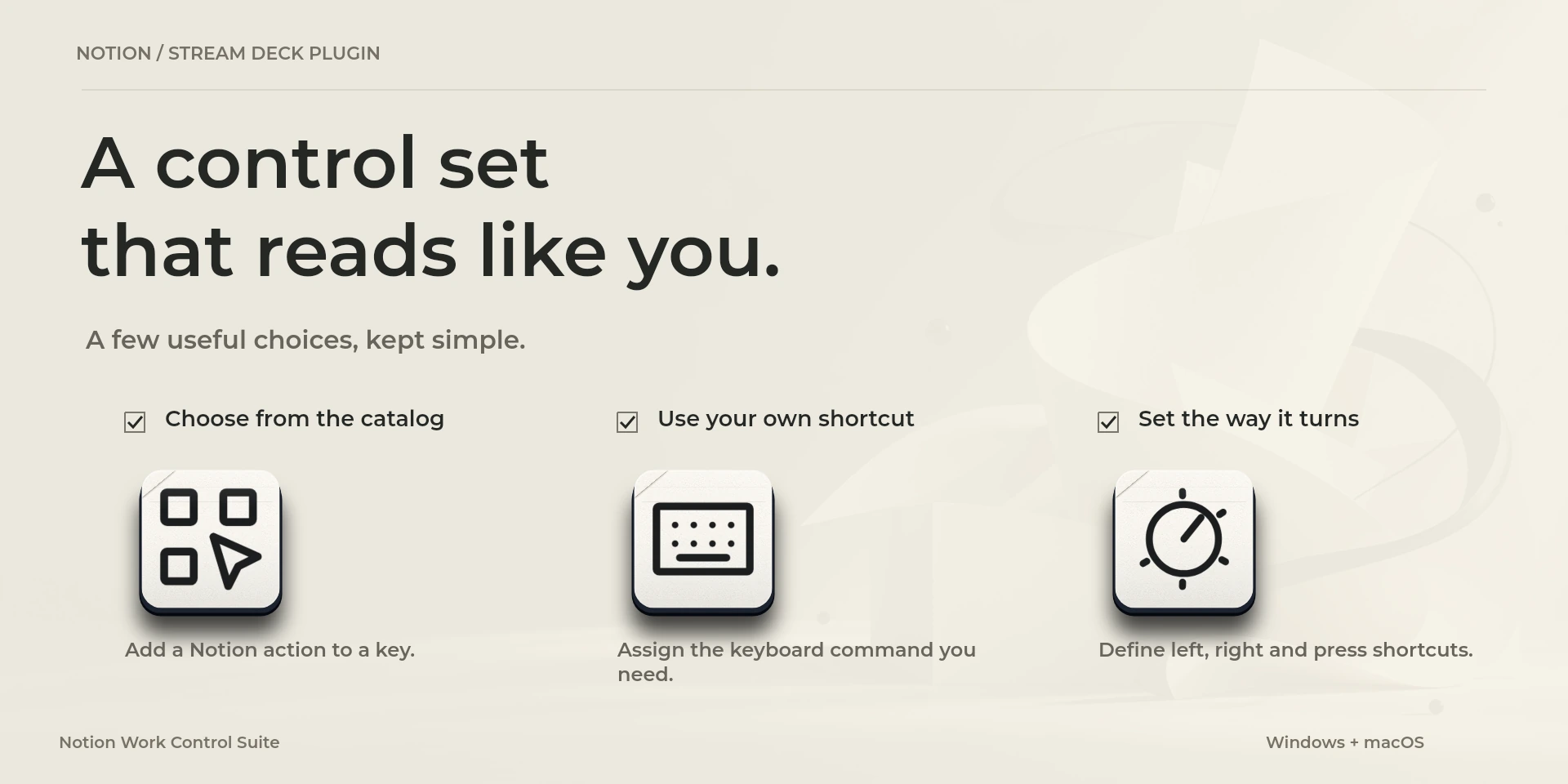
  Choose CommandSelect a command from the inspector library and review its shortcut.
  Custom ShortcutDefine your own shortcut in the inspector; it must match the application.
  Custom DialTurn left or right and review the shortcuts assigned to each direction and press.
 Known limitations
- Keyboard control: no live state, application API, MIDI or telemetry. Results depend on the active panel, selection and your keymap.
- Plugin minimums do not replace the application requirements. Check the installed version and its license.
- Plugin command names are English; the shared inspector has eight languages. These are separate from this website’s ten languages.
Gallery
Documentation
Preparing publication on Elgato Marketplace
Available actions: 26
License: Preparing publication on Elgato Marketplace
Requirements
System: Windows 10+ / macOS 13+
Stream Deck: version 6.9 or later
Available actions: 26
License: Preparing publication on Elgato Marketplace
Workflow
Notion
Navigate pages, format text and move blocks in desktop Notion. Select the block and adapt the English/QWERTY keymap. No API, database integration or offline synchronization.
Before using the controls
Navigate pages, format text and move blocks in desktop Notion. Select the block and adapt the English/QWERTY keymap. No API, database integration or offline synchronization.
Keyboard control: no live state, application API, MIDI or telemetry. Results depend on the active panel, selection and your keymap.
Related Plugins
Figma Work Control Suite
Create frames, apply auto layout and position interface elements in Figma Design.
Microsoft Excel Work Control Suite
Format cells, fill ranges, insert sums and move between worksheets in desktop Microsoft Excel.
Microsoft PowerPoint Work Control Suite
Present slide by slide, pause on a blank screen and adjust text size in Microsoft PowerPoint.