
Figma Work Control Suite
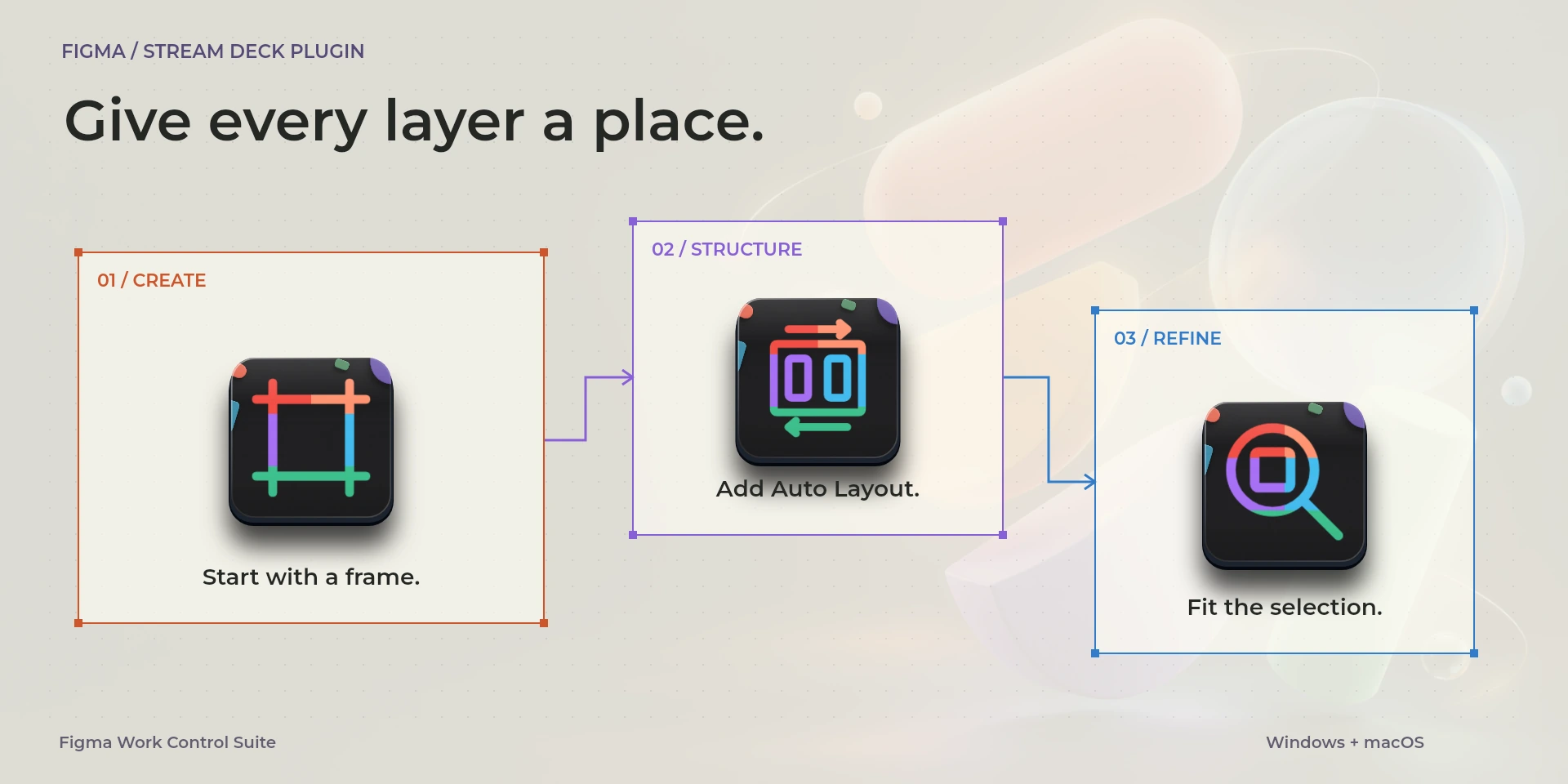
Create frames, apply auto layout and position interface elements in Figma Design.
Price to be confirmed
Description
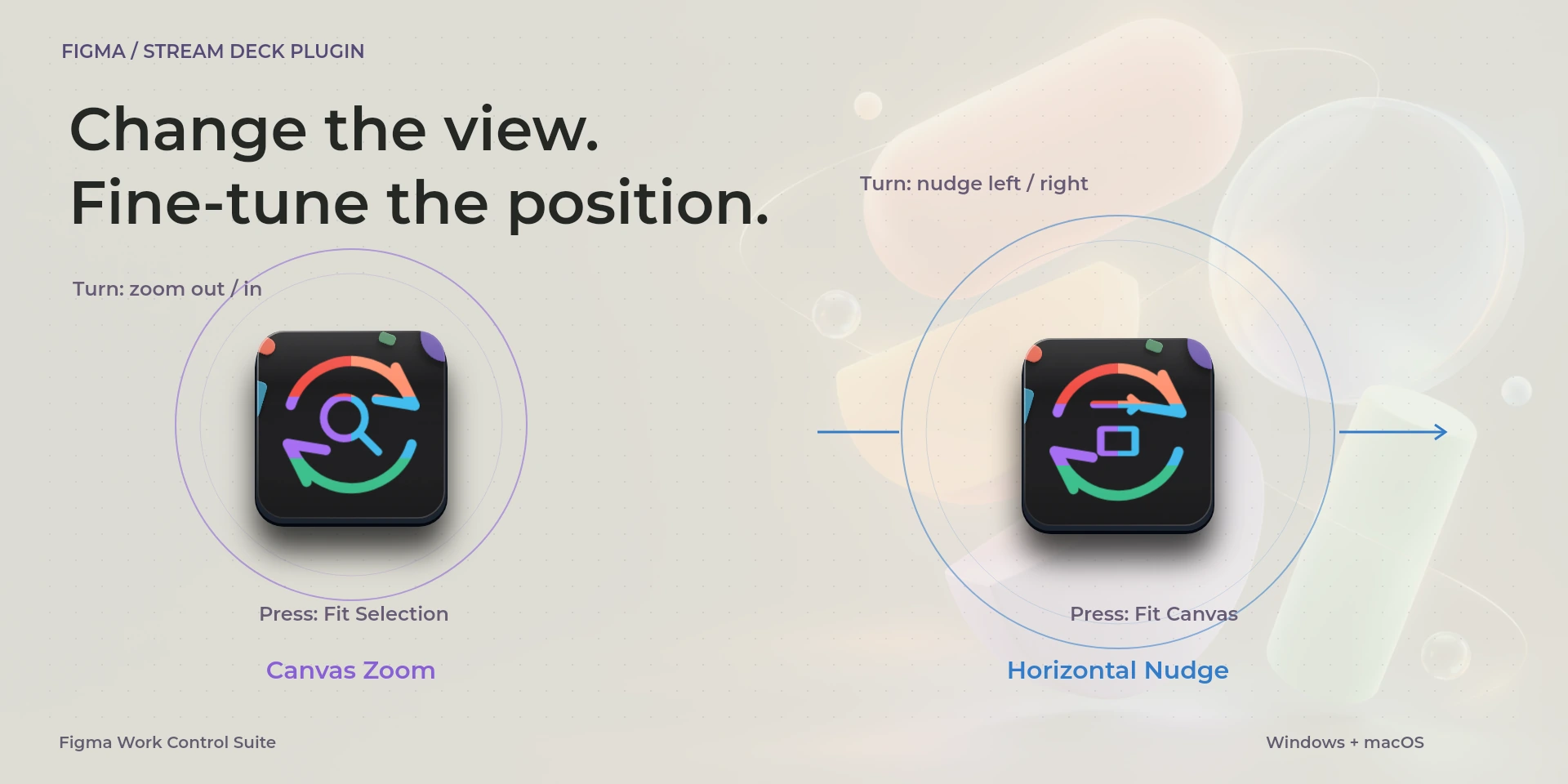
Build interface layouts in the Figma Design desktop app. Create frames and basic shapes, group a selection, add or remove auto layout and bring pixel or layout guides into view. Canvas Zoom changes scale and fits the selection on press. Horizontal Nudge moves selected objects in small keyboard steps, with Fit Canvas available on press. Edit access and the correct selection matter: without a selection, arrow keys may pan instead. Match Figma's keyboard-layout preference. This product targets Design on desktop, not browser tabs, FigJam, Slides or the Figma API.
Features
- Create frames, apply auto layout and position interface elements in Figma Design.
- Organize frames, groups and Auto Layout in desktop Figma Design with edit access. Use US/Generic and select objects before nudging. No FigJam, Sites, Slides or browser tabs.
- Plugin minimums do not replace the application requirements. Check the installed version and its license.
Available actions (27)
 Open / Focus FigmaOpens or focuses Figma; it does not confirm document readiness.
  Frame ToolKeyboard shortcut for “Frame Tool” in Figma. Check the active context before pressing.
  Rectangle ToolKeyboard shortcut for “Rectangle Tool” in Figma. Check the active context before pressing.
  Ellipse ToolKeyboard shortcut for “Ellipse Tool” in Figma. Check the active context before pressing.
  Group LayersKeyboard shortcut for “Group Layers” in Figma. Check the active context before pressing.
  Ungroup LayersKeyboard shortcut for “Ungroup Layers” in Figma. Check the active context before pressing.
  Frame SelectionKeyboard shortcut for “Frame Selection” in Figma. Check the active context before pressing.
  Add Auto LayoutKeyboard shortcut for “Add Auto Layout” in Figma. Check the active context before pressing.
  Remove Auto LayoutKeyboard shortcut for “Remove Auto Layout” in Figma. Check the active context before pressing.
  Suggest Auto LayoutKeyboard shortcut for “Suggest Auto Layout” in Figma. Check the active context before pressing.
  Zoom Canvas InKeyboard shortcut for “Zoom Canvas In” in Figma. Check the active context before pressing.
  Zoom Canvas OutKeyboard shortcut for “Zoom Canvas Out” in Figma. Check the active context before pressing.
  Fit CanvasKeyboard shortcut for “Fit Canvas” in Figma. Check the active context before pressing.
  Fit SelectionKeyboard shortcut for “Fit Selection” in Figma. Check the active context before pressing.
  Toggle Pixel PreviewKeyboard shortcut for “Toggle Pixel Preview” in Figma. Check the active context before pressing.
  Toggle Pixel GridKeyboard shortcut for “Toggle Pixel Grid” in Figma. Check the active context before pressing.
  Toggle Pixel SnappingKeyboard shortcut for “Toggle Pixel Snapping” in Figma. Check the active context before pressing.
  Toggle Layout GuidesKeyboard shortcut for “Toggle Layout Guides” in Figma. Check the active context before pressing.
  Nudge LeftKeyboard shortcut for “Nudge Left” in Figma. Check the active context before pressing.
  Nudge RightKeyboard shortcut for “Nudge Right” in Figma. Check the active context before pressing.
  Nudge UpKeyboard shortcut for “Nudge Up” in Figma. Check the active context before pressing.
  Nudge DownKeyboard shortcut for “Nudge Down” in Figma. Check the active context before pressing.
  Canvas ZoomTurn left or right and review the shortcuts assigned to each direction and press.
  Horizontal NudgeTurn left or right and review the shortcuts assigned to each direction and press.
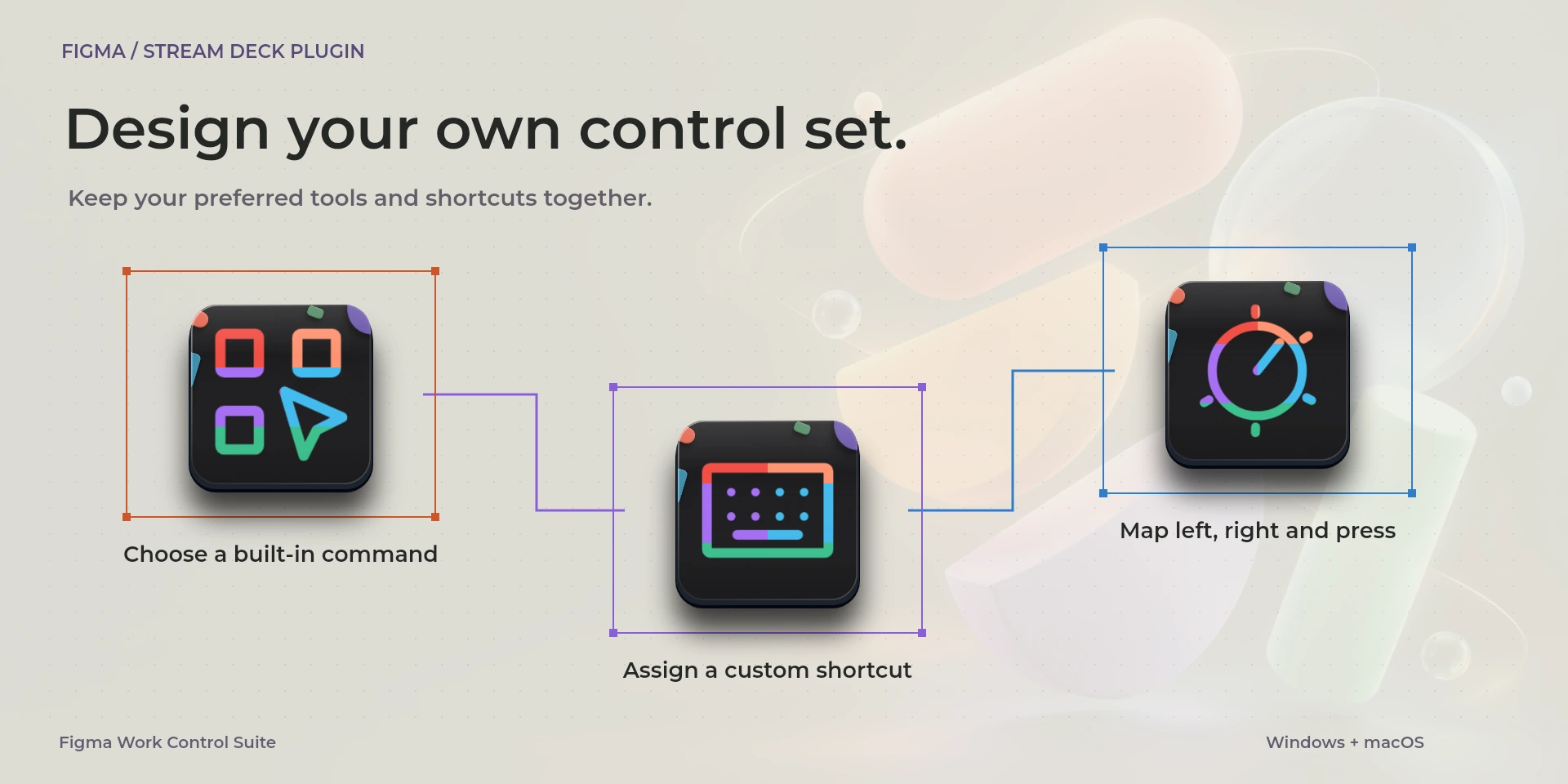
  Choose CommandSelect a command from the inspector library and review its shortcut.
  Custom ShortcutDefine your own shortcut in the inspector; it must match the application.
  Custom DialTurn left or right and review the shortcuts assigned to each direction and press.
 Known limitations
- Keyboard control: no live state, application API, MIDI or telemetry. Results depend on the active panel, selection and your keymap.
- Plugin minimums do not replace the application requirements. Check the installed version and its license.
- Plugin command names are English; the shared inspector has eight languages. These are separate from this website’s ten languages.
Gallery
Documentation
Requirements
Workflow
Figma
Organize frames, groups and Auto Layout in desktop Figma Design with edit access. Use US/Generic and select objects before nudging. No FigJam, Sites, Slides or browser tabs.
Tools
Layers
View
Editing
Before using the controls
Organize frames, groups and Auto Layout in desktop Figma Design with edit access. Use US/Generic and select objects before nudging. No FigJam, Sites, Slides or browser tabs.
Keyboard control: no live state, application API, MIDI or telemetry. Results depend on the active panel, selection and your keymap.
- Figma Design keyboard and view documentation
- Figma Design keyboard and view documentation
- Figma Design keyboard and view documentation
- Figma Design keyboard and view documentation
- Figma Design keyboard and view documentation
- Figma Design keyboard and view documentation
- Figma Design keyboard and view documentation
Related Plugins
Microsoft Excel Work Control Suite
Format cells, fill ranges, insert sums and move between worksheets in desktop Microsoft Excel.
Microsoft PowerPoint Work Control Suite
Present slide by slide, pause on a blank screen and adjust text size in Microsoft PowerPoint.
Notion Work Control Suite
Reorder blocks, format notes and navigate pages in the Notion desktop app.