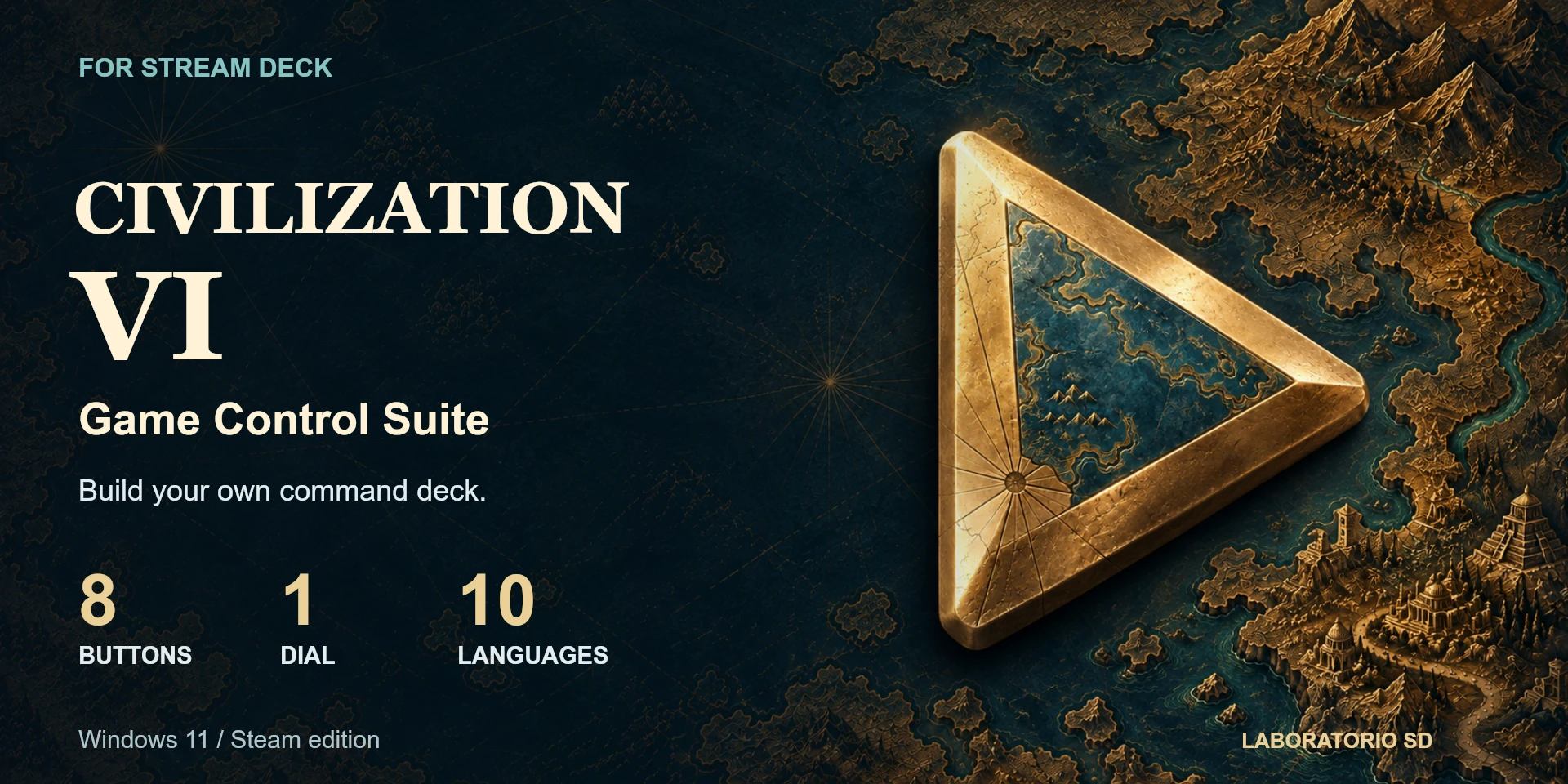
Civilization VI Game Control Suite
Eight configurable buttons and one dial for turns, units, cities and Civilization VI navigation.
Description
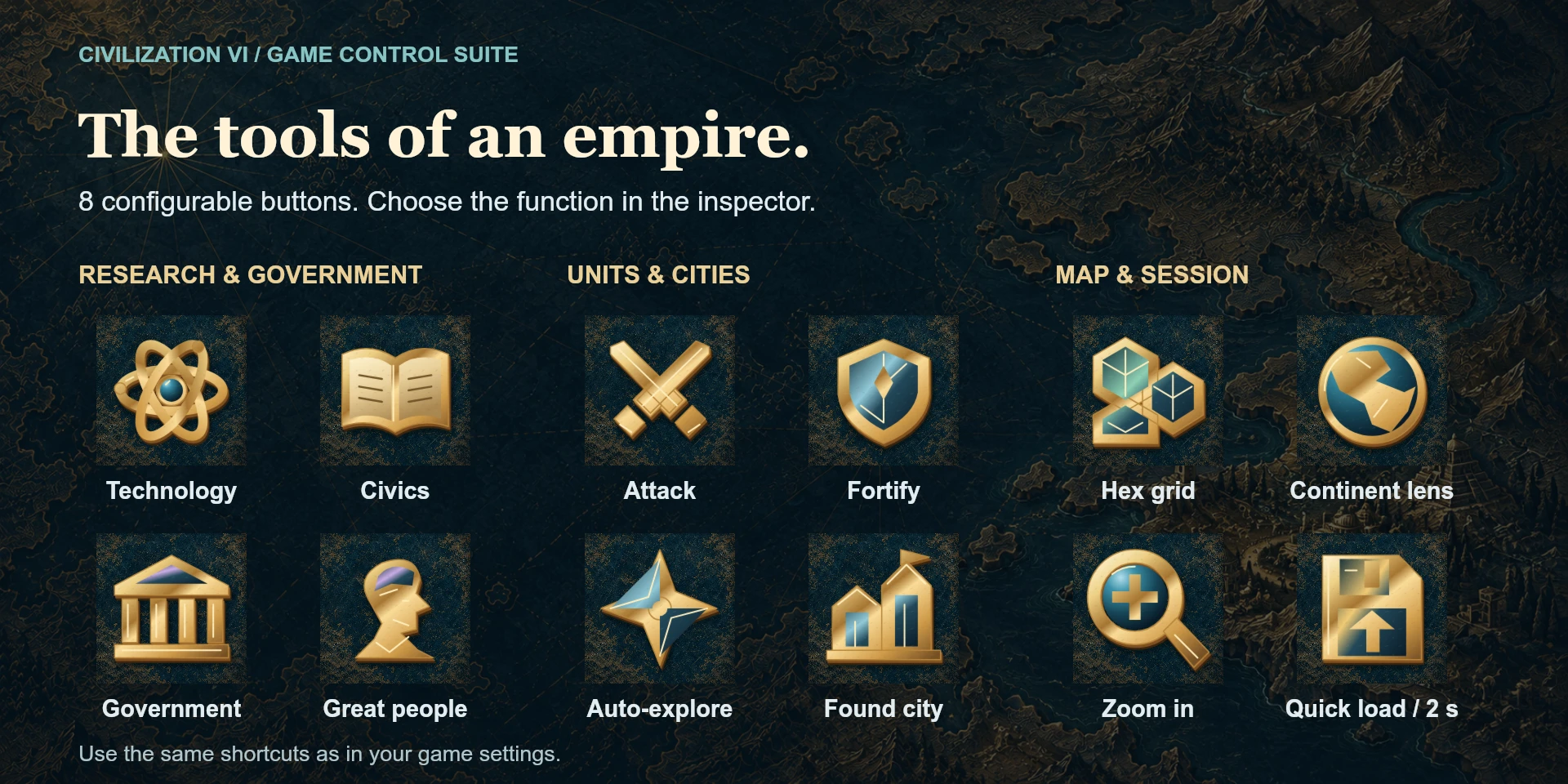
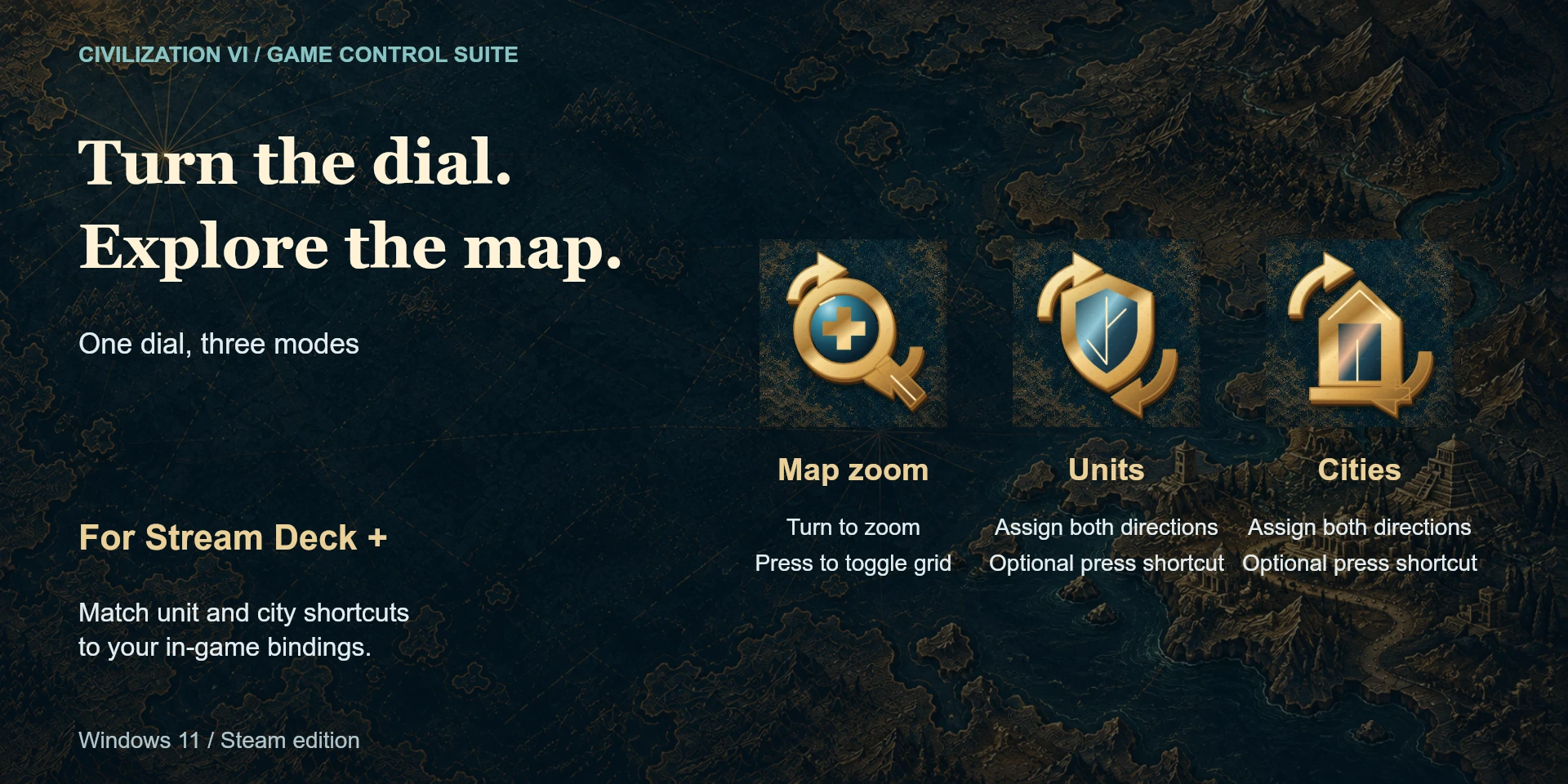
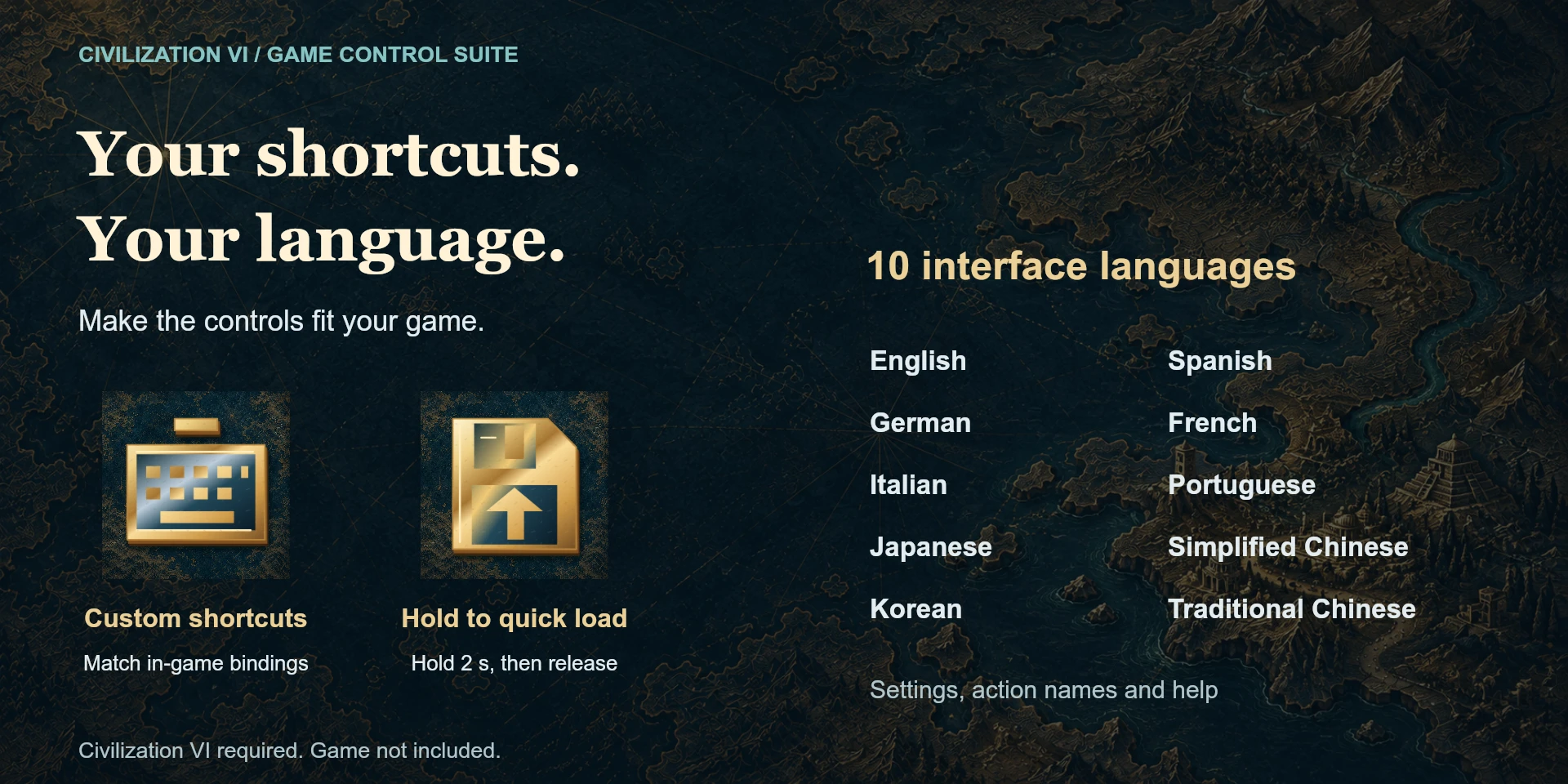
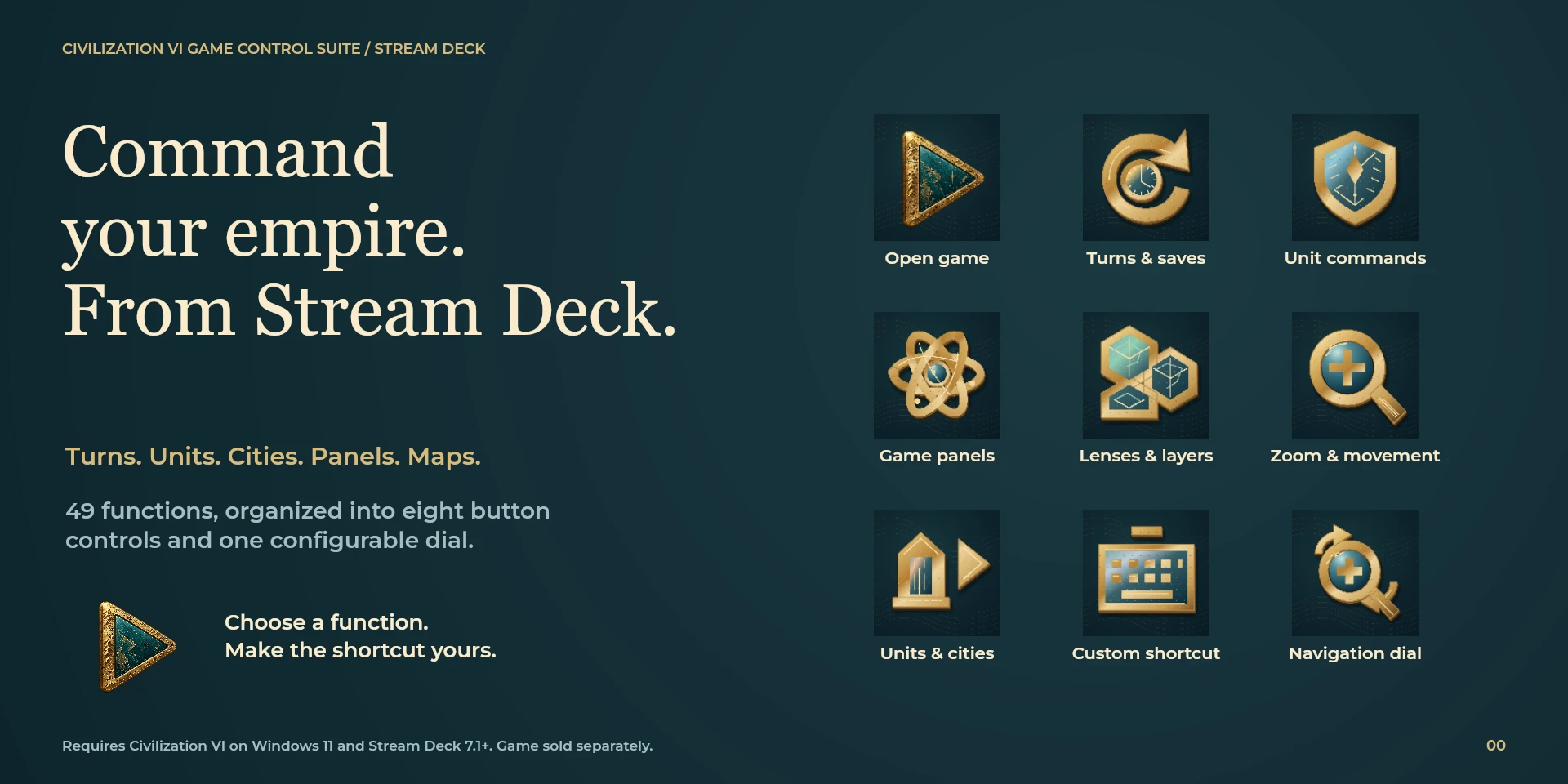
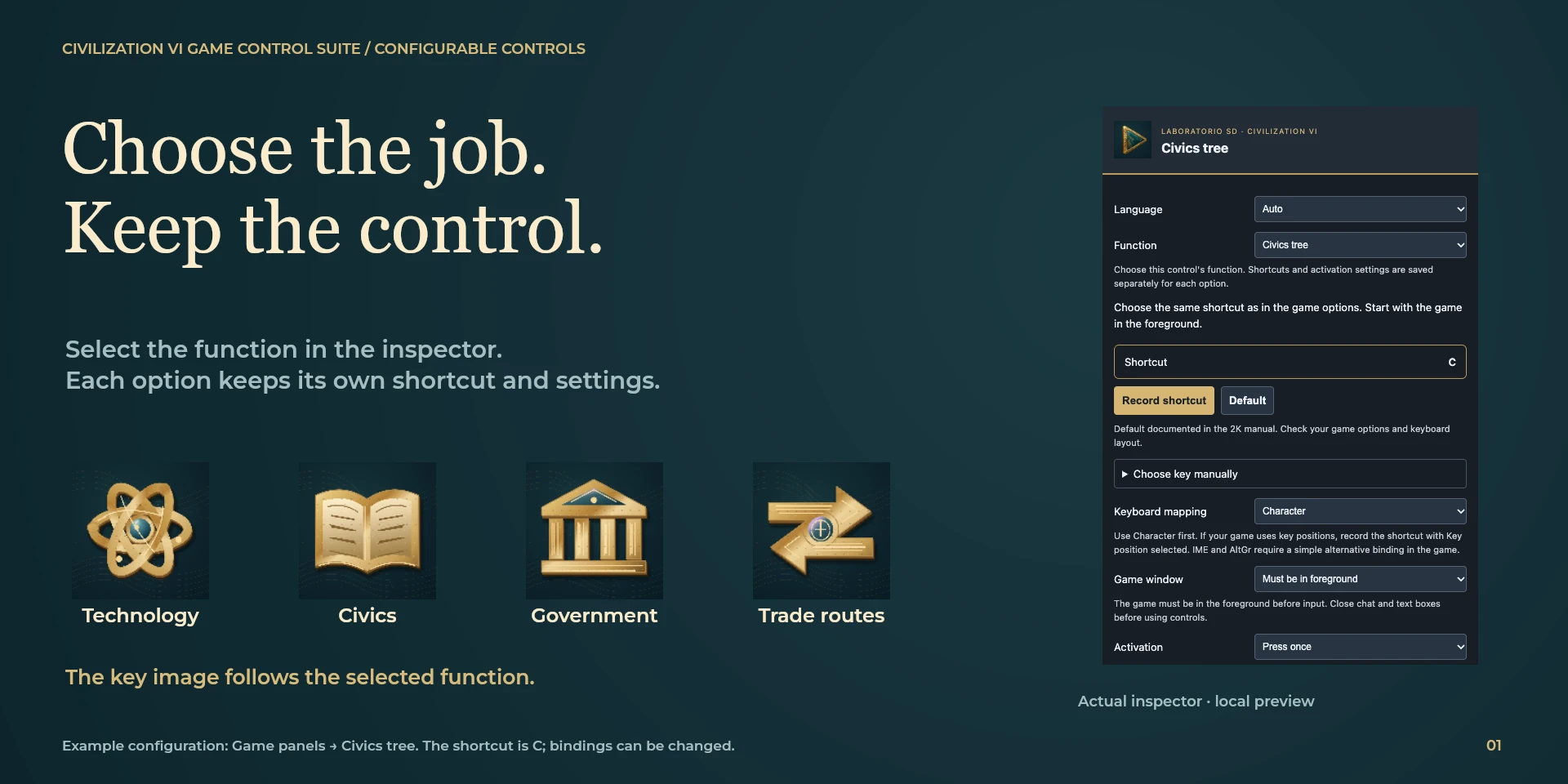
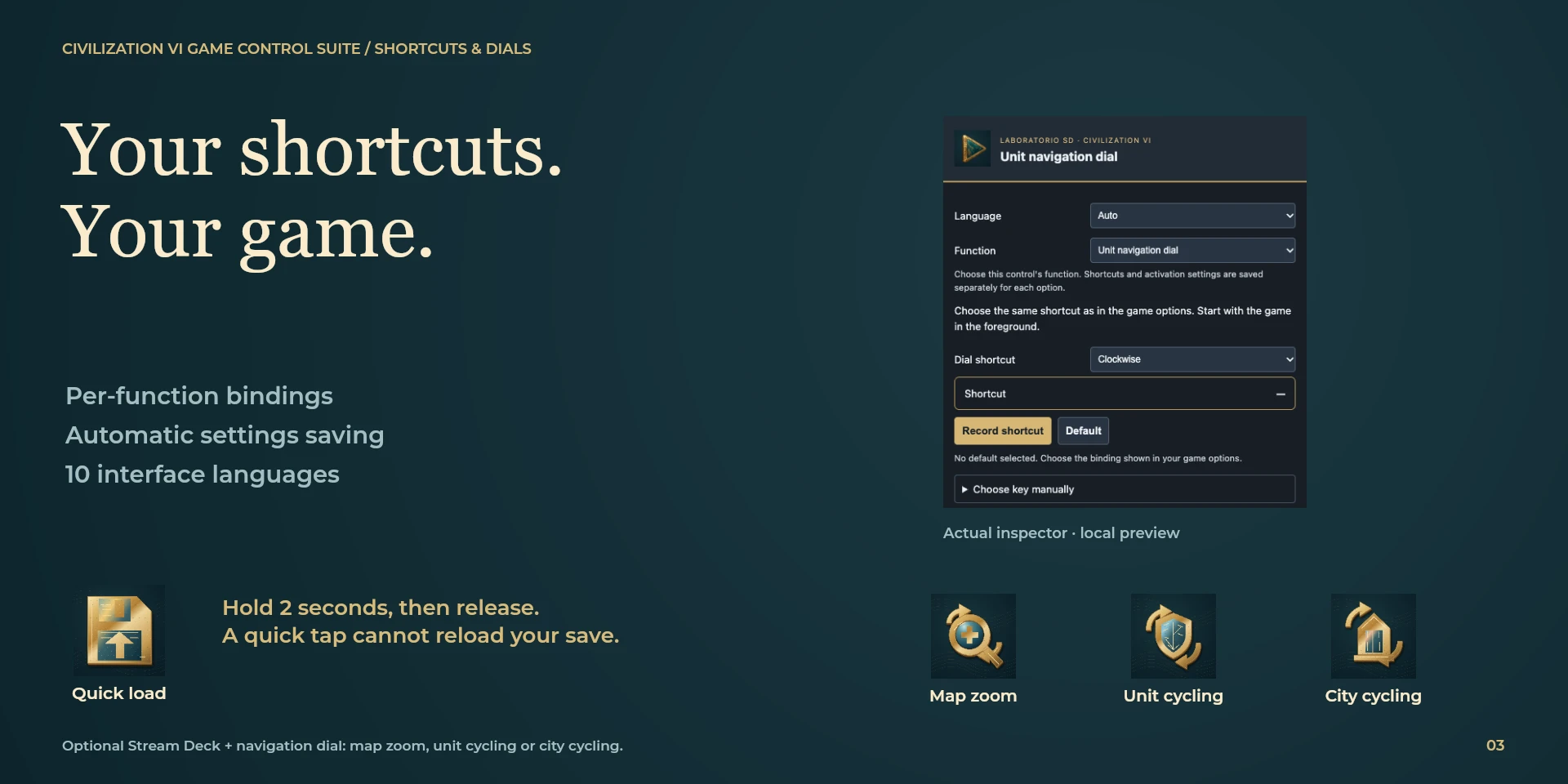
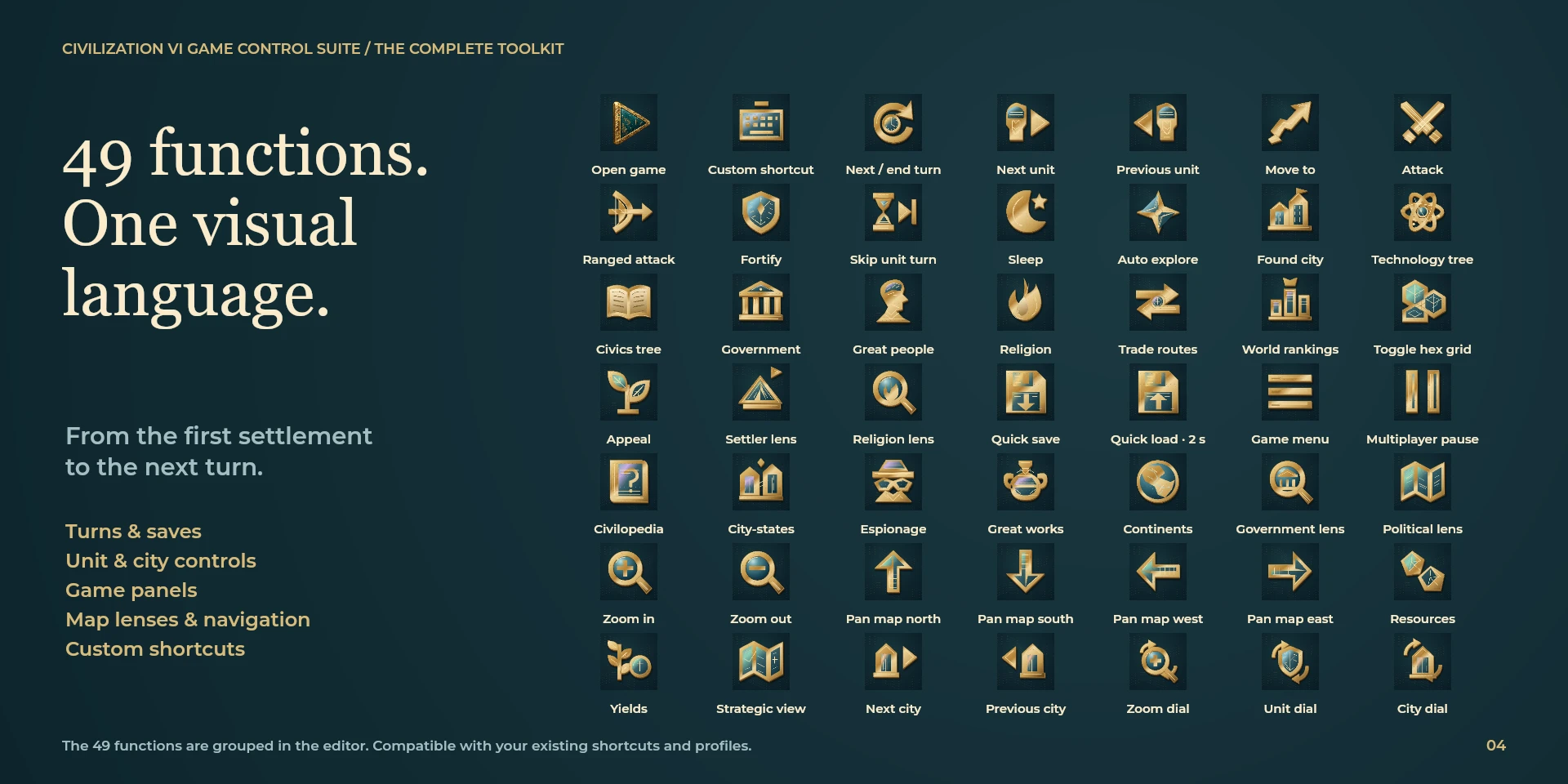
49 functions are organized into eight buttons and one dial with three modes: zoom, units and cities. The selector remembers bindings per option, updates key artwork and saves automatically. Interface and help in ten languages. Select the function in the inspector and match Options > Key Bindings. Assign both dial directions and check the result in a game. Quick load requires a two-second hold and release.
Features
- 49 functions are organized into eight buttons and one dial with three modes: zoom, units and cities. The selector remembers bindings per option, updates key artwork and saves automatically. Interface and help in ten languages.
- Select the function in the inspector and match Options > Key Bindings. Assign both dial directions and check the result in a game. Quick load requires a two-second hold and release.
Available actions (9)
 Open Civilization VIChoose the same shortcut as in the game options. Start with the game in the foreground.
  Turn and save controlsChoose the same shortcut as in the game options. Start with the game in the foreground.
  Unit commandsChoose the same shortcut as in the game options. Start with the game in the foreground.
  Game panelsChoose the same shortcut as in the game options. Start with the game in the foreground.
  Map overlays and lensesChoose the same shortcut as in the game options. Start with the game in the foreground.
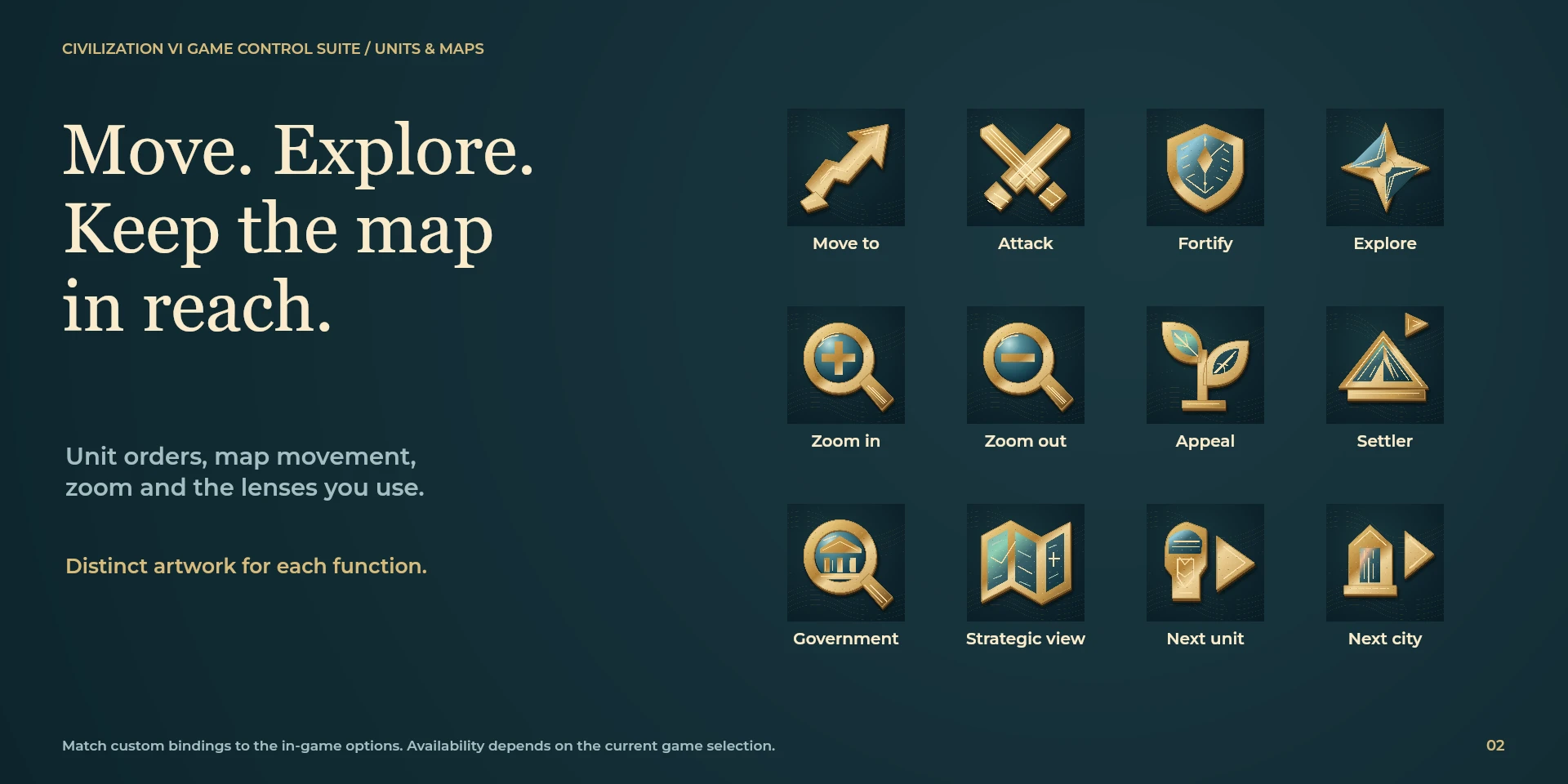
  Map zoom and movementChoose the same shortcut as in the game options. Start with the game in the foreground.
  Unit and city selectionChoose the same shortcut as in the game options. Start with the game in the foreground.
  Zoom and navigation dialAssign both rotation directions to your game shortcuts. A press is optional. Fast turns may merge into one step; input is never queued. Touch does not send a command.
  Custom game shortcutChoose the same shortcut as in the game options. Start with the game in the foreground.
 Known limitations
- Requires a separately purchased Steam copy of Civilization VI. Controls depend on game context and bindings. Setup recipes are included; native profiles are not bundled. Dials require Stream Deck +.
Gallery
Documentation
Indicative price in Spain: €4.12
The final price may vary depending on country, taxes, and currency.
Purchase and installation are managed by Elgato Marketplace.
Requirements
2026-10-21 · 0.3.1
New design submitted for review
Preview of 0.3.1. The version available on Elgato Marketplace remains 0.3.0. The redesign preserves functions, settings and profile compatibility; approval is still pending.
Related Plugins
Aniimo Game Control Suite
Aniimo exploration, catching, photography and manual tools: 145 actions and eight dials.
War Thunder Game Control Suite
280 ground, aircraft, helicopter and naval functions in nine configurable actions.
BeamNG.drive Game Control Suite
Twelve vehicle actions, simulation-speed controls and an optional local OutGauge dashboard.