
BeamNG.drive Game Control Suite
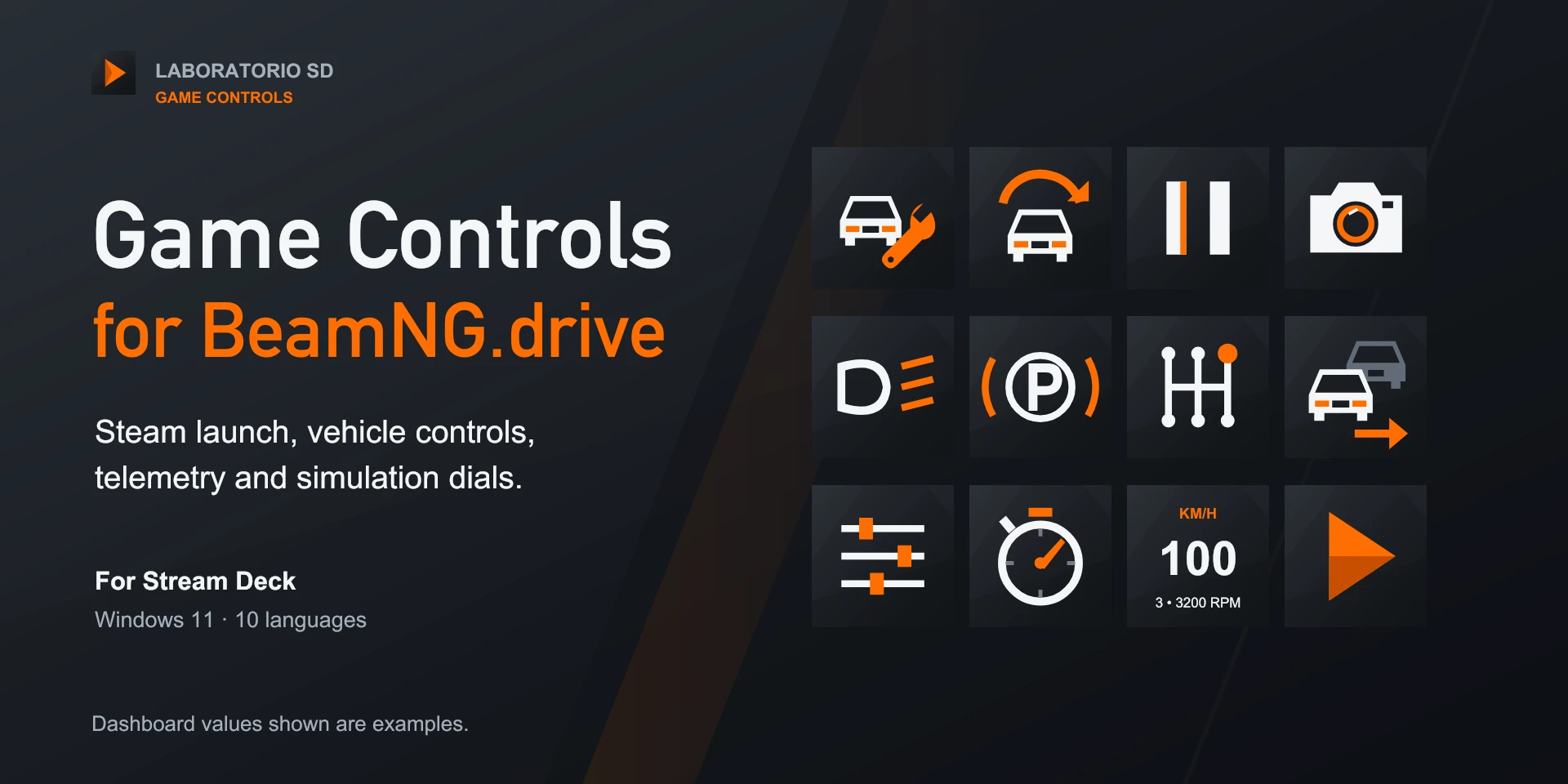
Twelve vehicle actions, simulation-speed controls and an optional local OutGauge dashboard.
Description
Steam launch, recover, restart with optional confirmation, pause, camera, headlights, parking brake, gearbox, vehicle, custom shortcut, simulation dial and telemetry. Dashboard shows speed, RPM and gear; interface and guide in ten languages. Capture your existing Options > Controls bindings. For the dashboard, enable OutGauge in the game at 127.0.0.1 with the inspector's matching port. Turn the dial to adjust simulation speed and press to toggle slow motion.
Features
- Steam launch, recover, restart with optional confirmation, pause, camera, headlights, parking brake, gearbox, vehicle, custom shortcut, simulation dial and telemetry. Dashboard shows speed, RPM and gear; interface and guide in ten languages.
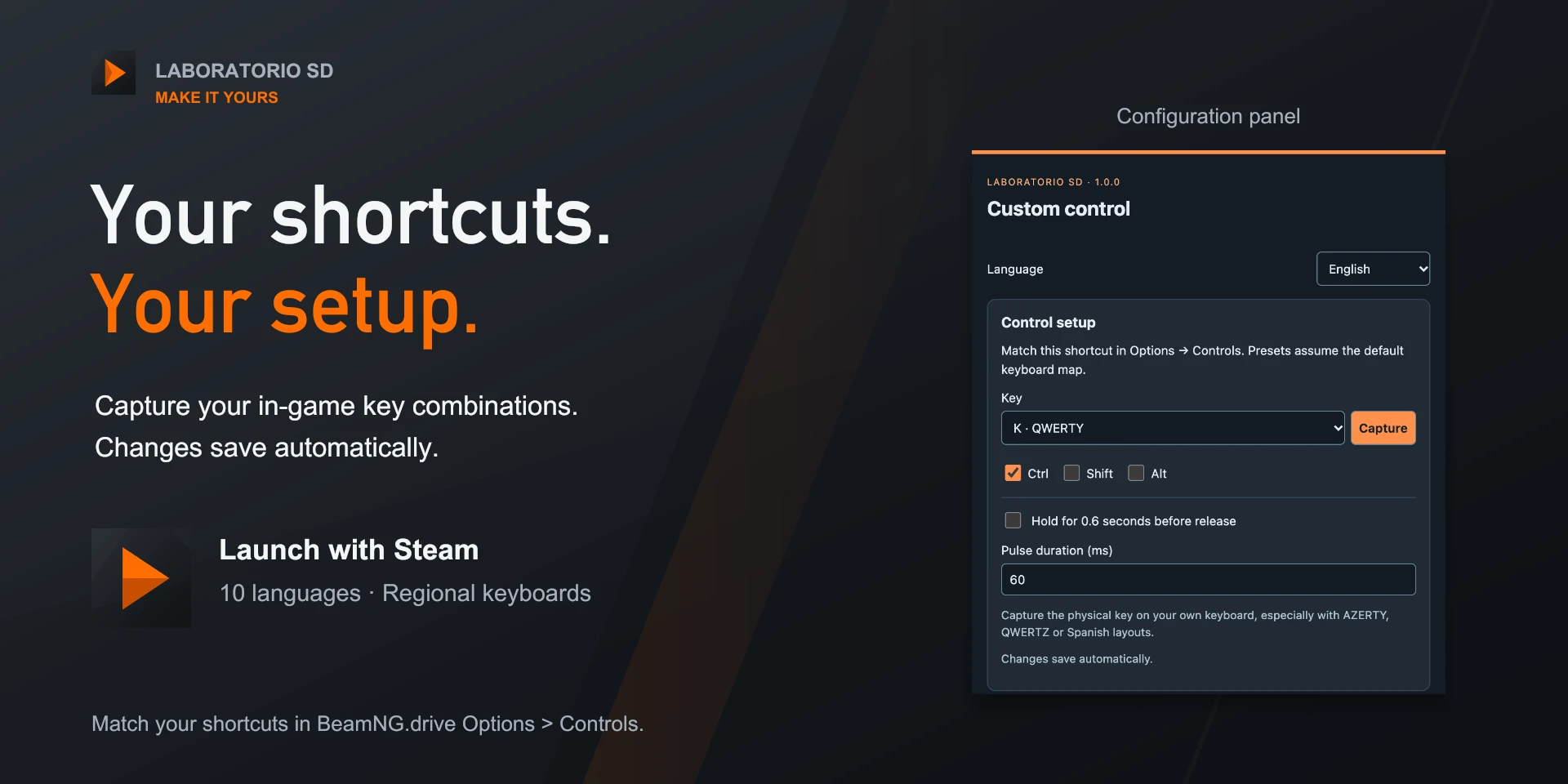
- Capture your existing Options > Controls bindings. For the dashboard, enable OutGauge in the game at 127.0.0.1 with the inspector's matching port. Turn the dial to adjust simulation speed and press to toggle slow motion.
Available actions (12)
 Launch BeamNG.driveLaunches BeamNG.drive through Steam. Steam and the game must be installed on this PC.
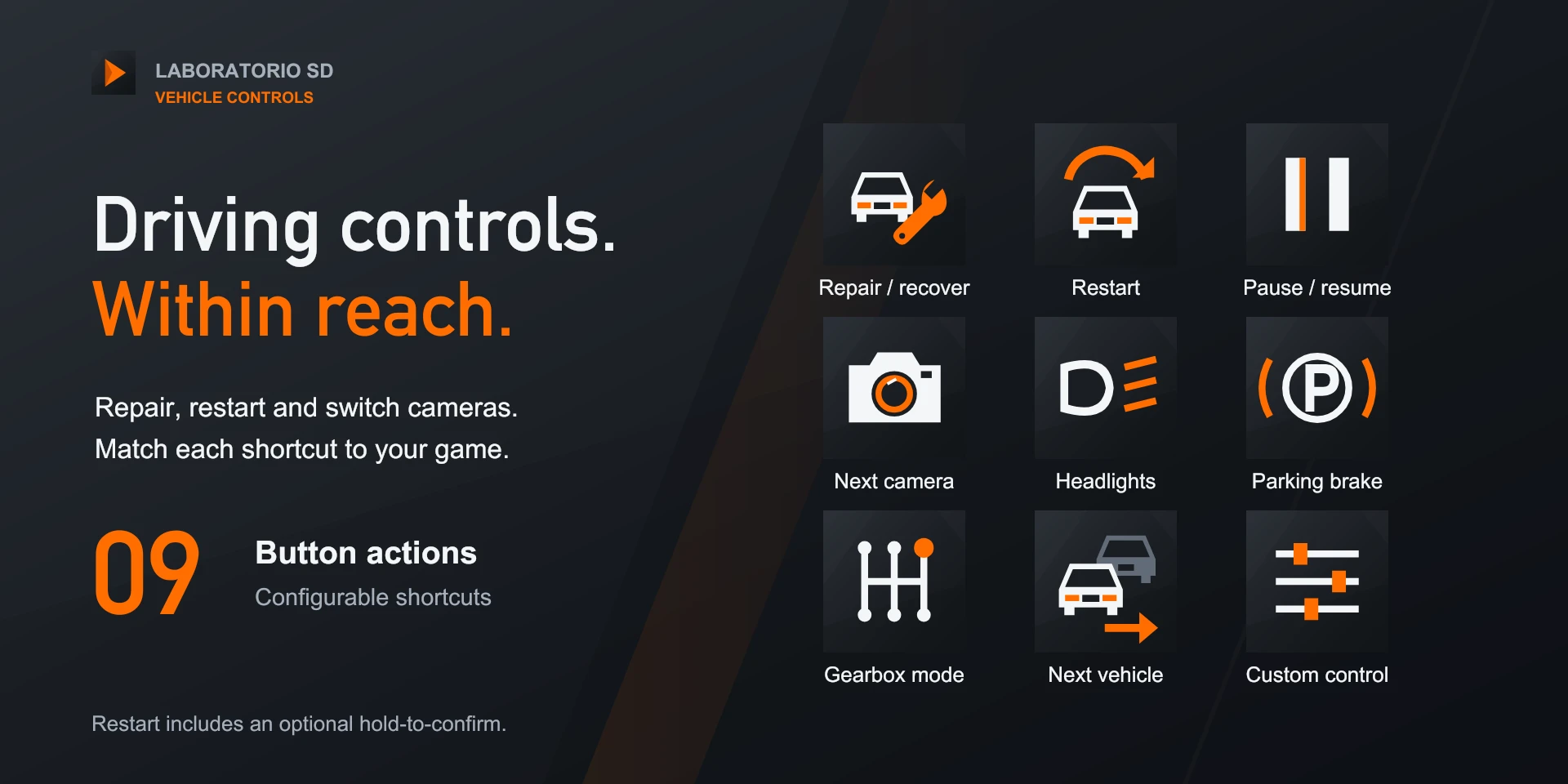
  Repair / recoverMatch the shortcut in Options > Controls; requires the game in the foreground.
  Restart mission / vehicleMatch the shortcut in Options > Controls; requires the game in the foreground.
  Pause / resume physicsMatch the shortcut in Options > Controls; requires the game in the foreground.
  Next cameraMatch the shortcut in Options > Controls; requires the game in the foreground.
  HeadlightsMatch the shortcut in Options > Controls; requires the game in the foreground.
  Parking brakeMatch the shortcut in Options > Controls; requires the game in the foreground.
  Gearbox modeMatch the shortcut in Options > Controls; requires the game in the foreground.
  Next vehicleMatch the shortcut in Options > Controls; requires the game in the foreground.
  Custom controlMatch the shortcut in Options > Controls; requires the game in the foreground.
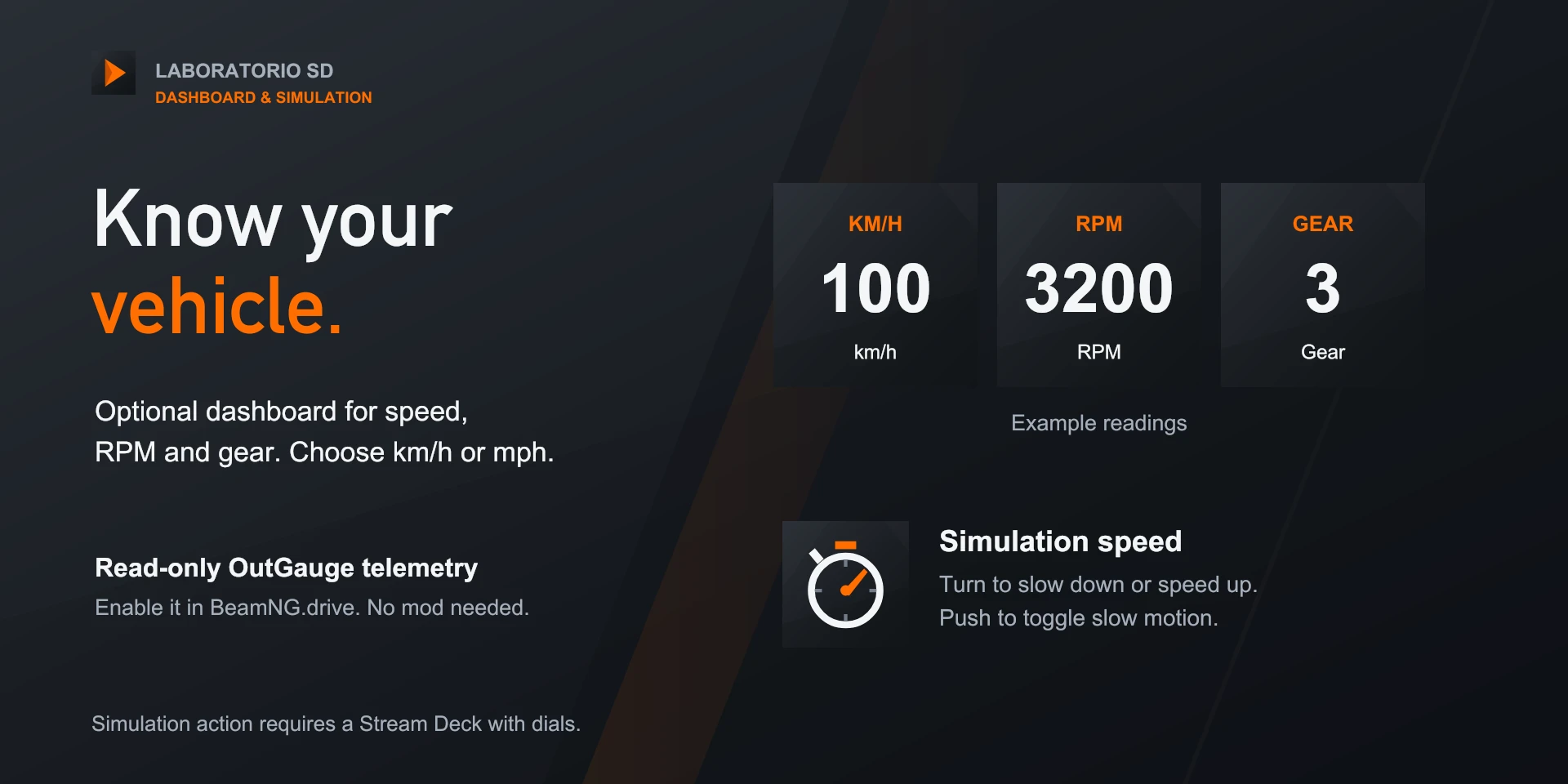
  Simulation speed dialMatch the shortcut in Options > Controls; requires the game in the foreground.
  Vehicle dashboardOptional local OutGauge speed, RPM and gear. No mod required.
 Known limitations
- Shortcuts need the game in the foreground; effects depend on vehicle and mode. OutGauge is local, optional and read-only. Continuous rewind is not included. Simulation controls require dials; the game is purchased separately.
Gallery
Documentation
Indicative price in Spain: €4.12
The final price may vary depending on country, taxes, and currency.
Purchase and installation are managed by Elgato Marketplace.
Requirements
Related Plugins
Aniimo Game Control Suite
Aniimo exploration, catching, photography and manual tools: 145 actions and eight dials.
War Thunder Game Control Suite
280 ground, aircraft, helicopter and naval functions in nine configurable actions.
Civilization VI Game Control Suite
Eight configurable buttons and one dial for turns, units, cities and Civilization VI navigation.