
音频
Logic Pro Studio Control Suite
在Logic Pro中录制演奏、设置循环录音并跳转标记。
价格待确认
法律声明 LaboratorioSD独立产品,与Apple无关联,亦未获其认可。
说明
在Logic Pro中录制演奏、设置循环录音并跳转标记。 录音、控制循环并导航标记。仅限macOS:使用U.S.键位映射或调整快捷键,并关闭Musical Typing和文本框。
功能
- 在Logic Pro中录制演奏、设置循环录音并跳转标记。
- 录音、控制循环并导航标记。仅限macOS:使用U.S.键位映射或调整快捷键,并关闭Musical Typing和文本框。
- 插件最低要求不能代替应用要求。请检查已安装版本和许可证。
可用操作 (26)
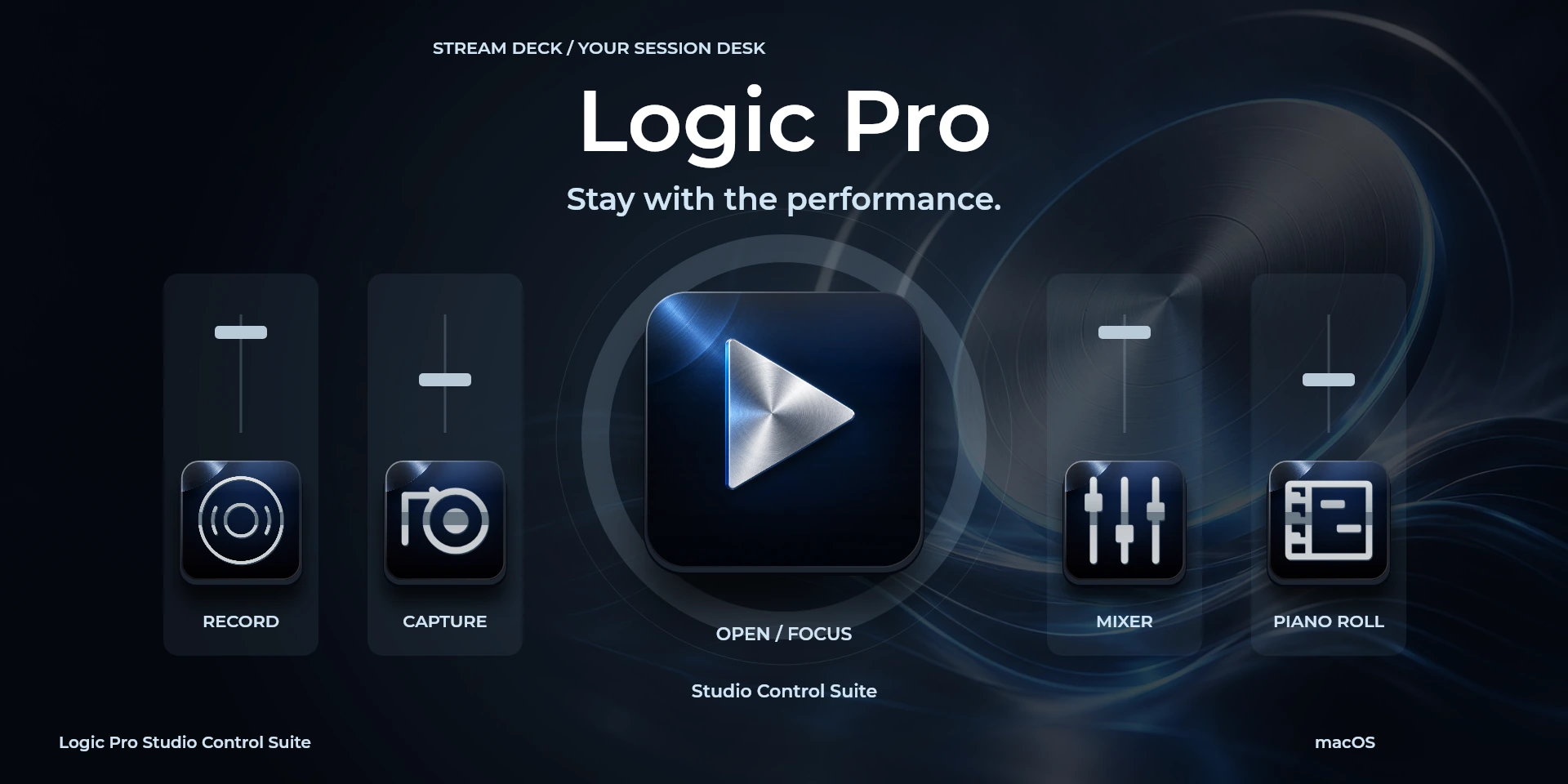
 Open / Focus Logic Pro打开或聚焦Logic Pro,不确认文档是否就绪。
  Play / StopLogic Pro中“Play / Stop”的键盘快捷键。按下前请确认当前上下文。
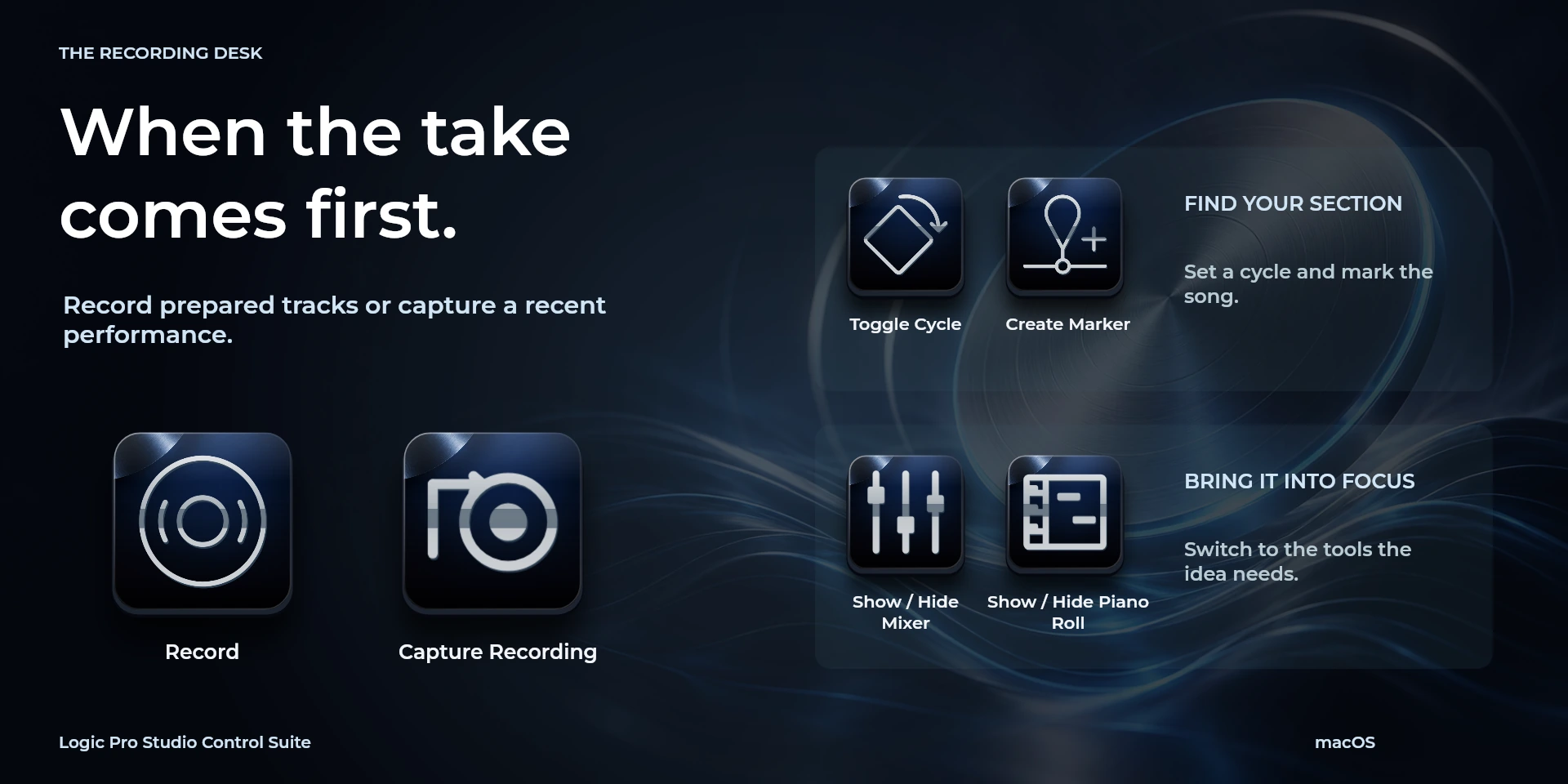
  RecordLogic Pro中“Record”的键盘快捷键。按下前请确认当前上下文。
  Capture RecordingLogic Pro中“Capture Recording”的键盘快捷键。按下前请确认当前上下文。
  RewindLogic Pro中“Rewind”的键盘快捷键。按下前请确认当前上下文。
  ForwardLogic Pro中“Forward”的键盘快捷键。按下前请确认当前上下文。
  Go to BeginningLogic Pro中“Go to Beginning”的键盘快捷键。按下前请确认当前上下文。
  Toggle CycleLogic Pro中“Toggle Cycle”的键盘快捷键。按下前请确认当前上下文。
  Toggle MetronomeLogic Pro中“Toggle Metronome”的键盘快捷键。按下前请确认当前上下文。
  Toggle Count-inLogic Pro中“Toggle Count-in”的键盘快捷键。按下前请确认当前上下文。
  Create MarkerLogic Pro中“Create Marker”的键盘快捷键。按下前请确认当前上下文。
  Previous Marker and LocatorsLogic Pro中“Previous Marker and Locators”的键盘快捷键。按下前请确认当前上下文。
  Next Marker and LocatorsLogic Pro中“Next Marker and Locators”的键盘快捷键。按下前请确认当前上下文。
  Set Locators and CycleLogic Pro中“Set Locators and Cycle”的键盘快捷键。按下前请确认当前上下文。
  Show / Hide MixerLogic Pro中“Show / Hide Mixer”的键盘快捷键。按下前请确认当前上下文。
  Show / Hide Piano RollLogic Pro中“Show / Hide Piano Roll”的键盘快捷键。按下前请确认当前上下文。
  Show / Hide Smart ControlsLogic Pro中“Show / Hide Smart Controls”的键盘快捷键。按下前请确认当前上下文。
  Show / Hide LibraryLogic Pro中“Show / Hide Library”的键盘快捷键。按下前请确认当前上下文。
  Toggle Channel MuteLogic Pro中“Toggle Channel Mute”的键盘快捷键。按下前请确认当前上下文。
  Toggle Channel SoloLogic Pro中“Toggle Channel Solo”的键盘快捷键。按下前请确认当前上下文。
  Save ProjectLogic Pro中“Save Project”的键盘快捷键。按下前请确认当前上下文。
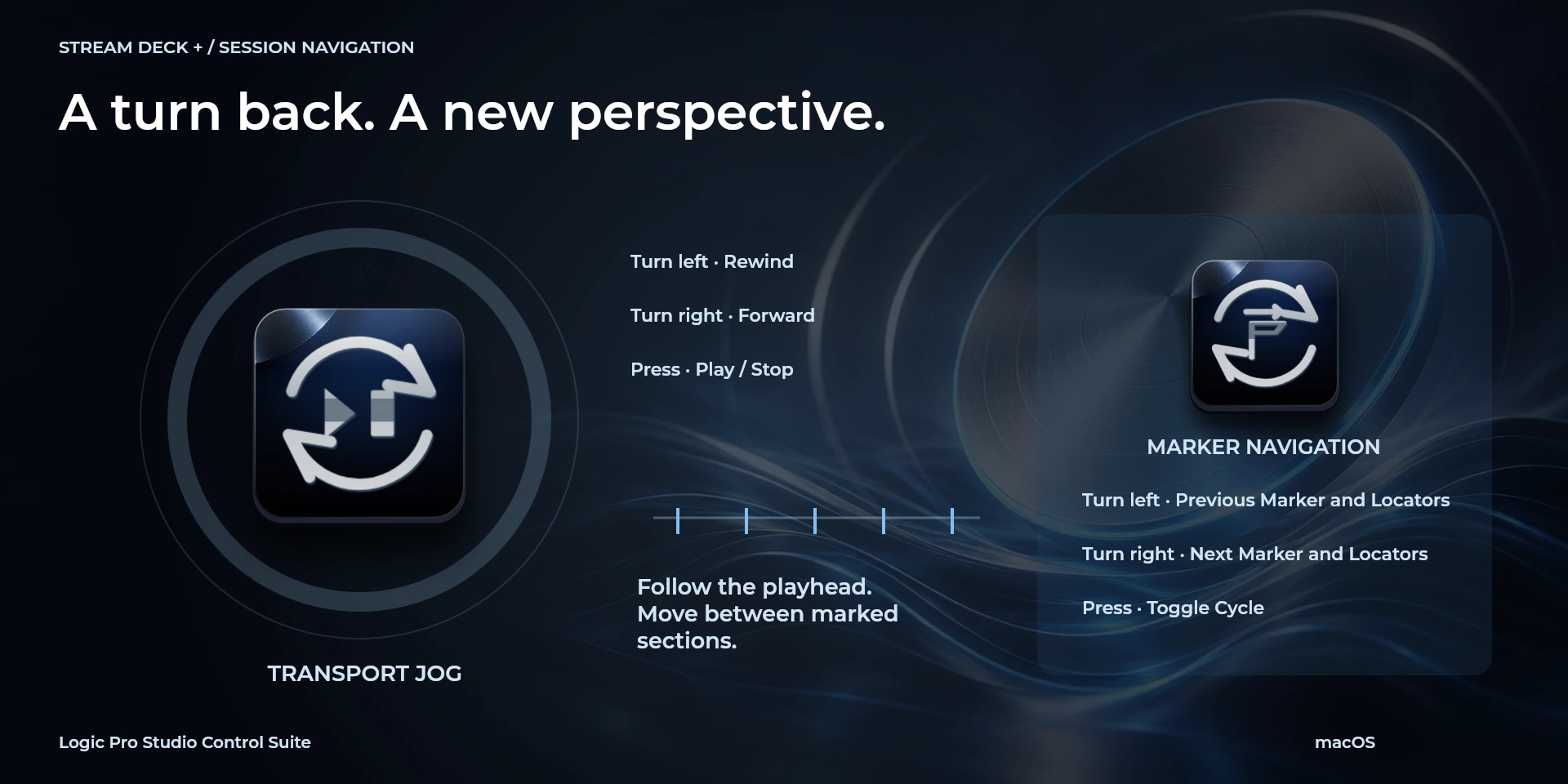
  Transport Jog请检查左转、右转及按压分配的快捷键。
  Marker Navigation请检查左转、右转及按压分配的快捷键。
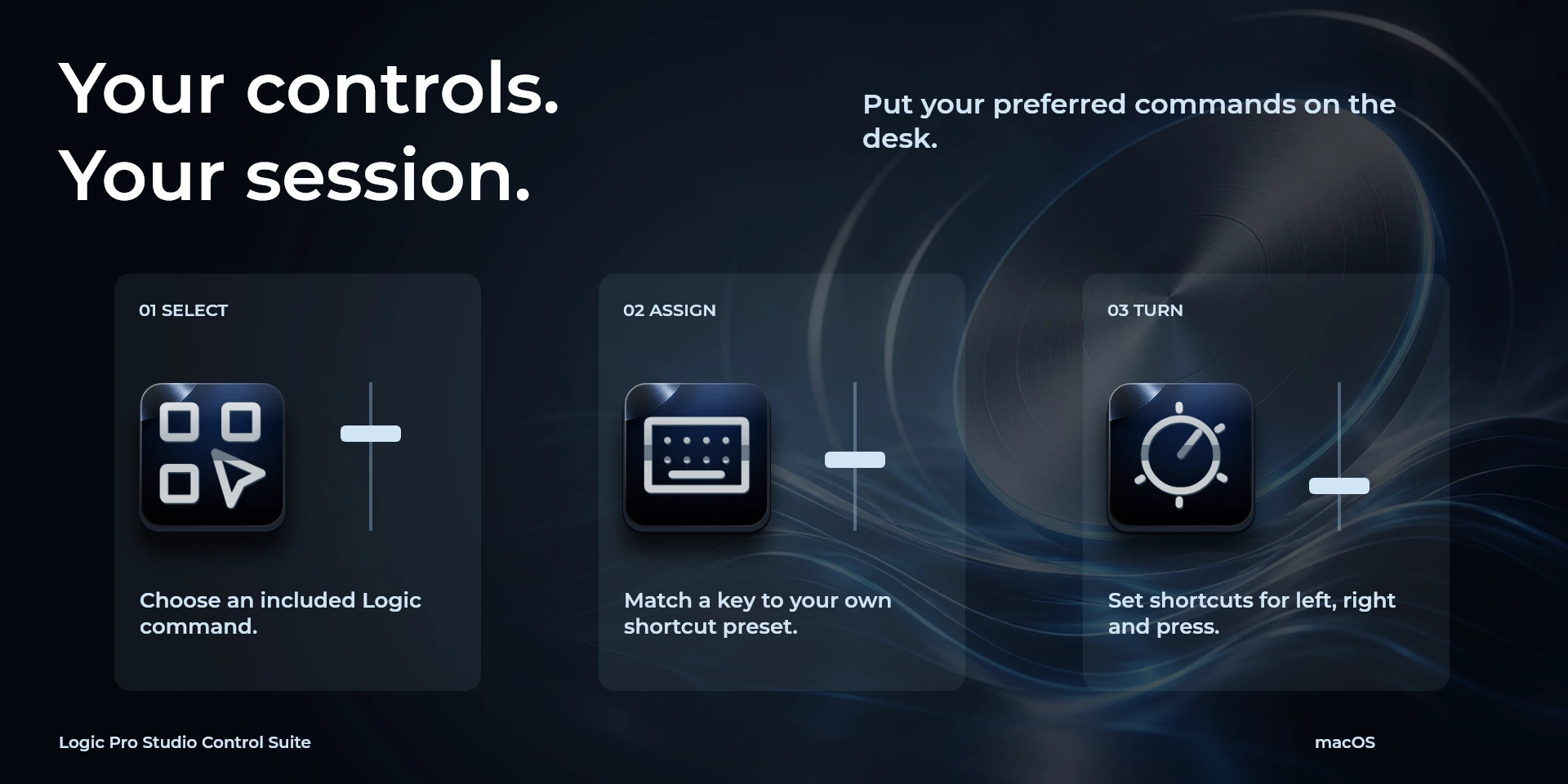
  Choose Command从属性面板库中选择命令并检查快捷键。
  Custom Shortcut在属性面板中设置与应用一致的自定义快捷键。
  Custom Dial请检查左转、右转及按压分配的快捷键。
 已知限制
- 仅通过键盘控制,不提供实时状态、应用API、MIDI或遥测。结果取决于当前面板、选中内容和快捷键设置。
- 插件最低要求不能代替应用要求。请检查已安装版本和许可证。
- 插件命令名称为英语,共用属性面板支持八种语言,与本网站的十种语言是不同的数据。
图库
正在准备在 Elgato Marketplace 发布
可用操作: 26
许可证: 正在准备在 Elgato Marketplace 发布
系统要求
系统: macOS 13+
Stream Deck: 版本 6.9 或更高版本
可用操作: 26
许可证: 正在准备在 Elgato Marketplace 发布
工作流程
Logic Pro
录音、控制循环并导航标记。仅限macOS:使用U.S.键位映射或调整快捷键,并关闭Musical Typing和文本框。
播放控制
导航
标记
视图
编辑
音频
文档
使用前准备
录音、控制循环并导航标记。仅限macOS:使用U.S.键位映射或调整快捷键,并关闭Musical Typing和文本框。
仅通过键盘控制,不提供实时状态、应用API、MIDI或遥测。结果取决于当前面板、选中内容和快捷键设置。