
音频
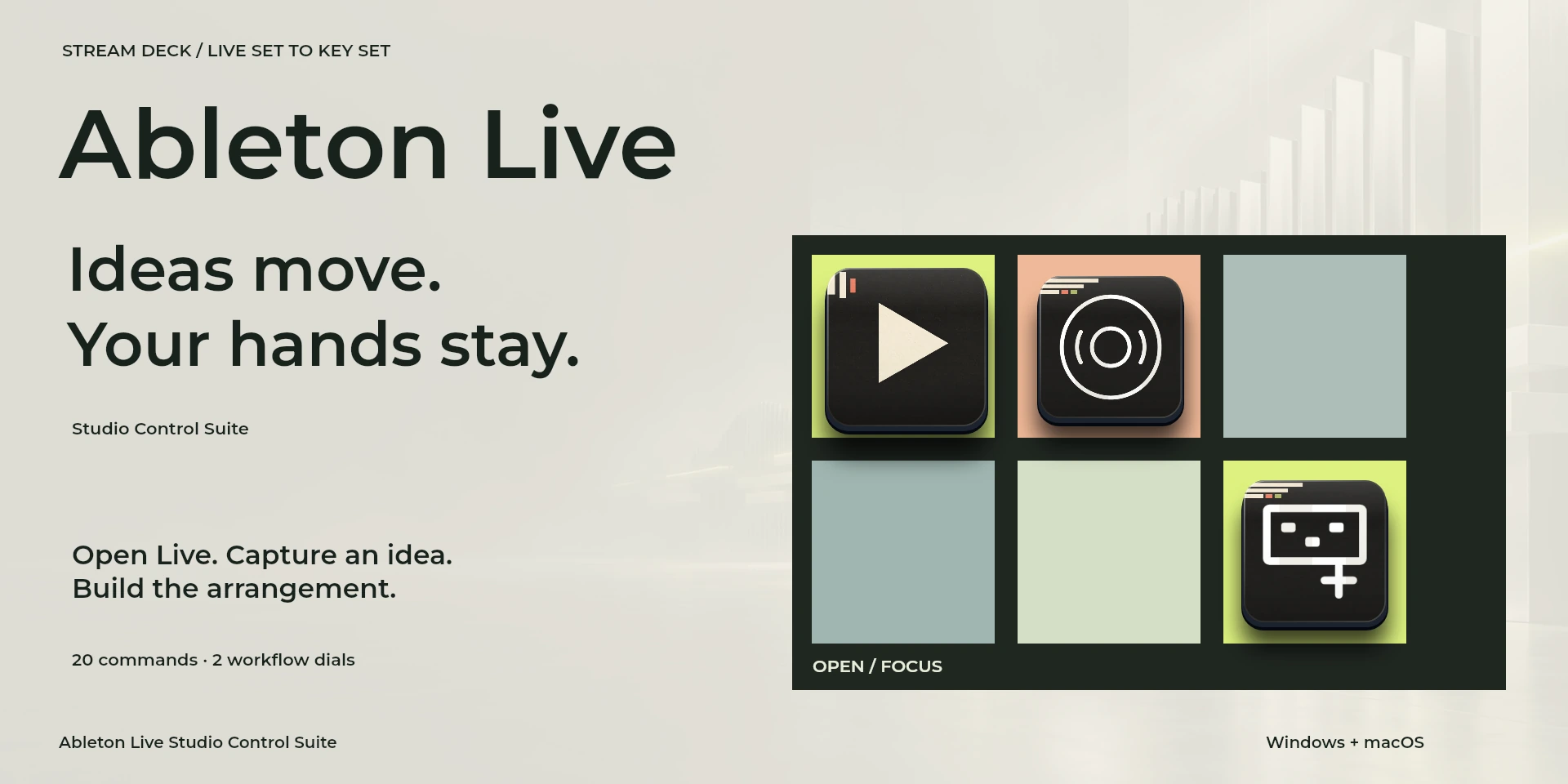
Ableton Live Studio Control Suite
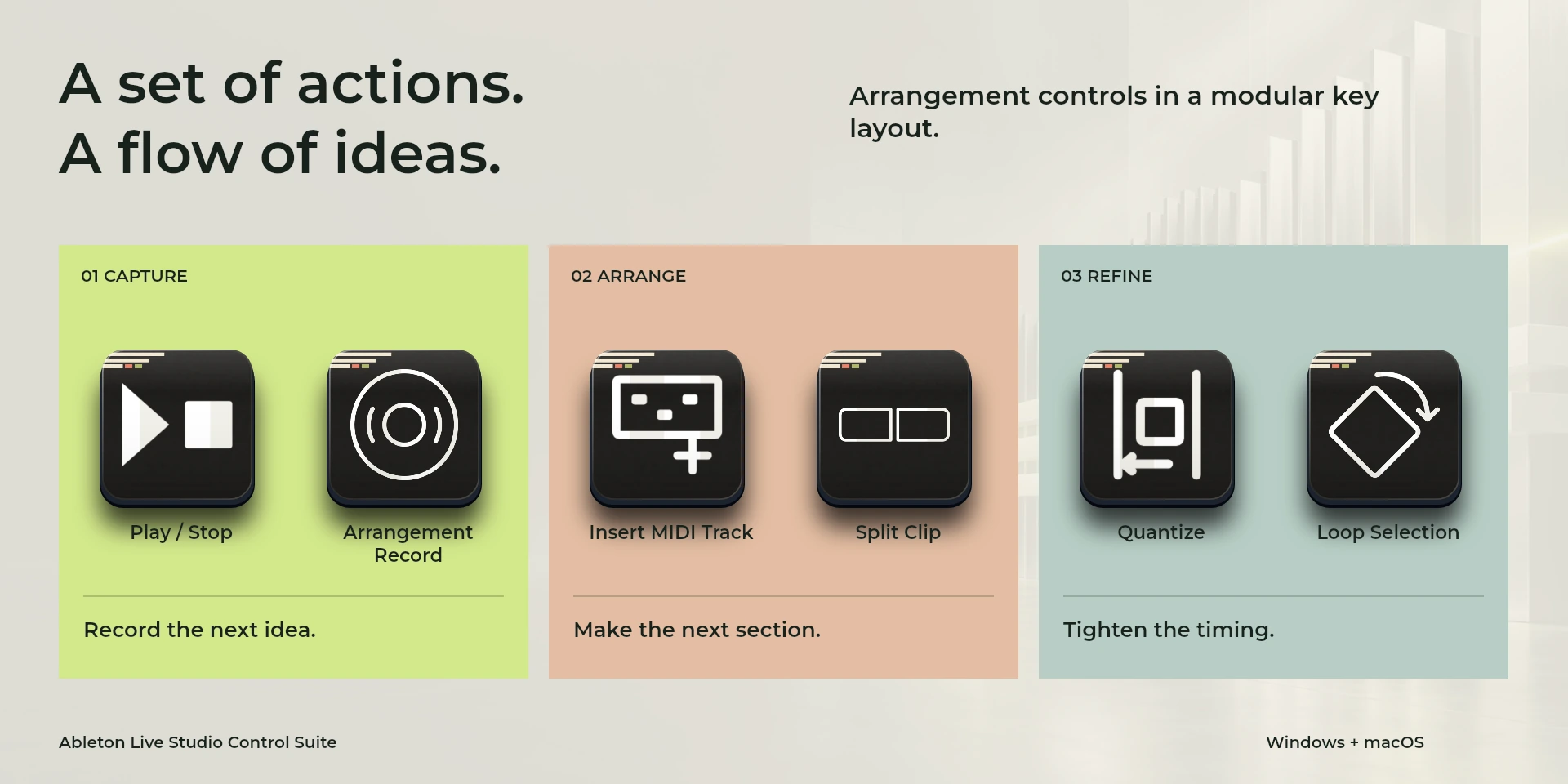
在Ableton Live中编排、拆分和量化片段,并调整网格精度。
价格待确认
法律声明 LaboratorioSD独立产品,与Ableton无关联,亦未获其认可。
说明
在Ableton Live中编排、拆分和量化片段,并调整网格精度。 整理轨道、量化并调整网格和缩放。使用Arrangement View,并为单字母命令关闭Computer MIDI Keyboard。
功能
- 在Ableton Live中编排、拆分和量化片段,并调整网格精度。
- 整理轨道、量化并调整网格和缩放。使用Arrangement View,并为单字母命令关闭Computer MIDI Keyboard。
- 插件最低要求不能代替应用要求。请检查已安装版本和许可证。
可用操作 (26)
 Open / Focus Ableton Live打开或聚焦Ableton Live,不确认文档是否就绪。
  Play / StopAbleton Live中“Play / Stop”的键盘快捷键。按下前请确认当前上下文。
  Arrangement RecordAbleton Live中“Arrangement Record”的键盘快捷键。按下前请确认当前上下文。
  Session / ArrangementAbleton Live中“Session / Arrangement”的键盘快捷键。按下前请确认当前上下文。
  Device / Clip ViewAbleton Live中“Device / Clip View”的键盘快捷键。按下前请确认当前上下文。
  Insert Audio TrackAbleton Live中“Insert Audio Track”的键盘快捷键。按下前请确认当前上下文。
  Insert MIDI TrackAbleton Live中“Insert MIDI Track”的键盘快捷键。按下前请确认当前上下文。
  Duplicate SelectionAbleton Live中“Duplicate Selection”的键盘快捷键。按下前请确认当前上下文。
  Split ClipAbleton Live中“Split Clip”的键盘快捷键。按下前请确认当前上下文。
  Consolidate SelectionAbleton Live中“Consolidate Selection”的键盘快捷键。按下前请确认当前上下文。
  QuantizeAbleton Live中“Quantize”的键盘快捷键。按下前请确认当前上下文。
  Loop SelectionAbleton Live中“Loop Selection”的键盘快捷键。按下前请确认当前上下文。
  Toggle Draw ModeAbleton Live中“Toggle Draw Mode”的键盘快捷键。按下前请确认当前上下文。
  Show / Hide BrowserAbleton Live中“Show / Hide Browser”的键盘快捷键。按下前请确认当前上下文。
  Save Live SetAbleton Live中“Save Live Set”的键盘快捷键。按下前请确认当前上下文。
  UndoAbleton Live中“Undo”的键盘快捷键。按下前请确认当前上下文。
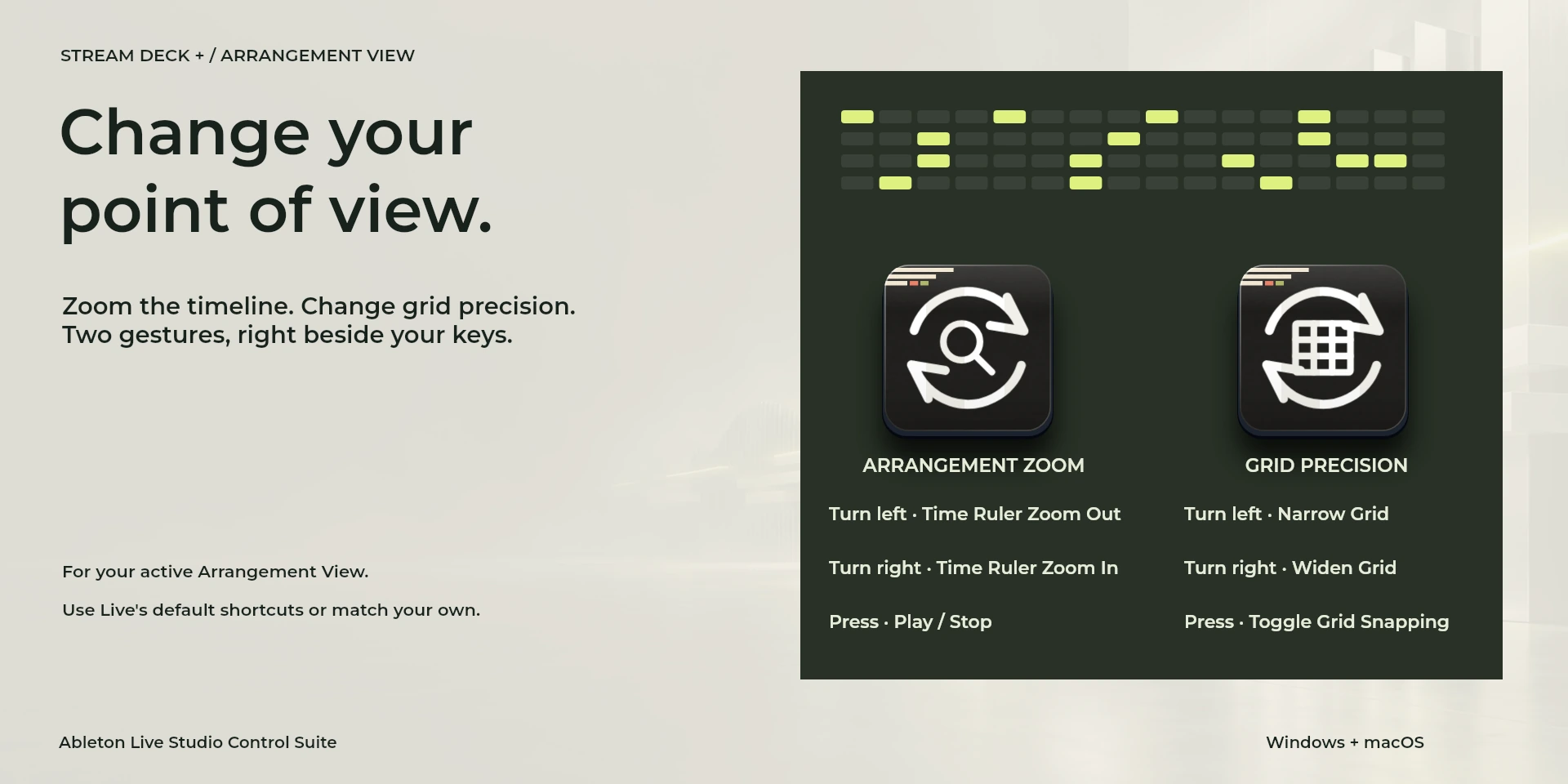
  Time Ruler Zoom OutAbleton Live中“Time Ruler Zoom Out”的键盘快捷键。按下前请确认当前上下文。
  Time Ruler Zoom InAbleton Live中“Time Ruler Zoom In”的键盘快捷键。按下前请确认当前上下文。
  Narrow GridAbleton Live中“Narrow Grid”的键盘快捷键。按下前请确认当前上下文。
  Widen GridAbleton Live中“Widen Grid”的键盘快捷键。按下前请确认当前上下文。
  Toggle Grid SnappingAbleton Live中“Toggle Grid Snapping”的键盘快捷键。按下前请确认当前上下文。
  Arrangement Zoom请检查左转、右转及按压分配的快捷键。
  Grid Precision请检查左转、右转及按压分配的快捷键。
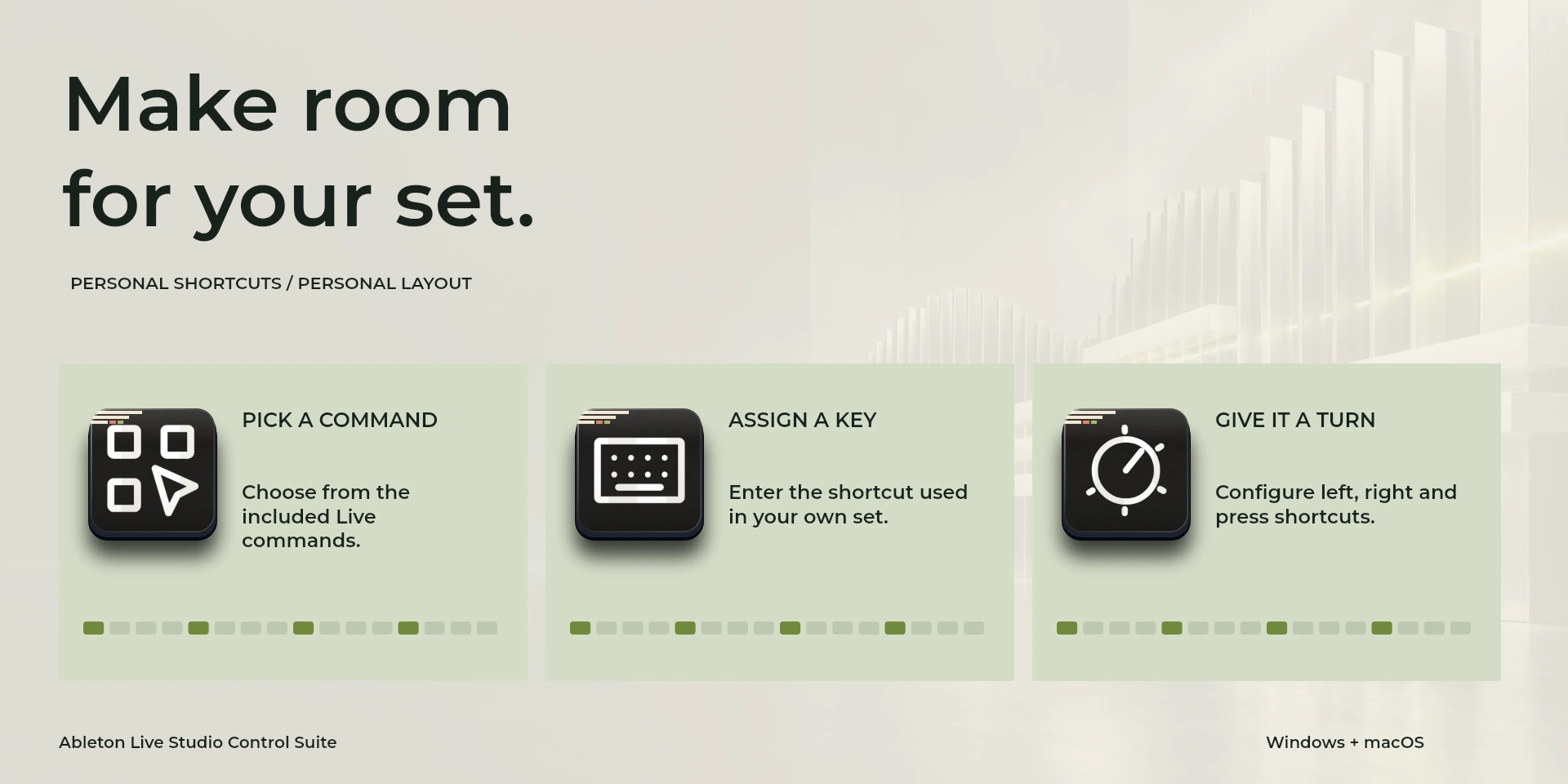
  Choose Command从属性面板库中选择命令并检查快捷键。
  Custom Shortcut在属性面板中设置与应用一致的自定义快捷键。
  Custom Dial请检查左转、右转及按压分配的快捷键。
 已知限制
- 仅通过键盘控制,不提供实时状态、应用API、MIDI或遥测。结果取决于当前面板、选中内容和快捷键设置。
- 插件最低要求不能代替应用要求。请检查已安装版本和许可证。
- 插件命令名称为英语,共用属性面板支持八种语言,与本网站的十种语言是不同的数据。
图库
正在准备在 Elgato Marketplace 发布
可用操作: 26
许可证: 正在准备在 Elgato Marketplace 发布
系统要求
系统: Windows 10+ / macOS 13+
Stream Deck: 版本 6.9 或更高版本
可用操作: 26
许可证: 正在准备在 Elgato Marketplace 发布
工作流程
Ableton Live
整理轨道、量化并调整网格和缩放。使用Arrangement View,并为单字母命令关闭Computer MIDI Keyboard。
播放控制
编辑
视图
文档
工具
使用前准备
整理轨道、量化并调整网格和缩放。使用Arrangement View,并为单字母命令关闭Computer MIDI Keyboard。
仅通过键盘控制,不提供实时状态、应用API、MIDI或遥测。结果取决于当前面板、选中内容和快捷键设置。