
WARDOGS Game Control Suite
Configurable controls, voice, Windows audio and Steam tools for WARDOGS.
Public version: 0.4.1, checked on 22 September 2026. Version 0.4.2 is artwork-only and pending review, with automatic publication after approval. The new orange media are already public; the downloadable binary remains 0.4.1.
The final price may vary depending on country, taxes, and currency.
Description
Configurable controls, voice, Windows audio and Steam tools for WARDOGS. Public version: 0.4.1, checked on 22 September 2026. Version 0.4.2 is artwork-only and pending review, with automatic publication after approval. The new orange media are already public; the downloadable binary remains 0.4.1. 0.4.2 retains the 21 actions, settings, bindings, integrations and persistent Windows worker from 0.4.1. Only the artwork changes. Favourite server is optional and requires a compatible RCON endpoint and an authorized credential. Game and microphone audio use buttons or Stream Deck + dials; the plugin does not record or transmit voice. Eight plugin languages: English, Spanish, German, French, Japanese, Korean, Simplified Chinese and Traditional Chinese.
Features
- Use shared setup across roles, or keep a shortcut just for this button.
- Input requires the configured game in the foreground.
- Holds one unmodified key while the button is held and the game is foreground.
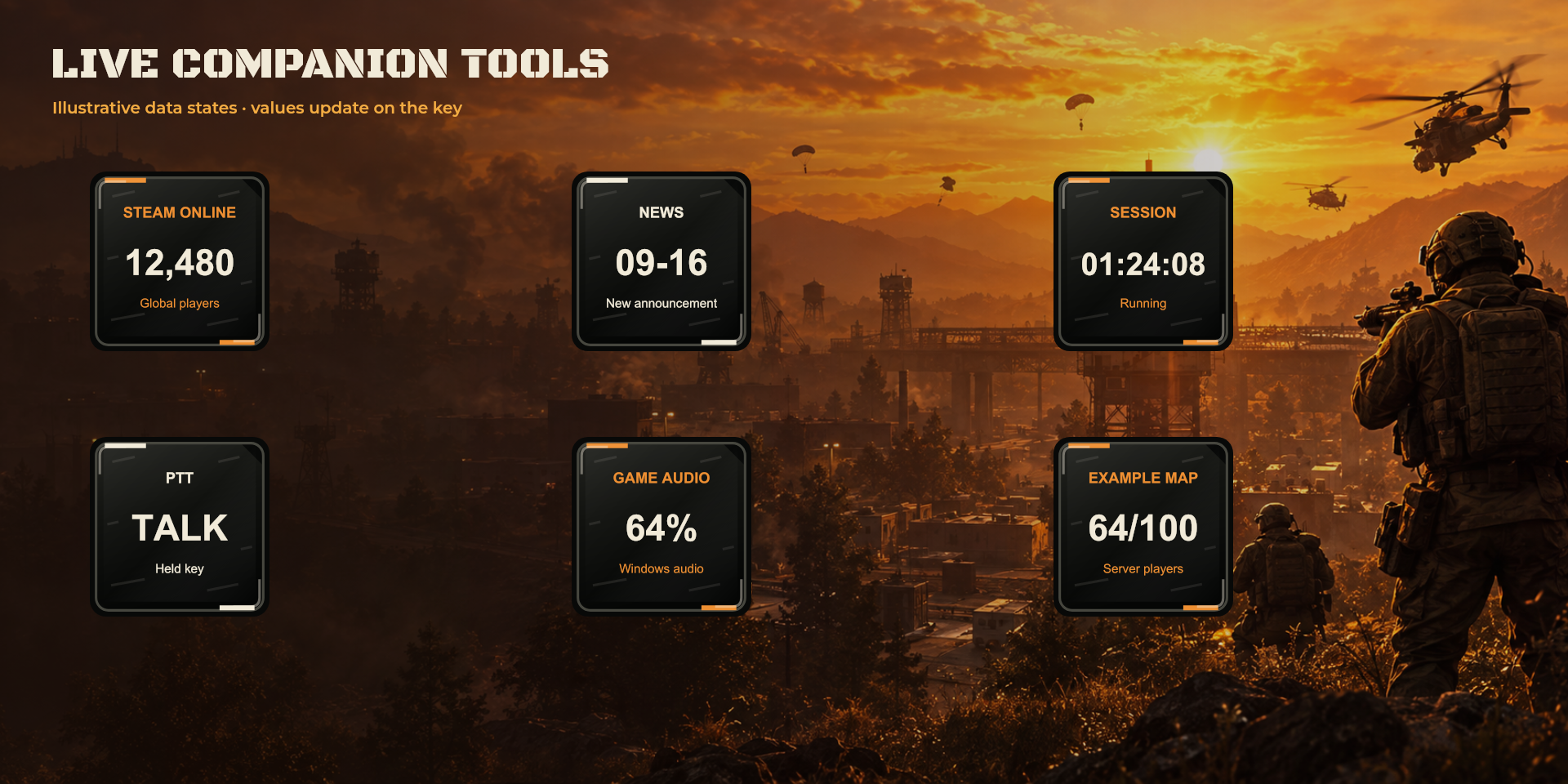
- Shows the global number of WARDOGS players reported by Steam.
- Shows the date (MM-DD, UTC) of the latest official WARDOGS announcement on Steam. New announcements are highlighted until opened from this button.
- A manual stopwatch for your session. It does not detect matches, objectives, respawns or game cooldowns.
- Controls audio sessions belonging to your configured game process on the default multimedia output. Start the game and play sound first.
- Controls the default Windows communications microphone, including other applications using it.
- Read-only RCON: map and population. Use the HTTPS address from your provider or a loopback tunnel. No administration commands.
- Favourite server is optional and requires a compatible RCON endpoint and an authorized credential. Game and microphone audio use buttons or Stream Deck + dials; the plugin does not record or transmit voice.
- Eight plugin languages: English, Spanish, German, French, Japanese, Korean, Simplified Chinese and Traditional Chinese.
- 0.4.2 retains the 21 actions, settings, bindings, integrations and persistent Windows worker from 0.4.1. Only the artwork changes.
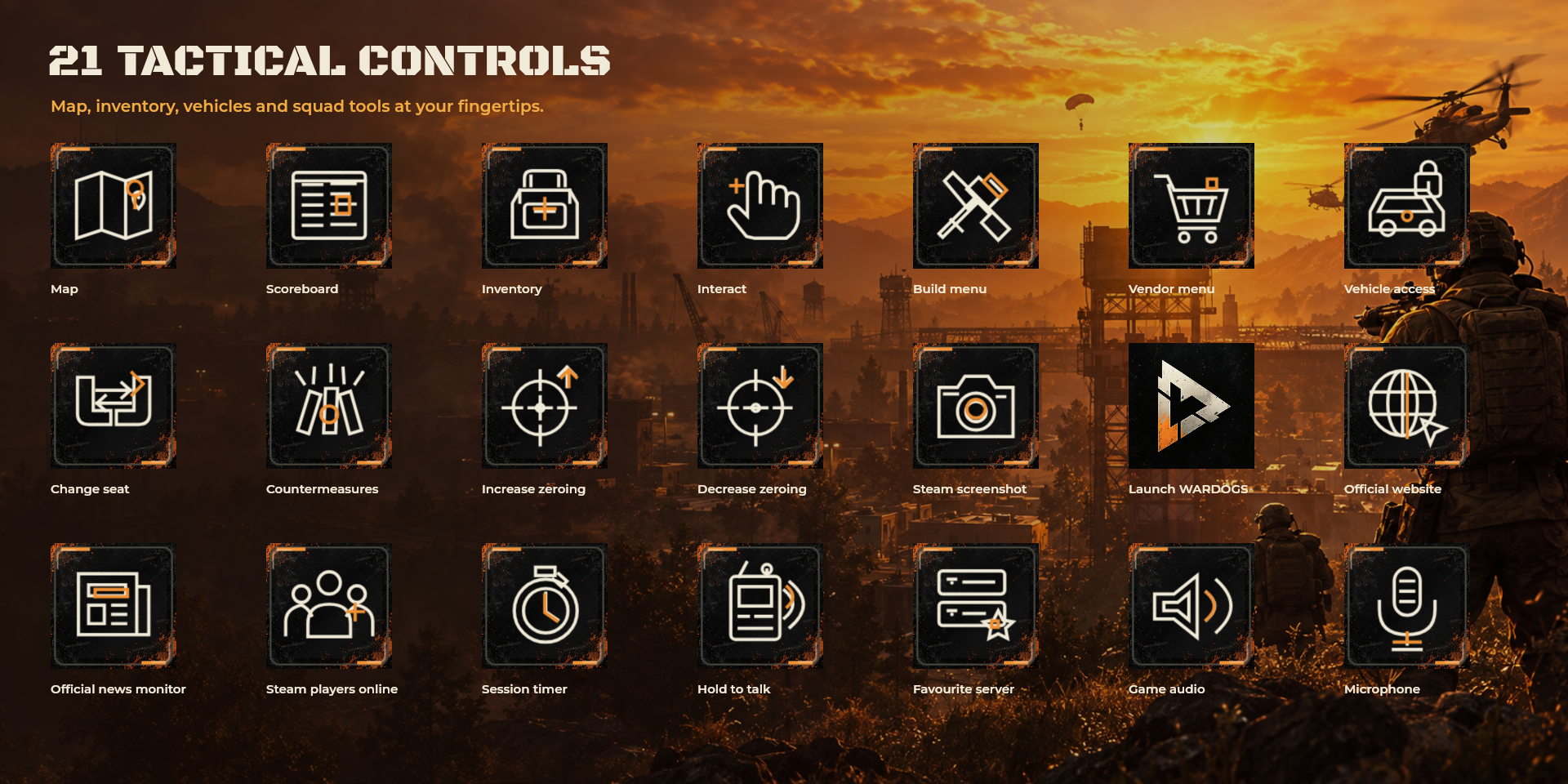
Available actions (21)
Known limitations
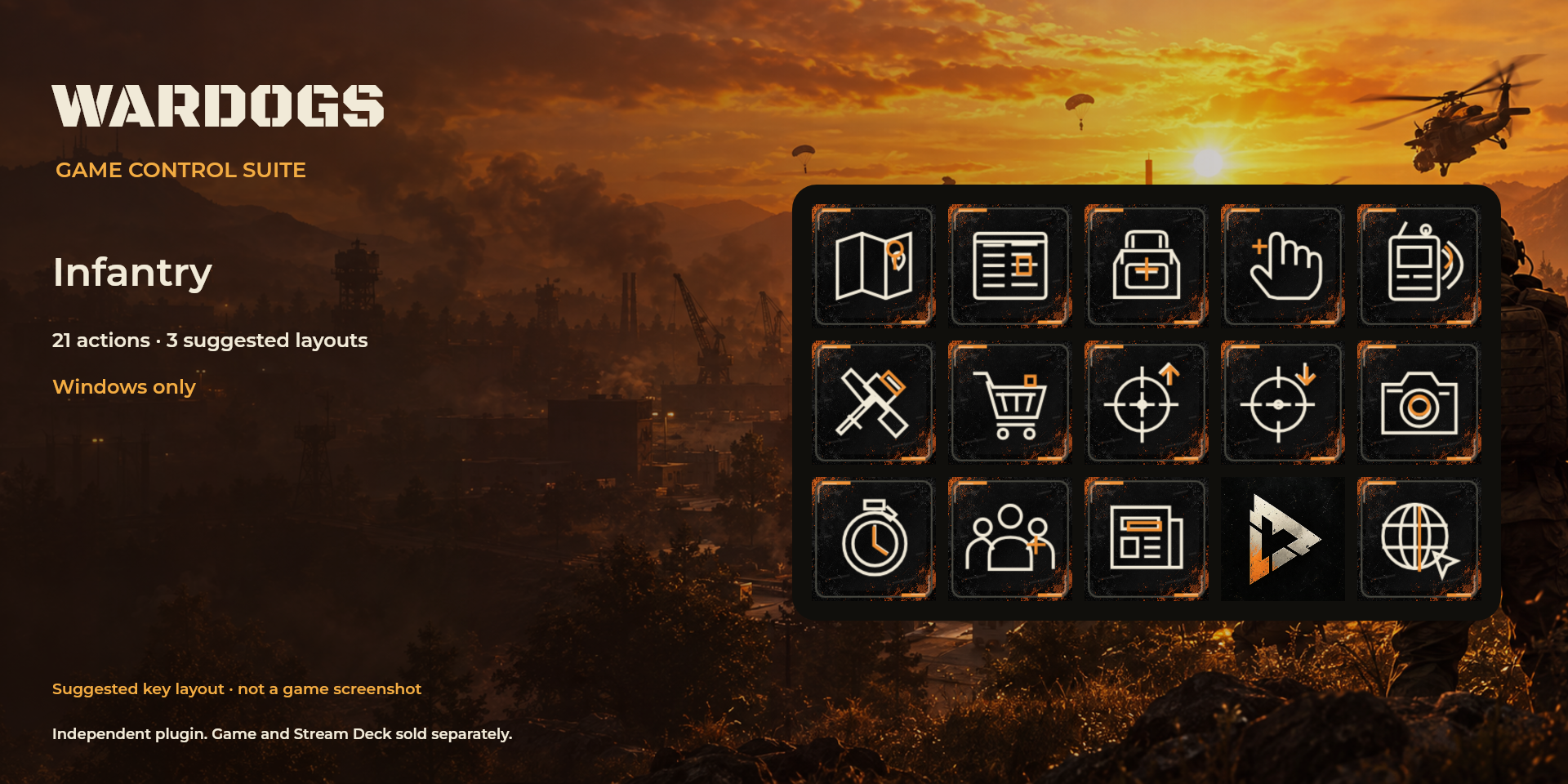
- Native importable profiles are not included. Infantry, pilot and builder layouts are suggestions in settings.
- Defaults: build uses right-click with the hammer; vendor requires the safe zone. Scoreboard is unassigned because its original keyboard binding is unconfirmed.
- No sequences or repeats. Game bindings are not changed.
- Illustrative promotional artwork. Numbers are examples, not screenshots of actual operation.
- No new functional, game or device QA was performed for 0.4.2 because the change is graphical.
Gallery
21 configurable actions: tactical catalogue. Illustrative promotional artwork. Numbers are examples, not screenshots of actual operation.
Documentation
Purchase and installation are managed by Elgato Marketplace.