
Factorio Game Control Suite
Configurable local shortcuts for Factorio.
Price to be confirmed
Description
Organize blueprints, placement and personal logistics. Compare shortcuts with Settings > Controls, close chat and check unlocked equipment. No console scripts or automatic crafting.
Features
- Organize blueprints, placement and personal logistics. Compare shortcuts with Settings > Controls, close chat and check unlocked equipment. No console scripts or automatic crafting.
- Configurable local shortcuts for Factorio.
- Plugin minimums do not replace the application requirements. Check the installed version and its license.
Available actions (27)
 Open / Focus FactorioOpens or focuses Factorio; it does not confirm document readiness.
  Character ScreenKeyboard shortcut for “Character Screen” in Factorio. Check the active context before pressing.
  World MapKeyboard shortcut for “World Map” in Factorio. Check the active context before pressing.
  Technology ScreenKeyboard shortcut for “Technology Screen” in Factorio. Check the active context before pressing.
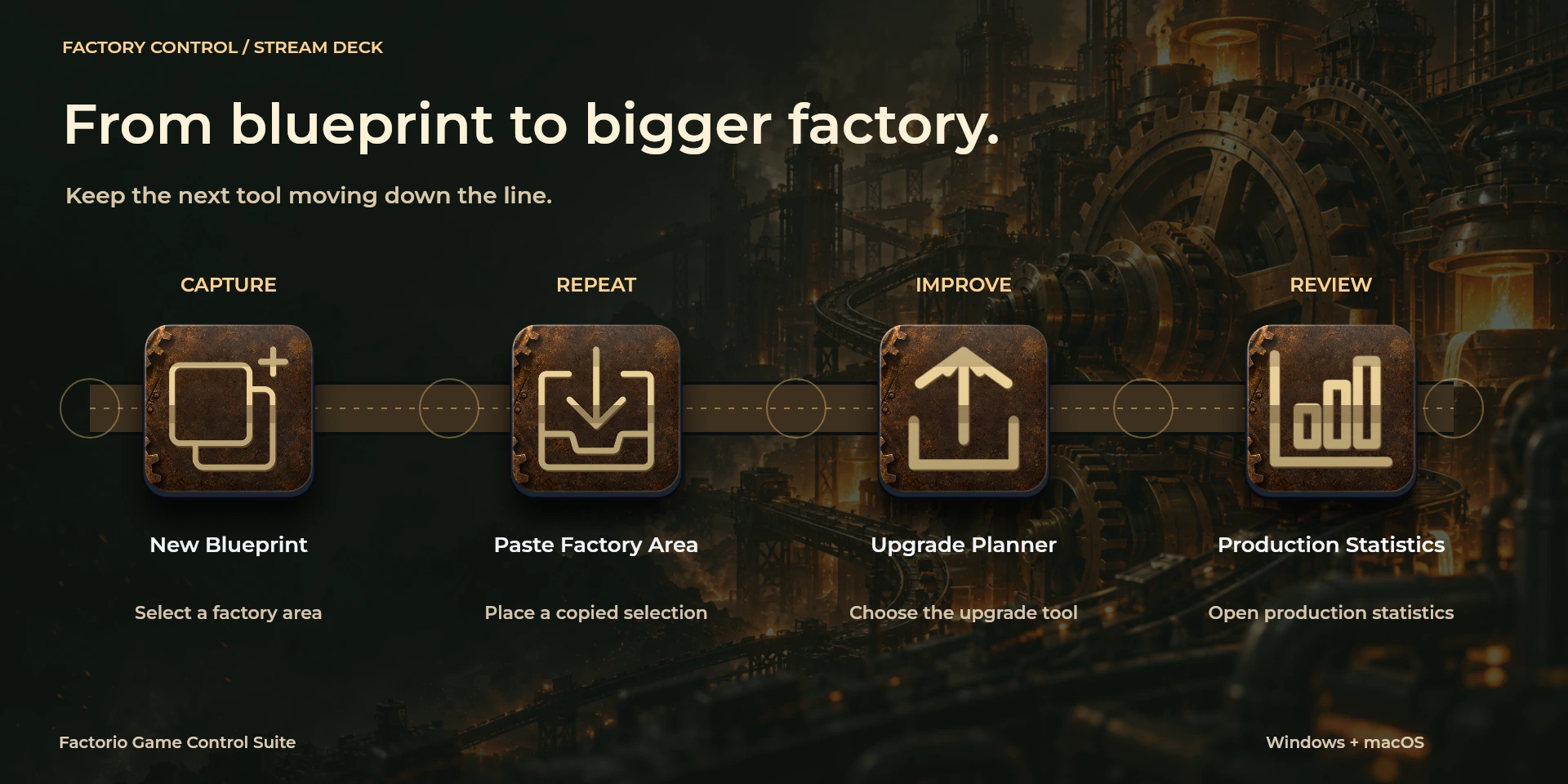
  Production StatisticsKeyboard shortcut for “Production Statistics” in Factorio. Check the active context before pressing.
  Logistics NetworksKeyboard shortcut for “Logistics Networks” in Factorio. Check the active context before pressing.
  Train OverviewKeyboard shortcut for “Train Overview” in Factorio. Check the active context before pressing.
  Blueprint LibraryKeyboard shortcut for “Blueprint Library” in Factorio. Check the active context before pressing.
  New BlueprintKeyboard shortcut for “New Blueprint” in Factorio. Check the active context before pressing.
  Upgrade PlannerKeyboard shortcut for “Upgrade Planner” in Factorio. Check the active context before pressing.
  Deconstruction PlannerKeyboard shortcut for “Deconstruction Planner” in Factorio. Check the active context before pressing.
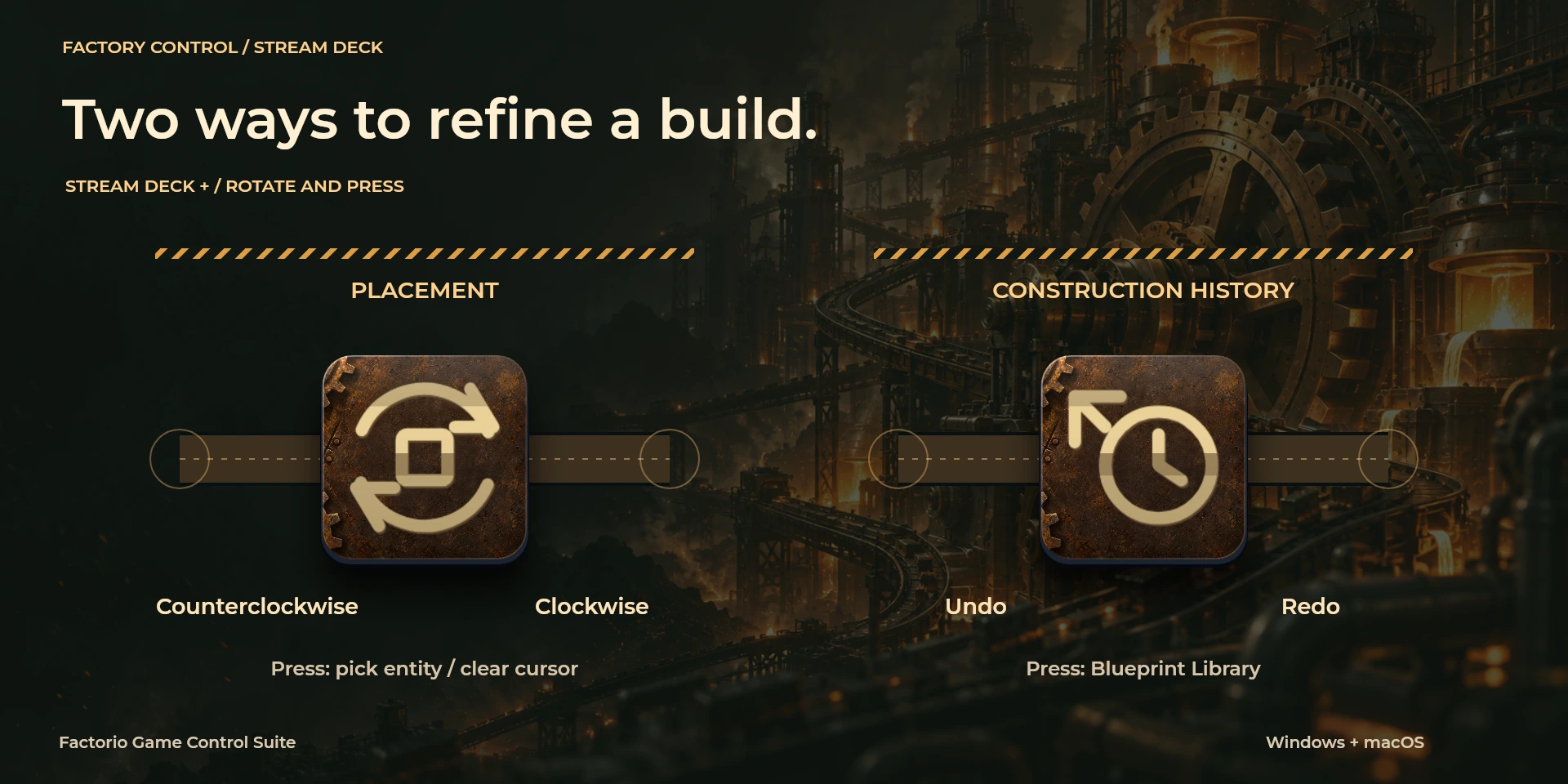
  Pipette / Clear CursorKeyboard shortcut for “Pipette / Clear Cursor” in Factorio. Check the active context before pressing.
  Rotate ClockwiseKeyboard shortcut for “Rotate Clockwise” in Factorio. Check the active context before pressing.
  Rotate CounterclockwiseKeyboard shortcut for “Rotate Counterclockwise” in Factorio. Check the active context before pressing.
  Flip HorizontalKeyboard shortcut for “Flip Horizontal” in Factorio. Check the active context before pressing.
  Flip VerticalKeyboard shortcut for “Flip Vertical” in Factorio. Check the active context before pressing.
  Copy Factory AreaKeyboard shortcut for “Copy Factory Area” in Factorio. Check the active context before pressing.
  Paste Factory AreaKeyboard shortcut for “Paste Factory Area” in Factorio. Check the active context before pressing.
  Undo ConstructionKeyboard shortcut for “Undo Construction” in Factorio. Check the active context before pressing.
  Redo ConstructionKeyboard shortcut for “Redo Construction” in Factorio. Check the active context before pressing.
  Toggle Personal LogisticsKeyboard shortcut for “Toggle Personal Logistics” in Factorio. Check the active context before pressing.
  Toggle Personal RoboportKeyboard shortcut for “Toggle Personal Roboport” in Factorio. Check the active context before pressing.
  Placement RotationTurn left or right and review the shortcuts assigned to each direction and press.
  Construction HistoryTurn left or right and review the shortcuts assigned to each direction and press.
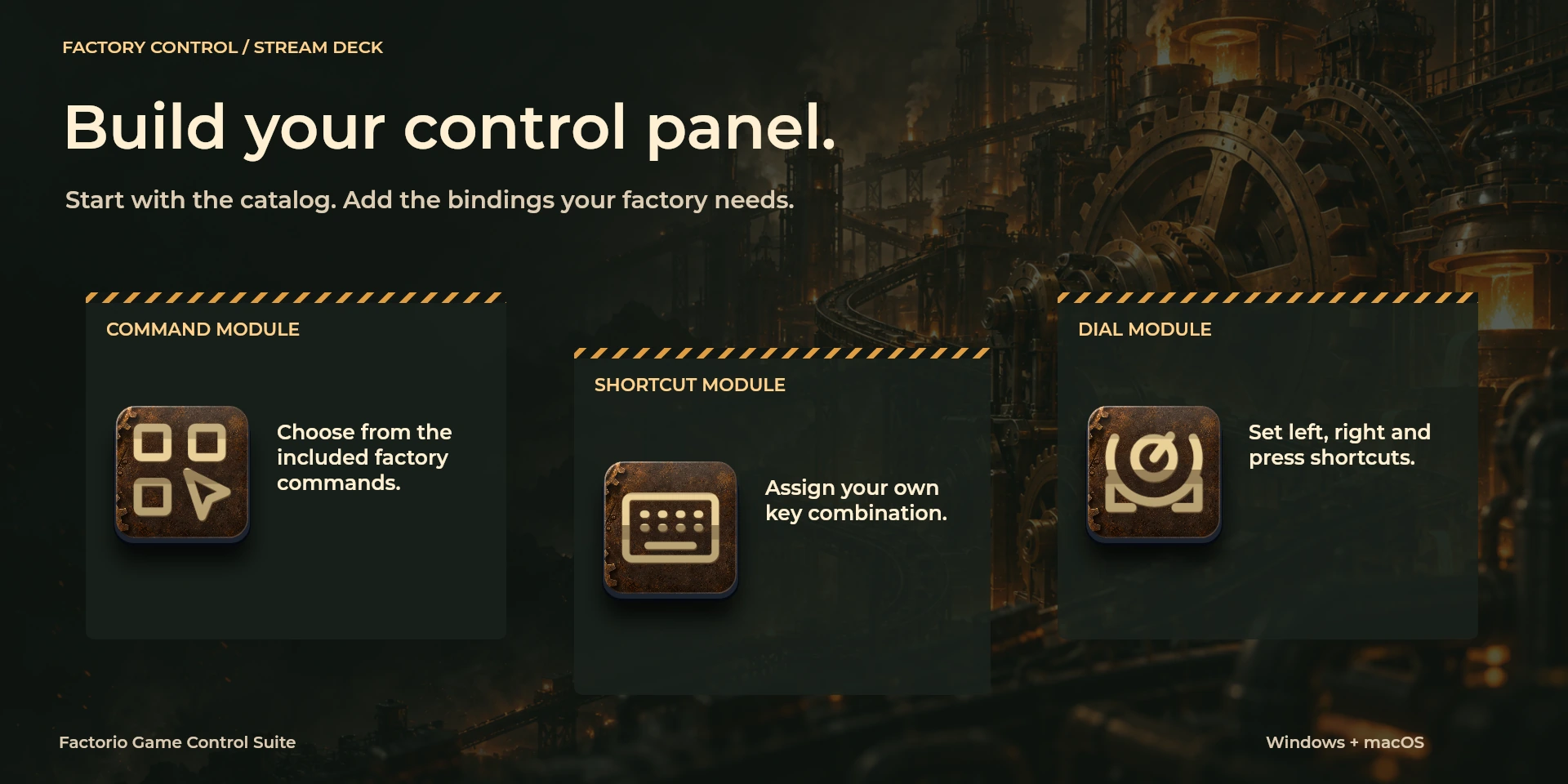
  Choose CommandSelect a command from the inspector library and review its shortcut.
  Custom ShortcutDefine your own shortcut in the inspector; it must match the application.
  Custom DialTurn left or right and review the shortcuts assigned to each direction and press.
 Known limitations
- Keyboard control: no live state, application API, MIDI or telemetry. Results depend on the active panel, selection and your keymap.
- Plugin minimums do not replace the application requirements. Check the installed version and its license.
- Plugin command names are English; the shared inspector has eight languages. These are separate from this website’s ten languages.
Gallery
Documentation
Requirements
Workflow
Factorio
Organize blueprints, placement and personal logistics. Compare shortcuts with Settings > Controls, close chat and check unlocked equipment. No console scripts or automatic crafting.
View
Tools
Editing
Before using the controls
Organize blueprints, placement and personal logistics. Compare shortcuts with Settings > Controls, close chat and check unlocked equipment. No console scripts or automatic crafting.
Keyboard control: no live state, application API, MIDI or telemetry. Results depend on the active panel, selection and your keymap.
Related Plugins
ARC Raiders Game Control Suite
A field manual for combat, communication and PC utilities. Seven game keys, three utilities and six system monitors are distinct groups.
American Truck Simulator Game Control Suite
Configurable local shortcuts for American Truck Simulator.
Euro Truck Simulator 2 Game Control Suite
Configurable local shortcuts for Euro Truck Simulator 2.