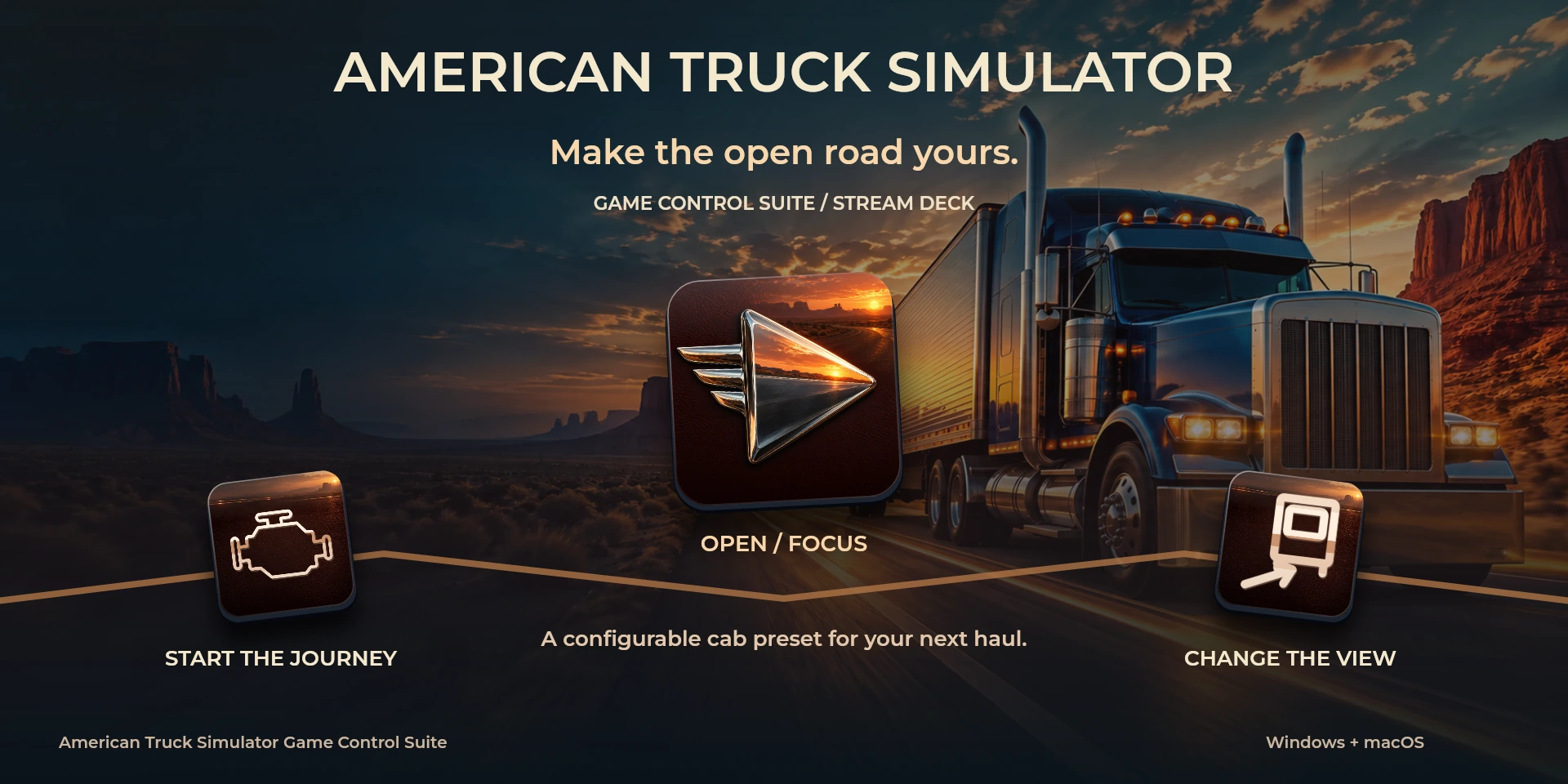

American Truck Simulator Game Control Suite
Configurable local shortcuts for American Truck Simulator.
Price to be confirmed
Description
Configure cab and cameras before driving. Match every shortcut in Keys & Buttons and acknowledge setup in the inspector: ATS default keys are not certified. No truck telemetry or state reading.
Features
- Configure cab and cameras before driving. Match every shortcut in Keys & Buttons and acknowledge setup in the inspector: ATS default keys are not certified. No truck telemetry or state reading.
- Configurable local shortcuts for American Truck Simulator.
- Plugin minimums do not replace the application requirements. Check the installed version and its license.
Available actions (28)
 Open / Focus American Truck SimulatorOpens or focuses American Truck Simulator; it does not confirm document readiness.
  Start / Stop EngineKeyboard shortcut for “Start / Stop Engine” in American Truck Simulator. Check the active context before pressing.
  Parking BrakeKeyboard shortcut for “Parking Brake” in American Truck Simulator. Check the active context before pressing.
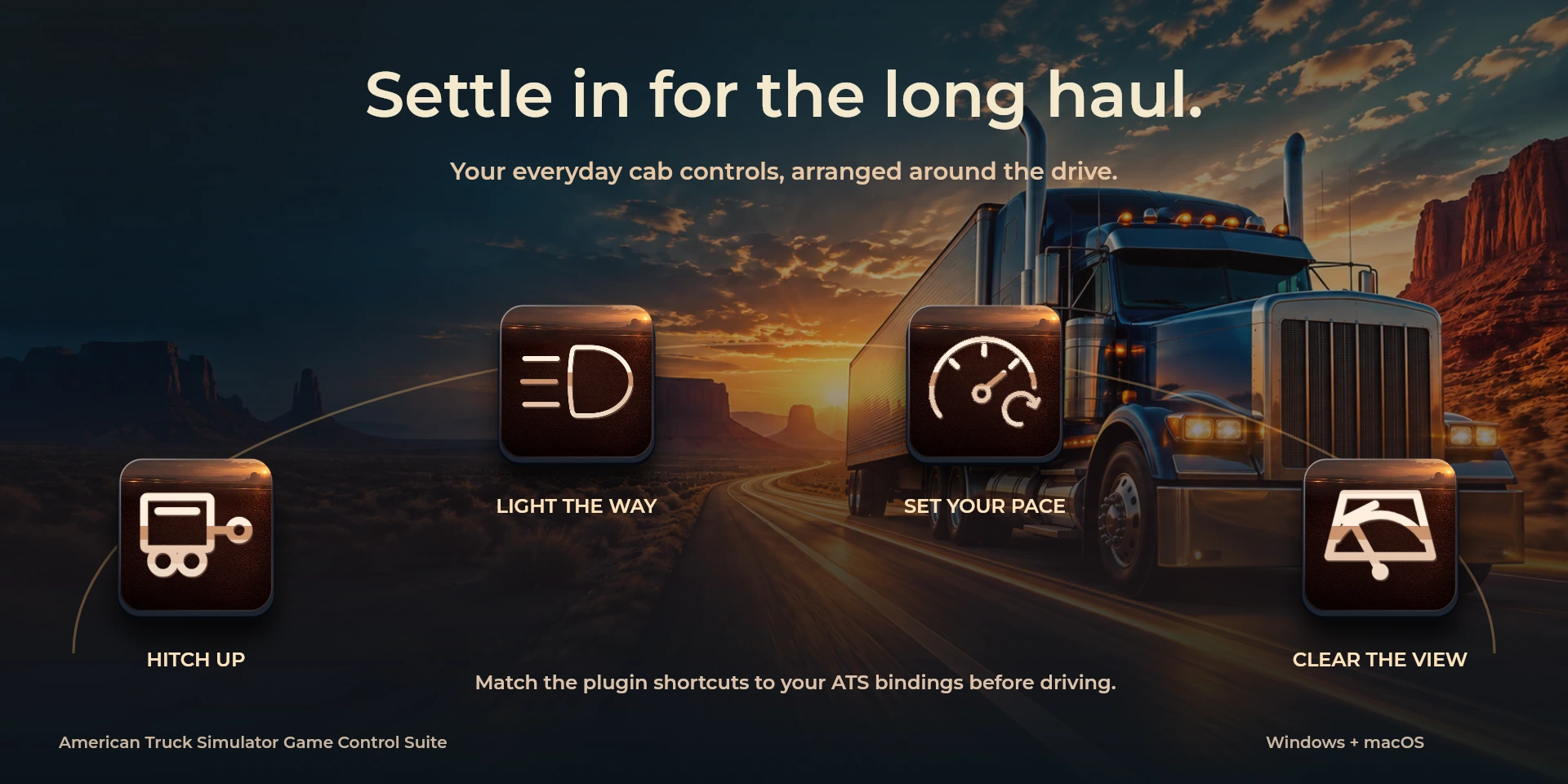
  Left IndicatorKeyboard shortcut for “Left Indicator” in American Truck Simulator. Check the active context before pressing.
  Right IndicatorKeyboard shortcut for “Right Indicator” in American Truck Simulator. Check the active context before pressing.
  Hazard LightsKeyboard shortcut for “Hazard Lights” in American Truck Simulator. Check the active context before pressing.
  Cycle HeadlightsKeyboard shortcut for “Cycle Headlights” in American Truck Simulator. Check the active context before pressing.
  Horn PulseKeyboard shortcut for “Horn Pulse” in American Truck Simulator. Check the active context before pressing.
  Cycle WipersKeyboard shortcut for “Cycle Wipers” in American Truck Simulator. Check the active context before pressing.
  Cruise ControlKeyboard shortcut for “Cruise Control” in American Truck Simulator. Check the active context before pressing.
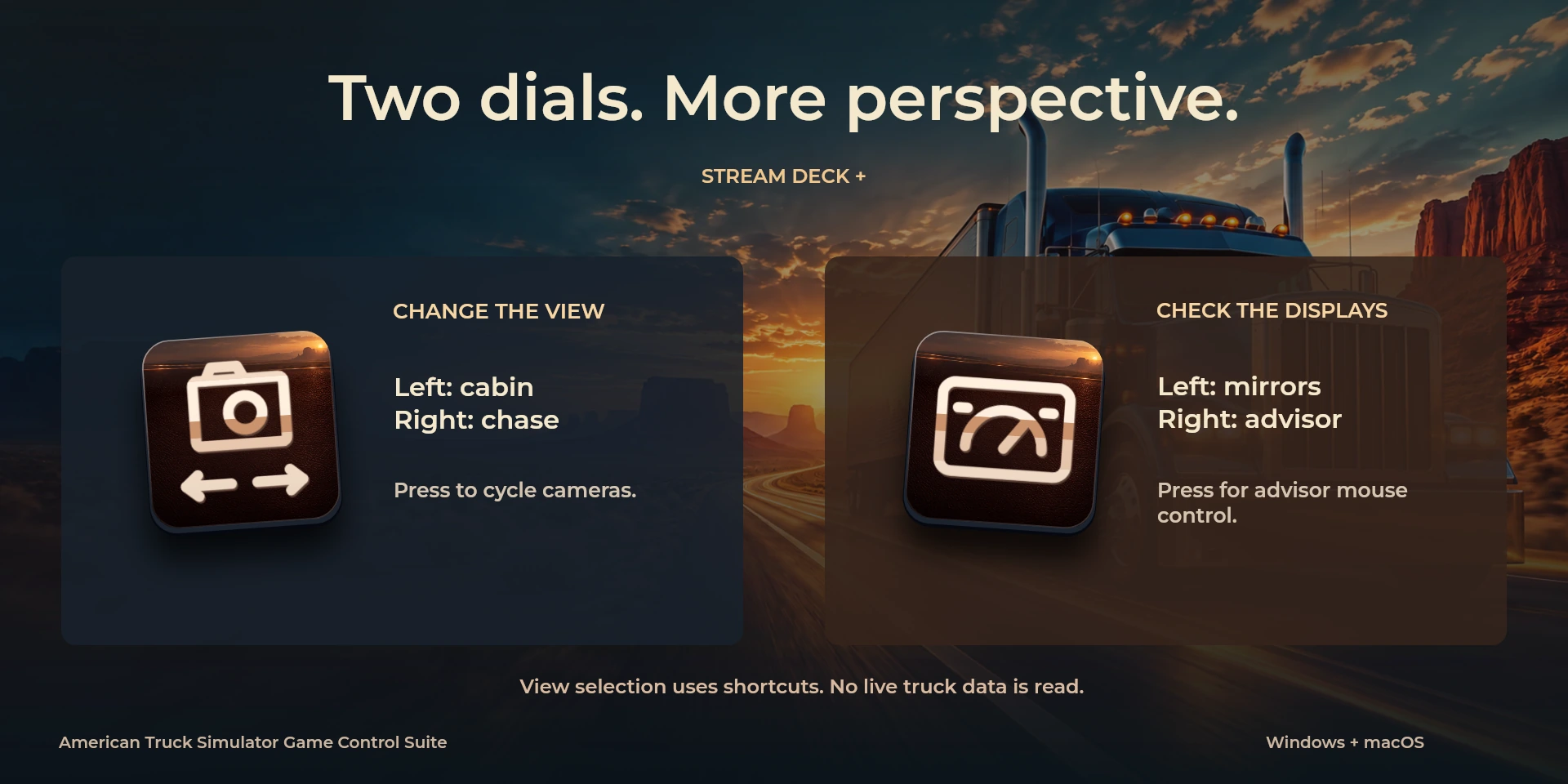
  Interior CameraKeyboard shortcut for “Interior Camera” in American Truck Simulator. Check the active context before pressing.
  Chasing CameraKeyboard shortcut for “Chasing Camera” in American Truck Simulator. Check the active context before pressing.
  Top CameraKeyboard shortcut for “Top Camera” in American Truck Simulator. Check the active context before pressing.
  Roof CameraKeyboard shortcut for “Roof Camera” in American Truck Simulator. Check the active context before pressing.
  Lean Out CameraKeyboard shortcut for “Lean Out Camera” in American Truck Simulator. Check the active context before pressing.
  Bumper CameraKeyboard shortcut for “Bumper Camera” in American Truck Simulator. Check the active context before pressing.
  Wheel CameraKeyboard shortcut for “Wheel Camera” in American Truck Simulator. Check the active context before pressing.
  Drive-By CameraKeyboard shortcut for “Drive-By Camera” in American Truck Simulator. Check the active context before pressing.
  Next CameraKeyboard shortcut for “Next Camera” in American Truck Simulator. Check the active context before pressing.
  Toggle On-Screen MirrorsKeyboard shortcut for “Toggle On-Screen Mirrors” in American Truck Simulator. Check the active context before pressing.
  Cycle Route AdvisorKeyboard shortcut for “Cycle Route Advisor” in American Truck Simulator. Check the active context before pressing.
  Route Advisor MouseKeyboard shortcut for “Route Advisor Mouse” in American Truck Simulator. Check the active context before pressing.
  Attach / Detach TrailerKeyboard shortcut for “Attach / Detach Trailer” in American Truck Simulator. Check the active context before pressing.
  Cabin / Chase CameraTurn left or right and review the shortcuts assigned to each direction and press.
  Mirrors / Route AdvisorTurn left or right and review the shortcuts assigned to each direction and press.
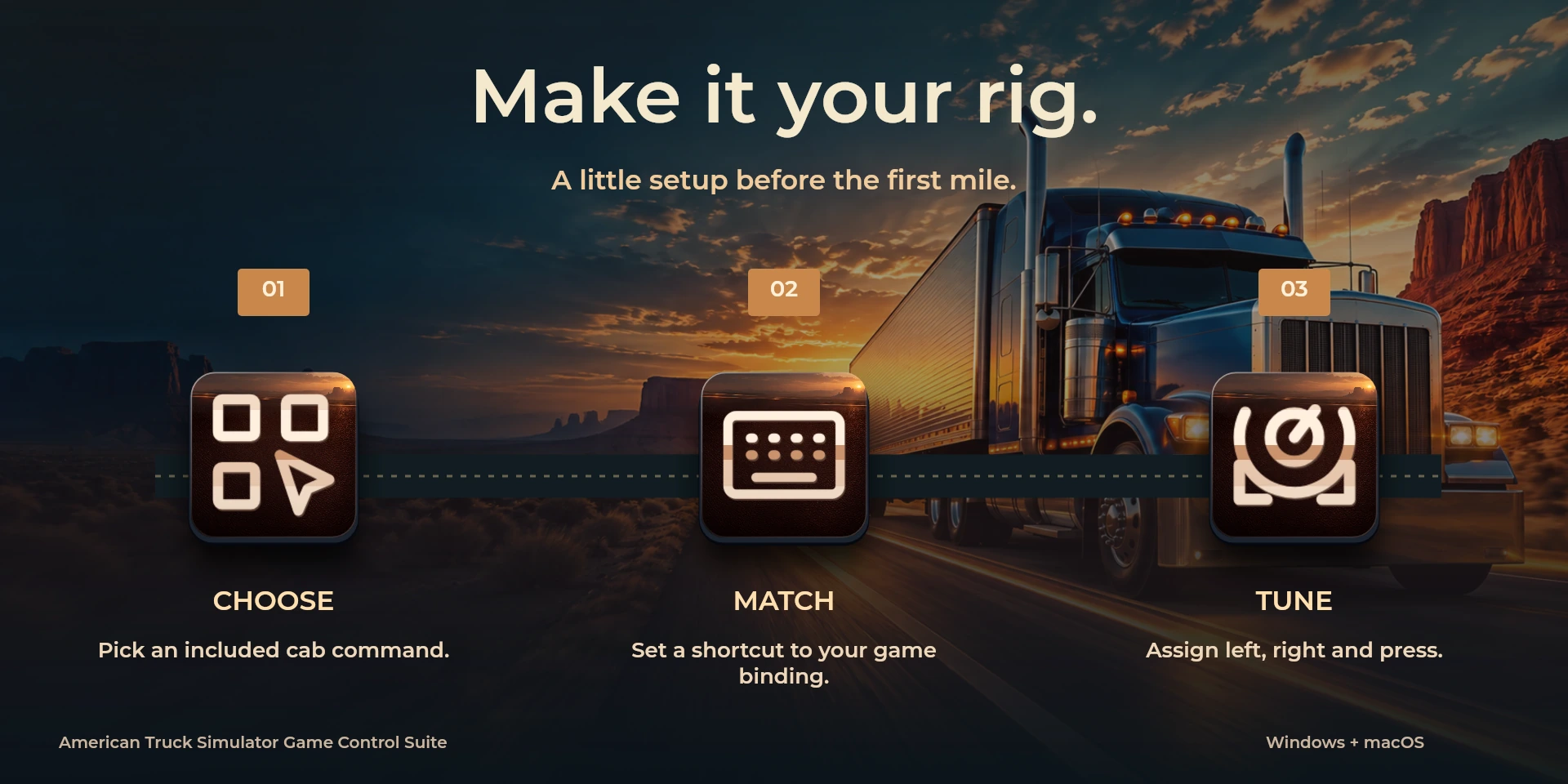
  Choose CommandSelect a command from the inspector library and review its shortcut.
  Custom ShortcutDefine your own shortcut in the inspector; it must match the application.
  Custom DialTurn left or right and review the shortcuts assigned to each direction and press.
 Known limitations
- Keyboard control: no live state, application API, MIDI or telemetry. Results depend on the active panel, selection and your keymap.
- Plugin minimums do not replace the application requirements. Check the installed version and its license.
- Plugin command names are English; the shared inspector has eight languages. These are separate from this website’s ten languages.
Gallery
Documentation
Requirements
Workflow
American Truck Simulator
Configure cab and cameras before driving. Match every shortcut in Keys & Buttons and acknowledge setup in the inspector: ATS default keys are not certified. No truck telemetry or state reading.
Tools
Audio
View
Before using the controls
Configure cab and cameras before driving. Match every shortcut in Keys & Buttons and acknowledge setup in the inspector: ATS default keys are not certified. No truck telemetry or state reading.
Keyboard control: no live state, application API, MIDI or telemetry. Results depend on the active panel, selection and your keymap.
Related Plugins
ARC Raiders Game Control Suite
A field manual for combat, communication and PC utilities. Seven game keys, three utilities and six system monitors are distinct groups.
Euro Truck Simulator 2 Game Control Suite
Configurable local shortcuts for Euro Truck Simulator 2.
Factorio Game Control Suite
Configurable local shortcuts for Factorio.