Edición
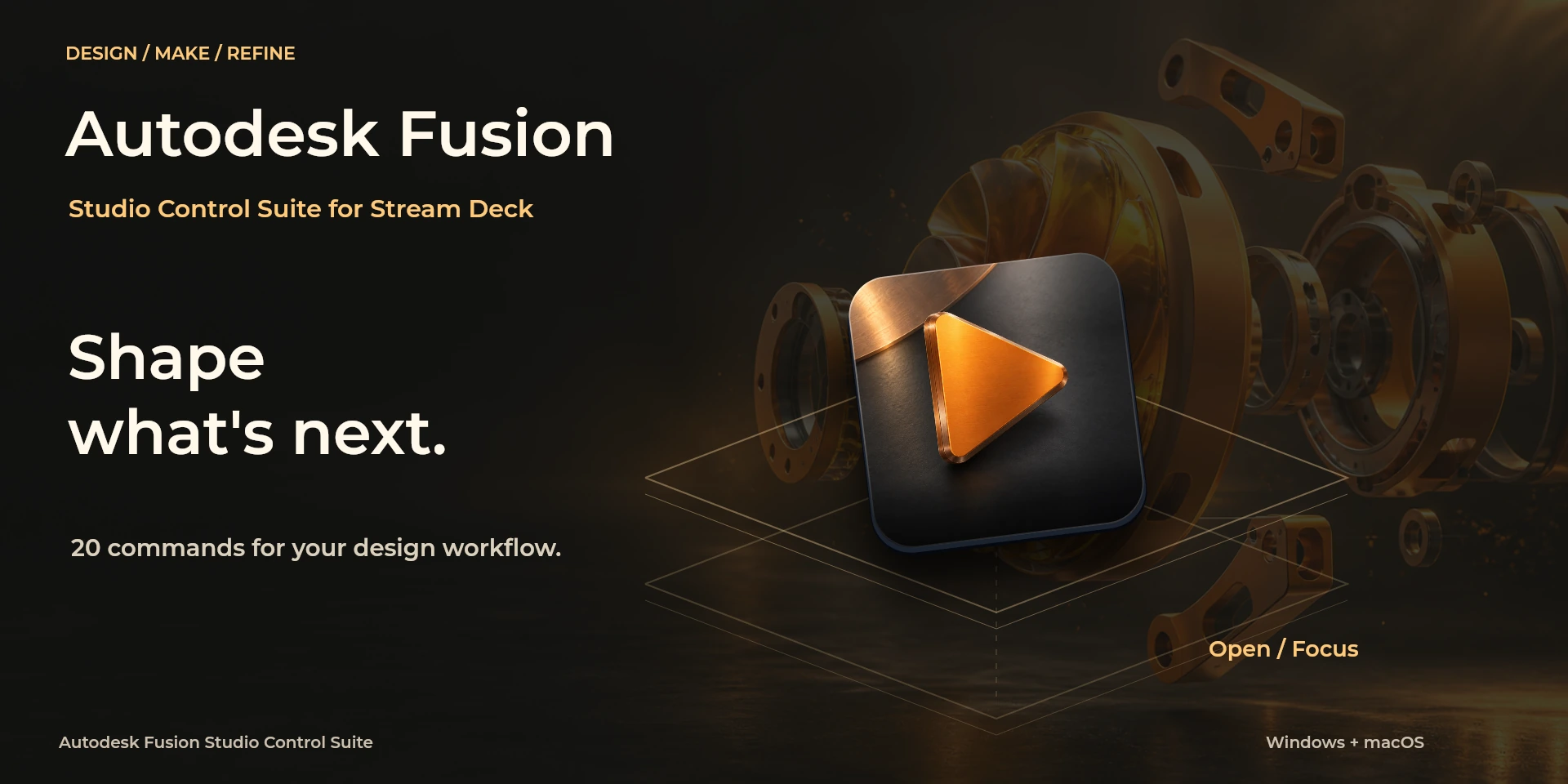
Autodesk Fusion Studio Control Suite
Autodesk Fusion in development: seven families for state, design, components, parameters, manufacturing and dials.
Price to be confirmed
Legal notice Producto independiente de LaboratorioSD, sin afiliación ni respaldo de Autodesk.
Description
The local prototype uses seven configurable entries and retains 26 legacy UUIDs. A dedicated companion prepares state reads, parameter and camera controls. Manufacturing is limited to existing local CAM data. English and Spanish inspector with per-function and per-instance settings. Local connection and companion code form a development milestone; no public installation or distribution.
Features
- The local prototype uses seven configurable entries and retains 26 legacy UUIDs. A dedicated companion prepares state reads, parameter and camera controls. Manufacturing is limited to existing local CAM data.
- English and Spanish inspector with per-function and per-instance settings. Local connection and companion code form a development milestone; no public installation or distribution.
Available actions (7)
 StateState Fusion, Windows, Mac and physical hardware validation remain pending. Mutations stay blocked until the application's modal state can be checked. No toolpath generation or manufacturing-operation promise. OS versions are targets, not certified compatibility.
  Design / SketchDesign / Sketch Fusion, Windows, Mac and physical hardware validation remain pending. Mutations stay blocked until the application's modal state can be checked. No toolpath generation or manufacturing-operation promise. OS versions are targets, not certified compatibility.
  ComponentsComponents Fusion, Windows, Mac and physical hardware validation remain pending. Mutations stay blocked until the application's modal state can be checked. No toolpath generation or manufacturing-operation promise. OS versions are targets, not certified compatibility.
  View / ParametersView / Parameters Fusion, Windows, Mac and physical hardware validation remain pending. Mutations stay blocked until the application's modal state can be checked. No toolpath generation or manufacturing-operation promise. OS versions are targets, not certified compatibility.
  ManufacturingManufacturing Fusion, Windows, Mac and physical hardware validation remain pending. Mutations stay blocked until the application's modal state can be checked. No toolpath generation or manufacturing-operation promise. OS versions are targets, not certified compatibility.
  Parameter dialParameter dial Fusion, Windows, Mac and physical hardware validation remain pending. Mutations stay blocked until the application's modal state can be checked. No toolpath generation or manufacturing-operation promise. OS versions are targets, not certified compatibility.
  Camera dialCamera dial Fusion, Windows, Mac and physical hardware validation remain pending. Mutations stay blocked until the application's modal state can be checked. No toolpath generation or manufacturing-operation promise. OS versions are targets, not certified compatibility.
 Known limitations
- Fusion, Windows, Mac and physical hardware validation remain pending. Mutations stay blocked until the application's modal state can be checked. No toolpath generation or manufacturing-operation promise. OS versions are targets, not certified compatibility.
Documentation
Preparing publication on Elgato Marketplace
Available actions: 7
License: Preparing publication on Elgato Marketplace
Requirements
System: Windows 11+ / macOS 14+
Stream Deck: version 7.1 or later
Available actions: 7
License: Preparing publication on Elgato Marketplace