
REAPER Studio Control Suite
Compare takes, split items and organize recording sessions with markers and regions in REAPER.
Price to be confirmed
Description
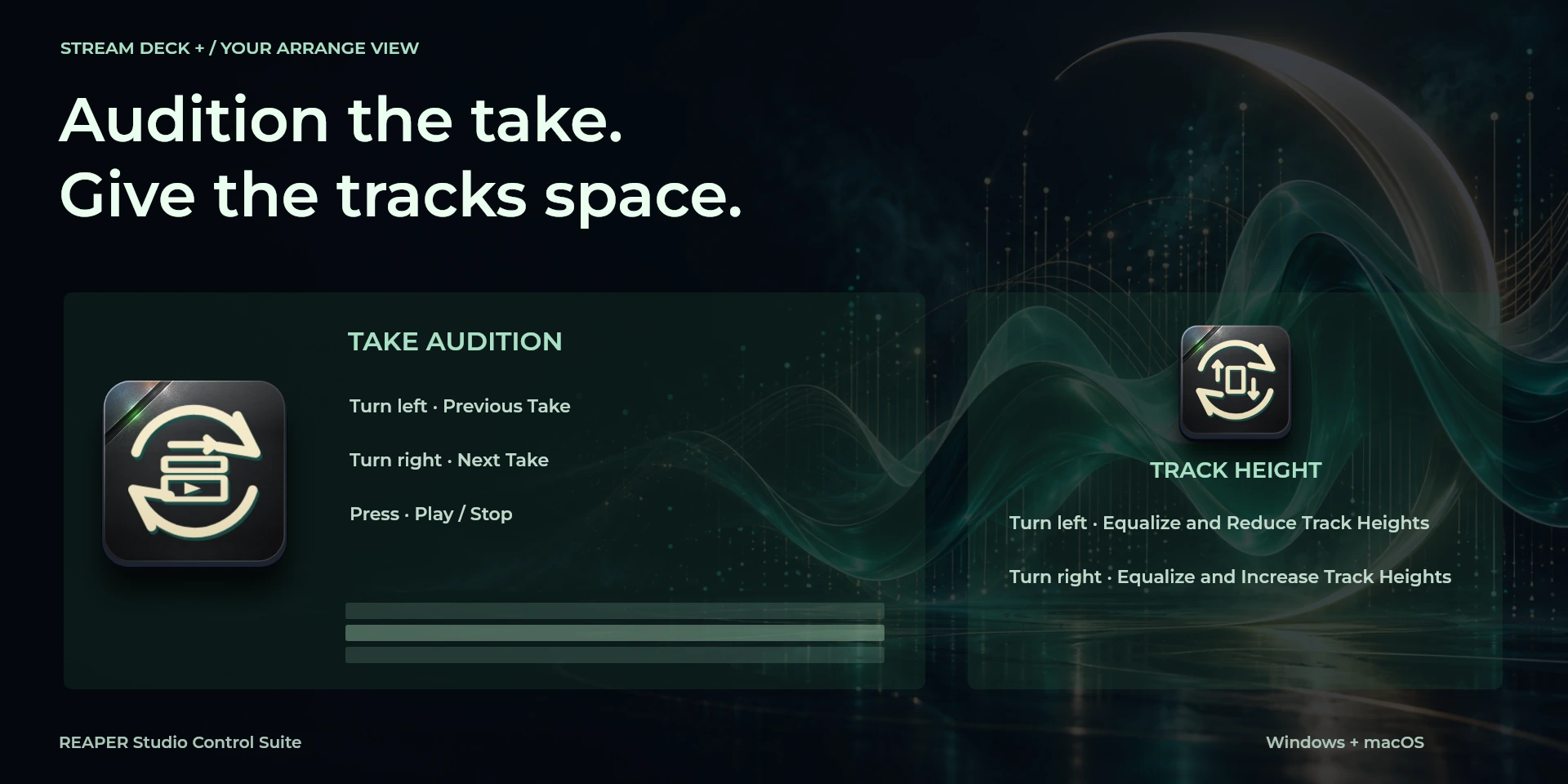
Shape a recording session around the takes you want to keep. Record prepared tracks, split items at the cursor, open item properties and organize passages with markers or regions. Take Audition moves between the selected item's takes and starts playback on press. Track Height equalizes unlocked tracks before changing their height, making that side effect explicit. Use REAPER's Main action section with the arrange view focused; when no item is selected, Split can affect all items crossing the cursor. Render Audio opens REAPER's dialog so you can review the export settings.
Features
- Compare takes, split items and organize recording sessions with markers and regions in REAPER.
- Record takes and organize markers and automation. Focus the arrange view and Main section; arm tracks before recording. Export opens Render for review.
- Plugin minimums do not replace the application requirements. Check the installed version and its license.
Available actions (26)
 Open / Focus REAPEROpens or focuses REAPER; it does not confirm document readiness.
  Play / StopKeyboard shortcut for “Play / Stop” in REAPER. Check the active context before pressing.
  Pause PlaybackKeyboard shortcut for “Pause Playback” in REAPER. Check the active context before pressing.
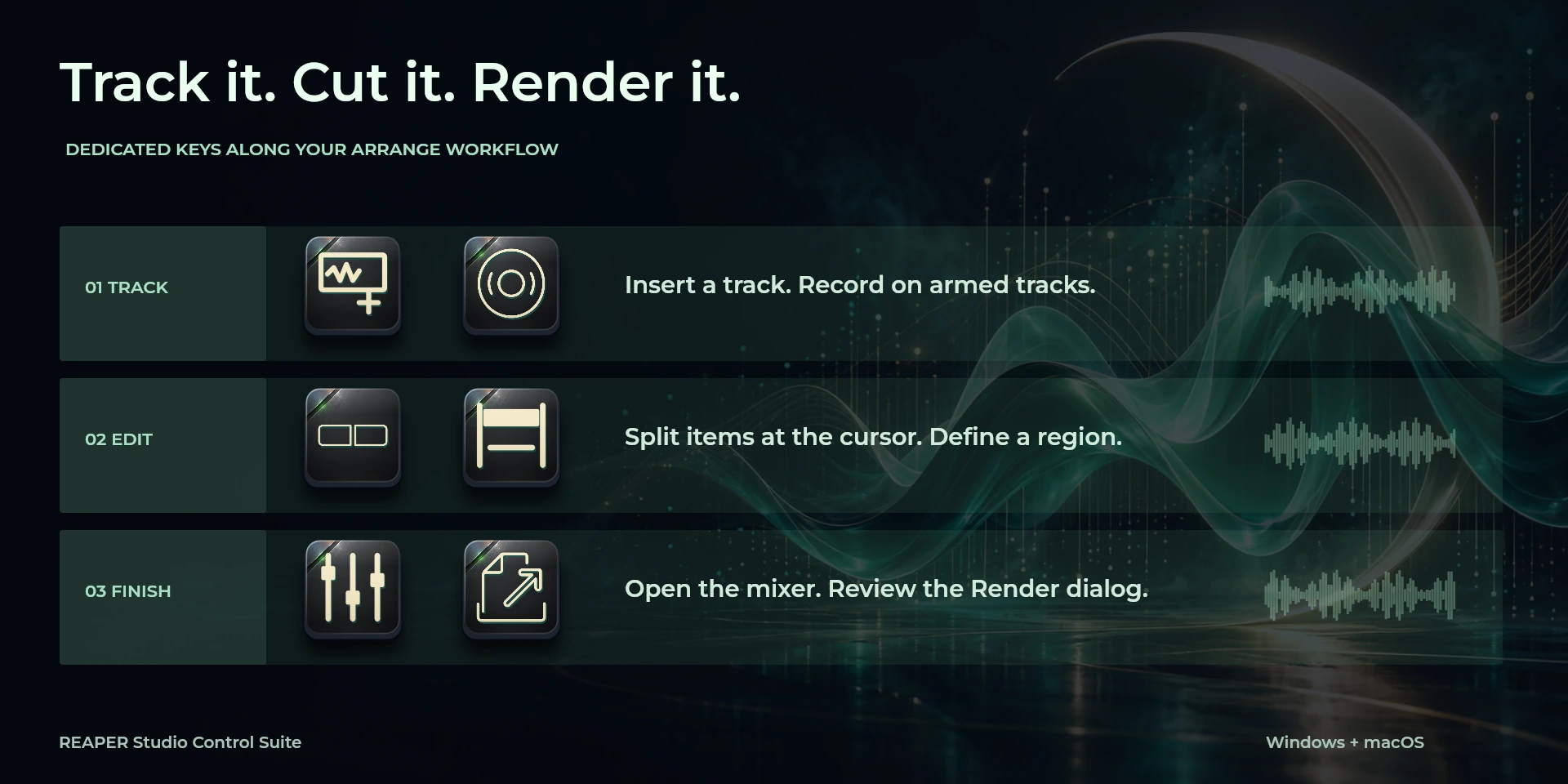
  RecordKeyboard shortcut for “Record” in REAPER. Check the active context before pressing.
  Toggle RepeatKeyboard shortcut for “Toggle Repeat” in REAPER. Check the active context before pressing.
  Go to Project StartKeyboard shortcut for “Go to Project Start” in REAPER. Check the active context before pressing.
  Go to Project EndKeyboard shortcut for “Go to Project End” in REAPER. Check the active context before pressing.
  Insert TrackKeyboard shortcut for “Insert Track” in REAPER. Check the active context before pressing.
  Split Items at CursorKeyboard shortcut for “Split Items at Cursor” in REAPER. Check the active context before pressing.
  Item PropertiesKeyboard shortcut for “Item Properties” in REAPER. Check the active context before pressing.
  Insert MarkerKeyboard shortcut for “Insert Marker” in REAPER. Check the active context before pressing.
  Insert Named MarkerKeyboard shortcut for “Insert Named Marker” in REAPER. Check the active context before pressing.
  Region from Time SelectionKeyboard shortcut for “Region from Time Selection” in REAPER. Check the active context before pressing.
  Show / Hide MixerKeyboard shortcut for “Show / Hide Mixer” in REAPER. Check the active context before pressing.
  Toggle Volume EnvelopeKeyboard shortcut for “Toggle Volume Envelope” in REAPER. Check the active context before pressing.
  Render AudioKeyboard shortcut for “Render Audio” in REAPER. Check the active context before pressing.
  Save ProjectKeyboard shortcut for “Save Project” in REAPER. Check the active context before pressing.
  Previous TakeKeyboard shortcut for “Previous Take” in REAPER. Check the active context before pressing.
  Next TakeKeyboard shortcut for “Next Take” in REAPER. Check the active context before pressing.
  Equalize and Reduce Track HeightsKeyboard shortcut for “Equalize and Reduce Track Heights” in REAPER. Check the active context before pressing.
  Equalize and Increase Track HeightsKeyboard shortcut for “Equalize and Increase Track Heights” in REAPER. Check the active context before pressing.
  Take AuditionTurn left or right and review the shortcuts assigned to each direction and press.
  Track HeightTurn left or right and review the shortcuts assigned to each direction and press.
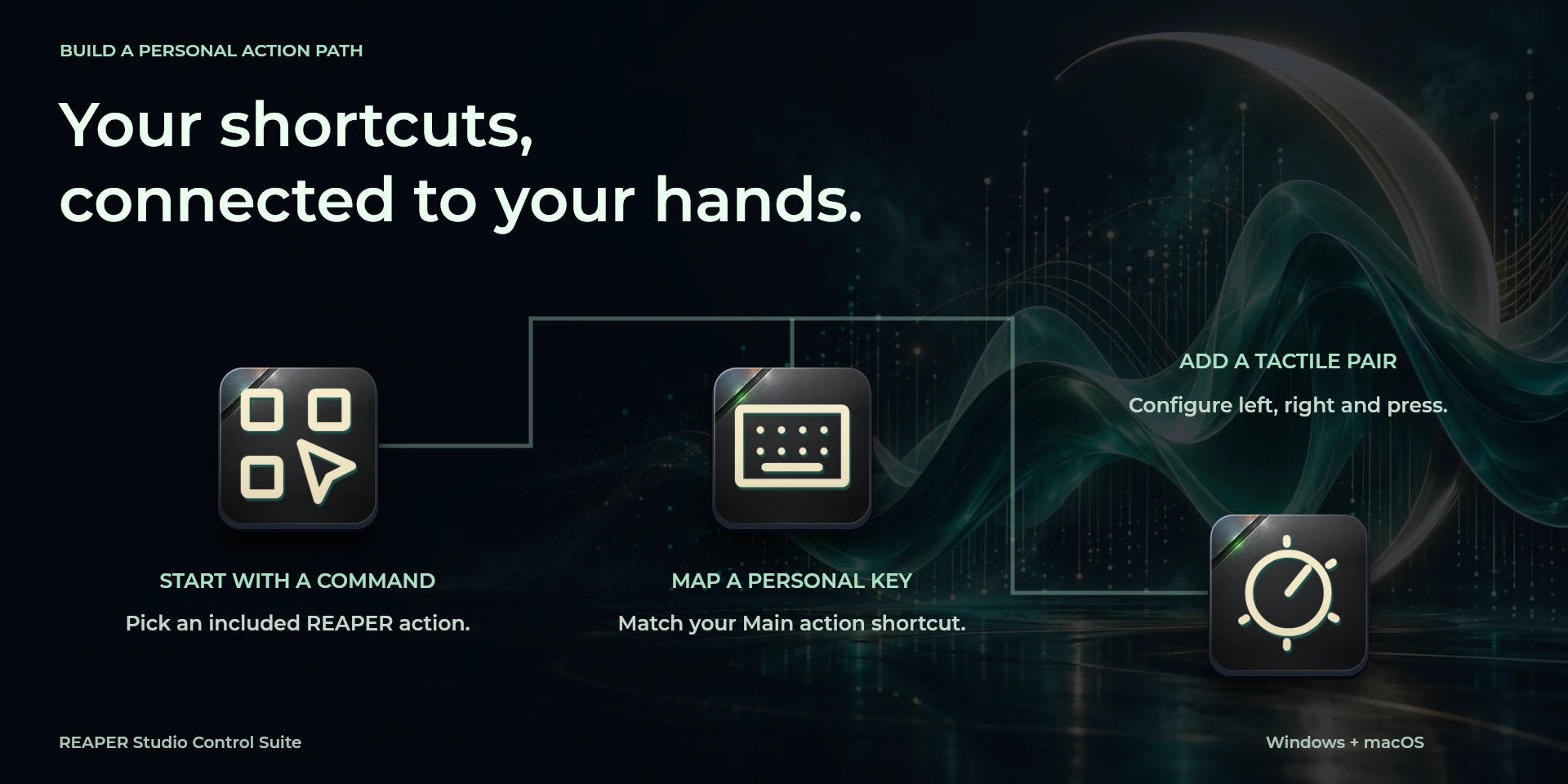
  Choose CommandSelect a command from the inspector library and review its shortcut.
  Custom ShortcutDefine your own shortcut in the inspector; it must match the application.
  Custom DialTurn left or right and review the shortcuts assigned to each direction and press.
 Known limitations
- Keyboard control: no live state, application API, MIDI or telemetry. Results depend on the active panel, selection and your keymap.
- Plugin minimums do not replace the application requirements. Check the installed version and its license.
- Plugin command names are English; the shared inspector has eight languages. These are separate from this website’s ten languages.
Gallery
Documentation
Requirements
Workflow
REAPER
Record takes and organize markers and automation. Focus the arrange view and Main section; arm tracks before recording. Export opens Render for review.
Transport
Navigation
Editing
View
Markers
Audio
Document
Before using the controls
Record takes and organize markers and automation. Focus the arrange view and Main section; arm tracks before recording. Export opens Render for review.
Keyboard control: no live state, application API, MIDI or telemetry. Results depend on the active panel, selection and your keymap.
Related Plugins
Ableton Live Studio Control Suite
Build arrangements, split and quantize clips, and adjust grid precision in Ableton Live.
Cubase Studio Control Suite
Arm tracks, split and group events, and navigate your Cubase project with dedicated dials.
FL Studio Control Suite
Slice and position Playlist clips, switch production views and open Piano roll quantization in FL Studio.