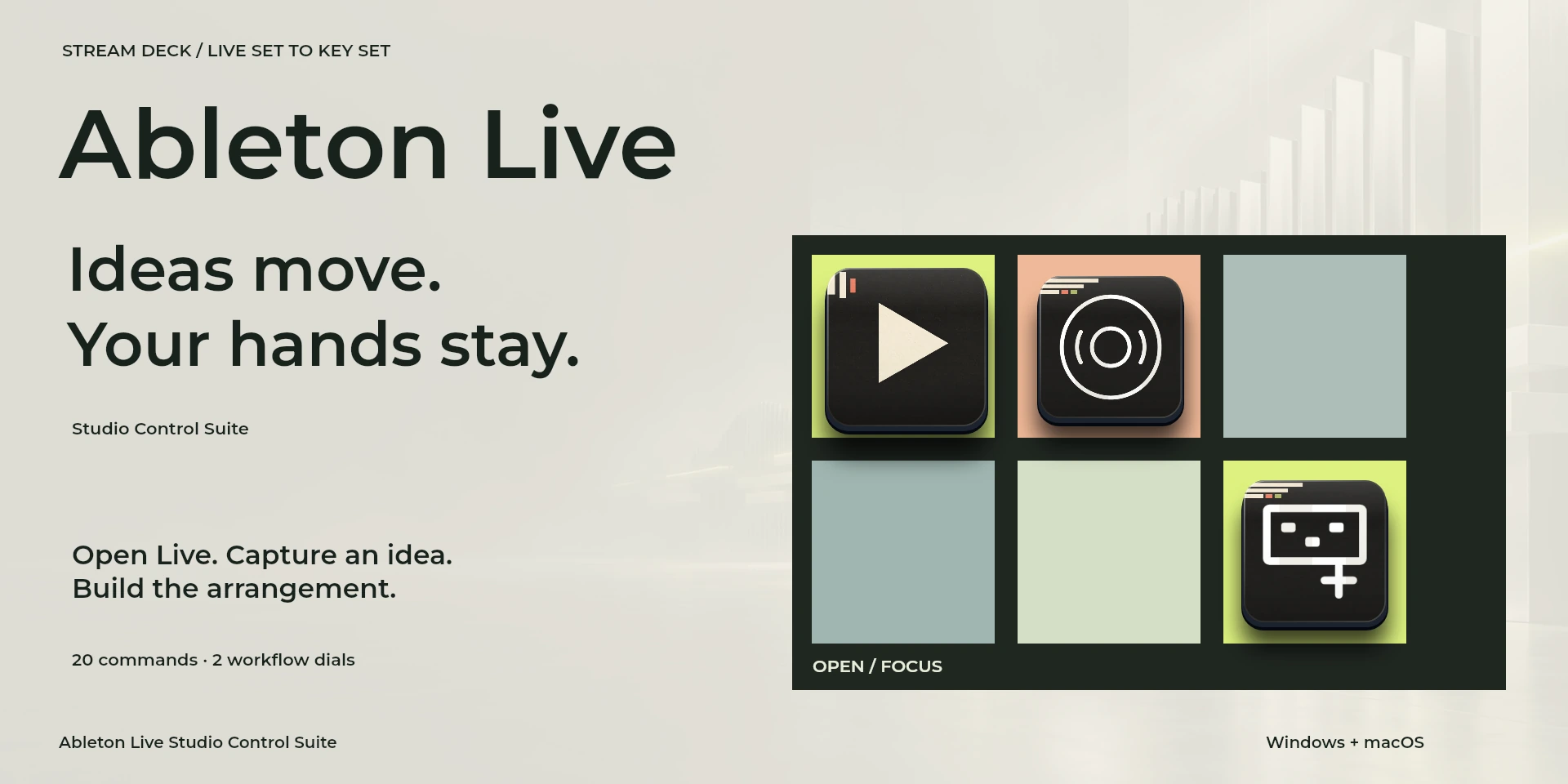

Ableton Live Studio Control Suite
Build arrangements, split and quantize clips, and adjust grid precision in Ableton Live.
Price to be confirmed
Description
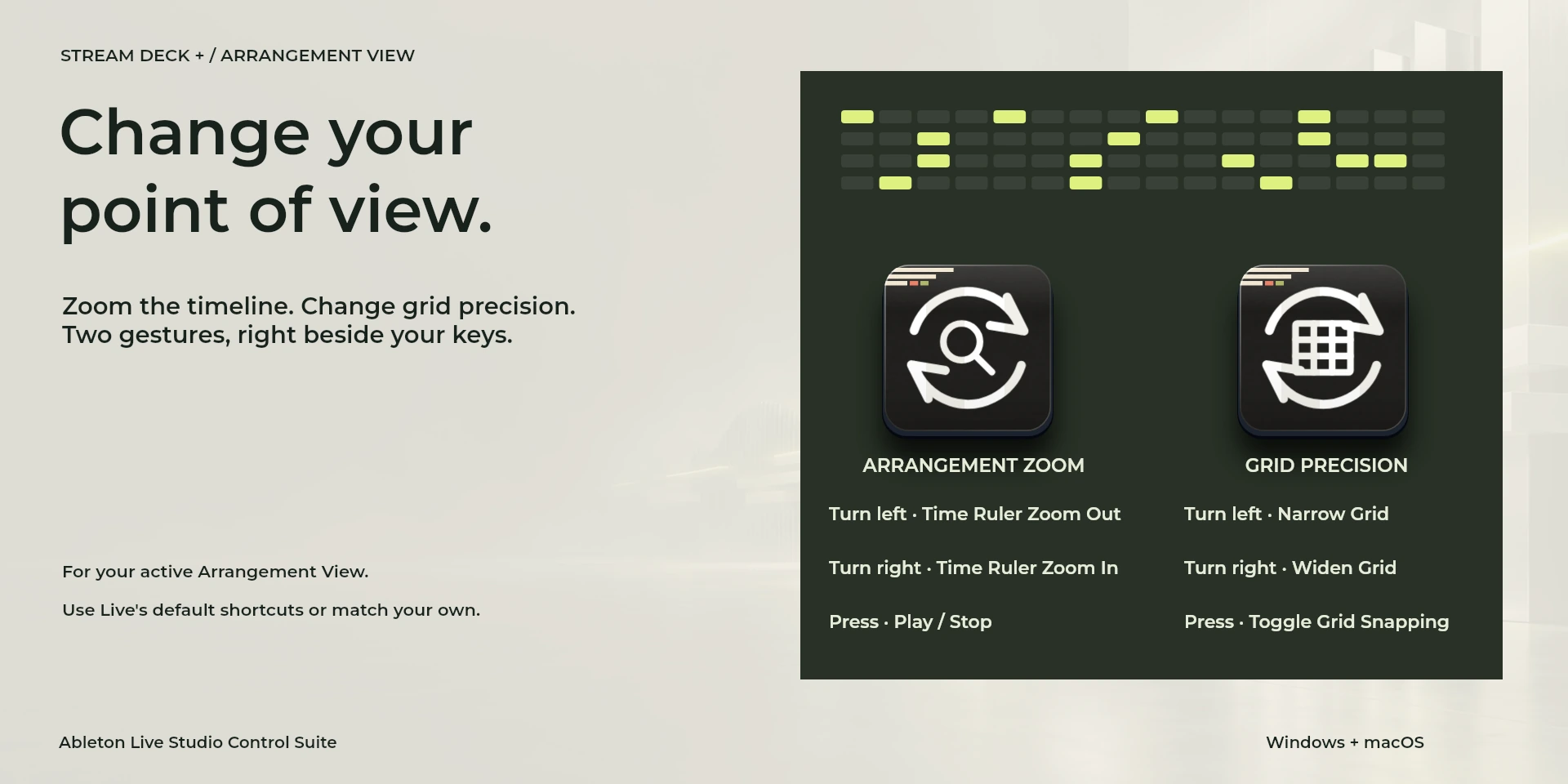
Turn an idea into an arrangement with track creation, clip splitting, consolidation, quantization and loop selection close at hand. Move between Session and Arrangement or Device and Clip views as the work changes. Arrangement Zoom adjusts the time ruler; Grid Precision narrows or widens the grid and toggles snapping on press. Work in the intended track or clip context and disable Computer MIDI Keyboard for single-letter shortcuts. This is an editing companion driven by keys, without mixer-fader control, device parameter feedback or a MIDI connection.
Features
- Build arrangements, split and quantize clips, and adjust grid precision in Ableton Live.
- Organize tracks, quantize and adjust grid and zoom. Use Arrangement View and disable Computer MIDI Keyboard for single-letter commands.
- Plugin minimums do not replace the application requirements. Check the installed version and its license.
Available actions (26)
 Open / Focus Ableton LiveOpens or focuses Ableton Live; it does not confirm document readiness.
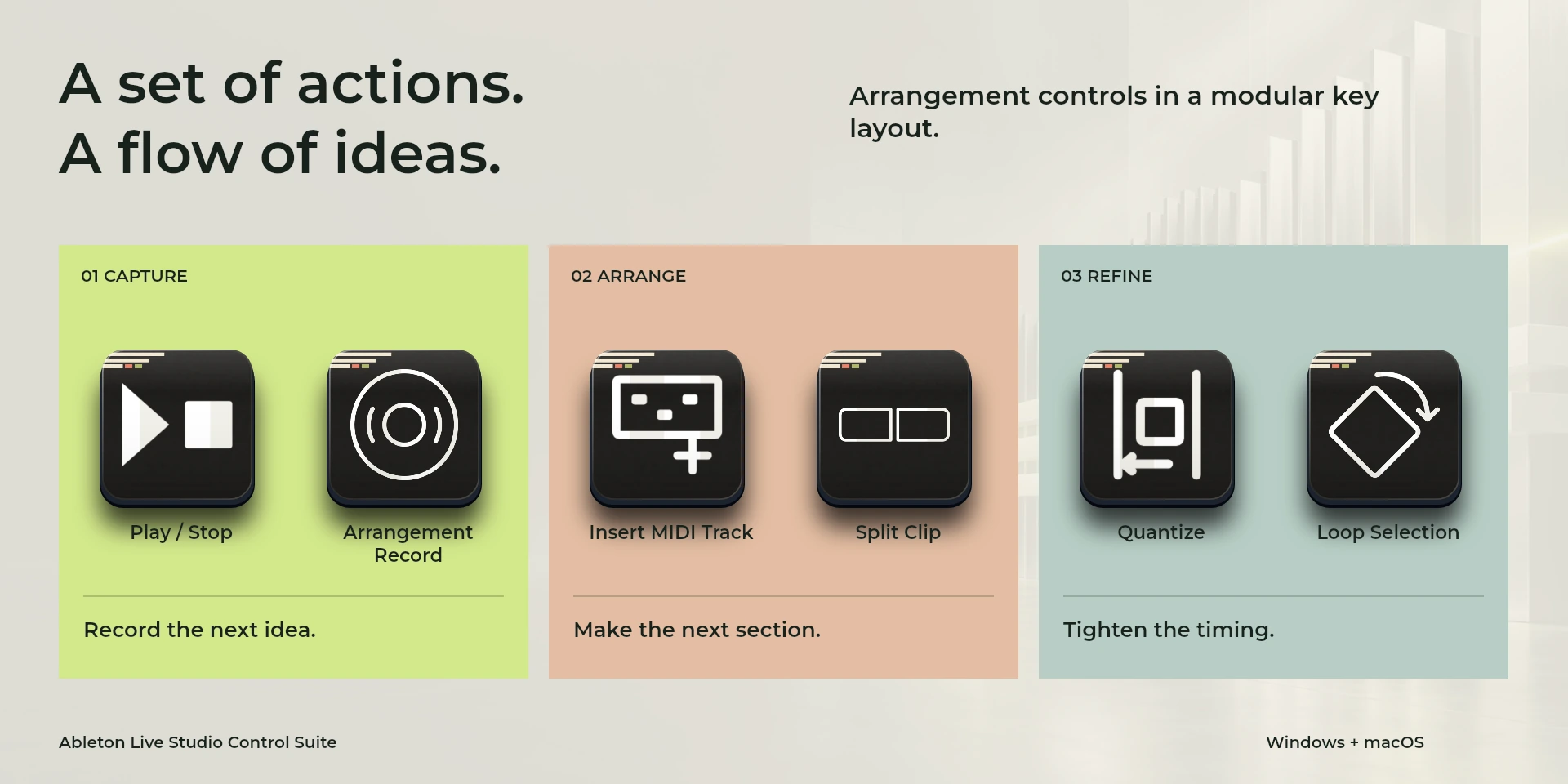
  Play / StopKeyboard shortcut for “Play / Stop” in Ableton Live. Check the active context before pressing.
  Arrangement RecordKeyboard shortcut for “Arrangement Record” in Ableton Live. Check the active context before pressing.
  Session / ArrangementKeyboard shortcut for “Session / Arrangement” in Ableton Live. Check the active context before pressing.
  Device / Clip ViewKeyboard shortcut for “Device / Clip View” in Ableton Live. Check the active context before pressing.
  Insert Audio TrackKeyboard shortcut for “Insert Audio Track” in Ableton Live. Check the active context before pressing.
  Insert MIDI TrackKeyboard shortcut for “Insert MIDI Track” in Ableton Live. Check the active context before pressing.
  Duplicate SelectionKeyboard shortcut for “Duplicate Selection” in Ableton Live. Check the active context before pressing.
  Split ClipKeyboard shortcut for “Split Clip” in Ableton Live. Check the active context before pressing.
  Consolidate SelectionKeyboard shortcut for “Consolidate Selection” in Ableton Live. Check the active context before pressing.
  QuantizeKeyboard shortcut for “Quantize” in Ableton Live. Check the active context before pressing.
  Loop SelectionKeyboard shortcut for “Loop Selection” in Ableton Live. Check the active context before pressing.
  Toggle Draw ModeKeyboard shortcut for “Toggle Draw Mode” in Ableton Live. Check the active context before pressing.
  Show / Hide BrowserKeyboard shortcut for “Show / Hide Browser” in Ableton Live. Check the active context before pressing.
  Save Live SetKeyboard shortcut for “Save Live Set” in Ableton Live. Check the active context before pressing.
  UndoKeyboard shortcut for “Undo” in Ableton Live. Check the active context before pressing.
  Time Ruler Zoom OutKeyboard shortcut for “Time Ruler Zoom Out” in Ableton Live. Check the active context before pressing.
  Time Ruler Zoom InKeyboard shortcut for “Time Ruler Zoom In” in Ableton Live. Check the active context before pressing.
  Narrow GridKeyboard shortcut for “Narrow Grid” in Ableton Live. Check the active context before pressing.
  Widen GridKeyboard shortcut for “Widen Grid” in Ableton Live. Check the active context before pressing.
  Toggle Grid SnappingKeyboard shortcut for “Toggle Grid Snapping” in Ableton Live. Check the active context before pressing.
  Arrangement ZoomTurn left or right and review the shortcuts assigned to each direction and press.
  Grid PrecisionTurn left or right and review the shortcuts assigned to each direction and press.
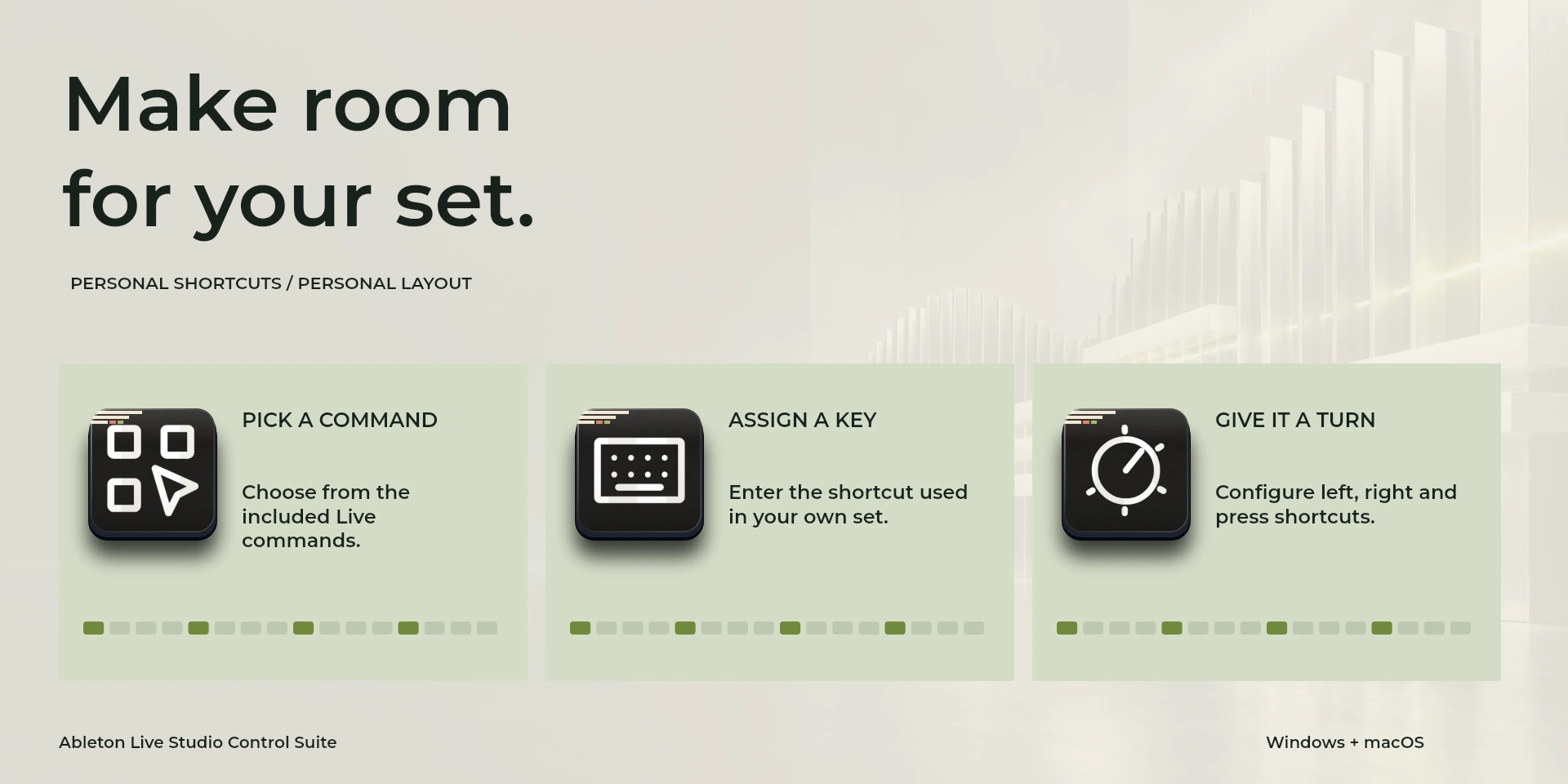
  Choose CommandSelect a command from the inspector library and review its shortcut.
  Custom ShortcutDefine your own shortcut in the inspector; it must match the application.
  Custom DialTurn left or right and review the shortcuts assigned to each direction and press.
 Known limitations
- Keyboard control: no live state, application API, MIDI or telemetry. Results depend on the active panel, selection and your keymap.
- Plugin minimums do not replace the application requirements. Check the installed version and its license.
- Plugin command names are English; the shared inspector has eight languages. These are separate from this website’s ten languages.
Gallery
Documentation
Requirements
Workflow
Ableton Live
Organize tracks, quantize and adjust grid and zoom. Use Arrangement View and disable Computer MIDI Keyboard for single-letter commands.
Transport
Editing
View
Document
Tools
Before using the controls
Organize tracks, quantize and adjust grid and zoom. Use Arrangement View and disable Computer MIDI Keyboard for single-letter commands.
Keyboard control: no live state, application API, MIDI or telemetry. Results depend on the active panel, selection and your keymap.
Related Plugins
Cubase Studio Control Suite
Arm tracks, split and group events, and navigate your Cubase project with dedicated dials.
FL Studio Control Suite
Slice and position Playlist clips, switch production views and open Piano roll quantization in FL Studio.
Logic Pro Studio Control Suite
Capture performances, set recording cycles and revisit markers in Logic Pro.