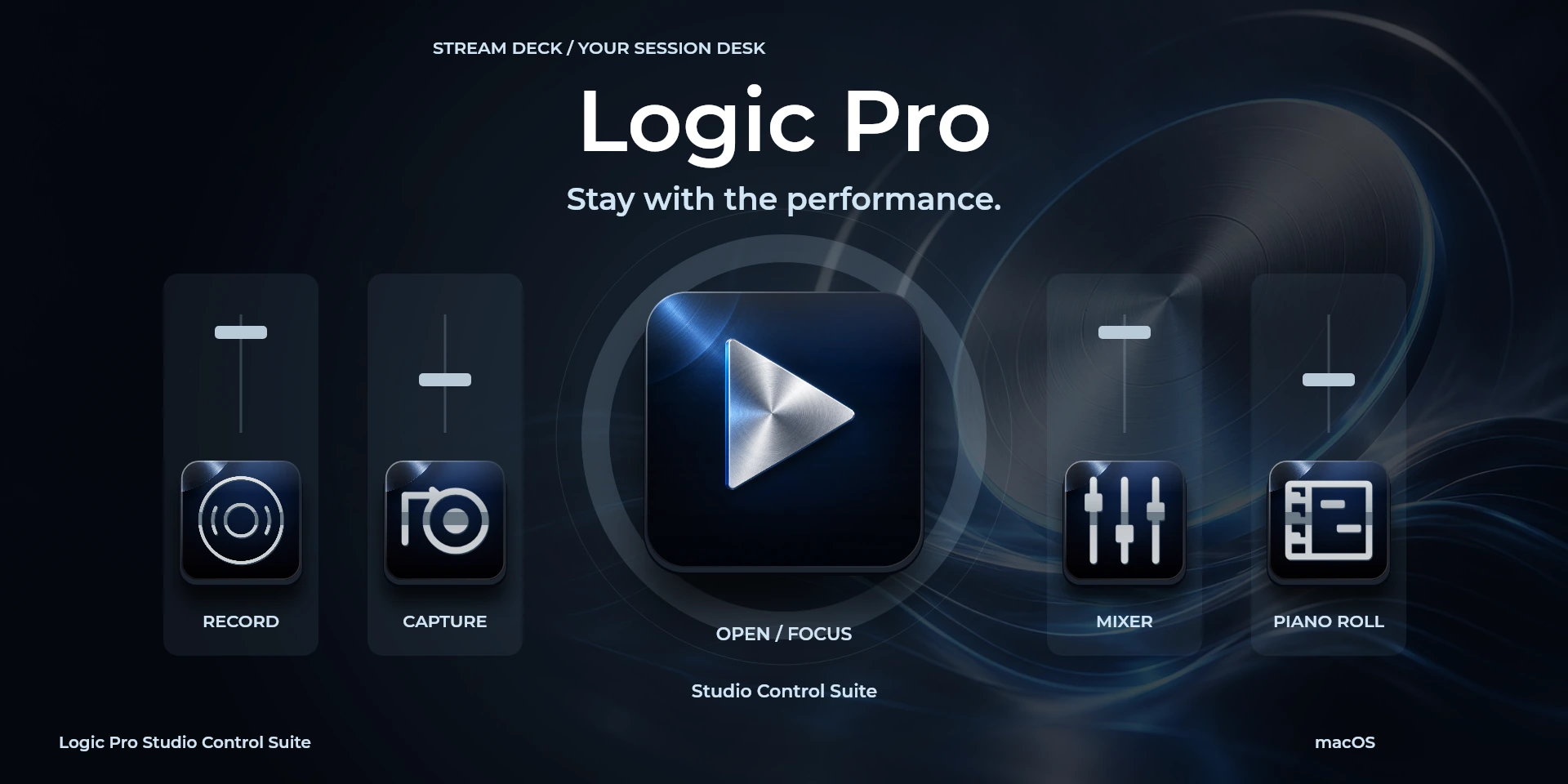

Logic Pro Studio Control Suite
Capture performances, set recording cycles and revisit markers in Logic Pro.
Price to be confirmed
Description
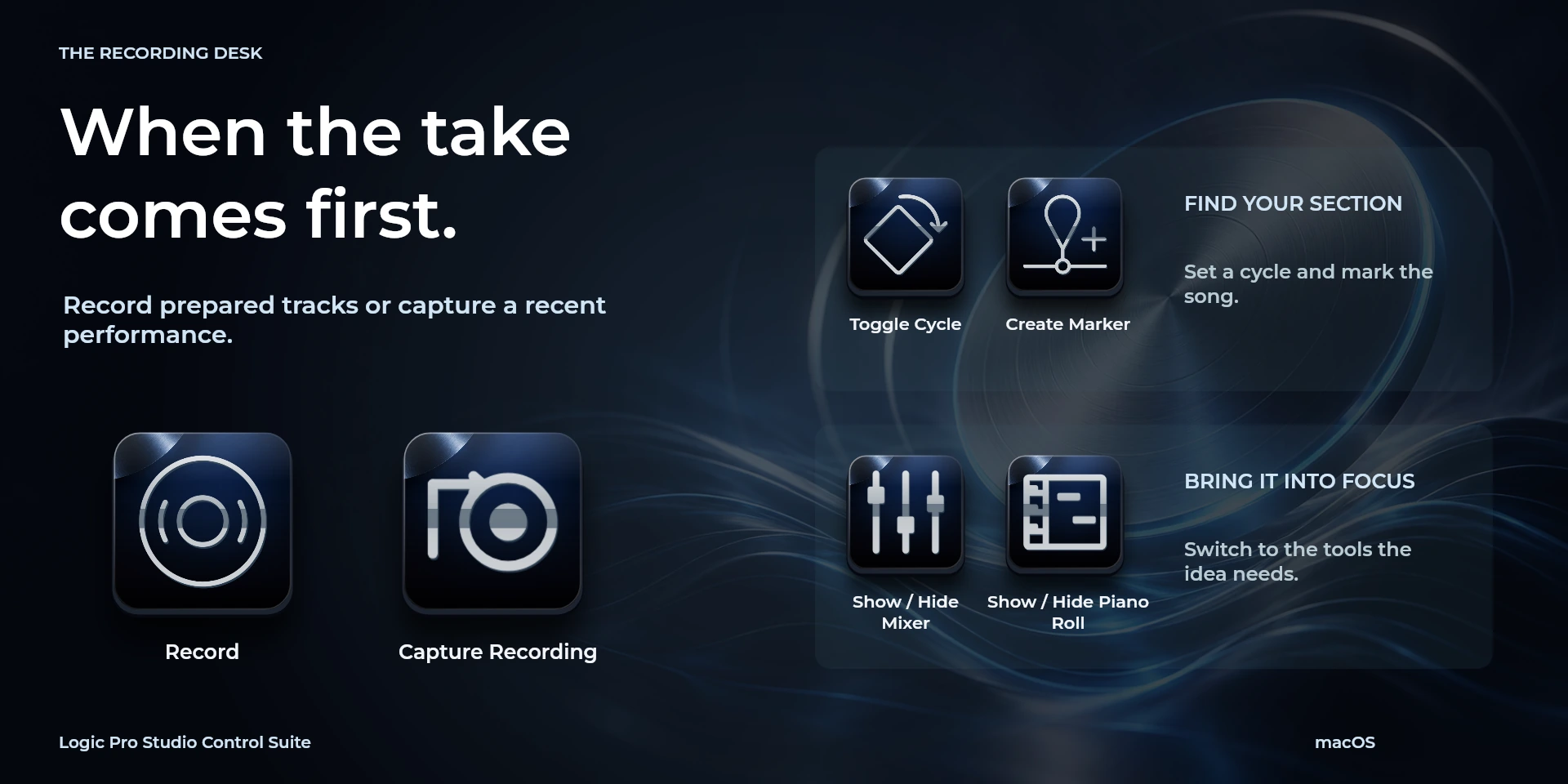
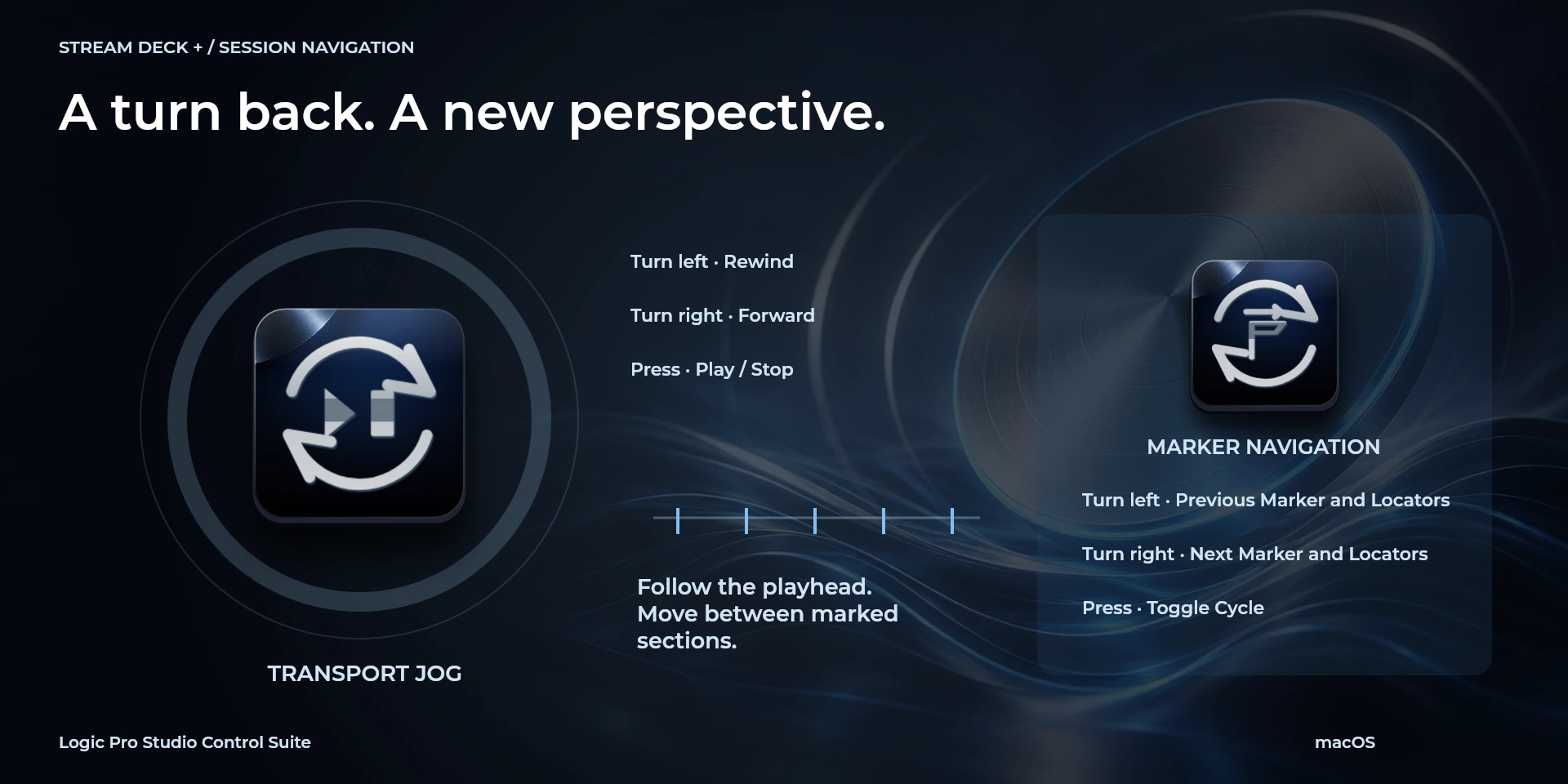
Keep the recording pass in focus. Start recording, request Capture Recording, set locators and cycle playback, or reach the metronome and count-in while preparing another take. Transport Jog moves through the arrangement; Marker Navigation visits sections and updates the locators, with cycle control on press. Mixer, Piano Roll and Smart Controls can be brought into view from dedicated buttons. For Logic Pro on macOS, match the U.S. key-command preset or configure your own bindings. Close Musical Typing before using letter commands; capture results depend on Logic's recording context.
Features
- Capture performances, set recording cycles and revisit markers in Logic Pro.
- Record, control cycles and navigate markers. macOS only: use the U.S. keymap or adapt shortcuts; close Musical Typing and text fields.
- Plugin minimums do not replace the application requirements. Check the installed version and its license.
Available actions (26)
 Open / Focus Logic ProOpens or focuses Logic Pro; it does not confirm document readiness.
  Play / StopKeyboard shortcut for “Play / Stop” in Logic Pro. Check the active context before pressing.
  RecordKeyboard shortcut for “Record” in Logic Pro. Check the active context before pressing.
  Capture RecordingKeyboard shortcut for “Capture Recording” in Logic Pro. Check the active context before pressing.
  RewindKeyboard shortcut for “Rewind” in Logic Pro. Check the active context before pressing.
  ForwardKeyboard shortcut for “Forward” in Logic Pro. Check the active context before pressing.
  Go to BeginningKeyboard shortcut for “Go to Beginning” in Logic Pro. Check the active context before pressing.
  Toggle CycleKeyboard shortcut for “Toggle Cycle” in Logic Pro. Check the active context before pressing.
  Toggle MetronomeKeyboard shortcut for “Toggle Metronome” in Logic Pro. Check the active context before pressing.
  Toggle Count-inKeyboard shortcut for “Toggle Count-in” in Logic Pro. Check the active context before pressing.
  Create MarkerKeyboard shortcut for “Create Marker” in Logic Pro. Check the active context before pressing.
  Previous Marker and LocatorsKeyboard shortcut for “Previous Marker and Locators” in Logic Pro. Check the active context before pressing.
  Next Marker and LocatorsKeyboard shortcut for “Next Marker and Locators” in Logic Pro. Check the active context before pressing.
  Set Locators and CycleKeyboard shortcut for “Set Locators and Cycle” in Logic Pro. Check the active context before pressing.
  Show / Hide MixerKeyboard shortcut for “Show / Hide Mixer” in Logic Pro. Check the active context before pressing.
  Show / Hide Piano RollKeyboard shortcut for “Show / Hide Piano Roll” in Logic Pro. Check the active context before pressing.
  Show / Hide Smart ControlsKeyboard shortcut for “Show / Hide Smart Controls” in Logic Pro. Check the active context before pressing.
  Show / Hide LibraryKeyboard shortcut for “Show / Hide Library” in Logic Pro. Check the active context before pressing.
  Toggle Channel MuteKeyboard shortcut for “Toggle Channel Mute” in Logic Pro. Check the active context before pressing.
  Toggle Channel SoloKeyboard shortcut for “Toggle Channel Solo” in Logic Pro. Check the active context before pressing.
  Save ProjectKeyboard shortcut for “Save Project” in Logic Pro. Check the active context before pressing.
  Transport JogTurn left or right and review the shortcuts assigned to each direction and press.
  Marker NavigationTurn left or right and review the shortcuts assigned to each direction and press.
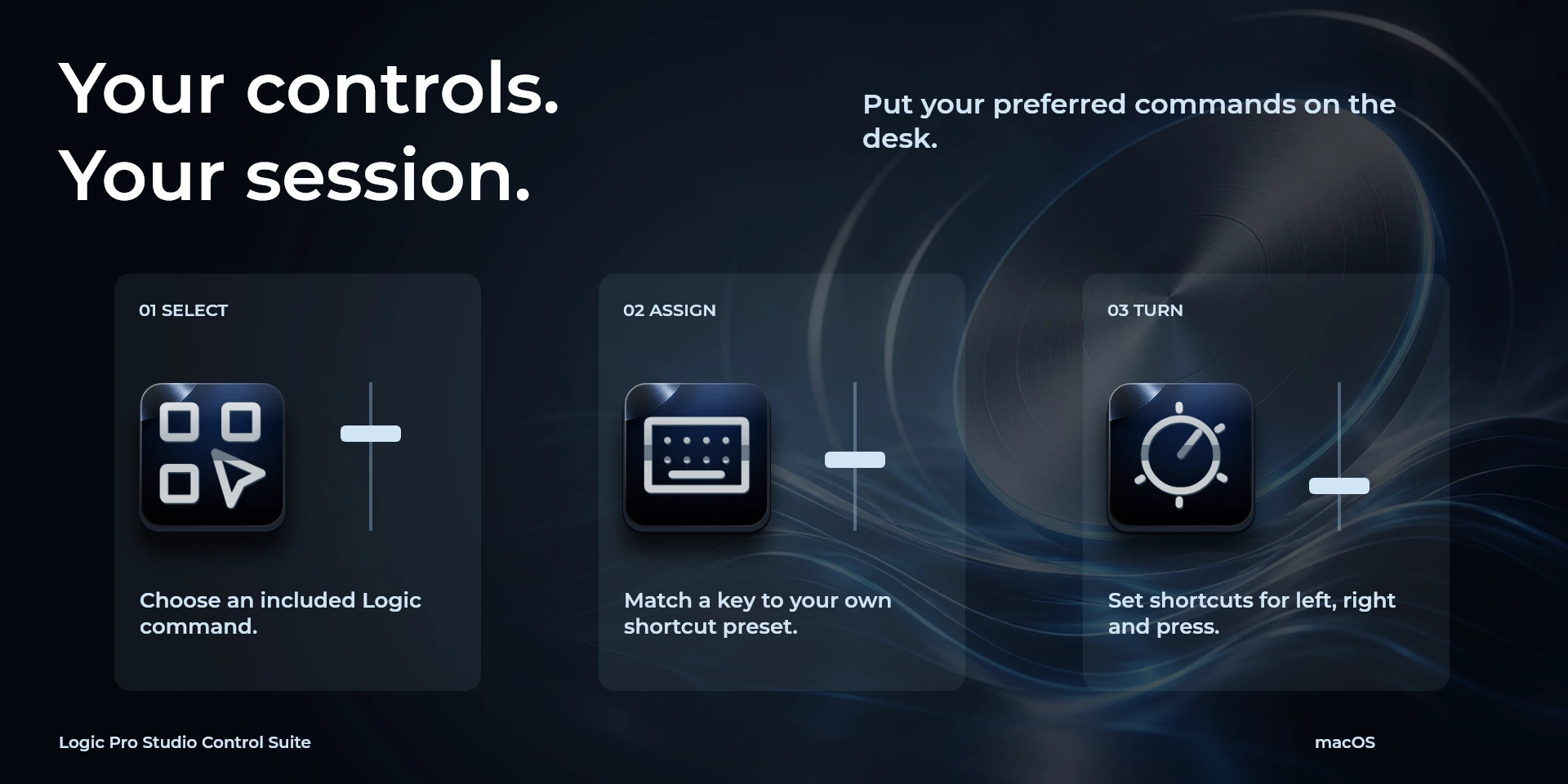
  Choose CommandSelect a command from the inspector library and review its shortcut.
  Custom ShortcutDefine your own shortcut in the inspector; it must match the application.
  Custom DialTurn left or right and review the shortcuts assigned to each direction and press.
 Known limitations
- Keyboard control: no live state, application API, MIDI or telemetry. Results depend on the active panel, selection and your keymap.
- Plugin minimums do not replace the application requirements. Check the installed version and its license.
- Plugin command names are English; the shared inspector has eight languages. These are separate from this website’s ten languages.
Gallery
Documentation
Requirements
Workflow
Logic Pro
Record, control cycles and navigate markers. macOS only: use the U.S. keymap or adapt shortcuts; close Musical Typing and text fields.
Transport
Navigation
Markers
View
Editing
Audio
Document
Before using the controls
Record, control cycles and navigate markers. macOS only: use the U.S. keymap or adapt shortcuts; close Musical Typing and text fields.
Keyboard control: no live state, application API, MIDI or telemetry. Results depend on the active panel, selection and your keymap.
Related Plugins
Ableton Live Studio Control Suite
Build arrangements, split and quantize clips, and adjust grid precision in Ableton Live.
Cubase Studio Control Suite
Arm tracks, split and group events, and navigate your Cubase project with dedicated dials.
FL Studio Control Suite
Slice and position Playlist clips, switch production views and open Piano roll quantization in FL Studio.