
生产力
Microsoft PowerPoint Work Control Suite
在Microsoft PowerPoint中逐页演示、切换黑屏或白屏,并调整文字大小。
价格待确认
法律声明 LaboratorioSD独立产品,与Microsoft无关联,亦未获其认可。
说明
在Microsoft PowerPoint中逐页演示、切换黑屏或白屏,并调整文字大小。 在桌面PowerPoint中准备对象和演示幻灯片。演示控制需正在运行的放映,编辑需普通视图。请检查观众屏幕。
功能
- 在Microsoft PowerPoint中逐页演示、切换黑屏或白屏,并调整文字大小。
- 在桌面PowerPoint中准备对象和演示幻灯片。演示控制需正在运行的放映,编辑需普通视图。请检查观众屏幕。
- 插件最低要求不能代替应用要求。请检查已安装版本和许可证。
可用操作 (26)
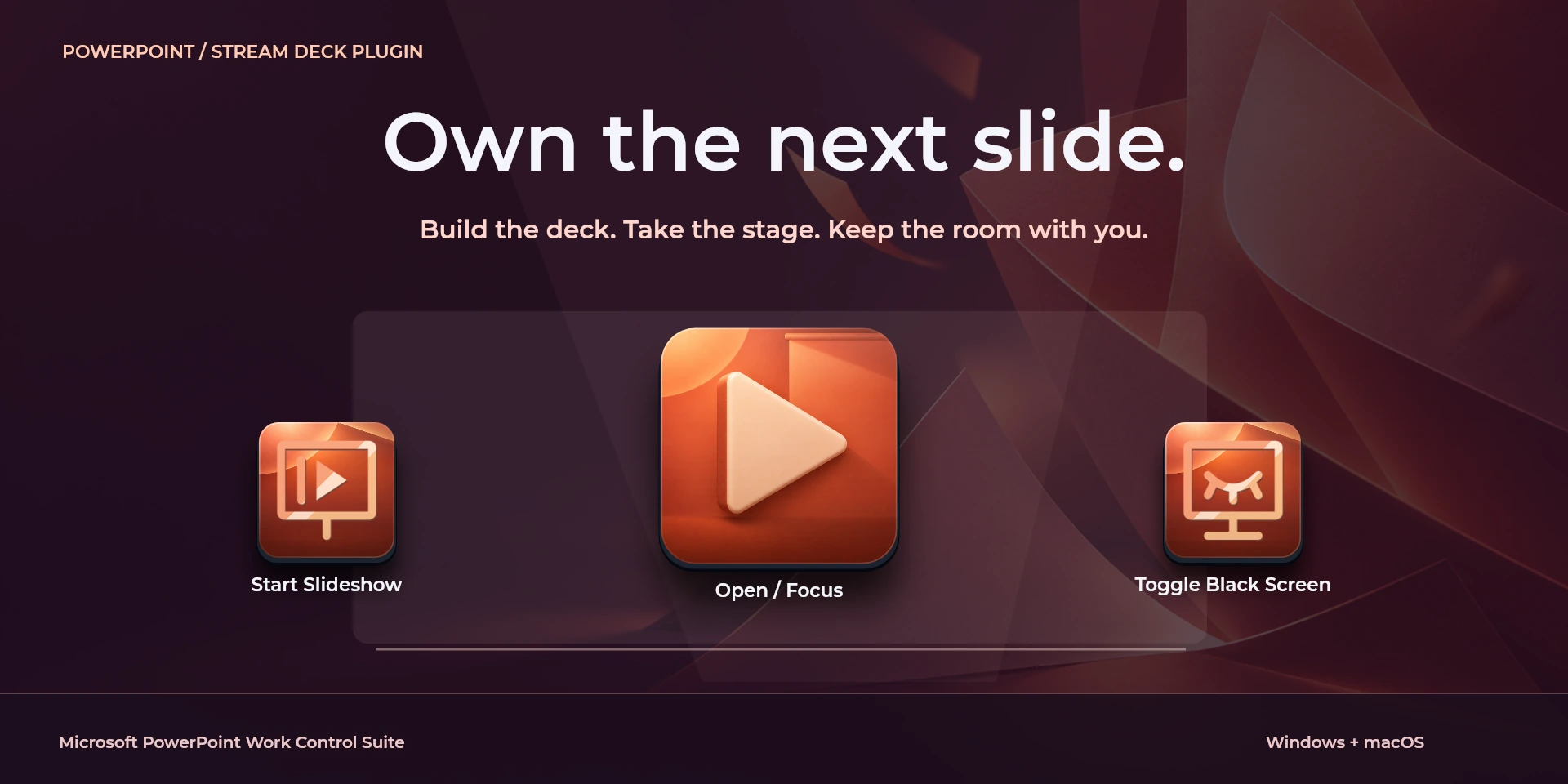
 Open / Focus Microsoft PowerPoint打开或聚焦Microsoft PowerPoint,不确认文档是否就绪。
  Start SlideshowMicrosoft PowerPoint中“Start Slideshow”的键盘快捷键。按下前请确认当前上下文。
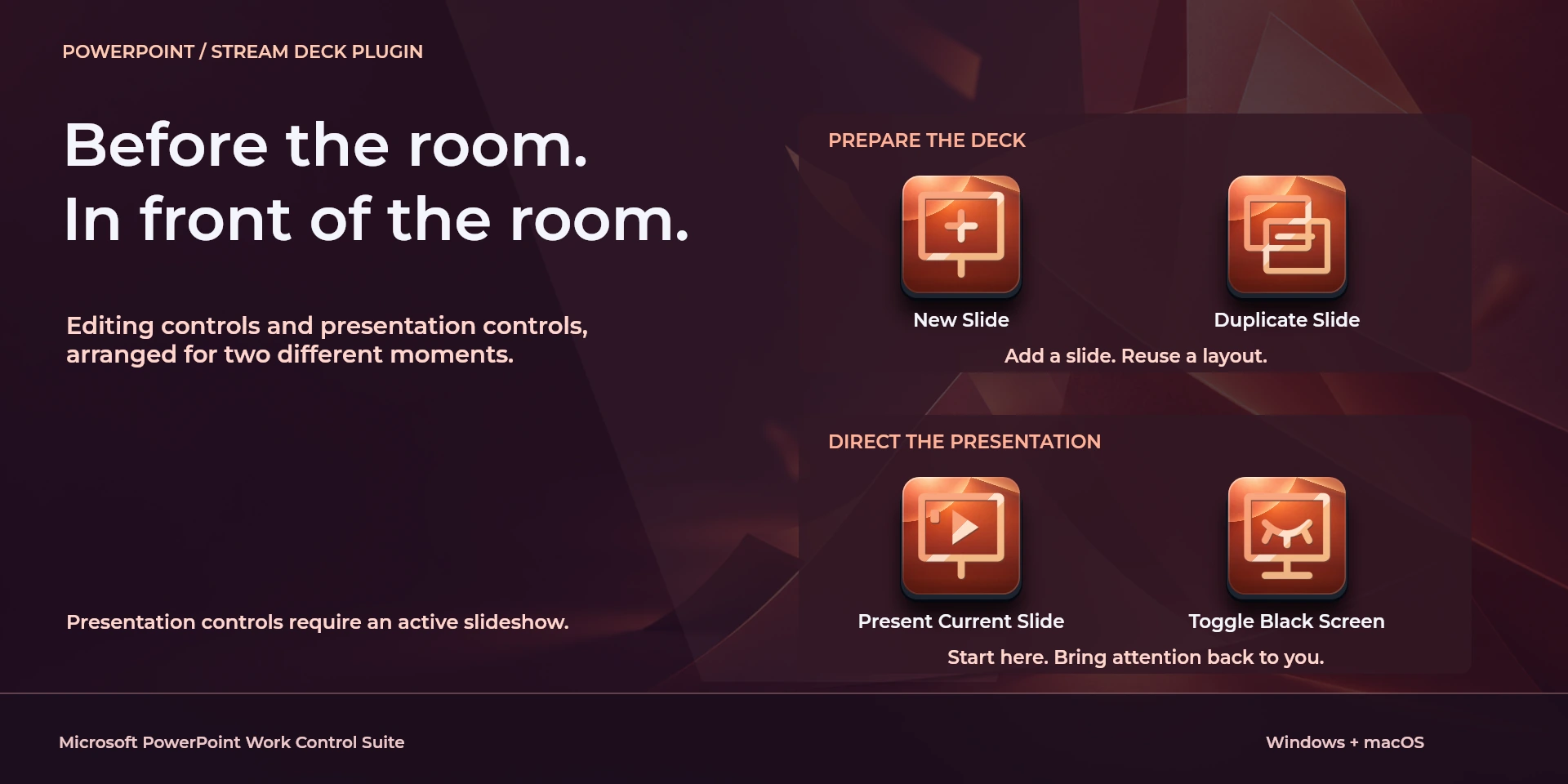
  Present Current SlideMicrosoft PowerPoint中“Present Current Slide”的键盘快捷键。按下前请确认当前上下文。
  Start Presenter ViewMicrosoft PowerPoint中“Start Presenter View”的键盘快捷键。按下前请确认当前上下文。
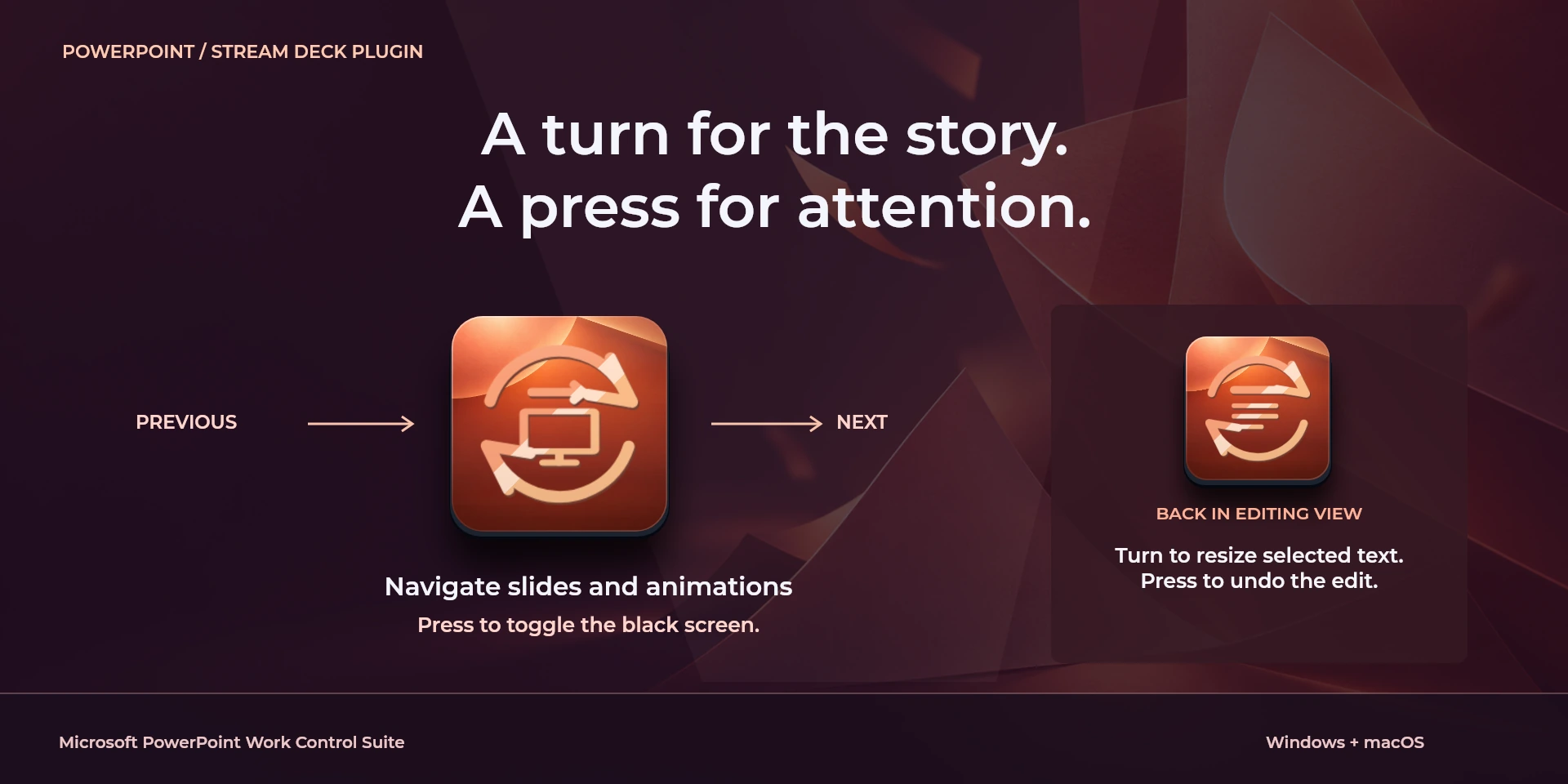
  Previous Slide / AnimationMicrosoft PowerPoint中“Previous Slide / Animation”的键盘快捷键。按下前请确认当前上下文。
  Next Slide / AnimationMicrosoft PowerPoint中“Next Slide / Animation”的键盘快捷键。按下前请确认当前上下文。
  Toggle Black ScreenMicrosoft PowerPoint中“Toggle Black Screen”的键盘快捷键。按下前请确认当前上下文。
  Toggle White ScreenMicrosoft PowerPoint中“Toggle White Screen”的键盘快捷键。按下前请确认当前上下文。
  End SlideshowMicrosoft PowerPoint中“End Slideshow”的键盘快捷键。按下前请确认当前上下文。
  Hide Presentation PointerMicrosoft PowerPoint中“Hide Presentation Pointer”的键盘快捷键。按下前请确认当前上下文。
  New SlideMicrosoft PowerPoint中“New Slide”的键盘快捷键。按下前请确认当前上下文。
  Duplicate SlideMicrosoft PowerPoint中“Duplicate Slide”的键盘快捷键。按下前请确认当前上下文。
  Group Selected ObjectsMicrosoft PowerPoint中“Group Selected Objects”的键盘快捷键。按下前请确认当前上下文。
  Ungroup ObjectsMicrosoft PowerPoint中“Ungroup Objects”的键盘快捷键。按下前请确认当前上下文。
  Insert HyperlinkMicrosoft PowerPoint中“Insert Hyperlink”的键盘快捷键。按下前请确认当前上下文。
  Bold TextMicrosoft PowerPoint中“Bold Text”的键盘快捷键。按下前请确认当前上下文。
  Increase Font SizeMicrosoft PowerPoint中“Increase Font Size”的键盘快捷键。按下前请确认当前上下文。
  Decrease Font SizeMicrosoft PowerPoint中“Decrease Font Size”的键盘快捷键。按下前请确认当前上下文。
  Save PresentationMicrosoft PowerPoint中“Save Presentation”的键盘快捷键。按下前请确认当前上下文。
  Undo EditMicrosoft PowerPoint中“Undo Edit”的键盘快捷键。按下前请确认当前上下文。
  Redo EditMicrosoft PowerPoint中“Redo Edit”的键盘快捷键。按下前请确认当前上下文。
  Presentation Navigation请检查左转、右转及按压分配的快捷键。
  Selected Text Size请检查左转、右转及按压分配的快捷键。
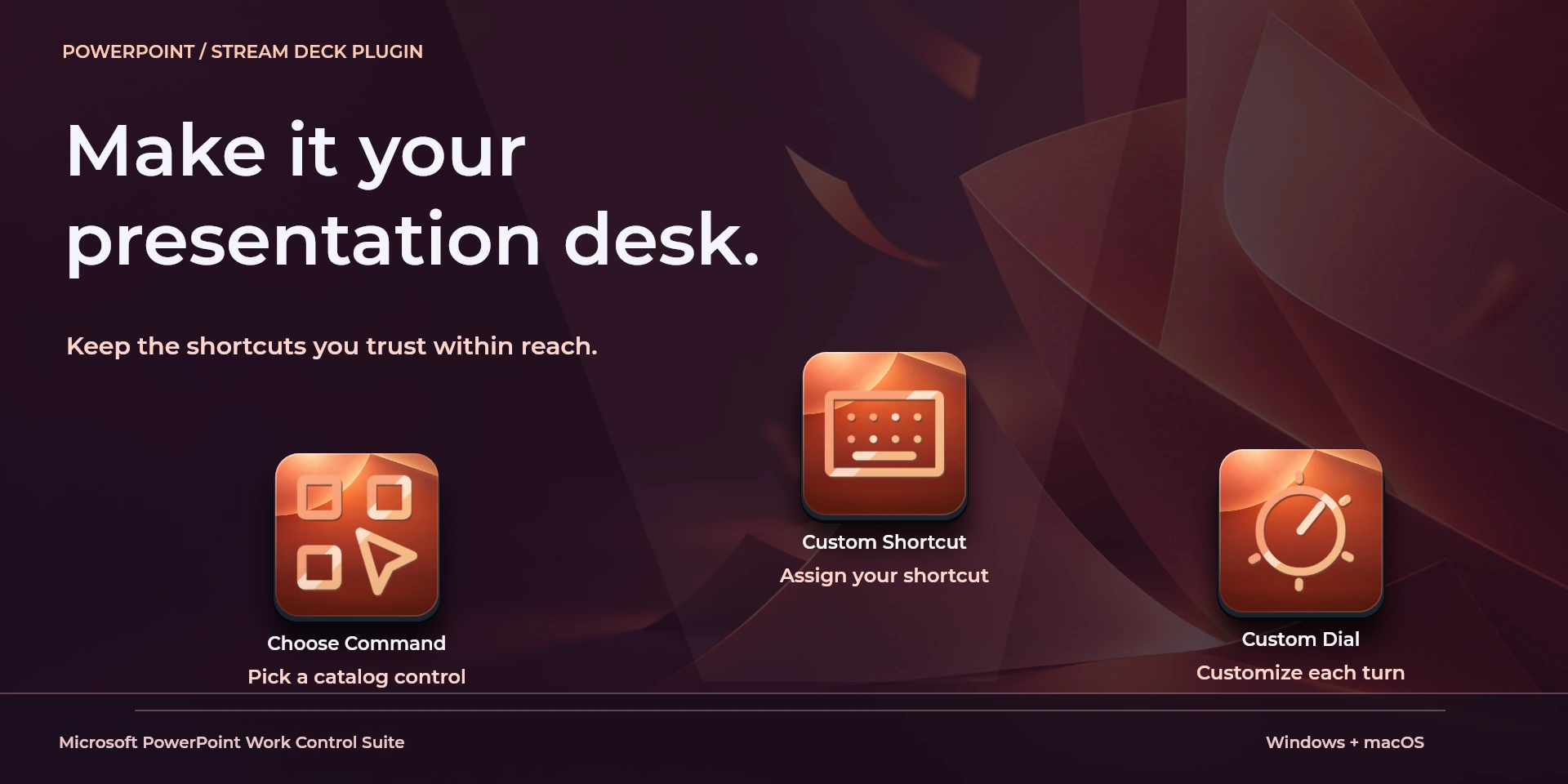
  Choose Command从属性面板库中选择命令并检查快捷键。
  Custom Shortcut在属性面板中设置与应用一致的自定义快捷键。
  Custom Dial请检查左转、右转及按压分配的快捷键。
 已知限制
- 仅通过键盘控制,不提供实时状态、应用API、MIDI或遥测。结果取决于当前面板、选中内容和快捷键设置。
- 插件最低要求不能代替应用要求。请检查已安装版本和许可证。
- 插件命令名称为英语,共用属性面板支持八种语言,与本网站的十种语言是不同的数据。
图库
正在准备在 Elgato Marketplace 发布
可用操作: 26
许可证: 正在准备在 Elgato Marketplace 发布
系统要求
系统: Windows 10+ / macOS 13+
Stream Deck: 版本 6.9 或更高版本
可用操作: 26
许可证: 正在准备在 Elgato Marketplace 发布
工作流程
Microsoft PowerPoint
在桌面PowerPoint中准备对象和演示幻灯片。演示控制需正在运行的放映,编辑需普通视图。请检查观众屏幕。
播放控制
视图
导航
文档
图层
编辑
使用前准备
在桌面PowerPoint中准备对象和演示幻灯片。演示控制需正在运行的放映,编辑需普通视图。请检查观众屏幕。
仅通过键盘控制,不提供实时状态、应用API、MIDI或遥测。结果取决于当前面板、选中内容和快捷键设置。