
游戏
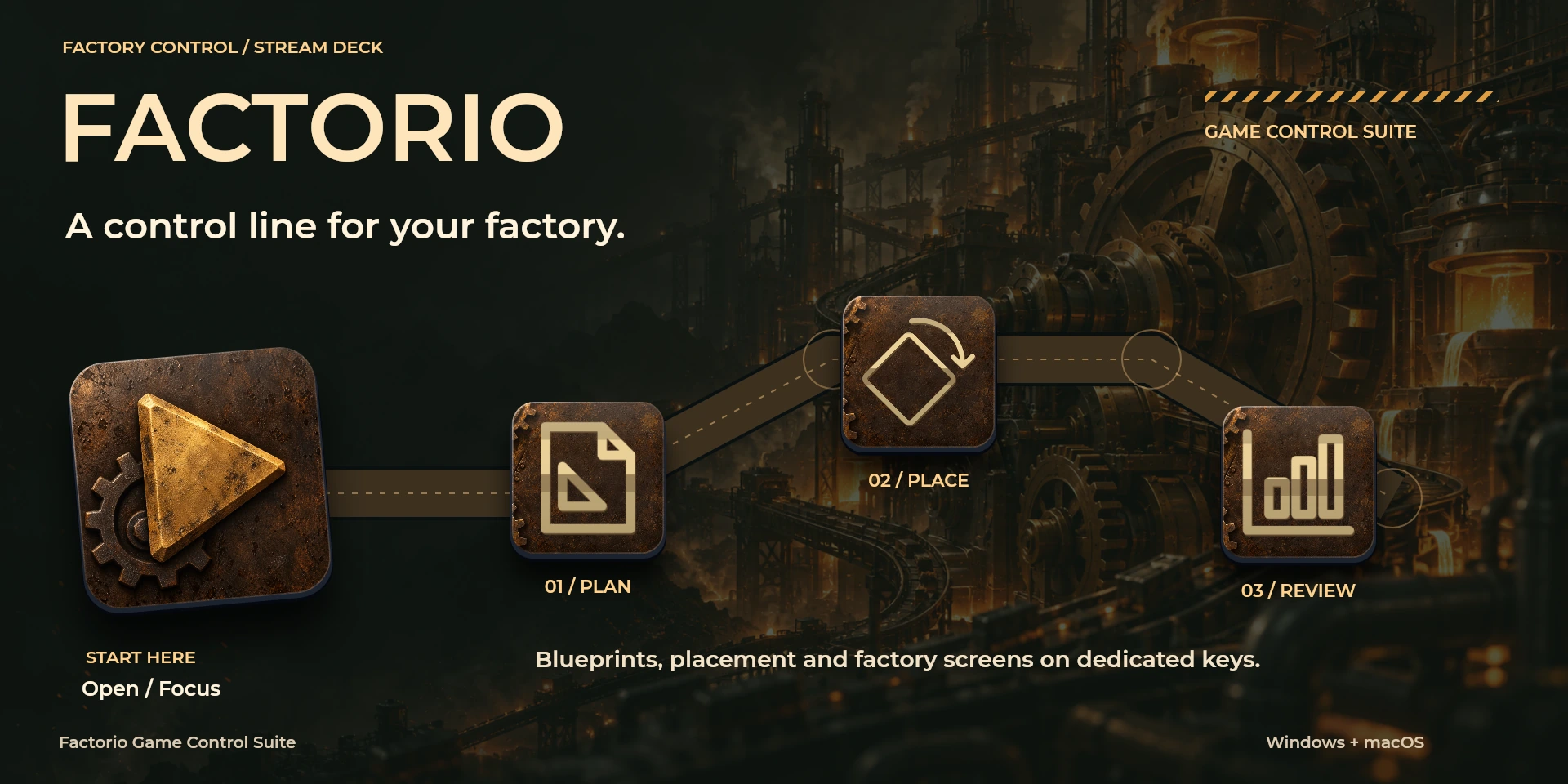
Factorio Game Control Suite
适用于Factorio的可配置本地快捷键。
价格待确认
法律声明 LaboratorioSD独立产品,与Wube Software无关联,亦未获其认可。
说明
整理蓝图、放置和个人物流。对照Settings > Controls,关闭聊天并检查已解锁设备。不使用控制台脚本或自动制作。
功能
- 整理蓝图、放置和个人物流。对照Settings > Controls,关闭聊天并检查已解锁设备。不使用控制台脚本或自动制作。
- 适用于Factorio的可配置本地快捷键。
- 插件最低要求不能代替应用要求。请检查已安装版本和许可证。
可用操作 (27)
 Open / Focus Factorio打开或聚焦Factorio,不确认文档是否就绪。
  Character ScreenFactorio中“Character Screen”的键盘快捷键。按下前请确认当前上下文。
  World MapFactorio中“World Map”的键盘快捷键。按下前请确认当前上下文。
  Technology ScreenFactorio中“Technology Screen”的键盘快捷键。按下前请确认当前上下文。
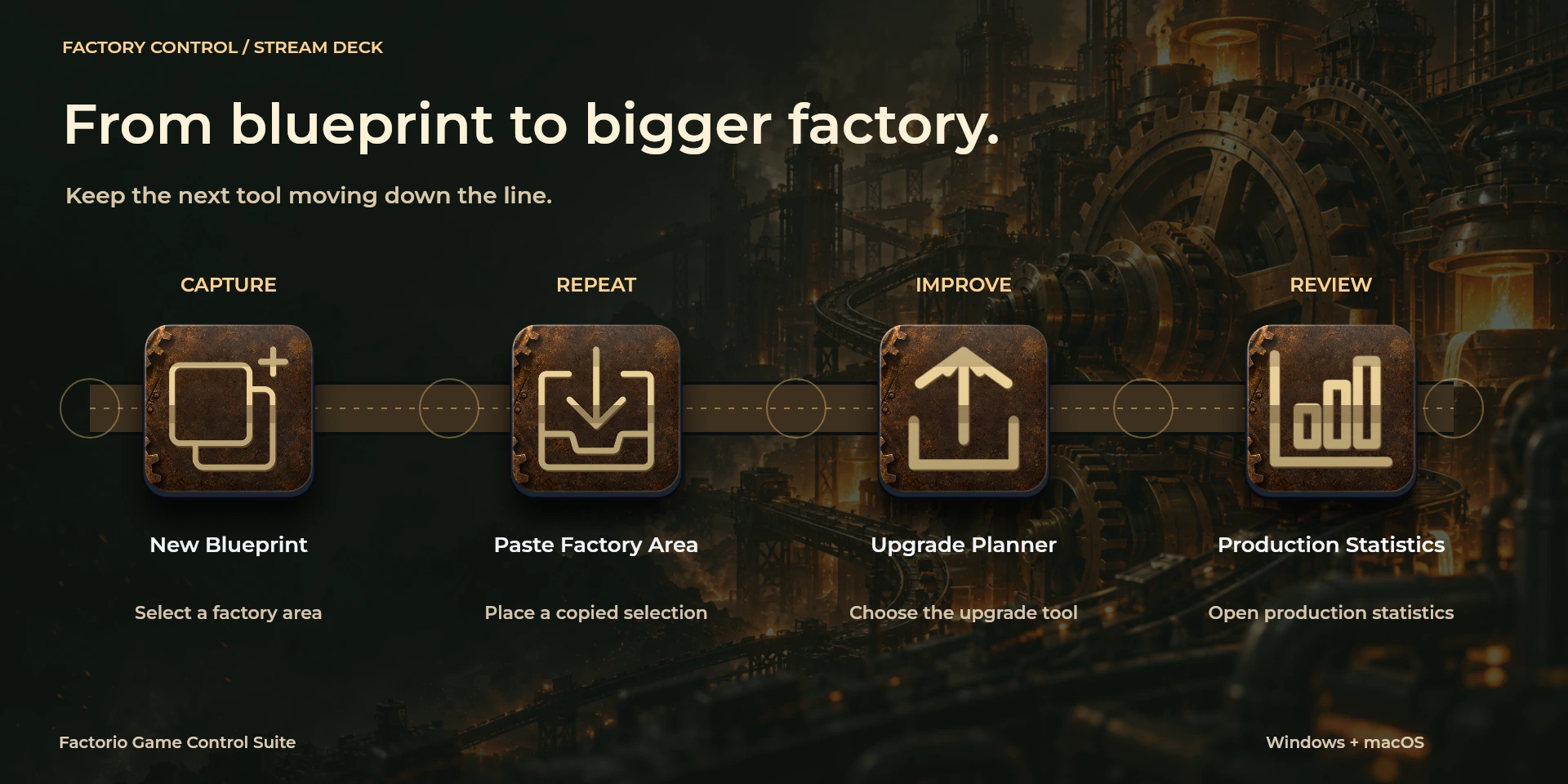
  Production StatisticsFactorio中“Production Statistics”的键盘快捷键。按下前请确认当前上下文。
  Logistics NetworksFactorio中“Logistics Networks”的键盘快捷键。按下前请确认当前上下文。
  Train OverviewFactorio中“Train Overview”的键盘快捷键。按下前请确认当前上下文。
  Blueprint LibraryFactorio中“Blueprint Library”的键盘快捷键。按下前请确认当前上下文。
  New BlueprintFactorio中“New Blueprint”的键盘快捷键。按下前请确认当前上下文。
  Upgrade PlannerFactorio中“Upgrade Planner”的键盘快捷键。按下前请确认当前上下文。
  Deconstruction PlannerFactorio中“Deconstruction Planner”的键盘快捷键。按下前请确认当前上下文。
  Pipette / Clear CursorFactorio中“Pipette / Clear Cursor”的键盘快捷键。按下前请确认当前上下文。
  Rotate ClockwiseFactorio中“Rotate Clockwise”的键盘快捷键。按下前请确认当前上下文。
  Rotate CounterclockwiseFactorio中“Rotate Counterclockwise”的键盘快捷键。按下前请确认当前上下文。
  Flip HorizontalFactorio中“Flip Horizontal”的键盘快捷键。按下前请确认当前上下文。
  Flip VerticalFactorio中“Flip Vertical”的键盘快捷键。按下前请确认当前上下文。
  Copy Factory AreaFactorio中“Copy Factory Area”的键盘快捷键。按下前请确认当前上下文。
  Paste Factory AreaFactorio中“Paste Factory Area”的键盘快捷键。按下前请确认当前上下文。
  Undo ConstructionFactorio中“Undo Construction”的键盘快捷键。按下前请确认当前上下文。
  Redo ConstructionFactorio中“Redo Construction”的键盘快捷键。按下前请确认当前上下文。
  Toggle Personal LogisticsFactorio中“Toggle Personal Logistics”的键盘快捷键。按下前请确认当前上下文。
  Toggle Personal RoboportFactorio中“Toggle Personal Roboport”的键盘快捷键。按下前请确认当前上下文。
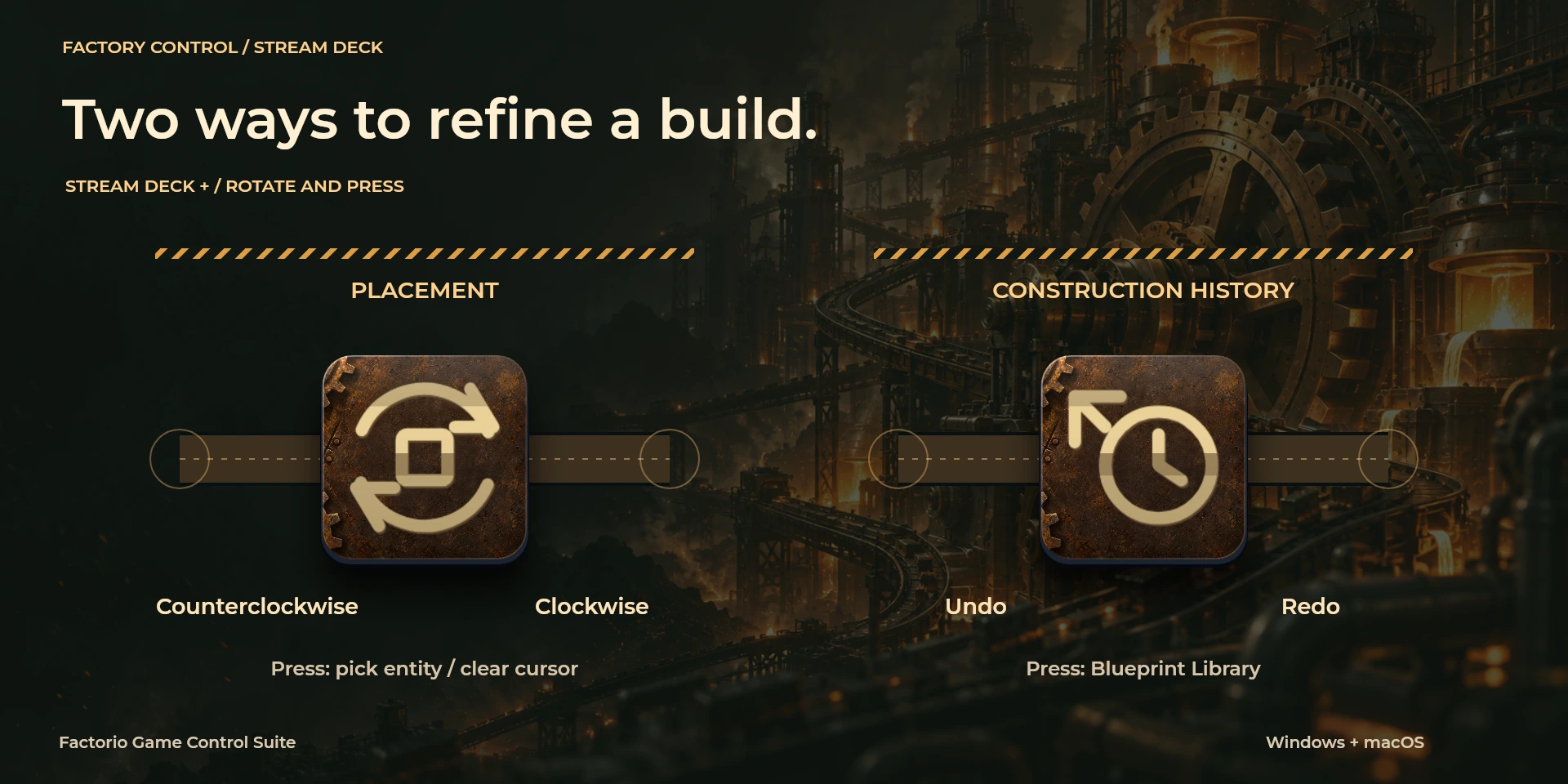
  Placement Rotation请检查左转、右转及按压分配的快捷键。
  Construction History请检查左转、右转及按压分配的快捷键。
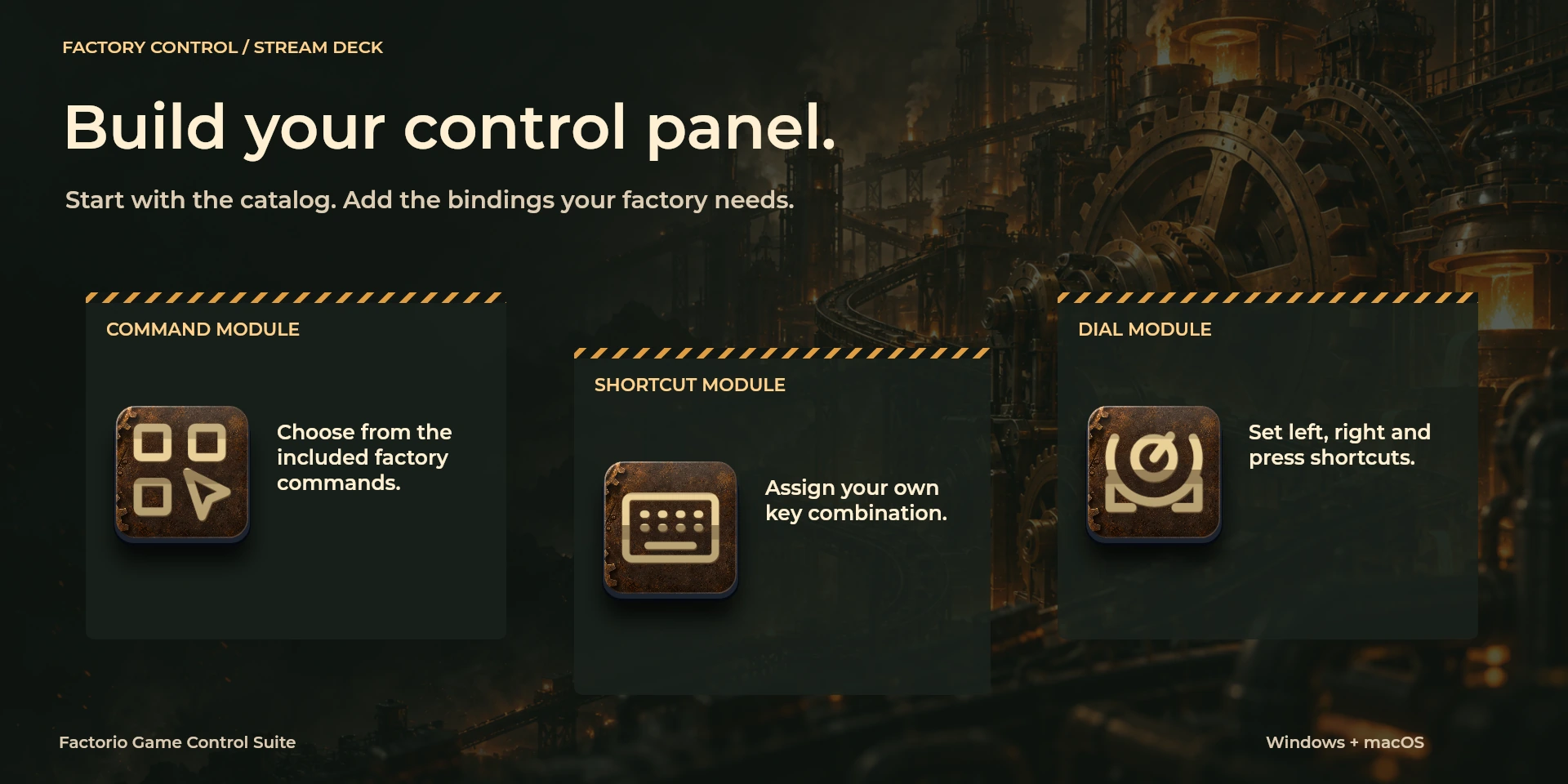
  Choose Command从属性面板库中选择命令并检查快捷键。
  Custom Shortcut在属性面板中设置与应用一致的自定义快捷键。
  Custom Dial请检查左转、右转及按压分配的快捷键。
 已知限制
- 仅通过键盘控制,不提供实时状态、应用API、MIDI或遥测。结果取决于当前面板、选中内容和快捷键设置。
- 插件最低要求不能代替应用要求。请检查已安装版本和许可证。
- 插件命令名称为英语,共用属性面板支持八种语言,与本网站的十种语言是不同的数据。
图库
正在准备在 Elgato Marketplace 发布
可用操作: 27
许可证: 正在准备在 Elgato Marketplace 发布
系统要求
系统: Windows 10+ / macOS 13+
Stream Deck: 版本 6.9 或更高版本
版本: 1.0.0.0
可用操作: 27
许可证: 正在准备在 Elgato Marketplace 发布
工作流程
Factorio
整理蓝图、放置和个人物流。对照Settings > Controls,关闭聊天并检查已解锁设备。不使用控制台脚本或自动制作。
视图
工具
编辑
使用前准备
整理蓝图、放置和个人物流。对照Settings > Controls,关闭聊天并检查已解锁设备。不使用控制台脚本或自动制作。
仅通过键盘控制,不提供实时状态、应用API、MIDI或遥测。结果取决于当前面板、选中内容和快捷键设置。