Edición
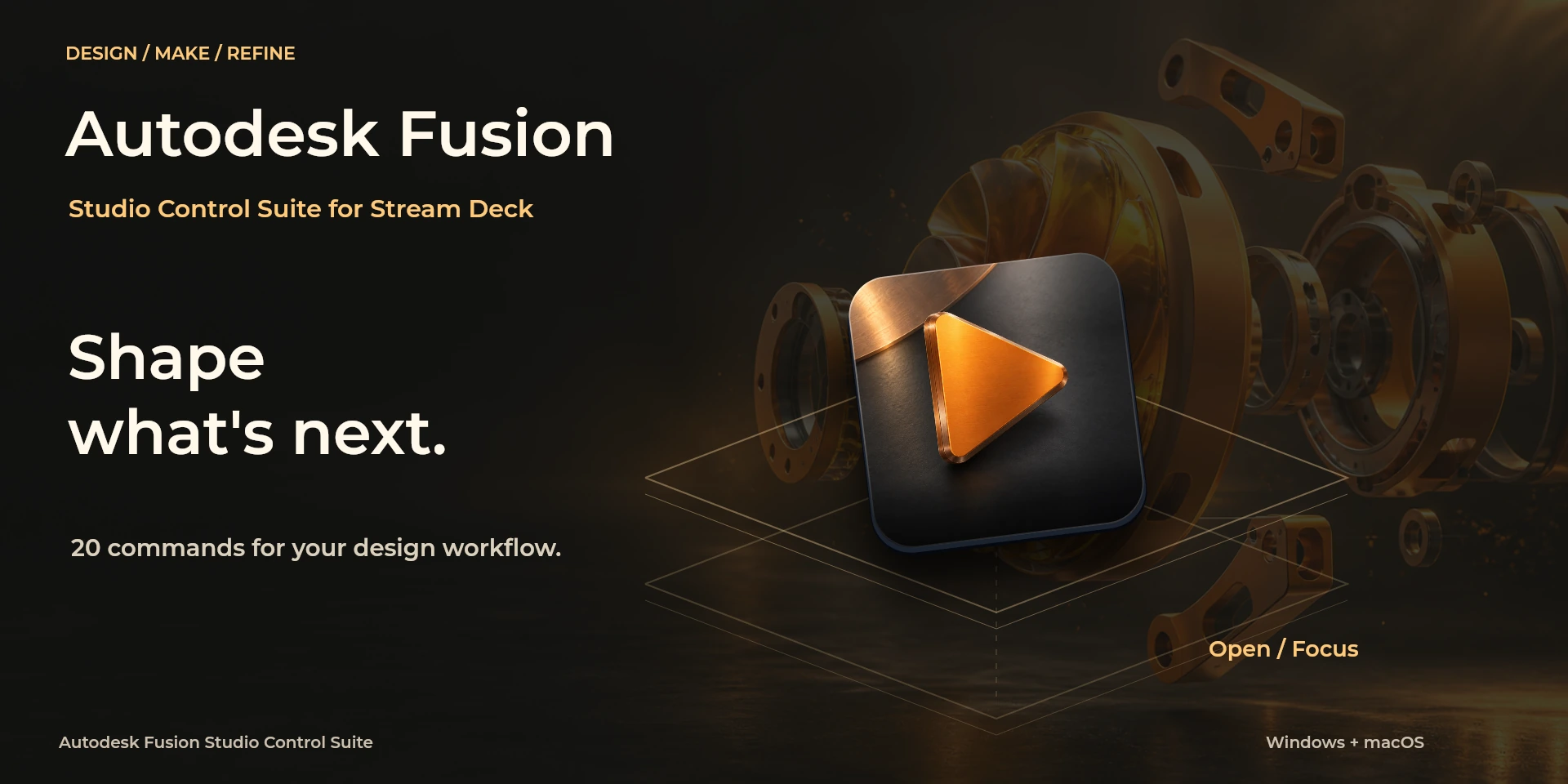
Autodesk Fusion Studio Control Suite
开发中的 Autodesk Fusion:状态、设计、组件、参数、制造和旋钮共 7 个操作组。
价格待确认
法律声明 Producto independiente de LaboratorioSD, sin afiliación ni respaldo de Autodesk.
说明
7 个可配置操作项并保留原 26 个 UUID。独立配套组件准备支持状态读取、参数及相机控制;制造仅涉及已有的本地 CAM 数据。 英语与西班牙语属性面板,按功能和实例保存设置。本地连接与配套代码处于开发里程碑阶段,尚未公开安装或分发。
功能
- 7 个可配置操作项并保留原 26 个 UUID。独立配套组件准备支持状态读取、参数及相机控制;制造仅涉及已有的本地 CAM 数据。
- 英语与西班牙语属性面板,按功能和实例保存设置。本地连接与配套代码处于开发里程碑阶段,尚未公开安装或分发。
可用操作 (7)
 StateState Fusion、Windows、Mac 和实体硬件仍待验证。无法确认应用的模态状态时,所有修改保持阻止。不生成刀路或承诺制造操作。系统为目标平台,并非认证兼容性。
  Design / SketchDesign / Sketch Fusion、Windows、Mac 和实体硬件仍待验证。无法确认应用的模态状态时,所有修改保持阻止。不生成刀路或承诺制造操作。系统为目标平台,并非认证兼容性。
  ComponentsComponents Fusion、Windows、Mac 和实体硬件仍待验证。无法确认应用的模态状态时,所有修改保持阻止。不生成刀路或承诺制造操作。系统为目标平台,并非认证兼容性。
  View / ParametersView / Parameters Fusion、Windows、Mac 和实体硬件仍待验证。无法确认应用的模态状态时,所有修改保持阻止。不生成刀路或承诺制造操作。系统为目标平台,并非认证兼容性。
  ManufacturingManufacturing Fusion、Windows、Mac 和实体硬件仍待验证。无法确认应用的模态状态时,所有修改保持阻止。不生成刀路或承诺制造操作。系统为目标平台,并非认证兼容性。
  Parameter dialParameter dial Fusion、Windows、Mac 和实体硬件仍待验证。无法确认应用的模态状态时,所有修改保持阻止。不生成刀路或承诺制造操作。系统为目标平台,并非认证兼容性。
  Camera dialCamera dial Fusion、Windows、Mac 和实体硬件仍待验证。无法确认应用的模态状态时,所有修改保持阻止。不生成刀路或承诺制造操作。系统为目标平台,并非认证兼容性。
 已知限制
- Fusion、Windows、Mac 和实体硬件仍待验证。无法确认应用的模态状态时,所有修改保持阻止。不生成刀路或承诺制造操作。系统为目标平台,并非认证兼容性。
正在准备在 Elgato Marketplace 发布
可用操作: 7
许可证: 正在准备在 Elgato Marketplace 发布
系统要求
系统: Windows 11+ / macOS 14+
Stream Deck: 版本 7.1 或更高版本
可用操作: 7
许可证: 正在准备在 Elgato Marketplace 发布